Indledning
This manual provides essential information for setting up, operating, maintaining, and troubleshooting your HP 15 Laptop Computer. Please read this guide thoroughly to ensure optimal performance and longevity of your device. This laptop is equipped with an AMD Ryzen 3 processor, 16GB RAM, and a 512GB SSD, running on Windows 11 Home.

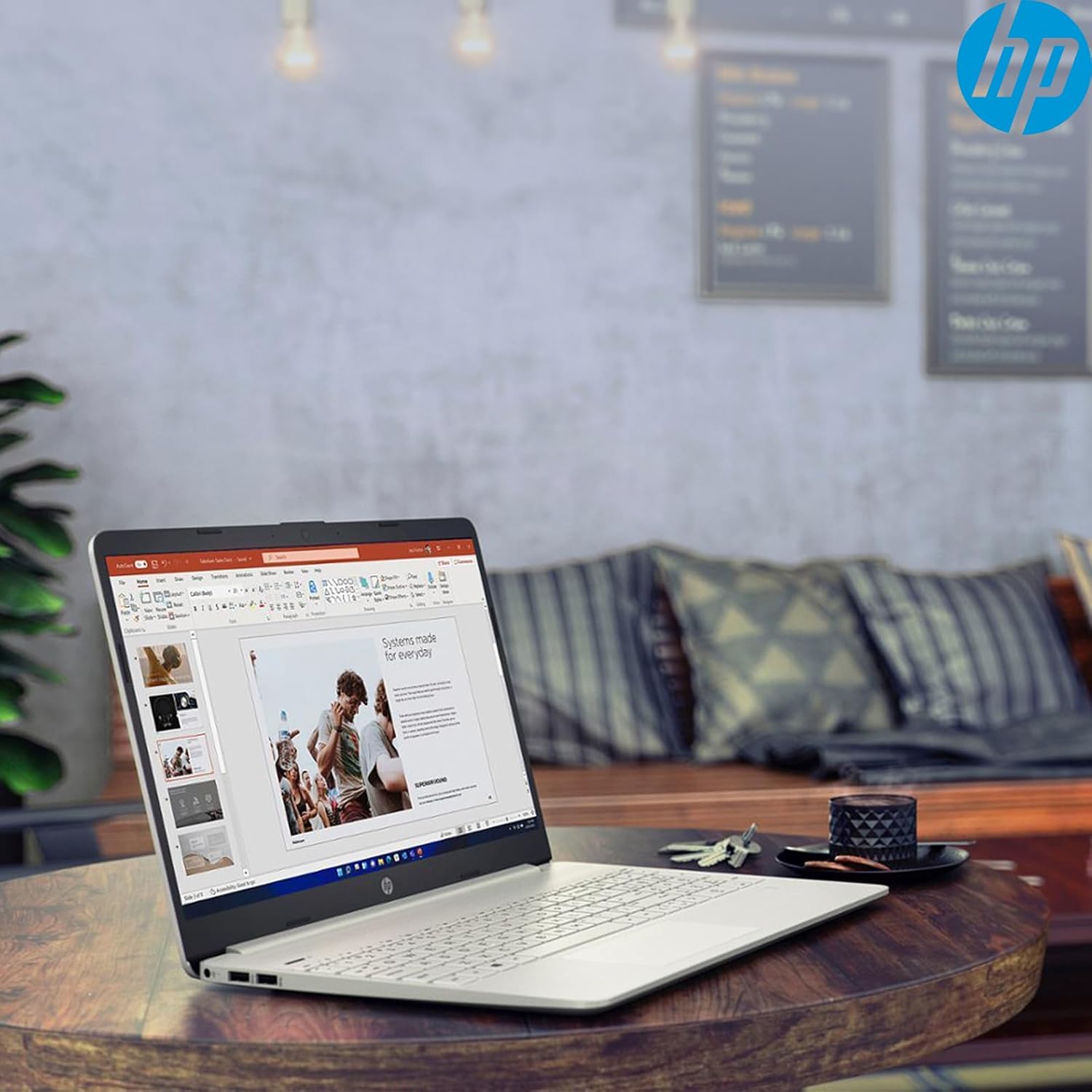
Image: The HP 15 Laptop Computer open, displaying the Windows 11 Home operating system, AMD Ryzen 3 processor, and AMD Radeon Graphics on its screen. An HP earphone case is visible on the palm rest, and the Microsoft Office logo is present on the bottom right.
1. Opsætning
1.1 Udpakning og første inspektion
Carefully remove all components from the packaging. Verify that all items listed in the 'What's in the Box' section are present. Inspect the laptop for any visible damage.
- HP 15 bærbar computer
- Strømadapter
- HP Earphone
- Trådløs mus
1.2 Tilslutning af strømadapteren
Connect the power adapter to the laptop's power jack and then plug it into a wall outlet. It is recommended to fully charge the battery before initial use.
1.3 Første opstart og Windows 11-opsætning
Tryk på tænd/sluk-knappen for at tænde den bærbare computer. Følg instruktionerne på skærmen for at fuldføre Windows 11 Home-opsætningsprocessen. Dette inkluderer at vælge din region, oprette forbindelse til et Wi-Fi-netværk og oprette en brugerkonto.
2. Betjening af din HP 15 bærbare computer
2.1 Grundlæggende funktioner
- Power knap: Located on the top right of the keyboard deck. Press to turn on/off, or put the laptop to sleep.
- Tastatur: Features a full-size keyboard with a 10-key numeric keypad for efficient data entry.
- Touchpad: Supports multi-touch gestures for navigation.
Billede: Nærbillede view of the HP 15 laptop's keyboard, clearly showing the integrated 10-key numeric keypad on the right side and the central touchpad below the spacebar.
2.2 Porte og forbindelser
Your HP 15 laptop is equipped with various ports for connectivity:
- USB-C (5Gbps signaling rate): Til dataoverførsel.
- USB-A (x2): Standard USB-porte til periferiudstyr.
- HDMI 1.4b: Til tilslutning til eksterne skærme.
- SD-kortlæser: Til læsning af hukommelseskort.
- Headset-stik: Til tilslutning af hovedtelefoner eller headset.

Image: This image provides a detailed side view of the HP 15 laptop, illustrating the locations of its various connectivity ports including the power jack, two USB-A ports, an HDMI 1.4b port, an SD card reader, a headset jack, and a SuperSpeed USB Type-C port.
2.3 Webkamera og lyd
The laptop features an HP True Vision 720p HD camera with dual array digital microphones for video calls. Audio is delivered through B&O-tuned stereo speakers.
2.4 Batteristyring
The laptop offers up to 9.75 hours of battery life. HP Fast Charge technology allows for a 50% charge in approximately 45 minutes when the laptop is powered off or in sleep mode.
3. Vedligeholdelse
3.1 Rengøring af din bærbare computer
Brug en blød, fnugfri klud lidt dampRengør skærmen med vand eller et specialiseret skærmrensemiddel. Brug en blød, tør klud til tastatur og kabinet. Undgå skrappe kemikalier.
3.2 Softwareopdateringer
Regularly check for and install Windows updates and HP driver updates to ensure optimal performance and security. Access Windows updates via Settings > Windows Update.
3.3 Lagerstyring
Periodisk vedrview og slet unødvendige files to maintain sufficient free space on your 512GB SSD. Utilize cloud storage or external drives for large files.
4. Fejlfinding
4.1 Strømproblemer
- Den bærbare computer tænder ikke: Sørg for, at strømadapteren er korrekt tilsluttet, og at stikkontakten fungerer. Prøv en anden stikkontakt.
- Batteri oplades ikke: Kontroller strømadapterens forbindelse. Kontroller, om adapteren eller opladningsporten er beskadiget.
4.2 Skærmproblemer
- Blank skærm: Connect an external monitor to check if the laptop is outputting video. If it displays, the laptop screen may be faulty.
- Mørk skærm: Adjust brightness settings using the function keys (Fn + F2/F3 typically).
4.3 Ydelsesproblemer
- Langsom drift: Close unnecessary applications. Check Task Manager for high resource usage. Ensure sufficient free storage space.
- Overophedning: Sørg for, at ventilationsåbningerne er frie. Brug den bærbare computer på en hård, flad overflade.
4.4 Forbindelsesproblemer
- Wi-Fi opretter ikke forbindelse: Restart your router and laptop. Check Wi-Fi settings in Windows.
- Bluetooth-enhed parres ikke: Ensure the device is in pairing mode and within range. Check Bluetooth settings.
5. Specifikationer
| Feature | Detalje |
|---|---|
| Model | HP 15 |
| Operativsystem | Windows 11 Home |
| Processor | AMD Ryzen 3 (up to 3.8GHz, 4 cores, 8 threads) |
| Grafik | AMD Radeon-grafik (integreret) |
| VÆDDER | 16 GB DDR4 |
| Opbevaring | 512 GB PCIe NVMe M.2 SSD |
| Vise | 15.6" HD (1366 x 768), micro-edge, anti-glare, 250 nits, 45% NTSC |
| Trådløs forbindelse | Realtek Wi-Fi 5, Bluetooth 5 |
| Havne | 1x USB-C (5Gbps), 2x USB-A, 1x HDMI 1.4b, 1x SD Card Reader, 1x Headset Jack |
| Webcam | HP True Vision 720p HD-kamera |
| Lyd | Dual B&O-tuned stereo speakers |
| Batterilevetid | Up to 9.75 hours (HP Fast Charge: 50% in 45 mins) |
| Dimensioner (LxBxH) | 14.11 x 9.53 x 0.78 tommer |
| Vægt | 3.75 pund |
6. Garanti og support
6.1 Produktgaranti
Your HP 15 Laptop Computer comes with a standard manufacturer's warranty. Please refer to the warranty card included with your product or visit the official HP support webwebsted for detaljerede vilkår og betingelser.
6.2 Teknisk support
For technical assistance, driver downloads, or further information, please visit the official HP Support website or contact HP customer service. Have your product model and serial number ready when contacting support.
HP Support Webwebsted: support.hp.com