1. Introduktion
Tak for købetasing the TANLANIN Vintage 3-Speed Bluetooth Suitcase Portable Turntable. This manual provides detailed instructions for the proper setup, operation, and maintenance of your new record player. Please read this manual thoroughly before use to ensure optimal performance and longevity of the product.

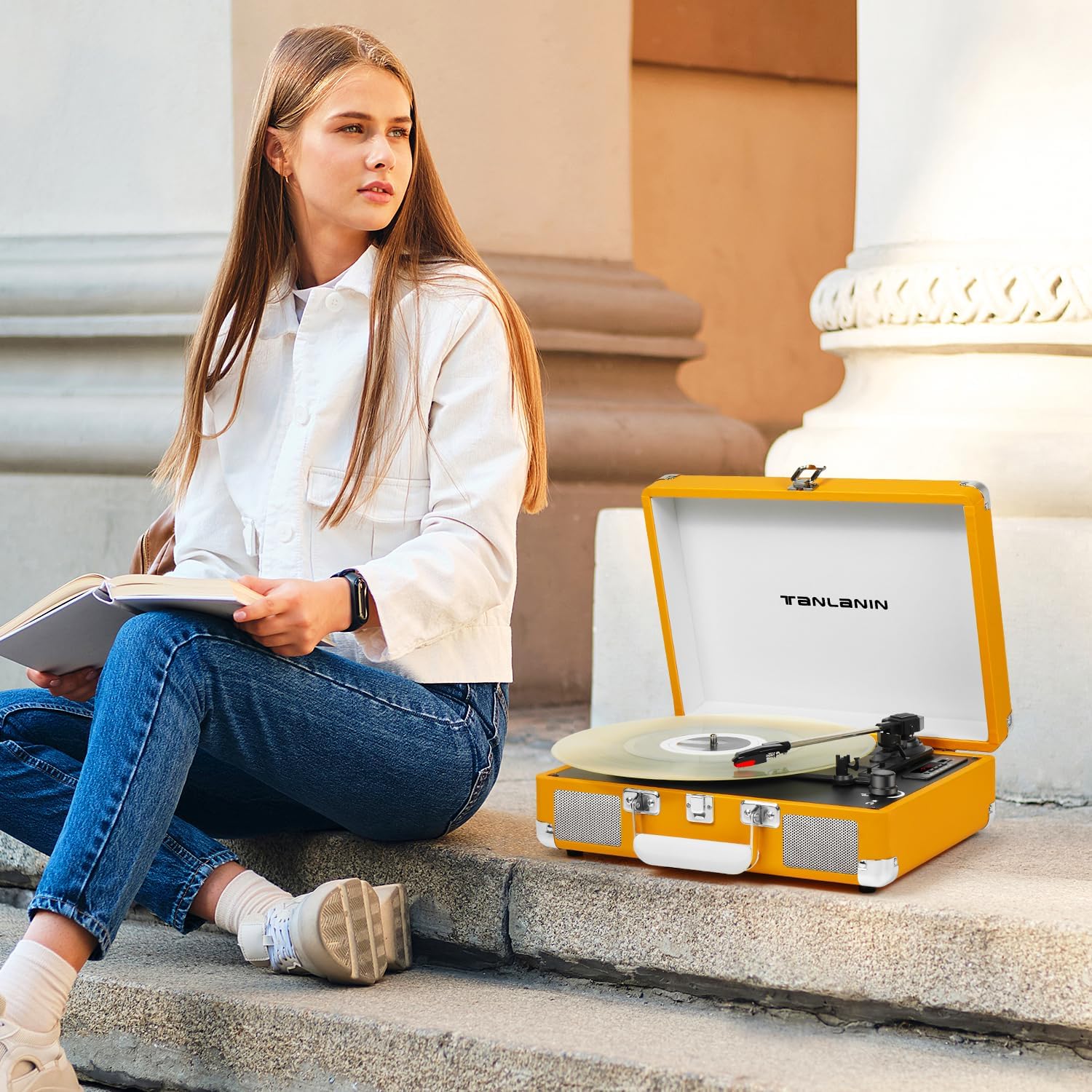
Image: The TANLANIN portable turntable in its open suitcase form, showcasing the platter, tonearm, and control panel. A clear vinyl record is placed on the platter.
2. Pakkens indhold
Kontroller venligst pakken omhyggeligt for at sikre, at alle varer er til stede og i god stand:
- TANLANIN Portable Turntable with Built-in Speakers
- RCA-kabel
- AUX kabel
- Hovedtelefonkabel
- Belt (pre-installed or separate)
- Platter (pre-installed or separate)
- Strømadapter
- Brugervejledning (dette dokument)
3. Produktfunktioner
The TANLANIN TE-001YL turntable offers a blend of classic vinyl playback with modern connectivity:
- 3-hastigheds pladespiller: Understøtter 33 1/3, 45 og 78 RPM plader.
- Indbyggede stereohøjttalere: Enjoy audio directly from the unit.
- Bluetooth Wireless Input: Stream musik trådløst fra din smartphone eller andre Bluetooth-aktiverede enheder.
- USB-optagelse: Convert vinyl records to MP3/WAV digital format and save to a USB disk or TF card.
- AUX-indgang: Connect external audio devices via the 3.5mm AUX port.
- RCA Line Out: Connect to external speaker systems or soundbars for enhanced audio.
- Hovedtelefonstik: Til privat lytning.
- Belt-Driven System: Provides stable playback.
- Automatisk stopfunktion: Automatically stops the platter when a record finishes playing, protecting your records and stylus.
- Portable Suitcase Design: Nem at transportere og opbevare.

Image: An illustration detailing the dimensions of the turntable (13.9" x 10.1" x 5") and highlighting its core features with descriptive icons.

Image: A visual representation of the turntable's USB recording capability, showing how vinyl music can be converted to MP3/WAV format and saved to a U disk or TF card.

Image: This image illustrates the auto-stop function and the three-speed playback options (33, 45, 78 RPM) for different record sizes.

Image: This image demonstrates the versatile connectivity options, including AUX input for non-Bluetooth devices, RCA line out for external speakers, and a headphone jack for private listening.
Billede: Detaljeret views of the turntable's key components: the premium cartridge and ruby stylus, the integrated stereo speakers, and the LED display for mode indication.
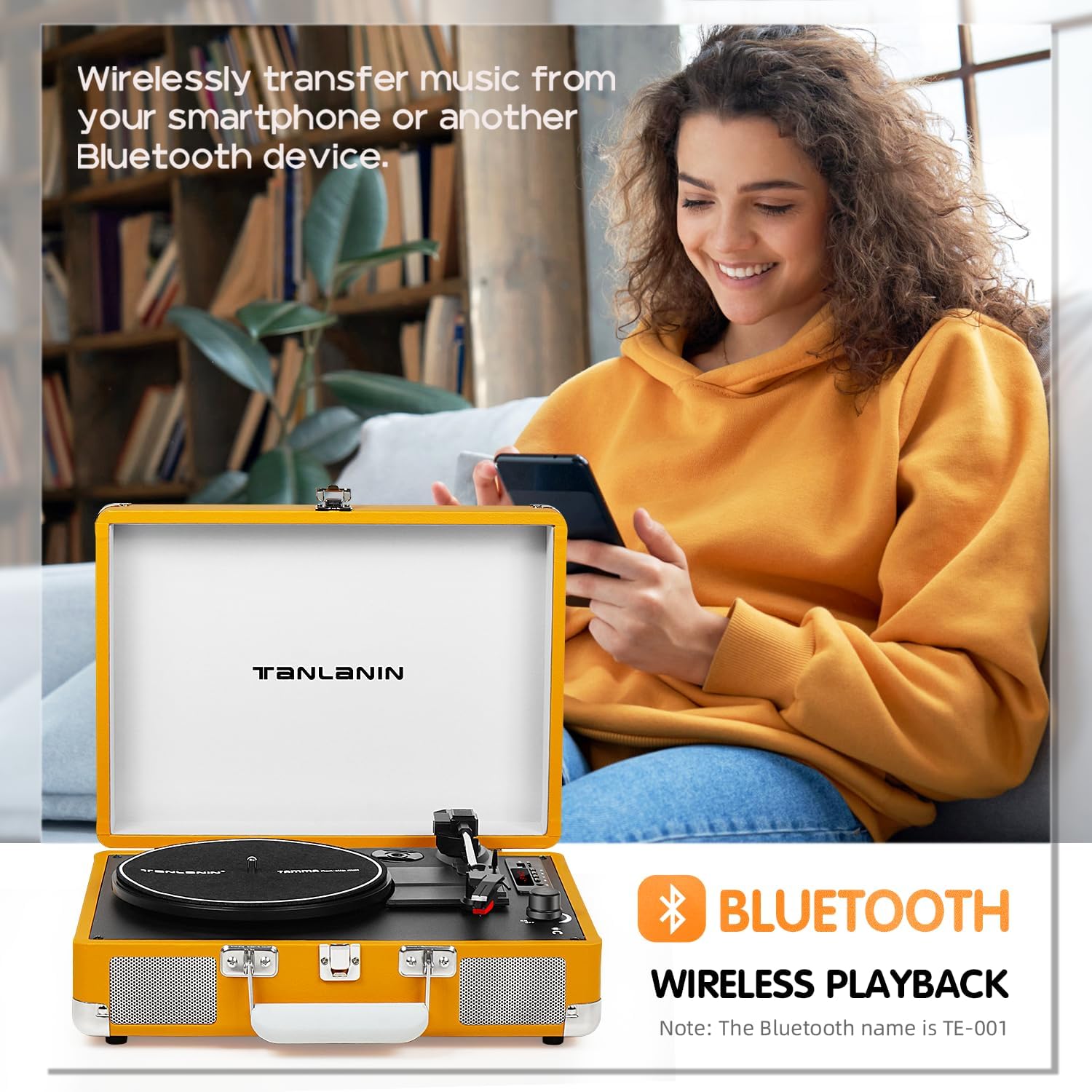
Image: This image highlights the Bluetooth wireless playback feature, allowing users to stream music from their smartphones or other Bluetooth devices to the turntable's speakers.
4. Opsætning
- Udpakning: Tag forsigtigt pladespilleren ud af emballagen. Gem emballagen til senere transport eller opbevaring.
- Placering: Placer pladespilleren på en stabil, plan overflade væk fra direkte sollys, varmekilder og for meget støv eller vibrationer.
- Strømtilslutning: Connect the power adapter to the DC IN port on the turntable and then plug it into a standard wall outlet.
- Platter Setup: Ensure the platter is securely seated on the spindle. If the drive belt is not already installed, carefully place it around the motor pulley and the inner rim of the platter.
- Stylusbeskyttelse: Remove the clear plastic stylus protector from the needle before first use. Be careful not to touch the stylus.
5. Betjeningsvejledning
5.1 Afspilning af plader
- Tænd: Drej tænd/sluk-/lydstyrkeknappen med uret for at tænde enheden.
- Vælg tilstand: Press the 'M' button to select PHONO mode.
- Vælg hastighed: Set the speed selector switch (33/45/78 RPM) to match the record you are playing. For 45 RPM records, place the included 45 RPM adapter on the center spindle.
- Stedrekord: Læg en plade på pladetallerkenen.
- Auto stop: If you wish to use the auto-stop function, ensure the AUTO STOP switch is in the 'ON' position. The platter will stop spinning automatically when the record finishes. If 'OFF', the platter will continue to spin.
- Løft tonearm: Løft forsigtigt tonearmen ved hjælp af tonearmens løftehåndtag.
- Position tonearm: Move the tonearm to the desired position over the record.
- Nederste tonearm: Slowly lower the tonearm using the tonearm lift lever. The stylus will make contact with the record, and playback will begin.
- Juster lydstyrken: Juster lydstyrken ved hjælp af tænd/sluk-/lydstyrkeknappen.
- Afslut afspilning: At the end of the record, the tonearm will automatically return to its rest (if auto-stop is on). Otherwise, manually lift the tonearm, return it to the tonearm rest, and lower the lift lever. Turn the Power/Volume knob counter-clockwise to power off.
5.2 Bluetooth-forbindelse
- Tænd: Drej tænd/sluk-/lydstyrkeknappen med uret for at tænde enheden.
- Vælg tilstand: Press the 'M' button to select BT (Bluetooth) mode. The LED display will show "BT" and flash, indicating it's ready for pairing.
- Aktiver Bluetooth: Aktiver Bluetooth på din smartphone eller Bluetooth-enhed, og søg efter tilgængelige enheder.
- Par: Select "TE-001" (or similar name) from the list of devices. Once connected, the "BT" indicator will stop flashing and remain solid.
- Afspil musik: You can now play music from your device through the turntable's speakers. Adjust volume using both your device and the turntable's volume knob.
5.3 USB-optagelse
- Indsæt opbevaring: Insert a USB flash drive or TF card into the corresponding slot.
- Vælg tilstand: Ensure the turntable is in PHONO mode.
- Start optagelse: Begin playing your vinyl record. Press the 'REC' button (often indicated by a microphone icon or 'REC' on the control panel). The LED display may indicate recording status.
- Stop optagelse: Tryk på 'REC'-knappen igen for at stoppe optagelsen. Den optagede lyd file will be saved to your USB drive or TF card.
- Afspilningsoptagelse: Switch to USB/TF mode using the 'M' button to play back your recorded files.
5.4 AUX-indgang
- Tilslut kabel: Connect one end of the AUX cable to the AUX IN port on the turntable and the other end to the audio output of your external device (e.g., MP3 player, phone).
- Vælg tilstand: Tryk på 'M'-knappen for at vælge AUX-tilstand.
- Afspil lyd: Afspil lyd fra din eksterne enhed. Lyden sendes gennem pladespillerens højttalere.
5.5 RCA-udgang
- Tilslut kabler: Connect the RCA cables (red for right channel, white for left channel) from the RCA OUT ports on the turntable to the corresponding audio input ports on your external amplifier eller drevne højttalere.
- Juster lydstyrken: Juster lydstyrken på dit eksterne lydsystem.
5.6 Hovedtelefonstik
- Tilslut hovedtelefoner: Plug your headphones into the 3.5mm HEADPHONE jack on the turntable.
- Juster lydstyrken: Juster lydstyrken ved hjælp af tænd/sluk-/lydstyrkeknappen.
6. Vedligeholdelse
- Rengøring af pennen: Use a soft brush (not included) to gently clean the stylus from back to front. Do not use excessive force or brush side to side.
- Rengøring af enheden: Wipe the turntable's surface with a soft, dry cloth. Do not use harsh chemicals or abrasive cleaners.
- Støvdæksel: Hold støvdækslet lukket, når det ikke er i brug, for at beskytte pladespilleren mod støv og snavs.
- Opbevaring: When storing the turntable for extended periods, ensure the tonearm is secured with its clip and the stylus protector is in place. Store in a cool, dry place.
7. Fejlfinding
- Ingen strøm:
- Ensure the power adapter is securely connected to the turntable and the wall outlet.
- Kontroller, om stikkontakten fungerer korrekt.
- Confirm the Power/Volume knob is turned on.
- Ingen lyd:
- Check the volume level on the turntable and any connected external devices.
- Ensure the correct mode (PHONO, BT, AUX) is selected.
- If using external speakers via RCA, ensure they are powered on and connected correctly.
- Verify the stylus is properly installed and not damaged.
- Spring over optagelser:
- Sørg for, at drejeskiven står på en stabil og plan overflade.
- Rengør pladen grundigt.
- Check the stylus for dirt or damage. Replace if necessary.
- Bluetooth forbinder ikke:
- Ensure the turntable is in BT mode and the indicator is flashing.
- Sørg for, at Bluetooth er aktiveret på din enhed, og at den er inden for rækkevidde (typisk 10 meter).
- Prøv at glemme enheden på din telefon og parre den igen.
- Restart both the turntable and your Bluetooth device.
- Dårlig lydkvalitet:
- Rengør pladen og pennen.
- Ensure the record speed matches the turntable setting.
- If using external speakers, check their connections and settings.
8. Specifikationer
| Feature | Specifikation |
|---|---|
| Produktdimensioner | 13.5 x 10.5 x 5 tommer |
| Varens vægt | 6.78 pund |
| Modelnummer | TE-001YL |
| Mærke | TANLANIN |
| Inkluderede komponenter | Built-in Speakers, RCA Cable, AUX Cable, Headphone Cable, Belt, Platter, Power Adapter |
| Farve | Gul |
| Kompatible enheder | Speaker, Headphone, Personal Computer, Desktop, Smartphone, Tablet, MP3 Player |
| Motortype | Bæltedrevet |
| Signalformat | Linjeniveau |
| Strømkilde | Battery Powered (Note: Typically refers to portability, unit uses power adapter for operation) |
| UPC | 735812231631 |
9. Garanti og support
For warranty information and technical support, please refer to the warranty card included with your product or visit the official TANLANIN webwebsted. Gem din købskvittering som købsbevis i tilfælde af garantikrav.


