1. Introduktion
This manual provides essential information for the proper setup, operation, and maintenance of your boAt Lunar Peak Smartwatch. Please read this manual thoroughly before using the device to ensure optimal performance and longevity.
2. Hvad er der i æsken
Upon unboxing your boAt Lunar Peak Smartwatch, verify that all the following items are present:
- boAt Lunar Peak Smartwatch
- Ladekabel
- Garantikort
- Brugermanual

Image: The boAt Lunar Peak Smartwatch in Rose Gold, showcasindens design og display.
3. Opsætning
3.1 Opladning af smartwatchet
- Tilslut opladningskablet til opladningsporten på bagsiden af smartwatchet.
- Tilslut den anden ende af opladningskablet til en USB-strømadapter (medfølger ikke) eller en computers USB-port.
- Ensure the smartwatch is properly aligned with the charging pins. The watch display will indicate charging status.
- Allow the smartwatch to fully charge before initial use.
3.2 Parring med din smartphone
- Download and install the official boAt Wearables app from your smartphone's app store (Google Play Store for Android, Apple App Store for iOS).
- Sørg for, at Bluetooth er aktiveret på din smartphone.
- Open the boAt Wearables app and follow the on-screen instructions to create an account or log in.
- Vælg 'Tilføj enhed' eller 'Par ny enhed' i appen.
- Select 'Lunar Peak' from the list of available devices.
- Bekræft parringsanmodningen på både din smartphone og smartwatch.
- Once paired, the smartwatch will synchronize data with your phone.
4. Betjening af smartwatchet
4.1 Display og navigation
The boAt Lunar Peak features a 1.45-inch (3.68 cm) AMOLED display with a 466x466 HD resolution, offering clear and vibrant visuals. Navigation is primarily touch-based.
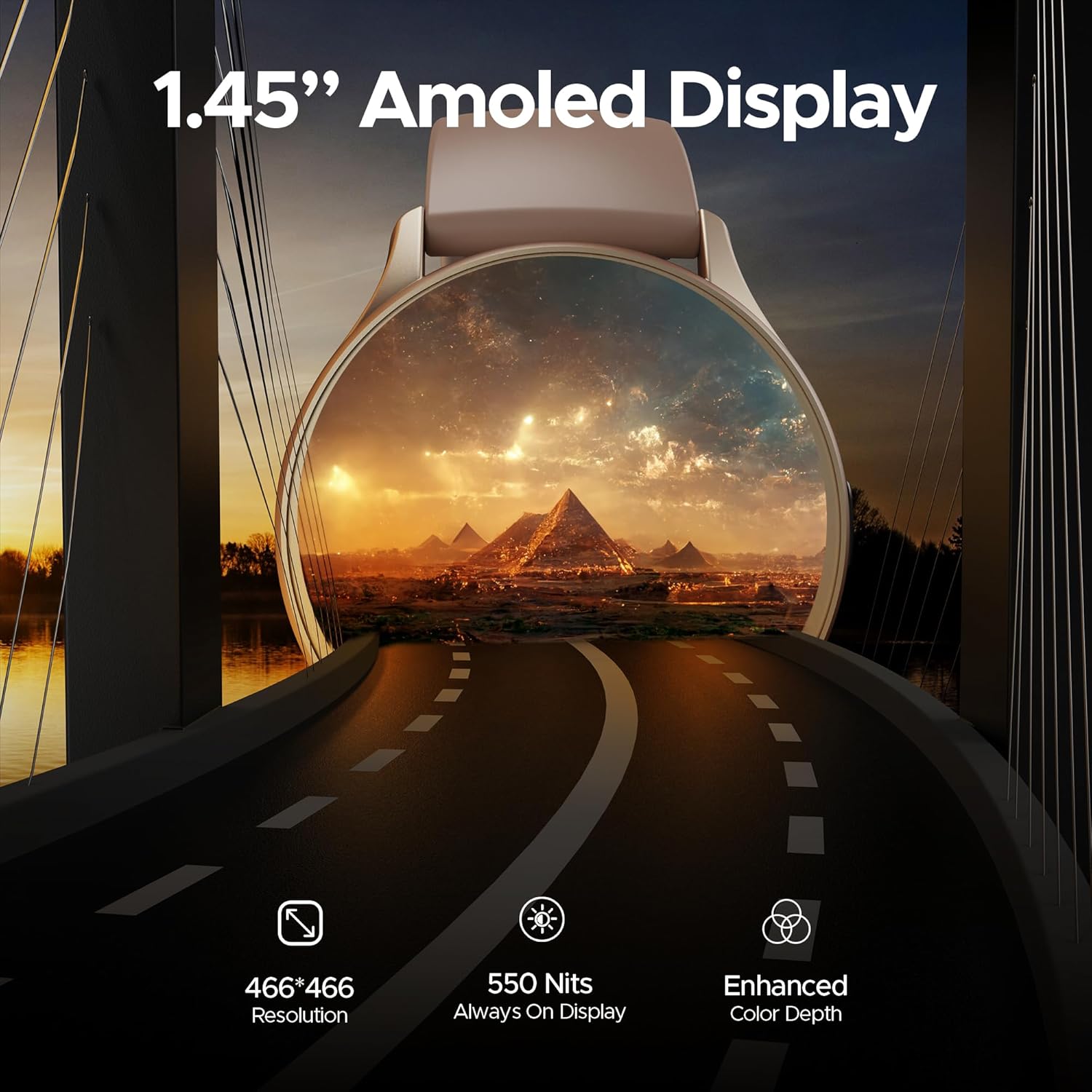
Billede: En detaljeret view of the smartwatch display highlighting its 1.45-inch AMOLED screen with 466x466 HD resolution and enhanced color depth.
4.2 Always On Display (AOD)
The Always On Display feature allows essential information, such as time, to remain visible on the screen without needing to activate the full display. This feature can be configured via the smartwatch settings or the companion app.
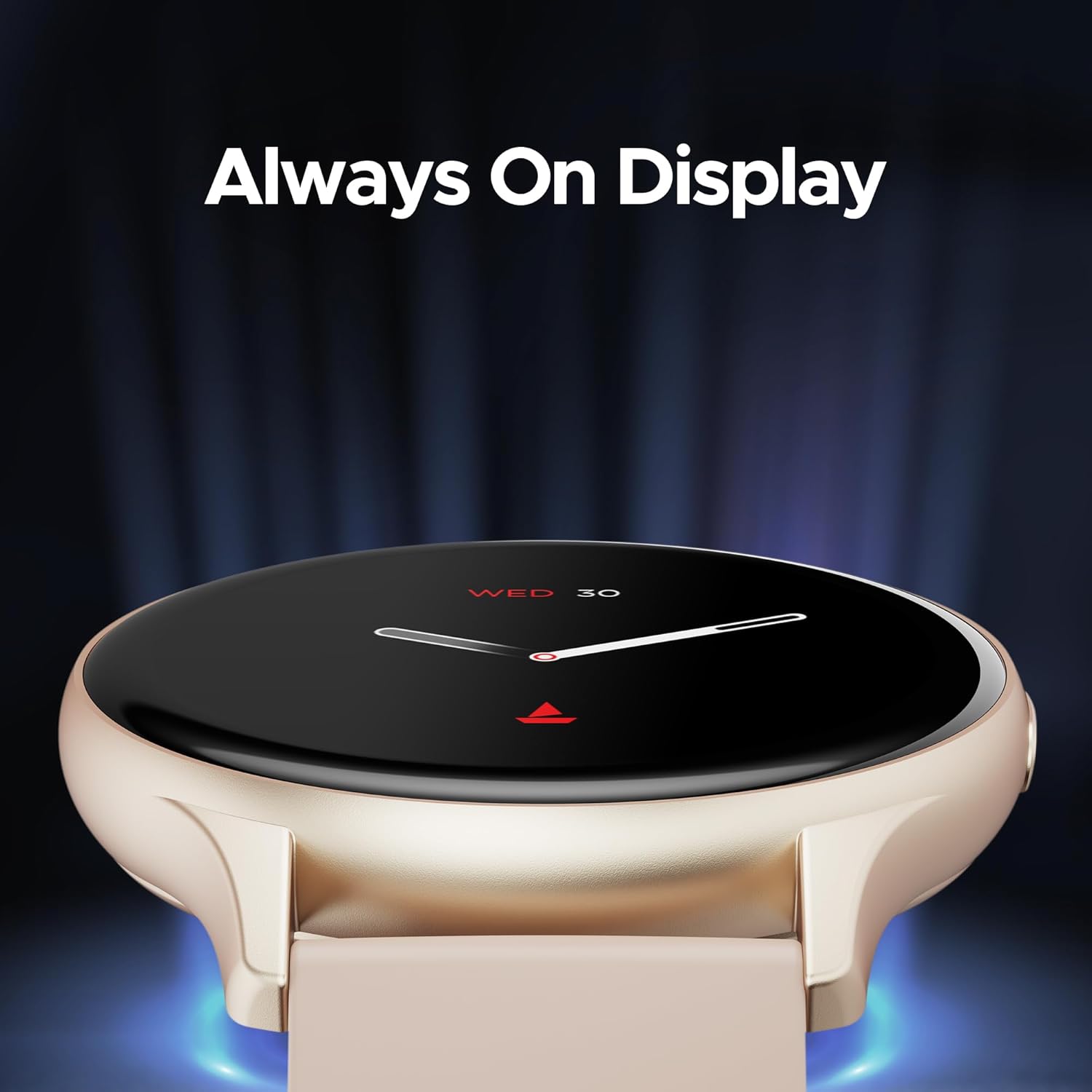
Image: The smartwatch displaying the time and date using the Always On Display feature.
4.3 Bluetooth-opkald
The advanced Bluetooth Calling feature enables you to make and receive calls directly from your smartwatch when connected to your smartphone. This includes a dialer and contact access.

Image: The smartwatch interface demonstrating Bluetooth calling functionality, including an incoming call notification and a dial pad.
4.4 Brugerdefinerede urskiver
Personalize your smartwatch with a variety of cloud-based and custom watch faces. These can be changed through the boAt Wearables app to match your style and preferences.
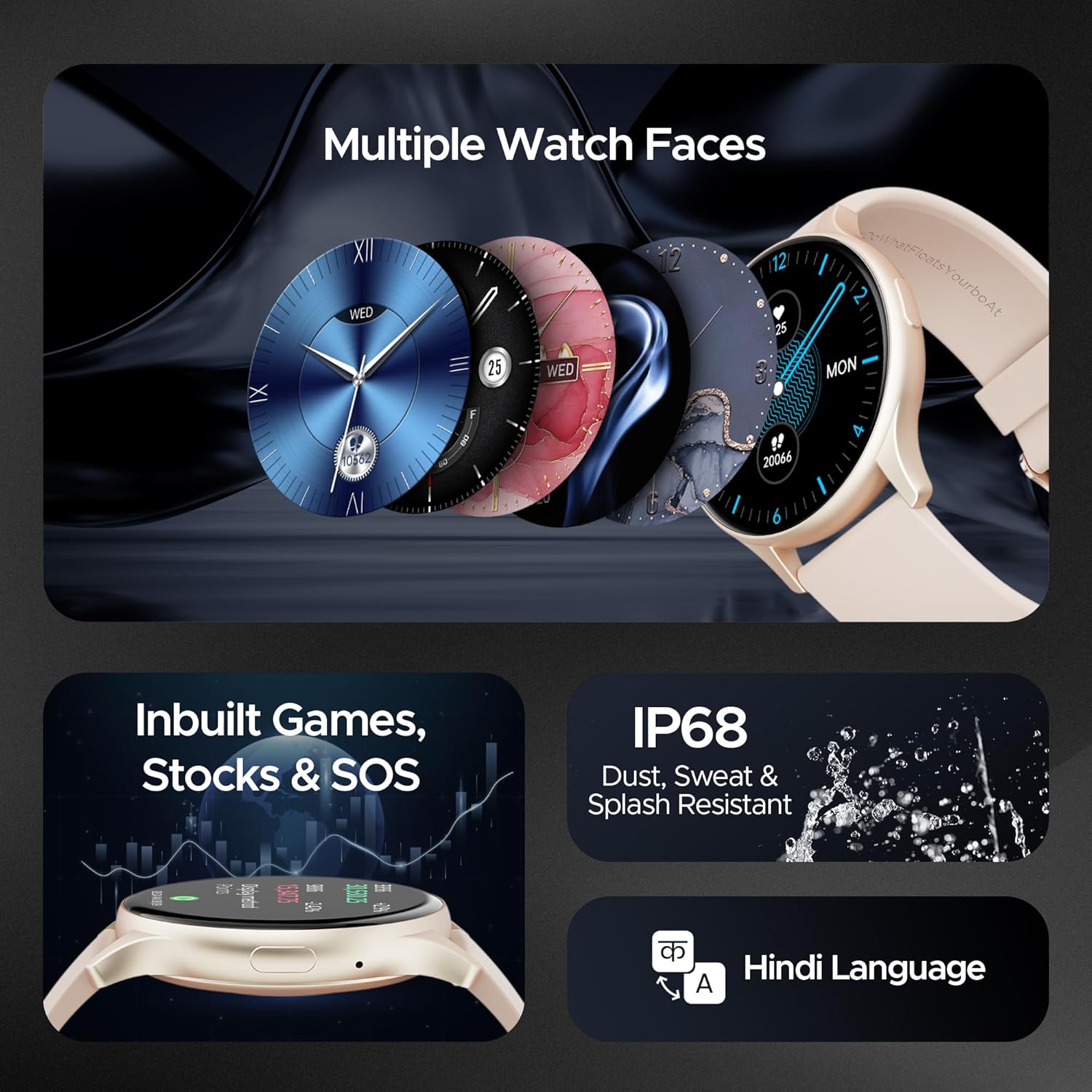
Image: A selection of diverse watch faces available for the smartwatch, alongside icons representing in-built games, stock tracking, and SOS features.
4.5 Sundhedsovervågning
The smartwatch includes various health monitoring features to help you track your well-being:
- Heart Rate Monitoring: Sporer kontinuerligt din puls hele dagen.
- Overvågning af blodilt (SpO2): Måler dit iltniveau i blodet.
- Stressovervågning: Giver indsigt i dit stressniveau.
- Søvnsporing: Overvåger dine søvnmønstre og -kvalitet.
- 100+ sportstilstande: Tracks various activities and exercises.

Image: The smartwatch screen showing a sports mode interface, illustrating its capability to track over 100 different sports activities.
4.6 In-built Games, Stocks, and SOS
The smartwatch offers entertainment with in-built games, allows you to keep track of stock market information, and includes an SOS feature for emergency situations.
4.7 Holdbarhed
The boAt Lunar Peak Smartwatch is IP67 rated for dust, sweat, and splash resistance, making it suitable for various environments and activities.
5. Vedligeholdelse
For at sikre dit smartwatchs levetid og korrekte funktion, skal du følge disse vedligeholdelsesretningslinjer:
- Rensning: Regularly wipe the watch and strap with a soft, dry cloth. For stubborn dirt, use a slightly damp kluden og tør den derefter grundigt. Undgå barske kemikalier eller slibende materialer.
- Opladning: Use only the provided charging cable. Do not expose the charging pins to water or corrosive liquids.
- Vandtæthed: While IP67 rated, avoid prolonged submersion in water, hot water, or steam. Dry the watch thoroughly if it gets wet.
- Opbevaring: Store the smartwatch in a cool, dry place away from direct sunlight and extreme temperatures.
- Softwareopdateringer: Keep the boAt Wearables app and your smartwatch firmware updated to benefit from new features and performance improvements.
6. Fejlfinding
If you encounter issues with your boAt Lunar Peak Smartwatch, refer to the following common problems and solutions:
| Spørgsmål | Mulig løsning |
|---|---|
| Smartwatch tænder ikke | Ensure the watch is fully charged. Connect it to the charger for at least 30 minutes. If it still doesn't turn on, perform a hard reset (refer to the app for specific instructions). |
| Kan ikke parres med smartphone | Check if Bluetooth is enabled on your phone. Ensure the smartwatch is within range. Restart both the smartwatch and your phone. Clear the app's cache or reinstall the app. |
| Unøjagtige sundhedsdata | Sørg for, at uret sidder tæt på dit håndled, ikke for stramt eller for løst. Rengør sensorerne på bagsiden af uret. Undgå overdreven bevægelse under målingerne. |
| Kort batterilevetid | Reduce screen brightness. Limit the use of power-intensive features like continuous heart rate monitoring or Always On Display. Disable unnecessary notifications. |
| Problemer med Bluetooth-opkald | Ensure the watch is properly connected via Bluetooth to your phone. Check the volume settings on both devices. Verify microphone and speaker are not obstructed. |
If the issue persists after attempting these solutions, please contact boAt customer support for further assistance.
7. Specifikationer
Detailed technical specifications for the boAt Lunar Peak Smartwatch:
| Feature | Detalje |
|---|---|
| Mærke | båd |
| Modelnavn | Lunar Peak |
| Varemodelnummer | boAt Lunar Seek |
| Display Type | AMOLED |
| Skærmstørrelse | 1.45 tommer (3.68 cm) |
| Opløsning | 466 x 466 pixels |
| Forbindelsesteknologi | Bluetooth |
| Trådløs type | Bluetooth |
| Særlige funktioner | Advanced Bluetooth Calling, Vivid AMOLED Display, Always On Display, Health Monitoring (Heart Rate, SpO2), In-built Games, Stocks, SOS |
| Vandmodstandsvurdering | IP67 (Dust, Sweat, and Splash Resistant) |
| Batteritype | Lithium polymer |
| Varens vægt | 45 g |
| Produktdimensioner | 4.8 x 10 x 12.3 cm |
| Oprindelsesland | Kina |
8. Garanti og support
Your boAt Lunar Peak Smartwatch comes with a standard brand warranty. Please refer to the included Warranty Card for specific terms, conditions, and duration of the warranty.
For technical support, warranty claims, or any other inquiries, please visit the official boAt website or contact their customer service department. Contact details are typically provided on the warranty card or the product packaging.


