Indledning
This manual provides comprehensive instructions for the setup, operation, and maintenance of your Fosmon Wireless Bluetooth Gaming Controller. Please read this manual thoroughly before using the product to ensure proper functionality and to maximize your gaming experience. Keep this manual for future reference.

Image: The Fosmon Wireless Bluetooth Gaming Controller, showcasinmed sit transparente design og levende RGB-belysning.
Produkt overview og funktioner
The Fosmon Wireless Bluetooth Gaming Controller is designed for a versatile gaming experience across multiple platforms. Key features include:
- Unique RGB LEDs: Transparent PC case with a 10-color RGB strip and 3 light modes (Breathing, Static, Off) for customizable ambiance.
- Multi-platform kompatibilitet: Works with Nintendo Switch (2/1/Lite/OLED), iOS Apple Arcade MFi games, Android HID models, Windows 7/8/10 PC, and Steam. Connects via Bluetooth or USB cable. Note: PC gaming only supports USB-wired connections.
- Auto & Manual Turbo Modes: Customizable TURBO function for A/B/X/Y/L (L1)/R (R1)/ZL (L2)/ZR (R2) buttons, with 3 adjustable speeds (5, 12, or 20 shots/second).
- 4-Level Vibration & 6-Axis Gyro: Enhanced immersion with accurate motion detection and adjustable vibration feedback (None, Weak, Medium, Strong). Note: No NFC support.
- Wake Up & Screenshot Function: Easily wake up and reconnect your console by pressing the HOME button after initial pairing. Capture and share game moments with the dedicated screenshot button.
- Indbygget genopladeligt batteri: 800mAh battery providing 6-10 hours of continuous gaming on a 2-hour charge.
Pakkens indhold
Kontroller venligst, at alle varer er til stede i din pakke:
- Fosmon Wireless Bluetooth Gaming Controller
- USB opladningskabel
- Brugervejledning (dette dokument)
Opsætning og tilslutning
Initial Pairing (First Connection)
For the first time connecting your controller to a device (e.g., Nintendo Switch, iOS, Android):
- Sørg for, at din enheds Bluetooth er aktiveret.
- På controlleren skal du trykke på og holde "Y" button + "HOME" button simultaneously until the indicator lights begin to flash rapidly. This indicates the controller is in pairing mode.
- On your device, search for Bluetooth devices and select "Fosmon Controller" or a similar name from the list.
- Når den er tilsluttet, lyser indikatorlamperne på controlleren konstant.

Image: Visual representation of pressing the Y and HOME buttons for initial pairing with a Nintendo Switch.
Reconnection (After Initial Pairing)
After the first successful pairing, you can quickly reconnect the controller to your previously paired device:
- Tryk blot på "HOME" button på controlleren.
- The controller will automatically attempt to reconnect to the last paired device.
Wired Connection (PC Only)
For PC gaming, the controller supports USB-wired connections only:
- Connect the controller to your PC using the provided USB charging cable.
- PC'en burde automatisk registrere og installere de nødvendige drivere.

Image: The controller connected to a PC via its USB cable, illustrating the wired connection method for PC gaming.
Betjeningsvejledning
RGB-lystilstande
The controller features a customizable RGB lighting system with 10 colors and 3 distinct modes:
- Åndedræt RGB-lys: Neon RGB lights cycle through different colors, creating a dynamic effect.
- Static RGB Light: The lighting will stop on the current RGB color that is cycling through, maintaining a single color.
- No RGB: Slukker for al RGB-belysning.
To cycle through these modes, locate the dedicated light mode button on the controller and press it repeatedly until your desired mode is active.
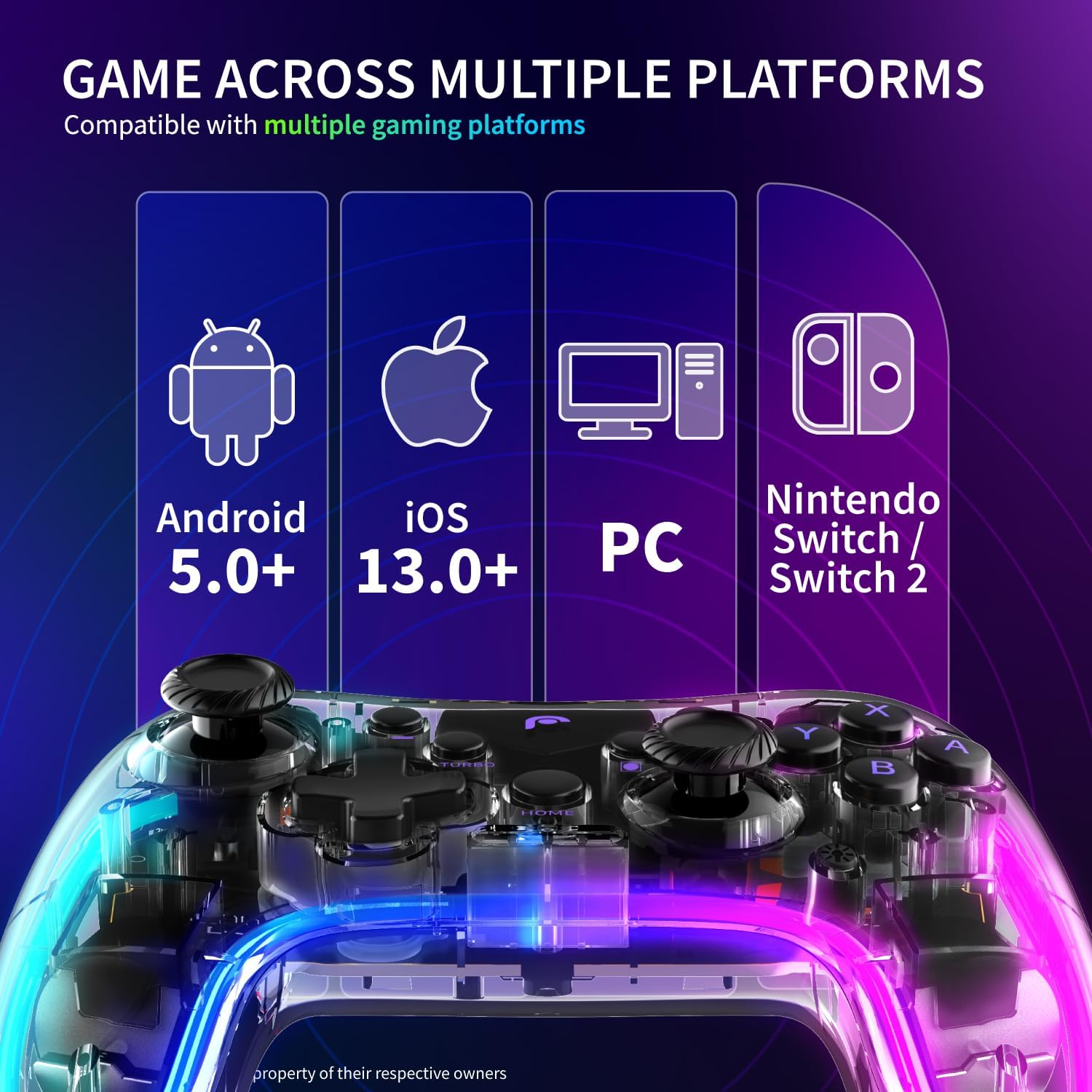
Image: A visual guide demonstrating the three RGB lighting modes: Breathing, Static, and No RGB, as seen on the controller.
Turbo Mode Configuration
The TURBO function allows for rapid, repeated input of a button press. It can be set to Auto or Manual mode and adjusted for speed.
- Applicable Buttons: A, B, X, Y, L (L1), R (R1), ZL (L2), ZR (R2).
- Justerbare hastigheder: 5 skud/sekund, 12 skud/sekund, 20 skud/sekund.
Refer to the controller's specific button combinations for activating and adjusting Turbo mode, typically involving a "Turbo" button press followed by the desired action button.

Image: A graphic detailing the three adjustable speeds for the Turbo mode: 5, 12, and 20 shots per second.
Vibration and 6-Axis Gyroscope
The controller enhances gameplay immersion through haptic feedback and motion sensing:
- Vibration: Adjustable to 4 levels: None, Weak, Medium, and Strong. This allows you to customize the intensity of in-game rumble effects.
- 6-akset gyroskop: Detects precise movements, enabling motion control in compatible games.
Consult your game's settings to enable or adjust motion controls and vibration feedback.

Image: The controller highlighting its 6-axis gyroscope for motion control and the four adjustable vibration settings.
Skærmbillede Funktion
To capture in-game moments:
- Tryk på den dedikerede Skærmbillede knap (usually located near the HOME button) to instantly capture a screenshot of your gameplay.
- Screenshots are saved to your connected device's gallery or designated game capture folder.
Batteriinformation og opladning
The controller is equipped with a built-in 800mAh Lithium Ion battery.
- Batterikapacitet: 800mAh
- Driftstid: Approximately 6-10 hours of continuous gaming on a full charge.
- Opladningstid: Cirka 2 timer for en fuld opladning.
Opladning af controlleren
Sådan oplader du controlleren:
- Connect the smaller end of the provided USB charging cable to the charging port on the controller.
- Connect the larger end of the USB cable to a USB power source (e.g., computer USB port, USB wall adapter, game console).
- The indicator lights on the controller will typically show charging status and turn off or change color once fully charged.

Image: An illustration detailing the controller's 800mAh battery, its 6-10 hours of gaming endurance, and the approximate 2-hour charging time.
Opretholdelse
For at sikre din controllers levetid og optimale ydeevne:
- Hold controlleren ren ved at tørre den af med en blød, tør klud. Undgå at bruge skrappe kemikalier eller slibende materialer.
- Opbevar controlleren et køligt, tørt sted væk fra direkte sollys og ekstreme temperaturer.
- Undgå at tabe controlleren eller udsætte den for kraftige stød.
- Forsøg ikke at skille controlleren ad, da dette vil ugyldiggøre garantien.
Fejlfinding
If you encounter issues with your Fosmon Wireless Bluetooth Gaming Controller, please refer to the following common solutions:
| Problem | Mulig årsag/løsning |
|---|---|
| Controlleren tænder ikke. |
|
| Controlleren opretter ikke forbindelse via Bluetooth. |
|
| Knapper eller joysticks reagerer ikke. |
|
| RGB-lysene virker ikke. |
|
Specifikationer
| Attribut | Detalje |
|---|---|
| Modelnummer | C-10804FG |
| Pakkedimensioner | 6.19 x 4.77 x 2.52 tommer |
| Varens vægt | 10.4 ounce |
| Batteritype | 1 litium-ion-batteri (påkrævet) |
| Fabrikant | Fosmon |
| Første ledige dato | 9. oktober 2023 |
Garanti og support
This Fosmon product comes with a Begrænset livstidsgaranti.
For detailed warranty information, product support, or to contact customer service, please refer to the official Fosmon website. You can typically find support contact information, FAQs, and additional resources there.
Besøg: www.fosmon.com


