Indledning
This manual provides detailed instructions for the setup, operation, and maintenance of your BIGBIG WON Gale Wireless Gaming Controller with Charging Dock. This controller is designed for multi-platform compatibility, supporting PC, Switch, iOS, and Android devices, offering a versatile gaming experience.
Pakkens indhold
Før du fortsætter, skal du kontrollere, at alle varer er til stede i din pakke:
- 1 x BIGBIG WON Gale Gamepad
- 1 x Opladestativ
- 1 x 2.4G USB-dongle
- 1 x Type-C kabel
- 1 x Brugermanual (dette dokument)
Opsætning
1. Opladning af controlleren
The BIGBIG WON Gale controller is equipped with a 1000mAh battery. For optimal performance, fully charge the controller before first use.
- Connect the Type-C cable to the charging stand and a power source (e.g., PC USB port, USB wall adapter).
- Place the controller onto the charging stand. The controller will begin charging automatically. The charging stand also functions as a docking station when connected to a PC, allowing the 2.4G USB dongle to be plugged into its rear for enhanced anti-interference.

Image: The BIGBIG WON Gale Wireless Gaming Controller resting on its charging dock.
2. Connecting the Controller to Devices
The Gale controller supports three connection methods: wired, 2.4G wireless, and Bluetooth.
2.1. Kablet forbindelse
- Connect the Type-C cable directly from the controller to your PC, Switch, or other compatible device.
- The controller will be recognized automatically. This connection method provides a 1000 Hz return rate for competitive gaming.
2.2. 2.4G Wireless Connection (PC, Android)
- Insert the 2.4G USB dongle into an available USB port on your PC or Android device. For PC, you can also insert the dongle into the back of the charging dock.
- Tænd controlleren. Den burde automatisk parres med donglen.
- The 2.4G wireless connection offers a 125 Hz return rate.
2.3. Bluetooth Connection (PC, Switch, iOS, Android)
- Sørg for, at controlleren er tændt.
- On your device (PC, Switch, iOS, Android), navigate to the Bluetooth settings.
- Søg efter available devices and select "BIGBIG WON Gale" to pair.
- Følg eventuelle anvisninger på skærmen for at fuldføre parringsprocessen.

Image: The BIGBIG WON Gale controller demonstrating multi-platform connectivity with a PC monitor, Nintendo Switch, and a smartphone.
Betjening af controlleren
1. Controllerlayout
The Gale controller features a classic gamepad layout with two analog sticks, a D-pad, face buttons (A, B, X, Y), shoulder buttons (L1, R1), triggers (L2, R2), and additional function buttons. It also includes four customizable back buttons (M1, M2, M3, M4).
2. Motion Control (GYROCON+)
The controller incorporates "GYROCON+" technology, enabling motion aiming in compatible PC games. For Nintendo Switch, the console supports native motion control, so it is recommended to use the Switch's built-in motion control rather than activating the controller's motion aiming function on Switch.
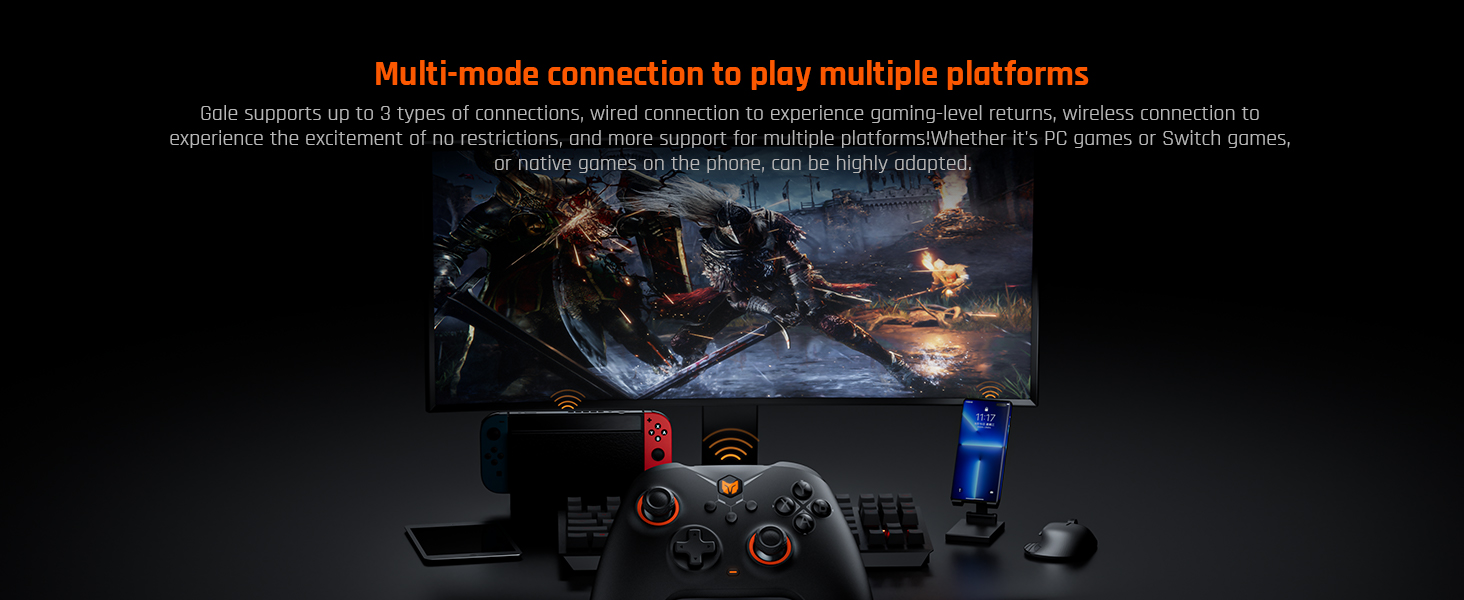
Image: Illustration of motion control in action, showing hands holding the controller with on-screen visual feedback.
3. Customizable Back Buttons
The four back buttons (M1, M2, M3, M4) can be programmed for various functions, including Macro commands, button Remapping, and Turbo functions. These buttons provide additional control options for enhanced gameplay.
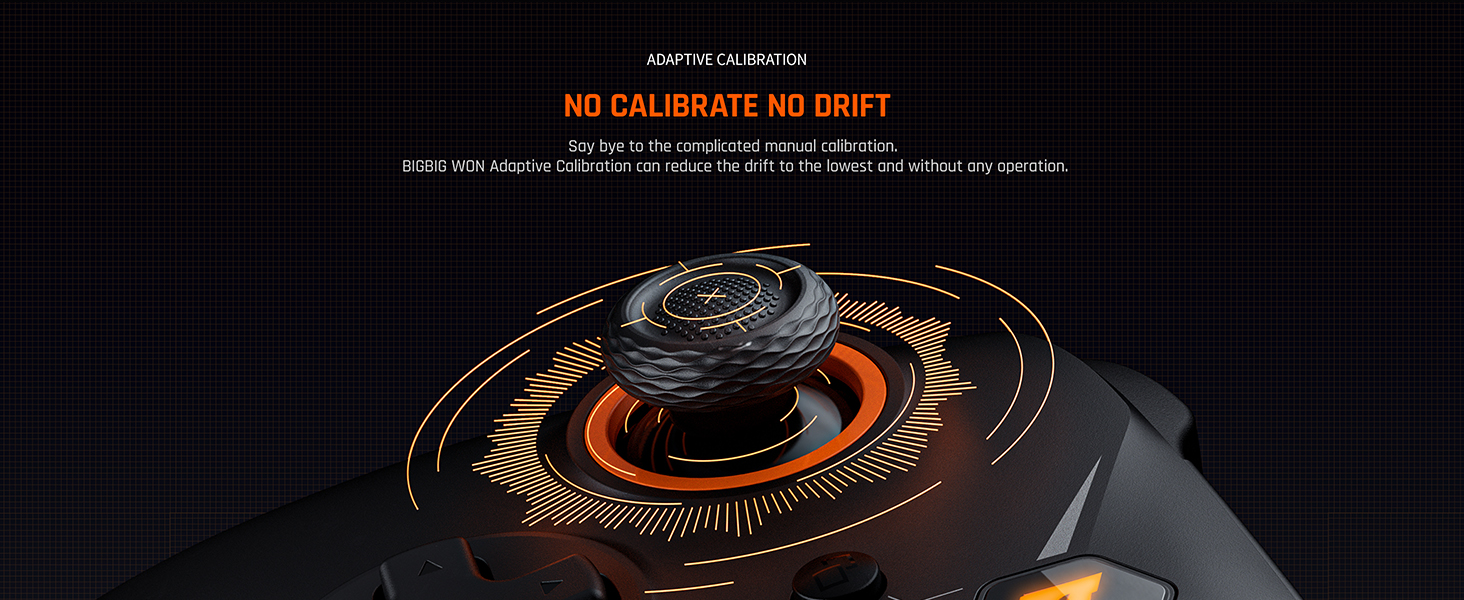
Image: The underside of the controller, showing the placement of the four expandable back buttons.
4. Vibrationsfeedback
The controller features dual motors for haptic feedback, offering 255 levels of adjustable vibration intensity. This allows for a customizable and immersive gaming experience. Adjust vibration levels via the BIGBIG WON PC APP.
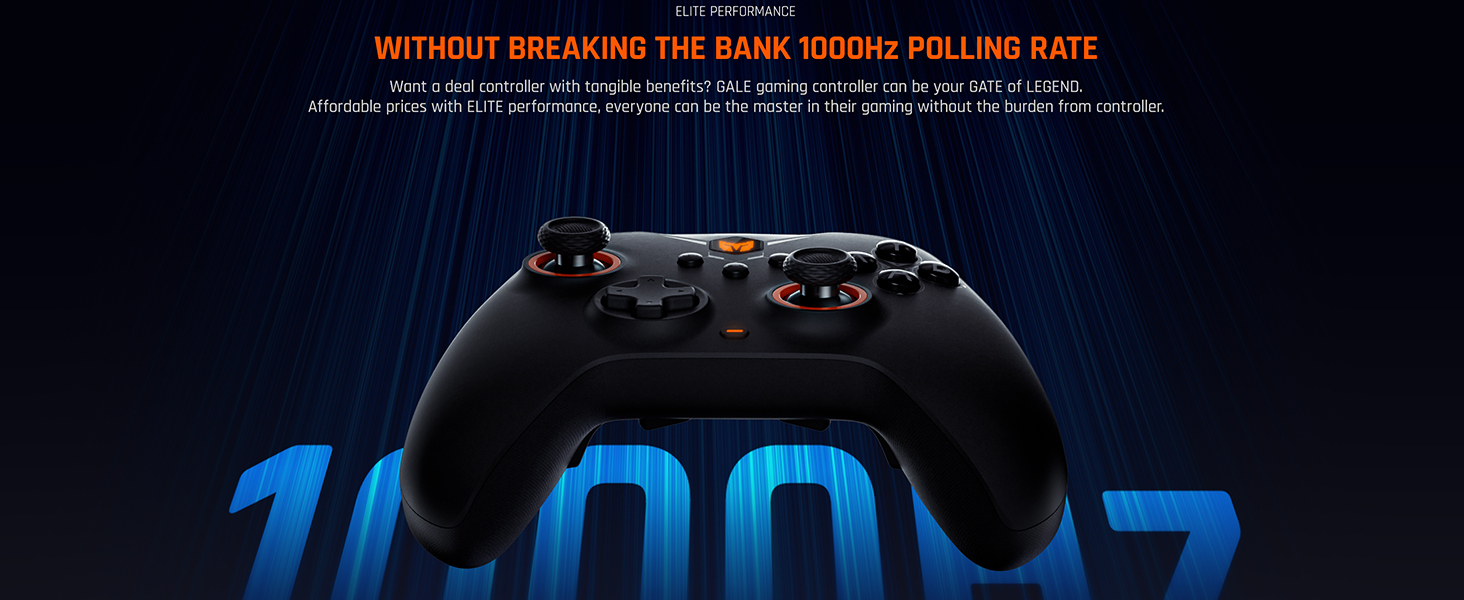
Image: The controller with an overlay indicating 256 levels of adjustable vibration.
5. Hall Effect Triggers
The Hall Effect triggers provide high accuracy and durability. They offer a linear response suitable for racing games and can be configured for a hair trigger response, ideal for first-person shooter (FPS) games. The triggers have 256 adjustable steps with 0.1mm accuracy.

Billede: Et detaljeret diagram, der viserasing the Hall-type magnetic induction trigger with its 256 adjustable steps and 0.1mm accuracy.
6. BIGBIG WON PC Application
The dedicated BIGBIG WON PC APP allows for extensive customization of your controller. Through the app, you can:
- Customize key mapping.
- Program 50-step macros with visual programming support.
- Adjust Turbo settings.
- Set dead zones for joysticks and triggers.
- Fine-tune motion control sensitivity.
- Map keyboard values to controller buttons.
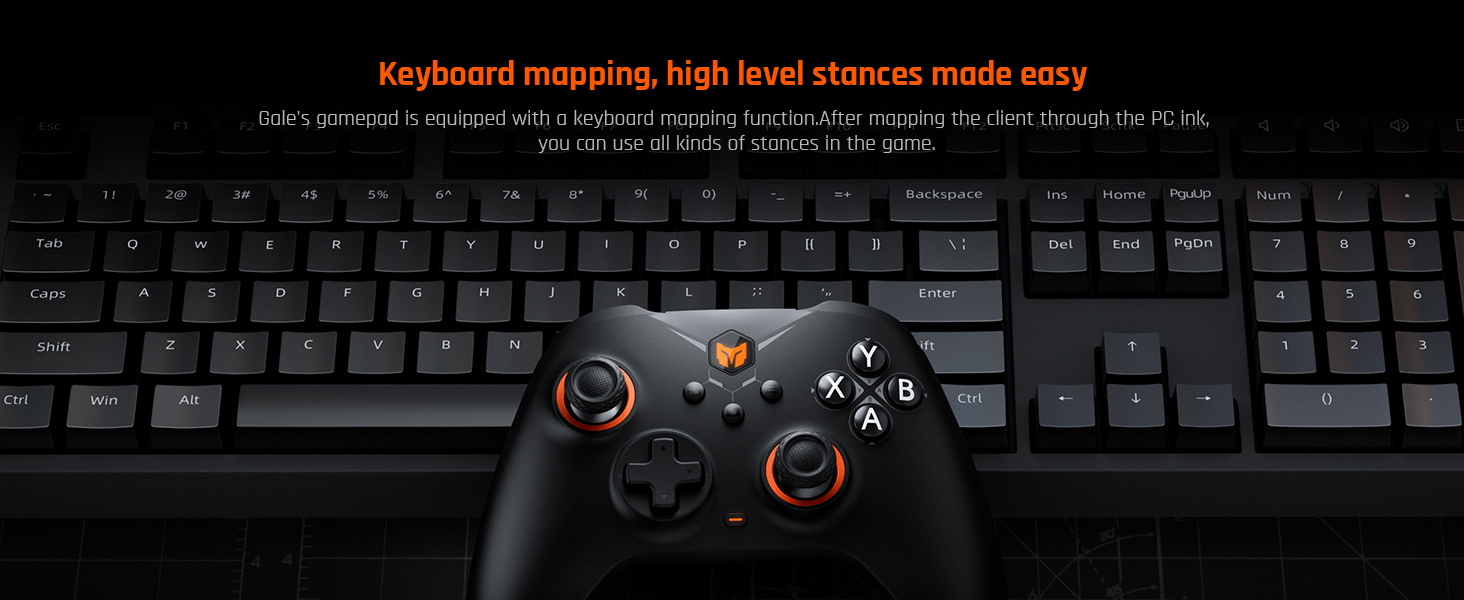
Image: A screenshot of the BIGBIG WON PC App, showing configuration options for the Gale controller.
7. Adaptive Calibration
The controller features BIGBIG WON Adaptive Calibration, which automatically reduces joystick drift to the lowest possible level without requiring manual user intervention.
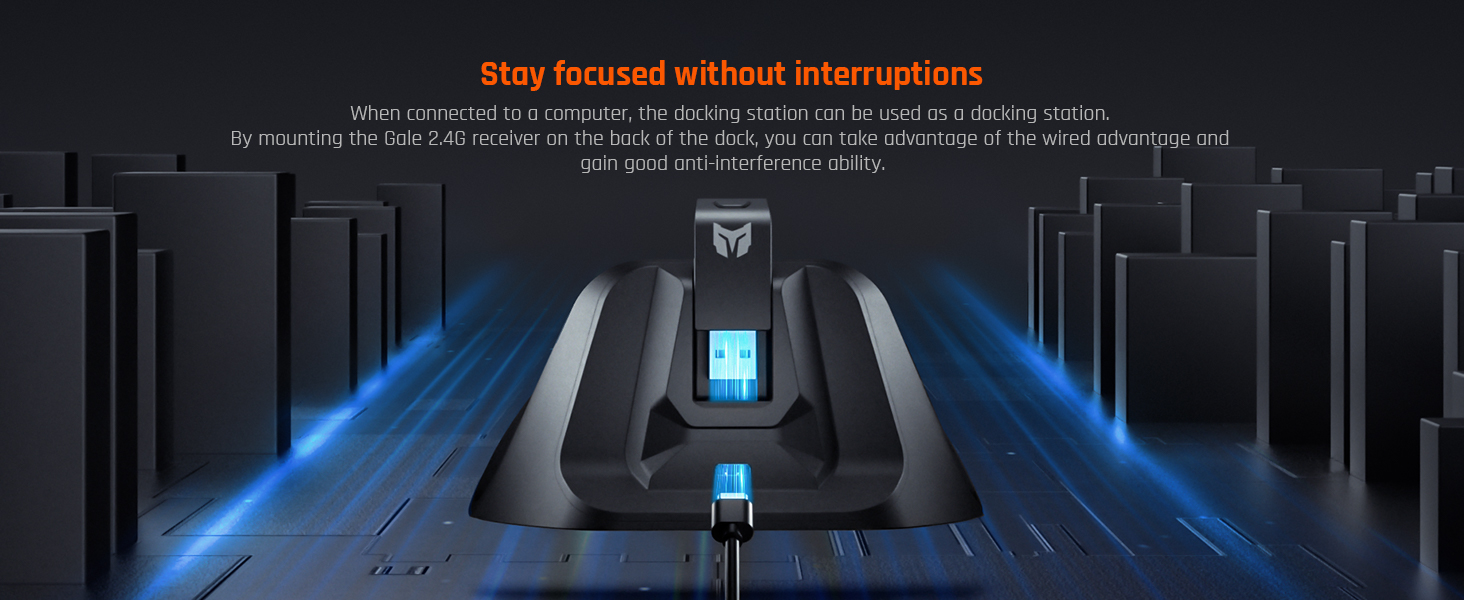
Image: A visual representation of the adaptive calibration process for the controller's joysticks, indicating no drift.
Opretholdelse
To ensure the longevity and optimal performance of your BIGBIG WON Gale controller, follow these maintenance guidelines:
- Rensning: Use a soft, dry cloth to wipe the controller and charging dock. Avoid using abrasive cleaners, solvents, or harsh chemicals, as these can damage the surfaces.
- Opbevaring: Store the controller in a cool, dry place away from direct sunlight and extreme temperatures. When not in use, placing it on the charging dock can help keep it powered and ready.
- Batteripleje: Avoid fully discharging the battery frequently. For long-term storage, charge the battery to approximately 50% to prolong its lifespan.
- Kabelstyring: Handle the Type-C cable and USB dongle with care to prevent damage to connectors and wires.
Fejlfinding
If you encounter issues with your BIGBIG WON Gale controller, refer to the following common troubleshooting steps:
1. Forbindelsesproblemer
- Controlleren forbinder ikke: Ensure the controller is fully charged. For 2.4G wireless, verify the USB dongle is securely plugged in. For Bluetooth, ensure Bluetooth is enabled on your device and the controller is in pairing mode. Try re-pairing the controller.
- Hyppige afbrydelser: Check for interference from other wireless devices. Ensure the controller is within range of the receiver/device. Update controller firmware via the BIGBIG WON PC APP if available.
2. Button or Joystick Malfunctions
- Ikke-responsive knapper/joysticks: Clean around the buttons and joysticks to remove any debris. Test the controller with the BIGBIG WON PC APP to check button inputs and joystick calibration.
- Joystick-drift: The controller features Adaptive Calibration. If drift persists, ensure the controller firmware is up to date.
3. PC Application Issues
- App Not Launching/Recognizing Controller: Ensure the controller is connected (preferably wired for initial setup). Temporarily disable any antivirus software that might be blocking the application, then add the BIGBIG WON PC APP to your antivirus's exclusion list.
- Indstillinger gemmes ikke: Ensure you are saving changes within the app. Restart the app and controller.
4. Opladningsproblemer
- Controlleren oplader ikke: Verify the Type-C cable and charging stand are properly connected and receiving power. Try a different USB port or power adapter. Ensure the controller is correctly seated on the charging stand.
Specifikationer
| Feature | Detalje |
|---|---|
| Produktdimensioner | 5.91 x 3.94 x 1.57 tommer |
| Varens vægt | 7.1 ounce |
| Modelnavn | BIGBIG WON Gale Wireless Gaming Controller |
| Kompatible enheder | PC (Window 10&11), Switch, iOS, Android |
| Controller type | Gamepad |
| Forbindelsesteknologi | Bluetooth, 2.4G Wireless (USB Dongle), Wired (Type-C) |
| Batteri | 1000mAh litiumpolymer (inkluderet) |
| Kabelbaseret returhastighed | 1000 Hz |
| Trådløs returrate | 125 Hz |
| Joystick-opløsning | 2000 niveauer |
| Trigger type | Hall Effect (256 adjustable steps, 0.1mm accuracy) |
| Vibrationsniveauer | 255 niveauer |
Garanti og support
All BIGBIG WON wireless controllers undergo strict quality inspection before shipment. The product includes:
- 30-Day Free Replacement or Full Refund: If you experience any issues within 30 days of purchase, you are eligible for a free replacement or a full refund.
- Lifetime Before-sale and After-sale Service: BIGBIG WON provides lifetime support for all your queries and concerns. For assistance, please contact customer support through the official BIGBIG WON channels or your retailer.
Important Note Regarding Videos
De angivne produktdata indeholdt ikke specifikke videoer URLs med skabertype eller filename information. Therefore, no product videos could be embedded in this manual as per the specified requirements.


