Indledning
Thank you for choosing the Swissten Soft Silicone USB/Lightning Cable. This manual provides essential information for the proper use, setup, and maintenance of your new cable. Please read this manual thoroughly before using the product to ensure optimal performance and longevity.
This cable is designed for both charging and data transfer, supporting fast charging up to 60W and a current of 3A. Its soft silicone construction ensures flexibility and high resistance to bending, making it a durable accessory for your Lightning devices.
Produktegenskaber
- Alsidig tilslutning: USB Type-A to Lightning connector for broad compatibility.
- Understøttelse af hurtig opladning: Capable of delivering up to 60W power and 3A current for rapid device charging.
- Effektiv dataoverførsel: Facilitates quick and reliable data synchronization between devices.
- Durable Soft Silicone Design: Constructed from soft silicone for enhanced flexibility and resistance to bending and tangling.
- Optimal længde: 1.5 meters (approximately 4.9 feet) provides ample reach for various charging and data transfer scenarios.
- Bred kompatibilitet: Fully compatible with all Lightning devices, including iPhone and iPad models.
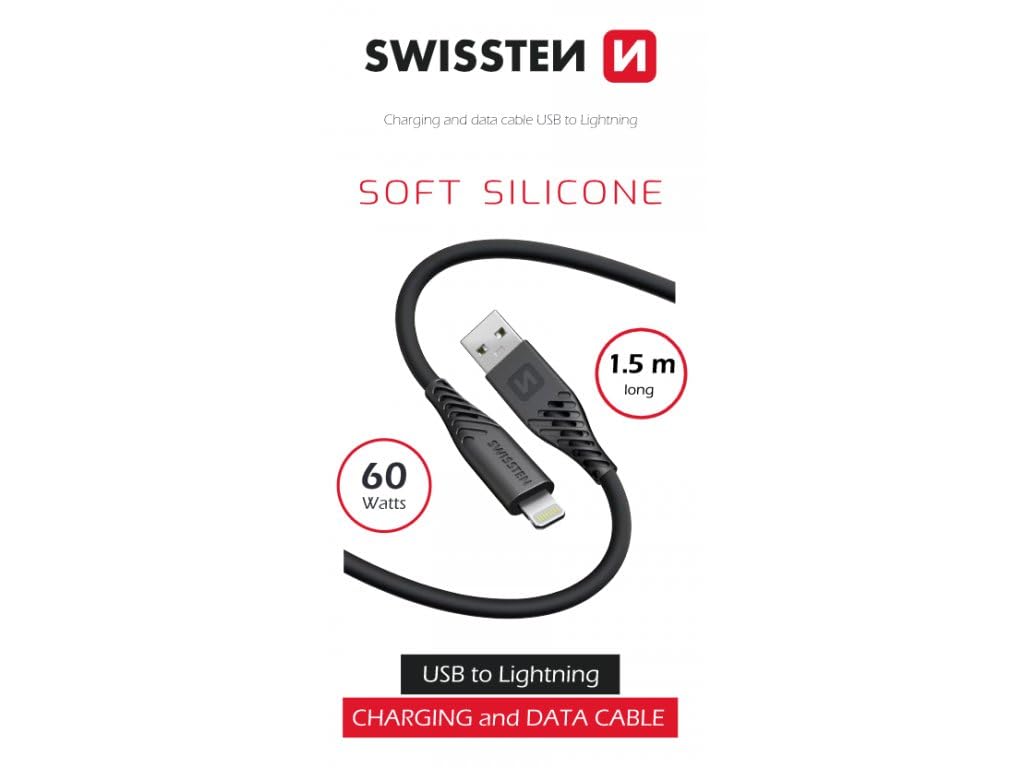
Image: The Swissten Soft Silicone USB/Lightning Cable, highlighting its 1.5-meter length and 60-watt power capability. The image shows the black cable coiled, with the USB-A and Lightning connectors visible.
Opsætning
The Swissten Soft Silicone USB/Lightning Cable is designed for plug-and-play functionality. No complex setup or software installation is required.
Hvad er der i æsken:
- 1 x Swissten Soft Silicone USB/Lightning Cable
Tilslutning til opladning:
- Insert the USB Type-A end of the cable into a compatible USB power adapter (e.g., wall charger, car charger) or a computer's USB port.
- Insert the Lightning connector end of the cable into the charging port of your Lightning-compatible device (e.g., iPhone, iPad).
- Sørg for, at begge forbindelser er sikre. Din enhed bør indikere, at den oplader.
Tilslutning til dataoverførsel:
- Insert the USB Type-A end of the cable into an available USB port on your computer.
- Insert the Lightning connector end of the cable into the port of your Lightning-compatible device.
- Your computer should recognize the connected device, allowing you to transfer data (e.g., photos, videos, documents) using appropriate software (e.g., iTunes, Finder).
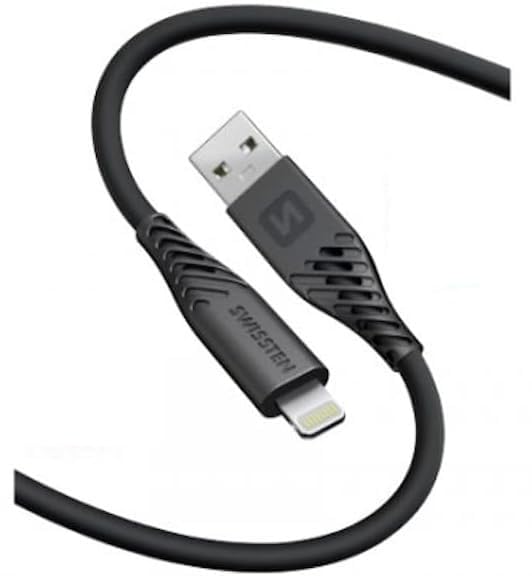
Billede: Et nærbillede view of the Swissten Soft Silicone USB/Lightning Cable, clearly showing both the USB-A connector and the Lightning connector. The cable is black and appears flexible.
Betjeningsvejledning
The Swissten Soft Silicone USB/Lightning Cable operates by simply connecting it to compatible devices. Ensure that the power source (for charging) or computer (for data transfer) is active and functioning correctly.
Opladning af din enhed:
- Connect the cable as described in the "Setup" section.
- For fast charging, ensure your power adapter supports Power Delivery (PD) or Quick Charge (QC) technology and is rated for at least 60W output.
- Monitor your device's screen for the charging indicator.
Overførsel af data:
- Connect the cable to your computer and device.
- Unlock your device if prompted and confirm "Trust This Computer" if it's your first time connecting.
- Brug din computers file management system or specific software (e.g., iTunes, Photos app) to access and transfer files.
Opretholdelse
Proper care and maintenance will extend the life of your Swissten Soft Silicone USB/Lightning Cable.
- Opbevaring: Store the cable in a cool, dry place away from direct sunlight and extreme temperatures. Avoid tightly coiling or bending the cable at sharp angles, especially near the connectors.
- Rensning: If the cable becomes dirty, gently wipe it with a soft, dry, or slightly damp cloth. Do not use harsh chemicals, abrasive cleaners, or immerse the cable in water.
- Håndtering: Always grasp the connector head when plugging or unplugging the cable, rather than pulling on the cable itself. This prevents strain on the internal wires and connections.
- Inspektion: Undersøg jævnligt kabel og stik for tegn på slid, flosning eller beskadigelse. Stop brugen, hvis der observeres skader.
Fejlfinding
If you encounter issues with your Swissten Soft Silicone USB/Lightning Cable, try the following troubleshooting steps:
- Enheden oplades ikke:
- Ensure the cable is securely plugged into both the power adapter/computer and your device.
- Prøv en anden strømadapter eller USB-port.
- Test the cable with another Lightning-compatible device to rule out a device issue.
- Check the Lightning port on your device for any debris that might be obstructing the connection.
- Langsom opladning:
- Verify that your power adapter supports fast charging (e.g., 60W PD/QC compatible).
- Sørg for, at din enhed også understøtter hurtigopladning.
- Undgå at bruge enheden for meget under opladning, da dette kan forsinke processen.
- Problemer med dataoverførsel:
- Ensure your device is unlocked and you have granted permission to "Trust This Computer" if prompted.
- Prøv en anden USB-port på din computer.
- Restart both your computer and your device.
- Update your computer's operating system and device's firmware to the latest versions.
- Kabelskade:
If the cable shows visible signs of damage (fraying, exposed wires, bent connectors), discontinue use immediately and replace it. Damaged cables can pose safety risks.
Specifikationer
| Feature | Detalje |
|---|---|
| Mærke | Schweiz |
| Modelnummer | 71533010 |
| Kabeltype | USB til Lightning |
| Connector Type | USB Type A, Lightning |
| Kabellængde | 1.5 meter (ca. 4.9 fod) |
| Strøm levering | Op til 60W |
| Nuværende output | Op til 3A |
| Særlige funktioner | Data Transfer, Fast Charging, Soft Silicone Material |
| Kompatible enheder | All Lightning devices (e.g., iPhone, iPad), Charging Adapters |
| Pakkedimensioner | 6.02 x 2.76 x 1.06 tommer |
| Varens vægt | 1.69 ounce |
| Fabrikant | Schweiz |
| Dato først tilgængelig | 9. januar 2025 |
Garanti og support
For information regarding warranty coverage and customer support for your Swissten product, please refer to the official Swissten website or contact the retailer from whom you purchased the cable. Keep your proof of purchase for warranty claims.
For technical assistance or further inquiries, please reach out to Swissten customer service through their official channels.


