1. Introduktion
This manual provides instructions for the setup, operation, maintenance, and troubleshooting of your Fnatic STREAK80 LP White TKL Mechanical Low Profile Gaming Keyboard. Please read this manual thoroughly before using the product to ensure proper functionality and longevity.

Billede 1.1: Top-down view of the Fnatic STREAK80 LP keyboard with RGB lighting enabled.
The STREAK80 LP is a tenkeyless (TKL) mechanical keyboard designed for gaming, featuring low-profile speed switches, PBT keycaps, and RGB lighting. It includes a sturdy aluminum top case and a dedicated volume wheel.
2. Pakkens indhold
Bekræft at alle varer er til stede i pakken:
- Fnatic STREAK80 LP Keyboard
- USB kabel
3. Opsætning
- Tilslut USB-kablet: Insert the USB-C end of the provided cable into the port on the keyboard. Connect the USB-A end to an available USB port on your computer (PC or Laptop).
- Driver installation: The keyboard is plug-and-play. Your operating system (Windows, macOS) will automatically detect and install the necessary drivers.
- Softwareinstallation (valgfrit): For advanced customization of RGB lighting and key assignments, download and install the Fnatic software from the official Fnatic webwebsted.

Image 3.1: A hand typing on the Fnatic STREAK80 LP keyboard, demonstrating typical usage.
4. Betjeningsvejledning
4.1 Keyboard Layout and Design
The STREAK80 LP features a tenkeyless (TKL) design, which omits the numeric keypad to save desk space. This compact form factor is beneficial for users who require more mouse movement area.
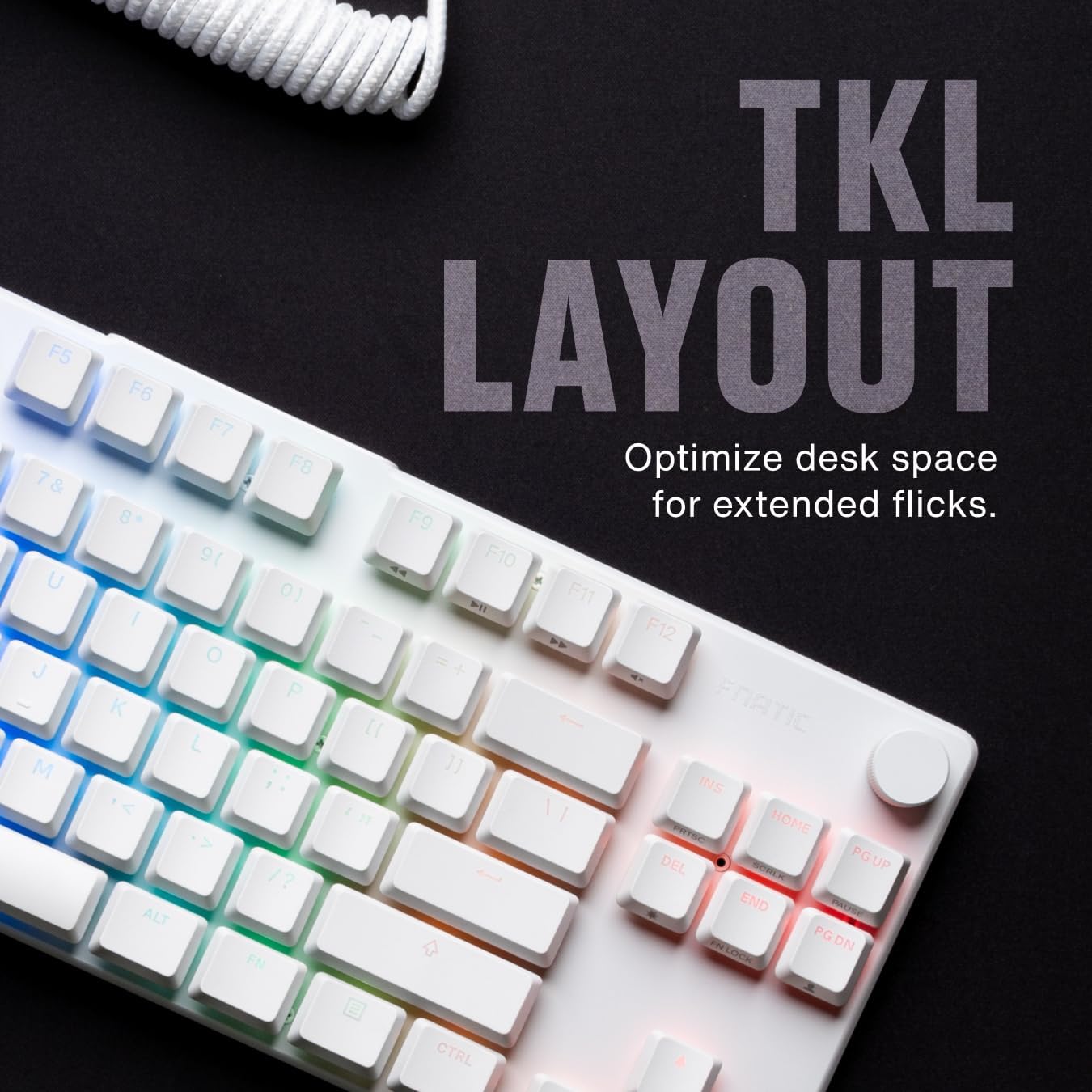
Billede 4.1.1: Overview of the Fnatic STREAK80 LP's tenkeyless layout.
The keyboard is designed with a low profile, contributing to an ergonomic typing and gaming experience without requiring a separate wrist rest.
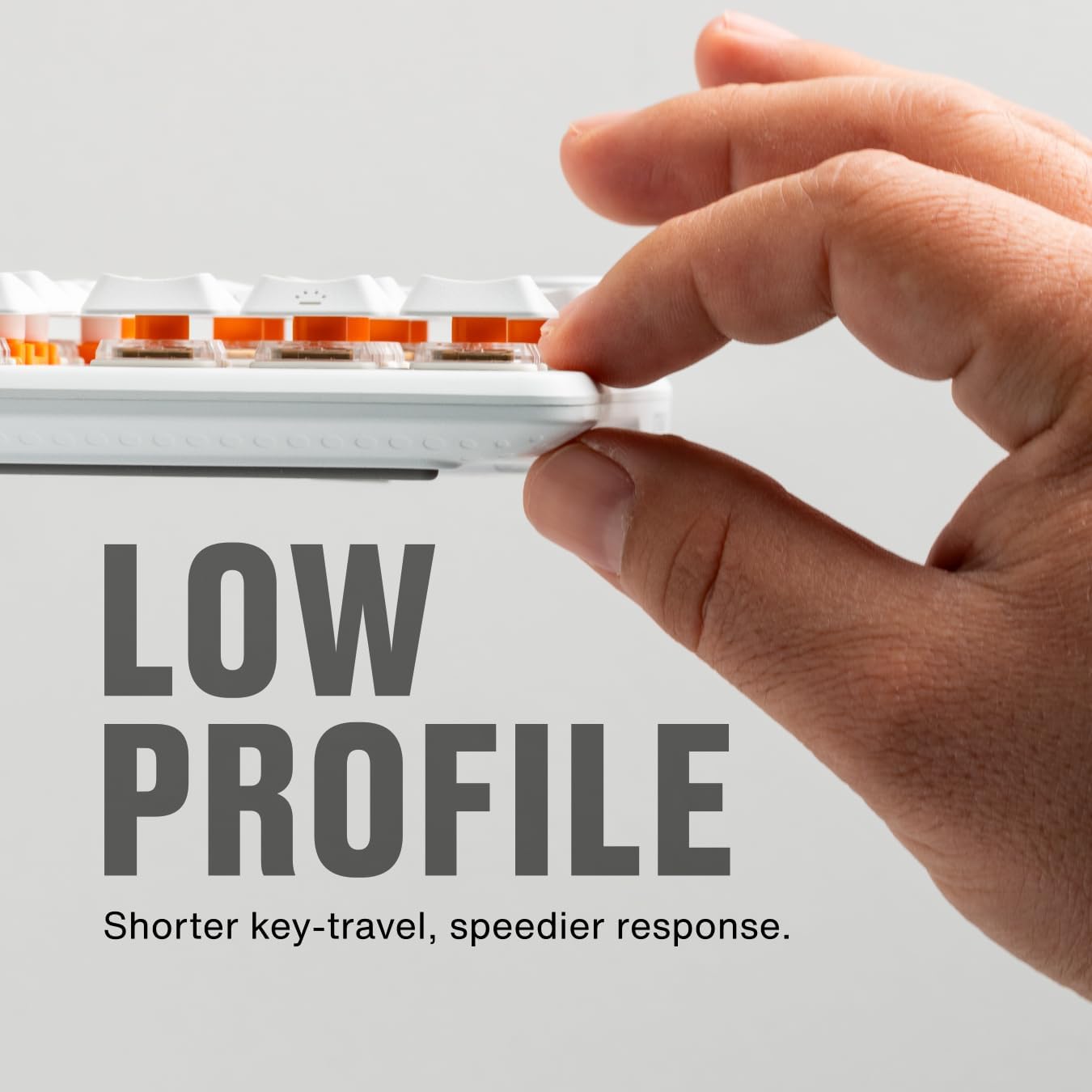
Image 4.1.2: A hand demonstrating the slim, low-profile design of the keyboard.
4.2 Switches and Keycaps
The keyboard is equipped with custom low-profile speed switches, featuring a 1.0mm actuation distance for rapid response. The keycaps are made from premium Doubleshot PBT material, designed to resist oils and shine over time.

Image 4.2.1: Detail of a pre-lubricated stabilizer and switch on the keyboard.

Image 4.2.2: Individual PBT keycaps, highlighting their textured surface.
4.3 RGB-belysning
The STREAK80 LP features customizable RGB backlighting. The low-profile keycap design enhances the visibility of the vibrant lighting emanating from the switches.

Billede 4.3.1: Nærbillede af tastaturvisningenasing dens livlige RGB-belysning.
Lighting effects can be adjusted using the Fnatic software or via onboard shortcuts (refer to the software manual for detailed key combinations).
4.4 Lydstyrkekontrol
A dedicated volume wheel is located on the top right of the keyboard, providing instant control over audio levels. Rotate the wheel to adjust volume up or down, and press it to mute or unmute audio.

Image 4.4.1: A hand operating the volume control wheel on the keyboard.
4.5 Acoustic Optimization
The keyboard incorporates genuine PORON foam to reduce internal case ping and other unwanted acoustic resonances, contributing to a quieter typing experience.
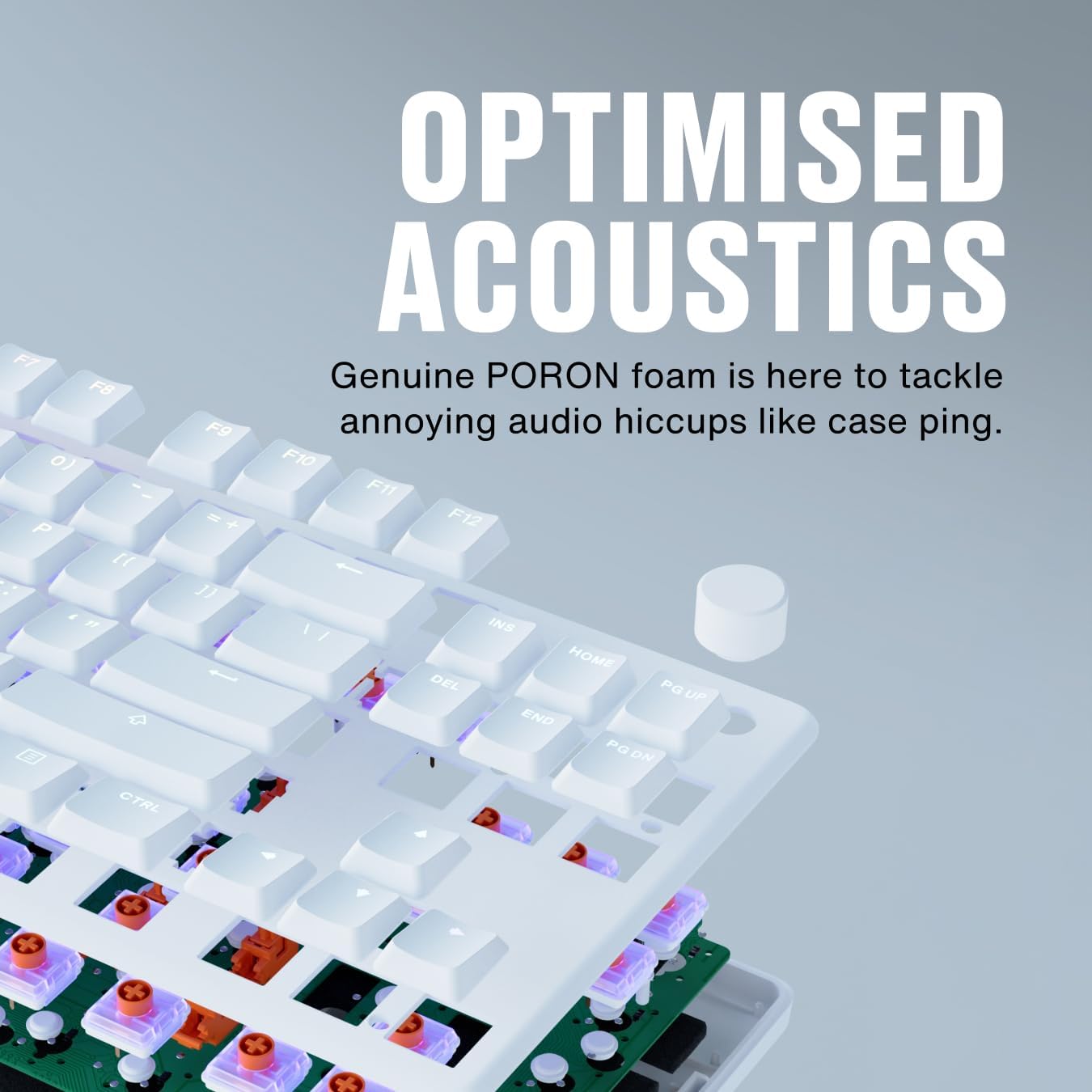
Image 4.5.1: An exploded diagram illustrating the internal components, including the PORON foam for acoustic optimization.
5. Vedligeholdelse
- Rengøring af taster: Brug en blød, damp cloth to wipe down keycaps. For deeper cleaning, keycaps can be carefully removed using a keycap puller (not included) and cleaned with mild soap and water. Ensure they are completely dry before reattaching.
- Rengøring af tastaturhuset: Use a microfiber cloth to wipe the aluminum top case and plastic base. Avoid abrasive cleaners.
- Removing Dust and Debris: Brug trykluft til at fjerne støv og snavs mellem tastaturerne og kontakterne.
- Kabelpleje: Undgå skarpe bøjninger eller for meget træk i USB-kablet for at forhindre skader.
6. Fejlfinding
- Tastaturet reagerer ikke:
- Sørg for, at USB-kablet er korrekt tilsluttet til både tastaturet og computeren.
- Prøv at tilslutte tastaturet til en anden USB-port på din computer.
- Test tastaturet på en anden computer for at udelukke et systemspecifikt problem.
- RGB-belysning virker ikke:
- Check the Fnatic software for lighting settings and ensure they are enabled.
- Verify that no onboard lighting shortcuts have inadvertently turned off the lighting.
- Nøgler registreres ikke:
- Ensure no debris is lodged under the affected keycap.
- If using the Fnatic software, check for any remapping that might affect key functionality.
For further assistance, refer to the official Fnatic support resources online.
7. Specifikationer
| Feature | Detalje |
|---|---|
| Mærke | Fnatic |
| Model | STREAK80 LP (KB0007-001) |
| Layout | Tenkeyless (TKL), US ANSI |
| Switch Type | Lav-Profile Hastighedsafbrydere |
| Aktiveringsafstand | 1.0 mm |
| tasterne | Doubleshot PBT |
| Baggrundsbelysning | RGB |
| Akustisk Dampslutning | PORON Foam |
| Forbindelse | USB-A (wired) |
| Dimensioner (LxBxH) | 13.98 x 5.08 x 1.1 tommer (35.5 x 12.9 x 2.8 cm) |
| Vægt | 1.29 pund (0.58 kg) |
| Kompatible enheder | Laptop, PC, Mac |
8. Garanti og support
Fnatic products are covered by a manufacturer's warranty. For detailed warranty information, terms, and conditions, please visit the official Fnatic webwebsted eller kontakt deres kundesupport.
For teknisk support, download af drivere og ofte stillede spørgsmål, besøg venligst: Fnatic Support


