Produkt overview
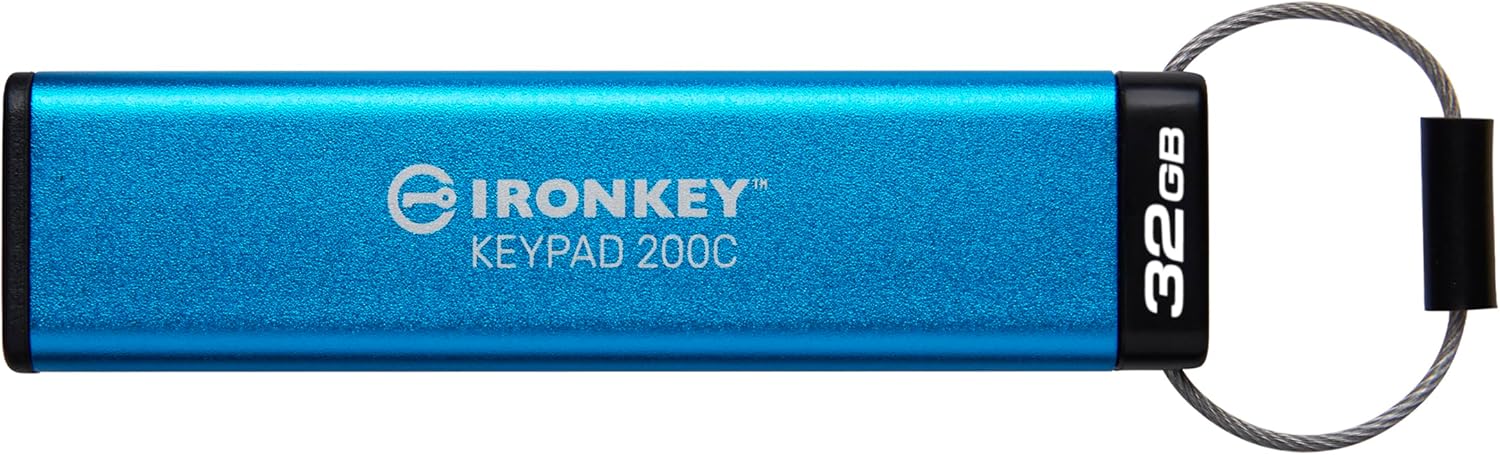
The Kingston IronKey Keypad 200 series are OS-independent hardware-encrypted USB Type-C drives with an alphanumeric keypad for easy-to-use PIN access. The KP200 incorporates XTS-AES 256-bit hardware-based encryption. It is FIPS 140-3 Level 3 (Pending) certified for military-grade security with enhancements that further elevate the bar for data protection. Its circuitry is covered by a layer of special epoxy that makes it virtually impossible to remove components without damaging them. The drive is designed to be tamptydelig for at advare ejere. Den har også Brute Force-adgangskodeangrebsbeskyttelse og BadUSB-beskyttelse med digitalt signeret firmware. Det alfanumeriske tastatur er belagt med et lag polymer, der beskytter tasterne og skjuler brugen af tasterne gennem analyse af fingeraftryk på tasterne.
Nøglefunktioner
- FIPS 140-3 niveau 3 (afventer) med XTS-AES 256-bit kryptering
- Brute Force and BadUSB Attack Protection
- Multi-PIN (Admin and User) Option
- Global eller skrivebeskyttet indstilling for session
Introduktion: Første opsætning
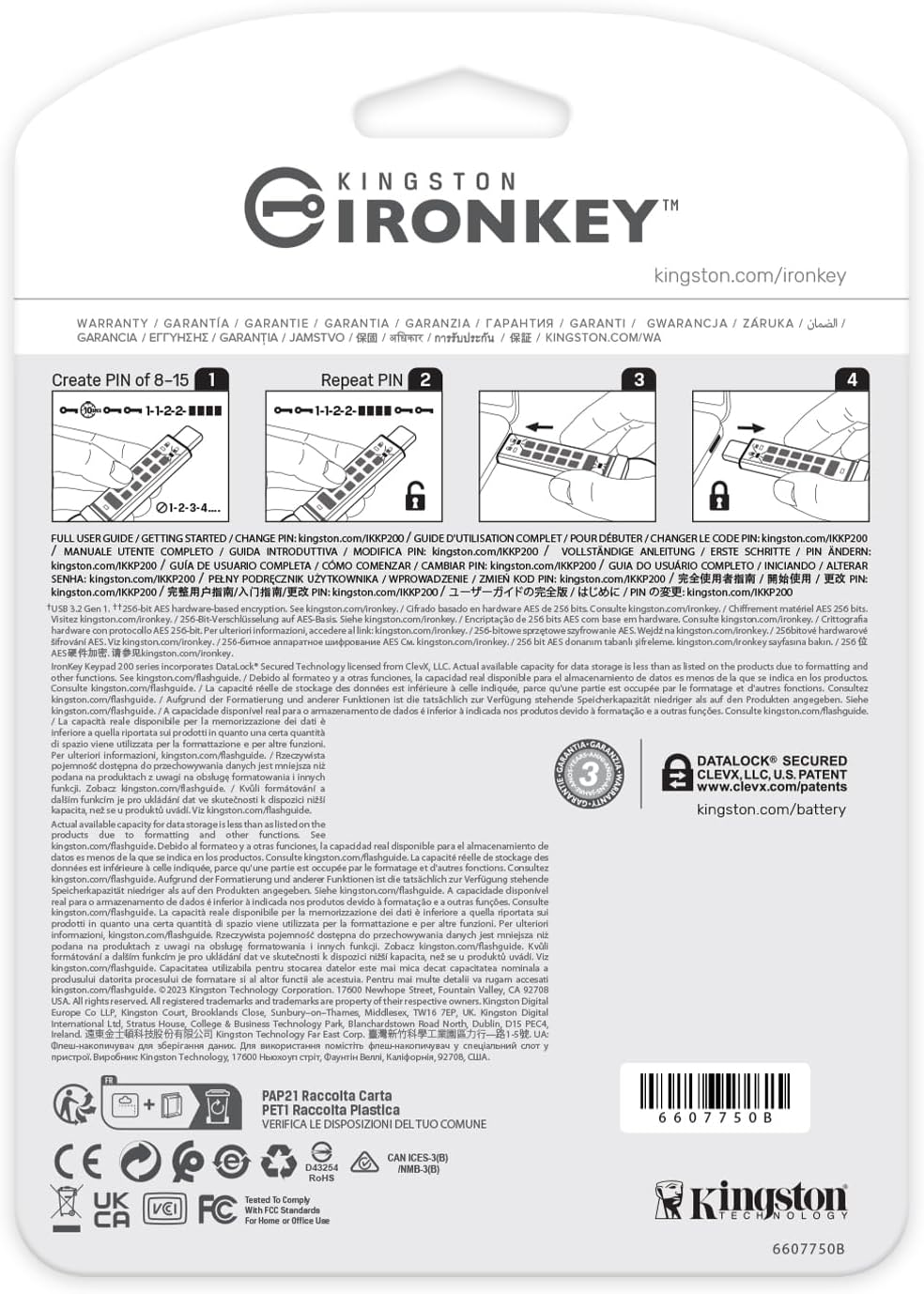
Before first use, you must set up an Admin PIN for your Kingston Ironkey Keypad 200. This PIN is crucial for accessing and managing the drive's features. Refer to the quick start guide included in the packaging for detailed steps.

Video Guide: Ironkey Keypad 200 Walkthrough
This video provides a comprehensive walkthrough of the Kingston Ironkey Keypad 200, demonstrating its features and initial setup process.
Operating Your IronKey Keypad 200
Oplåsning af drevet
To unlock the drive, you must enter your PIN using the integrated keypad before connecting it to your computer. Once the correct PIN is entered and confirmed, the drive will be accessible. Alternatively, for models without a physical keypad, you will be prompted to enter your password via a software interface upon connection.
Admin and User PINs
The drive supports multiple PINs, including an Admin PIN and User PINs. The Admin PIN provides full access to all drive settings and data, while User PINs can be configured with restricted access, such as read-only mode.
Skrivebeskyttet tilstand
The Global or Session Read-Only Option allows you to prevent data modification on the drive. This can be set globally by the administrator or for a specific session by the user, providing an extra layer of data protection against malware or accidental changes.
Video Guide: Ironkey D500S Software Walkthrough (Similar Concepts)
This video, while for a similar Ironkey D500S model, demonstrates the software interface for login, admin settings, password management, and read-only mode, which are conceptually similar for the Keypad 200 series.
Vedligeholdelse og bedste praksis
- Remember Your PIN: Always keep your Admin and User PINs secure and memorable. Forgetting the Admin PIN may lead to data loss.
- Sikker udkastning: Always safely eject the drive from your computer before physically removing it to prevent data corruption.
- Fysisk beskyttelse: Keep the protective cap on the USB connector when not in use to shield it from dust and physical damage.
- Regelmæssige sikkerhedskopier: While the Ironkey provides robust security, regular backups of critical data to another secure location are always recommended.
Fejlfinding
Forgotten PIN
Hvis du glemmer din Administrator-PIN, the drive may require a full reset, resulting in data loss. There is no recovery mechanism for a forgotten Admin PIN due to the hardware encryption. If a Bruger PIN is forgotten, and a One-Time Recovery Password feature was previously enabled by the administrator, it can be used to regain access and reset the User PIN. Otherwise, the administrator may need to reset the User PIN.
Drev ikke genkendt
- Ensure the drive is fully inserted into a compatible USB-C port.
- Verify that the correct PIN has been entered and the drive is successfully unlocked (indicated by the green LED).
- Try connecting the drive to a different USB-C port or another computer to rule out port or system issues.
Produktspecifikationer
| Modelnavn | Kingston IronKey Keypad 200 |
| Varemodelnummer | IKKP200C/32GB |
| Hukommelseslagringskapacitet | 32 GB |
| Hardware-interface | USB 3.2 Gen 1 |
| Forbindelsesteknologi | USB |
| Læs Speed | 145 megabyte i sekundet |
| Skrivehastighed | 145.0 |
| Speciel funktion | Krypteret |
| Varens vægt | 0.882 ounce |
| Produktdimensioner | 3.15 x 0.8 x 0.43 tommer |
| Fabrikant | Kingston Digital, Inc. |
Garanti og support
For detailed warranty information, technical support, and additional resources, please visit the official Kingston support webwebsted.
Kingston-support: kingston.com/support


