1. Produktet er slutview
The Crucial X10 Pro Portable SSD is a high-performance external solid state drive designed for rapid data transfer and reliable storage. It offers advanced durability features and broad compatibility across various devices.
- Ultra-fast Speeds: Achieve up to 2,100MB/s read and 2,000MB/s write speeds for efficient file håndtering.
- Holdbart design: Features IP55 water and dust resistance, along with drop protection up to 7.5 feet (2 meters). Includes a lanyard loop for secure portability.
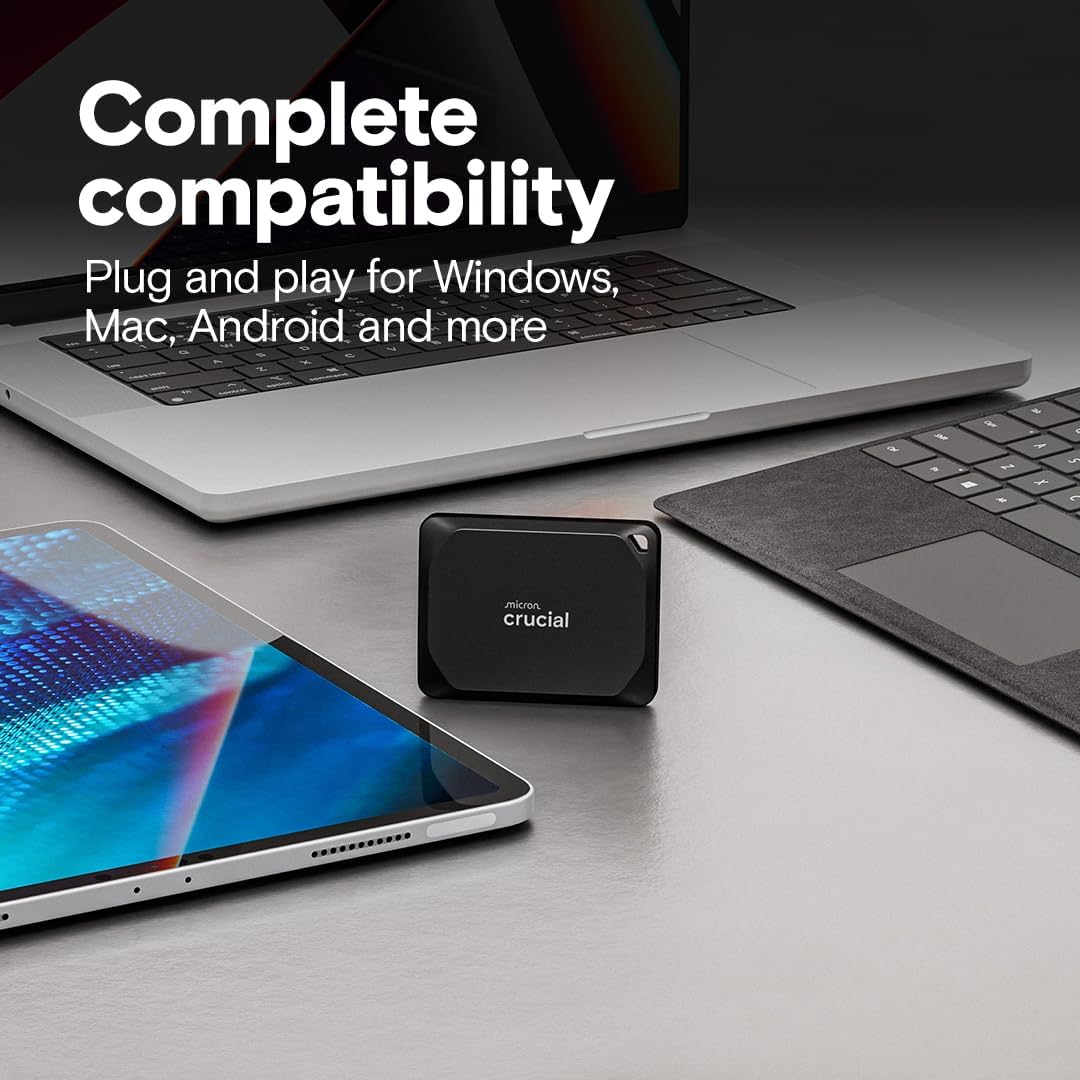
- Bred kompatibilitet: Connects seamlessly with Windows, Mac, iPad Pro, Chromebooks, Android, Linux, PS4, PS5, and Xbox via USB-C and USB-A.
- Massiv lagerkapacitet: This 2TB model provides ample space for high-resolution photos, 4K/8K videos, and large project files.
- Forbedret sikkerhed: Supports SSD password protection for data security.
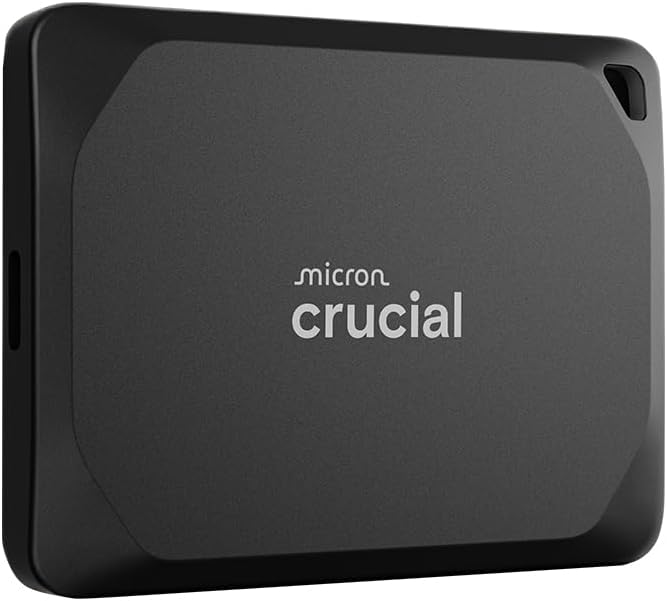
This manual provides essential information for setting up, operating, and maintaining your Crucial X10 Pro Portable SSD.
2. Opsætningsvejledning
The Crucial X10 Pro Portable SSD is designed for plug-and-play functionality, making setup straightforward.
2.1 Hvad er der i æsken
- Crucial X10 Pro Portable SSD
- USB-C-kabel
- Mylio Photos+ redemption code
2.2 Tilslutning af SSD'en
- Locate the USB-C port on your computer, tablet, or gaming console.
- Connect one end of the included USB-C cable to the USB-C port on the Crucial X10 Pro SSD.
- Connect the other end of the USB-C cable to the compatible USB-C port on your device.
- The SSD should be automatically recognized by your operating system. If prompted, follow any on-screen instructions for initial setup or formatting.
For optimal performance, ensure your device supports USB 3.2 Gen2 2x2 if you wish to achieve the maximum advertised speeds.
2.3 Initializing and Formatting (If Required)
In some cases, especially with new drives or specific operating systems, you may need to initialize and format the SSD before use. Refer to your operating system's documentation for detailed instructions on disk management.
3. Betjeningsvejledning
Once connected and recognized, your Crucial X10 Pro SSD functions like any other external storage device.
3.1 Overførsel Files
At overføre files, simply drag and drop them to and from the SSD's drive icon or folder in your file explorer/finder. The high read/write speeds enable quick transfers of large files.

3.2 Working Directly from the Drive
The Crucial X10 Pro's high speeds allow you to work directly on files stored on the SSD, such as editing 4K/8K videos or large photo projects, without experiencing significant lag.
3.3 Adgangskodebeskyttelse
The SSD supports password protection for enhanced data security. Refer to the included software documentation (Mylio Photos+ and Acronis True Image) or Crucial's official website for instructions on enabling and managing password protection.
4. Vedligeholdelse
The Crucial X10 Pro is built with durability in mind, requiring minimal maintenance.
4.1 Physical Durability
- Vand- og støvmodstand: The drive is IP55 rated, meaning it is protected against dust ingress and low-pressure water jets from any direction. Avoid submerging the device in water.
- Drop beskyttelse: Designed to withstand drops from up to 7.5 feet (2 meters).
- Snorløkke: Utilize the integrated lanyard loop to secure the drive and prevent accidental drops.

4.2 Rengøring
Wipe the exterior of the SSD with a soft, dry cloth. Avoid using harsh chemicals or abrasive materials.
5. Fejlfinding
If you encounter issues with your Crucial X10 Pro SSD, consider the following common solutions:
- Drev ikke fundet:
- Sørg for, at USB-C-kablet er korrekt tilsluttet til både SSD'en og din enhed.
- Prøv en anden USB-C-port på din enhed.
- Test with a different compatible USB-C cable.
- Genstart din computer eller enhed.
- Check your operating system's Disk Management (Windows) or Disk Utility (Mac) to see if the drive is visible but uninitialized/unformatted.
- Langsomme overførselshastigheder:
- Ensure your device's USB-C port supports USB 3.2 Gen2 2x2 for maximum performance. Older USB standards will result in lower speeds.
- Luk alle unødvendige programmer, der kører i baggrunden, og som muligvis bruger systemressourcer.
- Verify the cable is the original included cable or another high-quality USB 3.2 Gen2 2x2 compatible cable.
- Password Protection Issues:
- Sørg for at du bruger den korrekte adgangskode.
- Refer to the documentation for the password protection software you are using (e.g., Acronis True Image) for specific recovery or reset procedures.
6. Specifikationer
| Feature | Detalje |
|---|---|
| Harddisktype | Solid State Drive (SSD) |
| Kapacitet | 2 TB |
| Modelnummer | CT2000X10PROSSD902 |
| Læsehastighed (maks.) | Op til 2100 MB/s |
| Skrivehastighed (maks.) | Op til 2000 MB/s |
| Interface | USB-C (USB 3.2 Gen2 2x2) |
| Forbindelsesteknologi | USB |
| Vand- og støvmodstand | IP55 |
| Drop beskyttelse | Op til 7.5 fod (2 meter) |
| Dimensioner (LxBxH) | 2.56 x 1.97 x 0.39 tommer |
| Vægt | 1.48 ounce |
| Kompatible enheder | Camera, Gaming Console, Laptop, Tablet (Windows, Mac, iPad Pro, Chromebooks, Android, Linux, PS4, PS5, Xbox) |
7. Garanti og support
7.1 Begrænset garanti
The Crucial X10 Pro Portable SSD comes with a limited 5-year warranty. Please retain your proof of purchase for warranty claims. For full terms and conditions, visit the official Crucial webwebsted.
7.2 Included Software
Your purchase includes redemption codes for three months of Mylio Photos+ and Acronis True Image. Register your external drive on the Crucial website to access these bonus software offers.
7.3 Kundesupport
For further assistance, technical support, or to access additional resources, please visit the official Crucial support webwebsted eller kontakt deres kundeservice.


