Indledning
The Apple Watch Ultra is a rugged and capable smartwatch designed for endurance athletes, outdoor adventurers, and water sports enthusiasts. This manual provides essential information for setting up, operating, and maintaining your device, ensuring you get the most out of its advanced features.
Key features include a durable titanium case, a bright Always-On Retina display, comprehensive health monitoring, and extended battery life, making it a versatile companion for various activities.
Hvad er der i æsken
Your Apple Watch Ultra package includes the following items:
- Apple Watch Ultra
- USB datakabel

Image: The Apple Watch Ultra and its USB-C Magnetic Fast Charging Cable, as typically found in the product packaging.
Opsætning
- Oplad dit Apple Watch: Before initial use, connect your Apple Watch Ultra to the USB-C Magnetic Fast Charging Cable and a power adapter (sold separately) to fully charge the device.
- Par med iPhone: Ensure your iPhone is updated to the latest iOS version. Turn on your Apple Watch and bring it close to your iPhone. Follow the on-screen prompts on both devices to pair them.
- Tilpas indstillinger: During the setup process, you will be guided to customize settings such as language, region, Apple ID, and health preferences.
- Installer apps: Use the Apple Watch App on your iPhone to install desired applications and customize watch faces.
Betjeningsvejledning
Grundlæggende navigation
- Digital krone: Rotate to scroll, zoom, or adjust values. Press once to go to the watch face or app list. Double-press to switch between recently used apps. Press and hold for Siri.
- Side knap: Tryk én gang for at åbne Dock (senest brugte apps). Dobbelttryk for Apple Pay. Tryk og hold nede for Nødopkald eller for at slukke.
- Handlingsknap: The customizable Action button (orange) provides instant physical control over a variety of functions, such as starting a workout, marking a Compass Waypoint, or initiating a dive.
- Berøringsskærm: Tap to select, swipe to navigate between screens, and force touch for additional options (if available for the specific app).
Notifications and Glances
- Swipe down from the top of the watch face to view meddelelser.
- Swipe up from the bottom of the watch face to access Control Center for quick settings.

Image: The Apple Watch Ultra, showcasing its large, vibrant display and the Digital Crown and Action Button on the side.
Sundheds- og fitnessfunktioner
The Apple Watch Ultra is equipped with advanced sensors and features to support your health and fitness goals:
- Heart Rate Monitoring: Features an electrical heart sensor and a third-generation optical heart sensor for continuous heart rate tracking, Heart Rate Zones, and ECG readings.
- Træningsapp: Provides advanced metrics for various activities, including Running Form analysis.
- Temperaturføling: Monitors body temperature for insights into overall health and cycle tracking.
- Depth Gauge & Water Temperature Sensor: Essential tools for water sports enthusiasts, providing real-time data during dives.
- Søvnsporing: Monitor your sleep patterns and receive insights into your sleep quality.
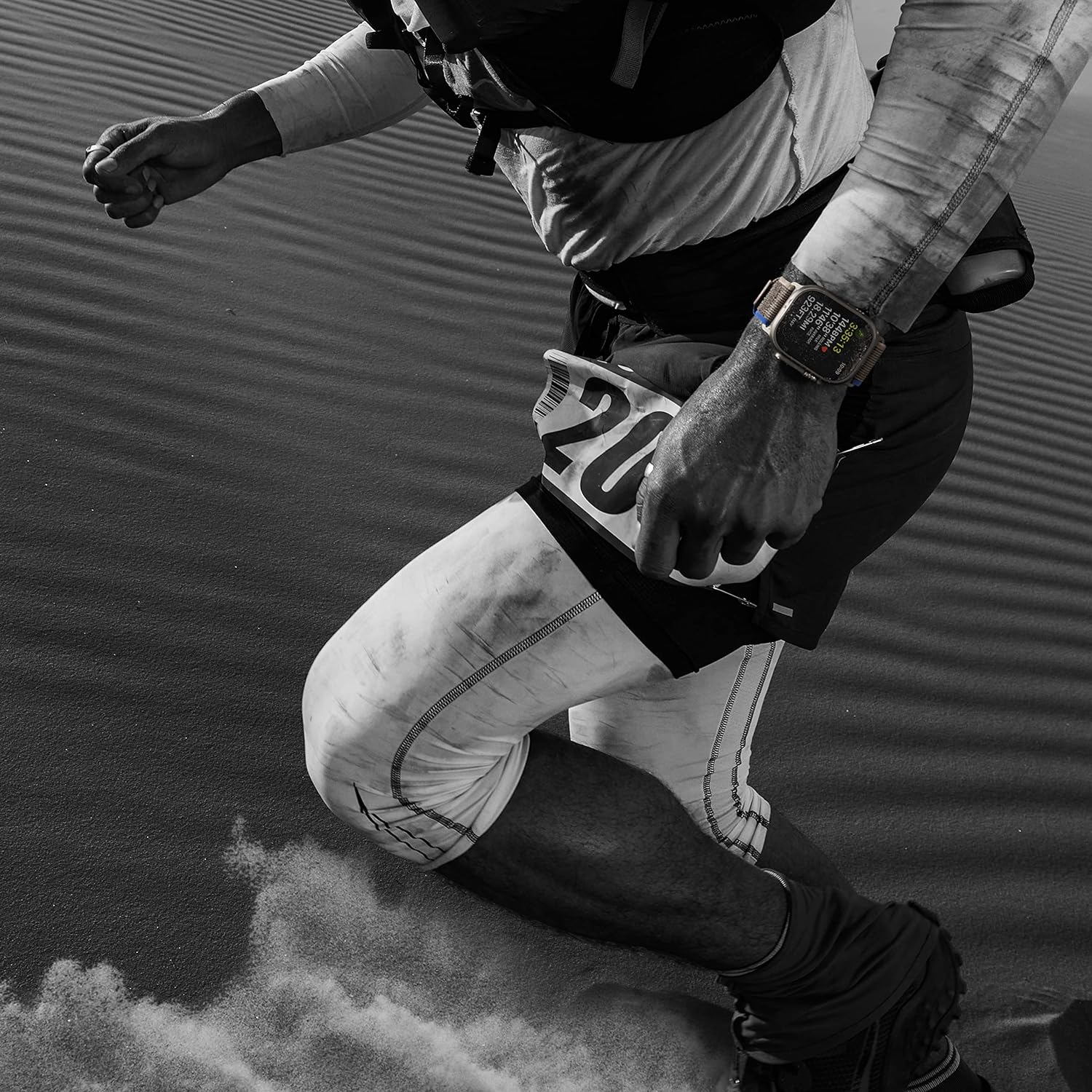
Image: An individual engaged in a running activity, with the Apple Watch Ultra visible on their wrist, highlighting its use for fitness tracking.
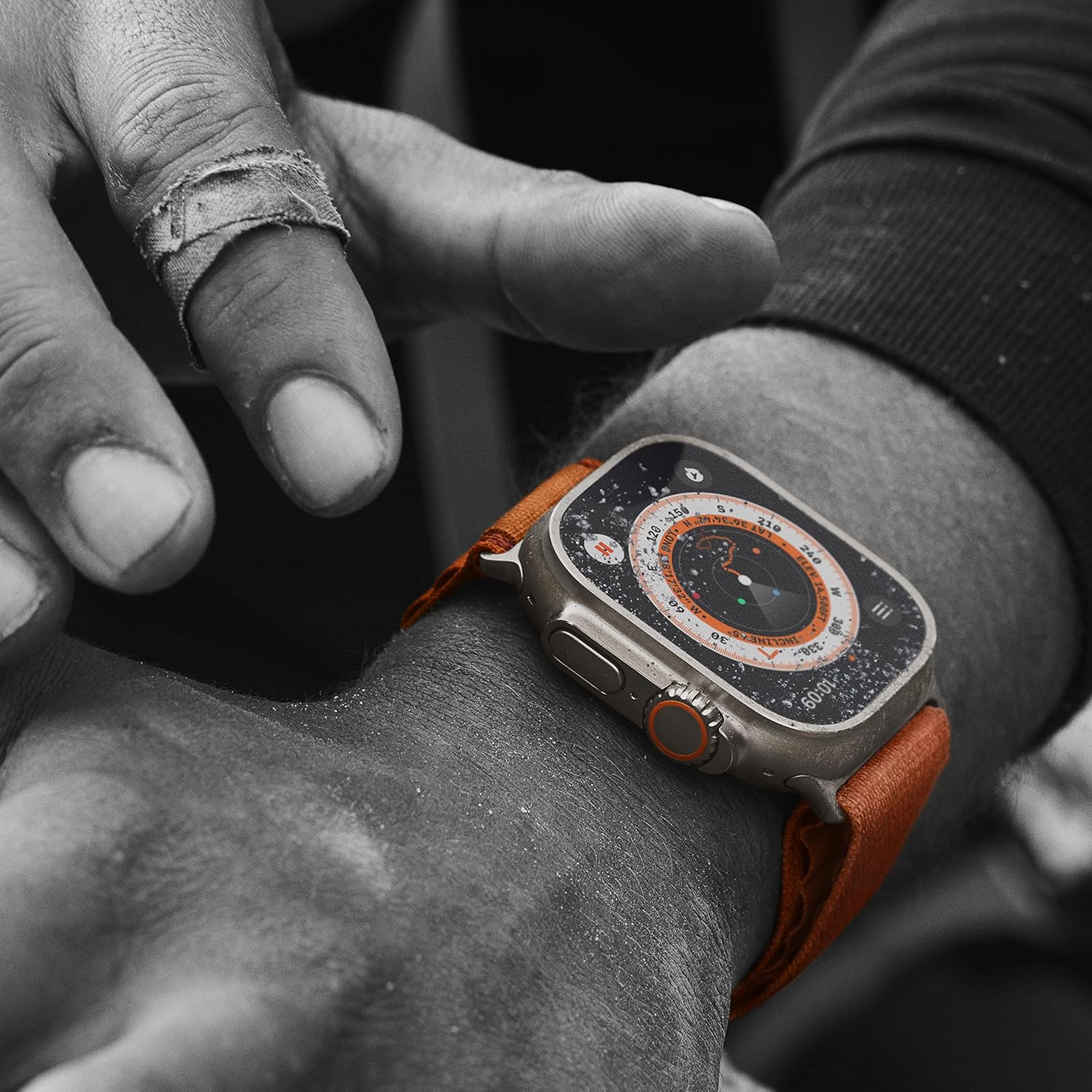
Billede: En detaljeret view of the Apple Watch Ultra showing its compass function, indicating its utility for outdoor navigation and adventure.
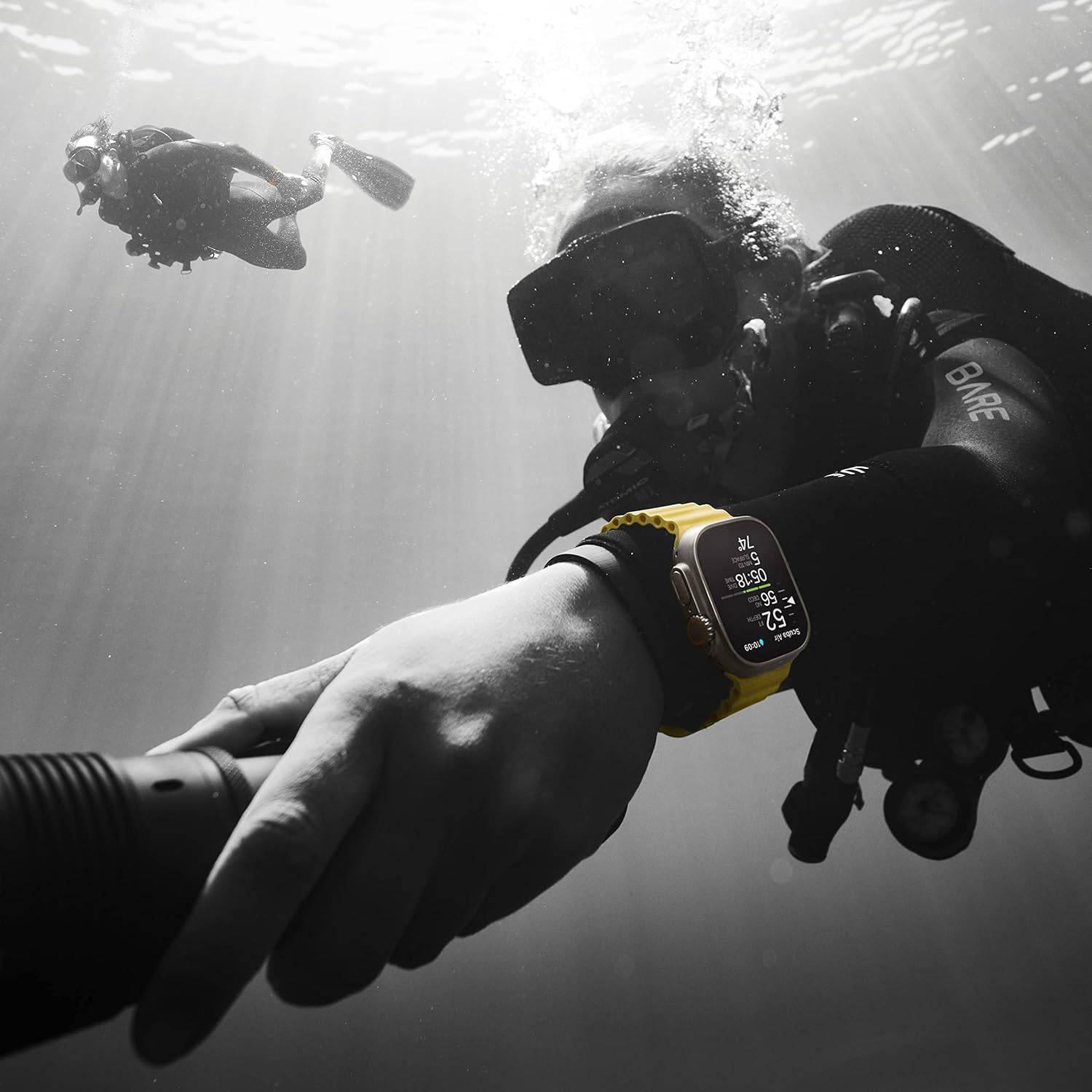
Image: The Apple Watch Ultra being used underwater by a diver, illustrating its water resistance and specialized features for aquatic activities.
Forbindelse
Stay connected with the following features:
- GPS + Cellular: Integrated GPS for accurate location tracking and cellular connectivity for calls, texts, and data even without your iPhone nearby.
- Precision Dual-Frequency GPS: Enhanced accuracy for distance, route, and pace calculations, especially in challenging environments.
- Bluetooth: Connects to wireless headphones, heart rate monitors, and other accessories.
Batteri og opladning
The Apple Watch Ultra offers robust battery performance:
- Batterilevetid: Up to 36 hours of battery life under normal usage.
- Lav strømtilstand: Extend battery life up to 72 hours with Low Power Mode enabled.
- Hurtig opladning: Supports fast charging to quickly power up your device.
Holdbarhed og design
Built to withstand demanding conditions:
- Titanium Case: A 49mm corrosion-resistant titanium case provides exceptional strength and lightness.
- Safirglas: The display is protected by a flat sapphire crystal, offering superior scratch resistance.
- Vandtæthed: Water resistant up to 100m, suitable for high-speed water sports and recreational diving.
- Larger Digital Crown and Buttons: Designed for easier use even with gloves.

Billede: Siden view of the Apple Watch Ultra, highlighting its robust titanium casing, the prominent Digital Crown, and the customizable Action Button.

Image: The back of the Apple Watch Ultra, revealing the ceramic and sapphire crystal sensor array for health monitoring, along with engraved product details.
Opretholdelse
- Rensning: Regularly clean your Apple Watch and band with a soft, lint-free cloth. For water-resistant models, rinse with fresh water after exposure to salt water or chlorine.
- Softwareopdateringer: Keep your Apple Watch updated to the latest watchOS version for optimal performance and new features. Updates can be managed through the Apple Watch App on your iPhone.
- Undgå ekstreme temperaturer: Do not expose your Apple Watch to extremely hot or cold temperatures, as this can affect battery life and functionality.
Fejlfinding
- Uret tænder ikke: Ensure the watch is sufficiently charged. If it still doesn't turn on, try a force restart by holding both the Digital Crown and the Side button for at least 10 seconds until the Apple logo appears.
- Parringsproblemer: If your watch won't pair with your iPhone, ensure both devices have Bluetooth enabled and are within range. Try restarting both devices.
- Upræcise læsninger: For health and fitness tracking, ensure the watch is worn snugly on your wrist. Clean the back of the watch regularly to ensure sensor accuracy.
- Batteriet aflades hurtigt: Check for background app refresh settings and disable unnecessary notifications. Consider using Low Power Mode.
Specifikationer
| Mærke | Æble |
| Modelnummer | MQET3LL/A |
| Case Størrelse | 49 millimeter |
| Etui materiale | Titanium |
| Display Type | Always-On Retina |
| Operativsystem | watchOS10 |
| Forbindelse | GPS, Cellular, Bluetooth |
| Vandmodstand | WR-100M (Dive-40M) |
| Batterilevetid (normal brug) | Op til 36 timer |
| Battery Life (Low Power Mode) | Op til 72 timer |
| Hukommelseslagringskapacitet | 32 GB |
| Varens vægt | 7.8 ounce |
Garanti og support
This Apple Watch Ultra (Renewed Premium) comes with a 1-year Amazon Renewed Guarantee. For technical support, please refer to Apple's official support resources or contact Amazon Renewed customer service for warranty claims.
For yderligere hjælp, besøg Apple Watch Support page eller den Amazon Renewed Store.


