Indledning
This manual provides comprehensive instructions for the setup, operation, and maintenance of your XTRIKE ME GK986 Gaming Mechanical Keyboard. Please read this manual thoroughly before using the product to ensure optimal performance and longevity.
Pakkens indhold
Bekræft at alle varer er til stede i din pakke:
- XTRIKE ME GK986 Gaming Mechanical Keyboard
- USB-kabel (medfølger)
Opsætning
- Tilslut tastaturet: Locate an available USB port on your computer (desktop PC or laptop). Insert the USB connector of the GK986 keyboard into the USB port.
- Driver installation: The keyboard is plug-and-play. Your operating system will automatically detect and install the necessary drivers. No additional software installation is typically required.
- Indledende test: Once connected, the keyboard's Rainbow LED lighting should illuminate. Open a text editor or any application to test key functionality.
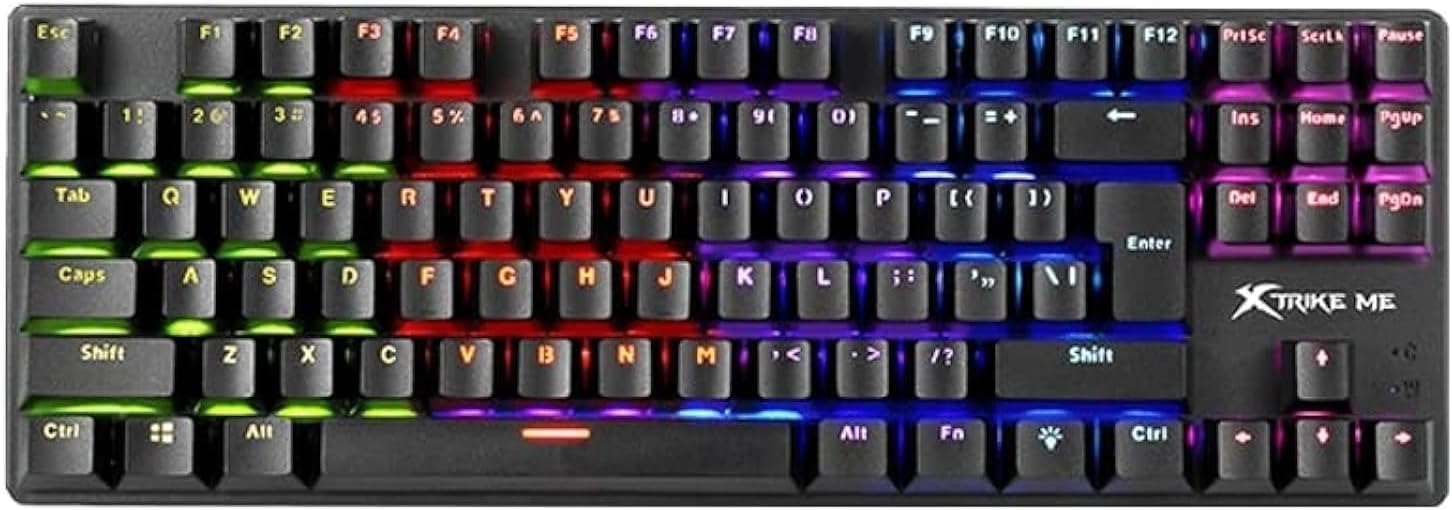
Billede: Top-down view of the XTRIKE ME GK986 keyboard, showcasing its full layout and vibrant rainbow LED backlighting across different key zones.
Betjeningsvejledning
Grundlæggende tastaturfunktioner
The GK986 functions as a standard mechanical keyboard. Its blue switches provide a tactile and audible click feedback for each keystroke. The layout includes a full set of alphanumeric keys, function keys (F1-F12), navigation keys, and a numeric keypad.
Rainbow LED Lighting
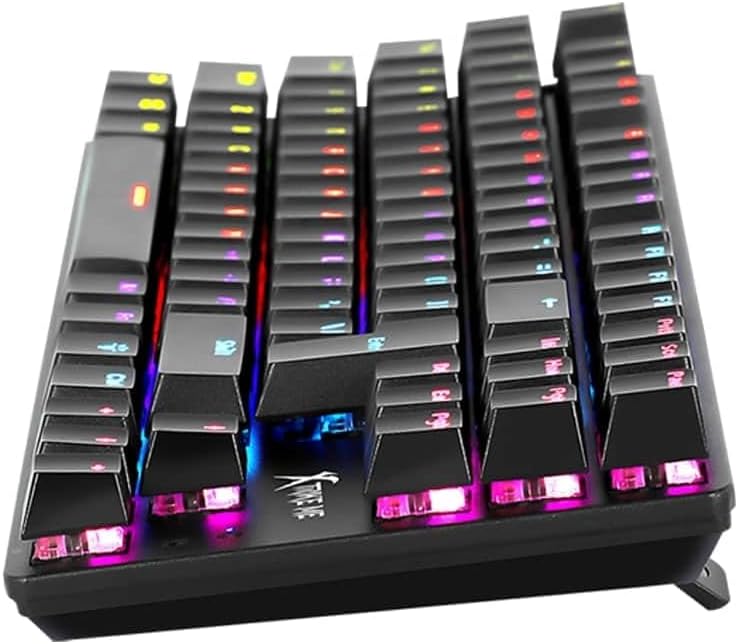
The keyboard features integrated Rainbow LED lighting. This lighting is zone-based, displaying a spectrum of colors across different sections of the keyboard. Specific key combinations may allow for cycling through various lighting effects or adjusting brightness. Refer to the keyboard's physical markings or a dedicated function key (often marked with a light bulb icon or 'Fn' + a specific key) for lighting control options.

Billede: En nærbillede forfra view of the XTRIKE ME GK986 keyboard, highlighting the individual keycaps and the distinct color zones of the rainbow LED backlighting.
Anti-Ghosting and 25-Key Rollover
The GK986 supports advanced anti-ghosting with 25-key rollover. This feature ensures that multiple simultaneous key presses are registered accurately, preventing "ghosting" (unregistered keys) or "blocking" (keys not registering due to too many simultaneous presses). This is particularly beneficial for fast-paced gaming and typing scenarios.
Billede: En sidevinklet view of the XTRIKE ME GK986 mechanical keyboard, illustrating the ergonomic keycap profile and the visible blue mechanical switches beneath the keycaps.
Opretholdelse
Sådan bevarer du tastaturets ydeevne og udseende:
- Rensning: Use a soft, dry cloth to wipe the surface of the keyboard. For dust and debris between keycaps, use compressed air.
- Undgå væsker: Spild ikke væske på tastaturet. Hvis der spildes væske, skal du straks afbryde forbindelsen til computeren og lade det tørre helt, før du tilslutter det igen.
- Opbevaring: Opbevar tastaturet et køligt, tørt sted væk fra direkte sollys og ekstreme temperaturer.
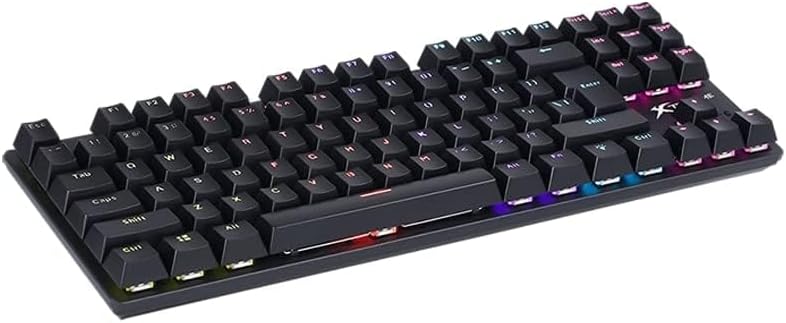
Image: An elevated, angled view of the XTRIKE ME GK986 mechanical keyboard, showing the full key layout and the overall compact design.
Fejlfinding
| Problem | Mulig løsning |
|---|---|
| Tastaturet reagerer ikke |
|
| LED lighting is off or not working correctly |
|
| Keys are not registering or are "ghosting" |
|
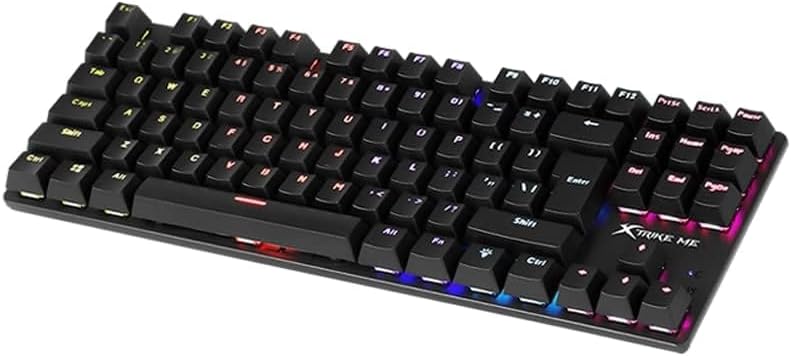
Billede: En vinklet view of the XTRIKE ME GK986 mechanical keyboard, showing the full key layout and the illuminated keys from a different perspective.
Specifikationer
| Mærke | XTRIKE MIG |
| Model | GK986 |
| Tastaturtype | Gaming mekanisk tastatur |
| Switch Type | Clicky (Blue Switches) |
| Belysning | Rainbow LED Lighting |
| Anti-Ghosting | Advanced, with 25-key rollover support |
| Forbindelse | USB |
| Kompatible enheder | Laptop, PC |
| Materiale | Plast |
| Inkluderede komponenter | USB kabel |
| Produktmål (L x B x H) | 34.8 x 12 x 3.6 cm |
| Vægt | 800 g |
Garanti og support
For warranty information or technical support, please refer to the documentation provided at the point of purchase or contact your retailer. Keep your proof of purchase for any warranty claims.


