1. Introduktion
This manual provides detailed instructions for the installation, operation, and maintenance of your Ctronics 2.5K 4MP Solar Security Camera. This wireless outdoor camera system offers advanced surveillance features including 2.5K 4MP Super HD resolution, PTZ control, color night vision, PIR human detection, and two-way audio, all powered by a rechargeable battery and solar panel for continuous operation.
2. Pakkens indhold
Kontroller venligst, at alle komponenter er til stede i din pakke:
- Ctronics 2.5K 4MP Solar Security Camera (quantity as per pack)
- Solar Panel (one per camera)
- Monteringsbeslag
- Monteringsskruer og vægdyvler
- USB opladningskabel
- Brugervejledning (dette dokument)
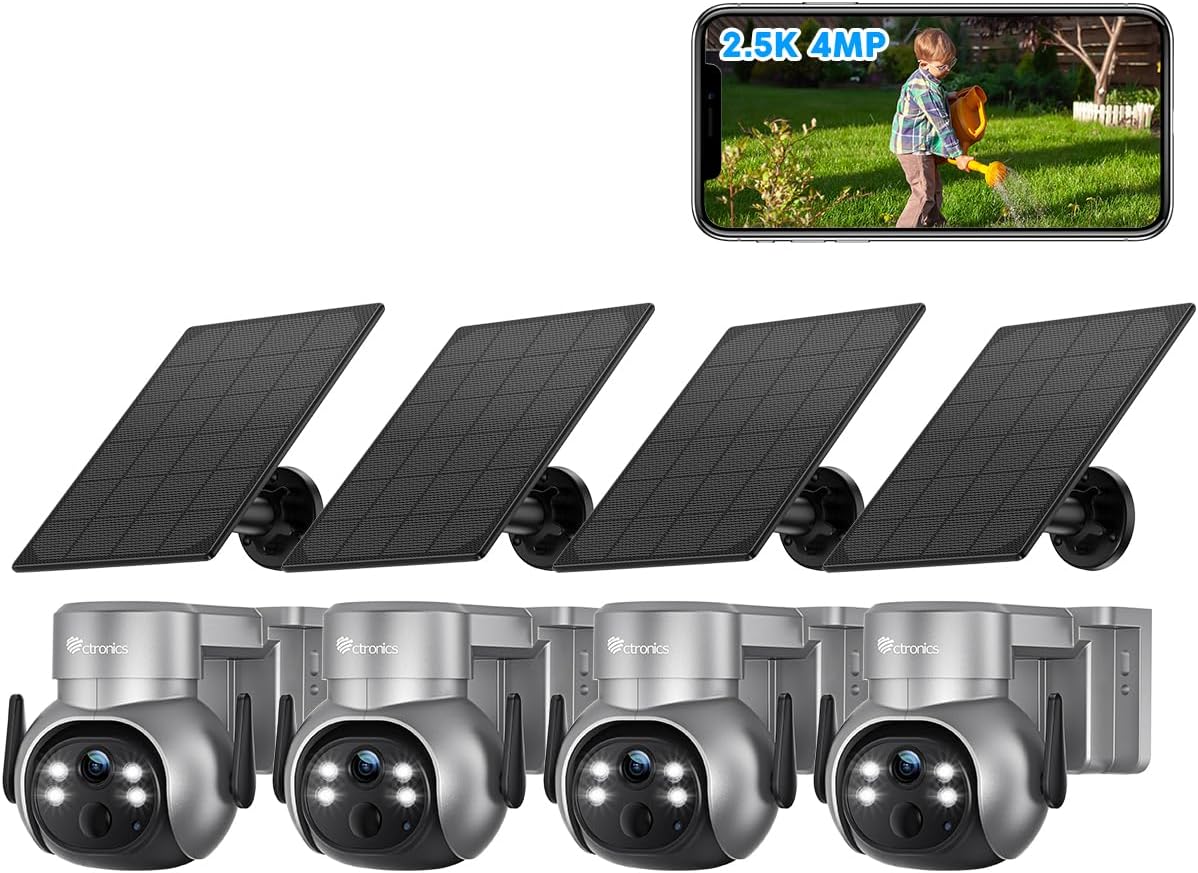
Figur 2.1: Overview of the Ctronics 2.5K 4MP Solar Security Camera 4-pack.
3. Opsætning og installation
Before installation, ensure the camera battery is fully charged using the provided USB cable. The solar panel will maintain the charge after installation.
3.1 Opladning af kameraet
Connect the camera to a 5V/2A USB power adapter using the included USB charging cable. The charging indicator light will show the charging status. A full charge is recommended before initial setup.
3.2 Download af app og kontoregistrering
Download the "Ctronics Pro" app from your mobile device's app store (iOS App Store or Google Play Store). Follow the in-app instructions to register an account and add your camera device.
3.3 Montering af kamera og solpanel
Kameraet og solpanelet kan monteres på en væg eller i loftet. Vælg en placering, der giver optimal sollyseksponering for solpanelet og en klar view for the camera. Ensure the mounting surface is sturdy enough to support the camera's weight.
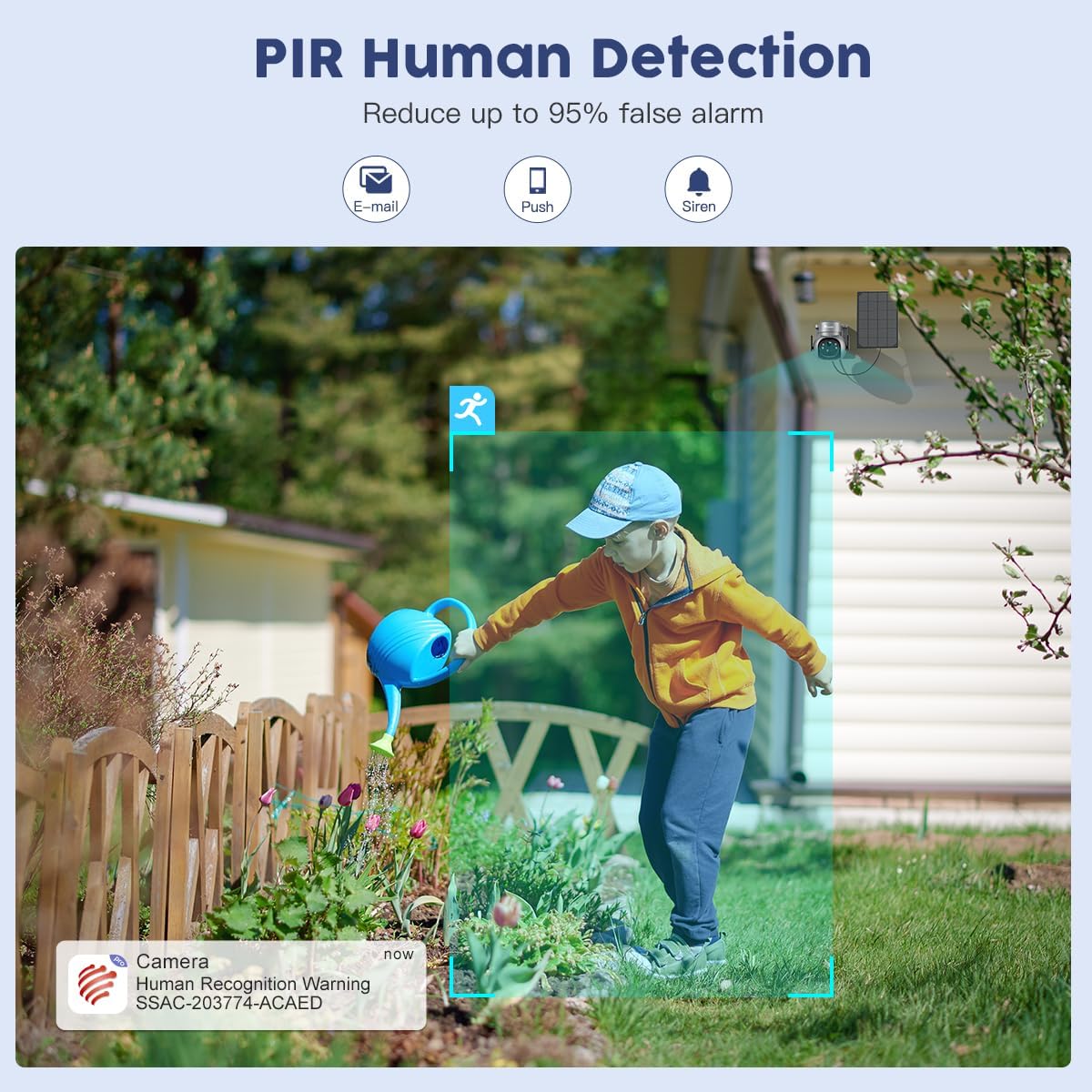
Figure 3.1: Wall and Ceiling Installation options for the Ctronics camera and solar panel.

Figure 3.2: Proper installation of the camera on an exterior wall.
Use the provided screws and wall plugs to securely fasten the mounting bracket. Attach the camera to the bracket and adjust its angle as needed. Connect the solar panel cable to the camera.

Figure 3.3: Revolutionary Charging System with dual solar panel connection. Note: Only one solar panel is included per camera; additional panels must be purchased separately.
4. Betjeningsvejledning
4.1 Live View og opløsning
Access the live feed from your camera via the "Ctronics Pro" app. The camera provides 2.5K 4MP (2560*1440P) Super HD resolution, ensuring clear and detailed video monitoring.

Figure 4.1: Day and Night Super HD Resolution (2.5K 4MP).
Video 4.1: Demonstration of Ctronics 2.5K 4MP Wireless Security Camera features, including resolution and wire-free operation.
4.2 Panorerings- og vippekontrol
The camera features 355° Pan and 95° Tilt capabilities, allowing you to remotely adjust the viewing angle to cover every angle of your property. Use the directional controls within the "Ctronics Pro" app to move the camera lens.
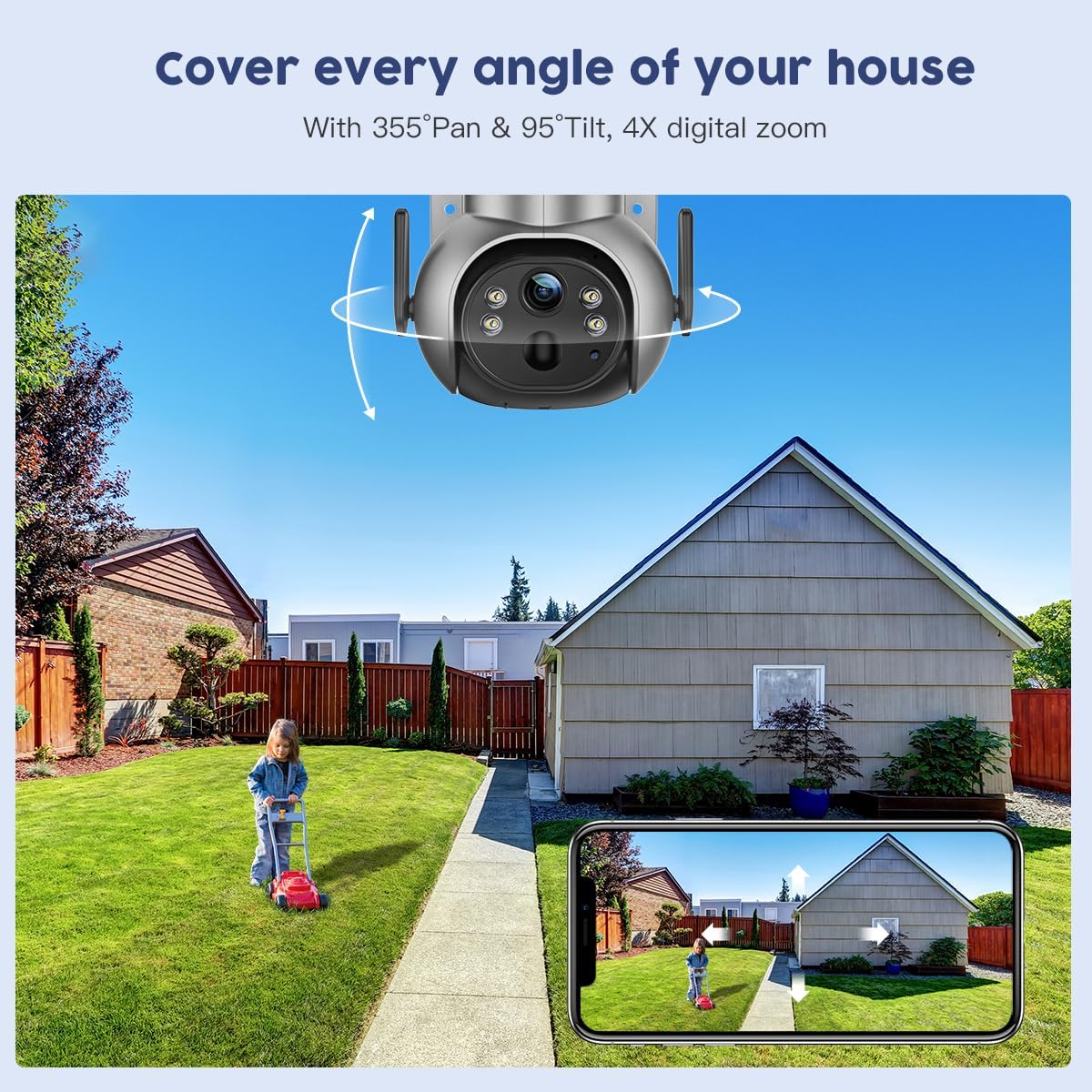
Figure 4.2: 355° Pan & 95° Tilt control via the Ctronics Pro app.
4.3 Farve nattesyn
The camera is equipped with color night vision, providing clear, full-color images even in low-light conditions or complete darkness. This enhances visibility and detail compared to traditional black and white infrared night vision.

Figure 4.3: 2.5K 4MP Color Night Vision in action.
4.4 PIR-detektion af mennesker
The Passive Infrared (PIR) human detection feature intelligently identifies human shapes, significantly reducing false alarms caused by pets, vehicles, or swaying branches. When human motion is detected, you will receive instant notifications (email, push, siren) on your connected device.
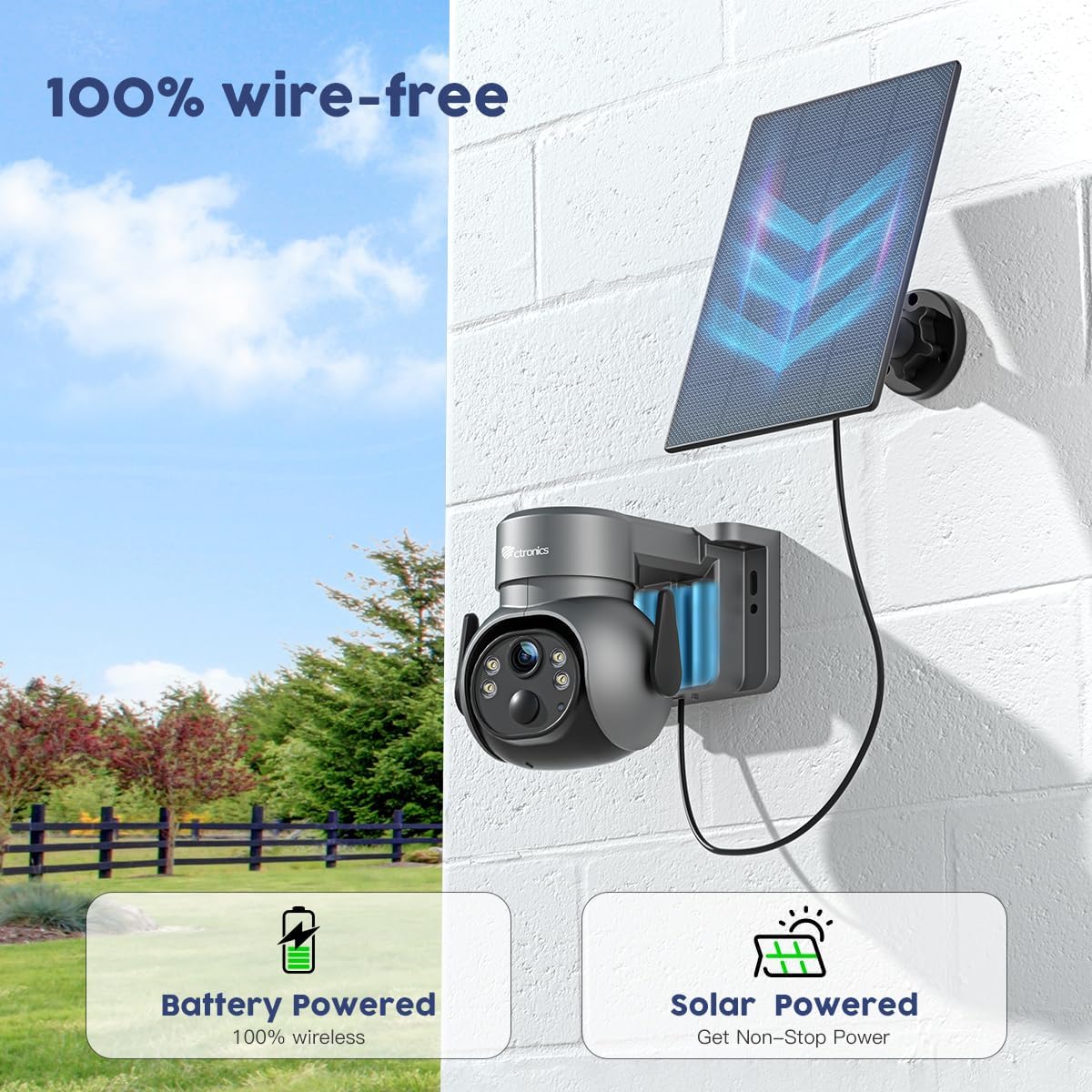
Figure 4.4: PIR Human Detection reducing false alarms.
4.5 Tovejslyd
Utilize the built-in microphone and speaker for real-time two-way communication. This allows you to speak to visitors or deter intruders directly through the camera via the app.

Figure 4.5: Two-way audio communication via the app.
4.6 Lagringsmuligheder
The camera supports local storage via a TF (microSD) card up to 128GB (not included). Cloud storage options may also be available; please check the Ctronics Pro app for details and ensure your camera firmware is up to date for cloud functionality.

Figure 4.6: TF Card slot for local storage (up to 128GB).

Figure 4.7: Ctronics Cloud storage and playback interface.
5. Vedligeholdelse
To ensure optimal performance and longevity of your Ctronics security camera, follow these maintenance guidelines:
- Regelmæssig rengøring: Tør kameralinsen og solpanelet regelmæssigt af med en blød klud.amp klud til at fjerne støv, snavs eller affald, der kan blokere view or reduce charging efficiency.
- Firmwareopdateringer: Check the "Ctronics Pro" app regularly for available firmware updates. Keeping your camera's firmware updated ensures access to the latest features, security enhancements, and bug fixes.
- Batteriets sundhed: While solar-powered, occasional manual charging via USB may be necessary during prolonged periods of low sunlight. Monitor battery levels through the app.
- Miljøbeskyttelse: The camera is IP66 waterproof, designed to withstand various weather conditions. However, avoid direct high-pressure water jets or submerging the device.

Figure 5.1: IP66 Waterproof rating, demonstrating resilience to weather.
6. Fejlfinding
If you encounter issues with your Ctronics camera, please refer to the following common problems and solutions:
| Problem | Mulig årsag | Løsning |
|---|---|---|
| Kamera offline | Weak Wi-Fi signal, low battery, power outage. | Check Wi-Fi signal strength, recharge battery, verify power supply. Restart camera and router. |
| Ingen advarsler om bevægelsesdetektering | PIR-følsomhed for lav, detektionszone ikke indstillet, app-notifikationer deaktiveret. | Adjust PIR sensitivity in app, configure detection zones, enable app notifications. |
| Dårlig videokvalitet | Dirty lens, weak Wi-Fi, low light conditions (without color night vision enabled). | Clean the lens, improve Wi-Fi signal, ensure color night vision is active or sufficient ambient light is present. |
| To-vejs lyd virker ikke | Microphone/speaker muted in app, network latency. | Check audio settings in the app, ensure microphone and speaker are unmuted. Verify stable network connection. |
| Batteriet oplades ikke via solpanel | Insufficient sunlight, dirty solar panel, faulty connection. | Relocate solar panel to an area with more direct sunlight, clean the panel, check cable connections. |
For yderligere assistance, kontakt venligst Ctronics kundesupport.
7. Specifikationer
| Feature | Detalje |
|---|---|
| Mærke | Ctronics |
| Model | B0C5CVK54R |
| Videooptagelsesopløsning | 4 MP (2.5K) |
| Forbindelsesteknologi | Trådløs (Wi-Fi) |
| Strømkilde | Batteridrevet, Soldrevet |
| Pan/tilt rækkevidde | 355° Pan, 95° Tilt |
| Nattesyn | Color Night Vision, Infrared |
| Menneskelig detektion | PIR-detektion af mennesker |
| Lyd | To-vejs lyd |
| Vandtæt vurdering | IP66 |
| Opbevaring | Supports up to 128GB TF Card (not included), Cloud Storage (check app for availability) |
| Batterikapacitet | 5000 mioampfør time (mAh) |
| Dimensioner | 5 x 6.99 x 6 tommer |
| Varens vægt | 8.12 pund |
8. Garanti og support
Ctronics-produkter leveres typisk med en producentgaranti. Se venligst garantikortet, der er inkluderet i produktemballagen, eller besøg den officielle Ctronics-side. webwebsted for detaljerede garantioplysninger og vilkår.
For technical support, product inquiries, or warranty claims, please contact Ctronics customer service through their official website or the contact information provided in the product packaging. Ensure you have your product model number and purchase details ready when contacting support.
Ctronics Official Webwebsted: www.ctronics.com (Bemærk: Dette er en pladsholder URL. Please refer to your product packaging for the exact official webwebsted.)


