Indledning
Welcome to your new BUFFBEE Bluetooth Speaker Alarm Clock Radio. This versatile device combines a night light, Bluetooth speaker, alarm clock, and FM radio into a compact design, perfect for any bedroom or living space. Please read this manual carefully to ensure proper use and optimal performance.

Hvad er der i æsken
- 1*Brugermanual
- 1*CR2032 Battery
- 1*1.5m DC adapter
- 1*Bluetooth Clock Radio
Opsætning
Strømtilslutning
The BUFFBEE Bluetooth Speaker Alarm Clock Radio is designed to be outlet powered. Connect the provided 1.5m DC Adapter to the DC 5V port on the back of the unit and plug it into a standard wall outlet.
Batteri backup
For time and alarm setting retention during power outages, insert the included CR2032 battery into the battery compartment located on the bottom of the unit. This battery only provides backup for settings and does not power the device for operation.

Indledende tidsindstilling
Upon first power-up, the display will show the default time. Refer to the "Operating Instructions" section for detailed steps on setting the current time.
Betjeningsvejledning
Kontrol overview
The device features intuitive controls located on the top panel.
Indstilling af tid og alarm
For at indstille tiden skal du trykke på og holde nede Indstil tid button (usually indicated by a clock icon) until the hour digits flash. Use the +/- knapperne for at justere timetallet, og tryk derefter på Indstil tid again to move to minutes. Repeat the process for setting the alarm time.
Display Dimmer (0-100%)
Adjust the display brightness from 0% (completely off) to 100% (very bright) to suit your preference, especially for nighttime use. This feature helps prevent bright light from disturbing your sleep.

Bluetooth højttaler funktion
The device features Bluetooth 5.0 for fast and stable connections.
Parring af din enhed
- Tryk på BT button to enter Bluetooth pairing mode. The display will show "BT" and a flashing Bluetooth icon.
- On your smartphone or other Bluetooth-enabled device, search for "BUFFBEE RS11" (or similar) in the Bluetooth settings.
- Select the device to pair. Once connected, a confirmation sound will play, and the Bluetooth icon will become solid.

Betjening af FM-radio
Enjoy strong reception and save up to 30 radio stations.
Auto-Scan and Save Stations
Tryk og hold på FM button to initiate an auto-scan for available radio stations. The device will automatically save stations with strong signals.
Manual Tuning / Station Selection
Brug +/- buttons to manually tune to a specific frequency or cycle through saved stations.

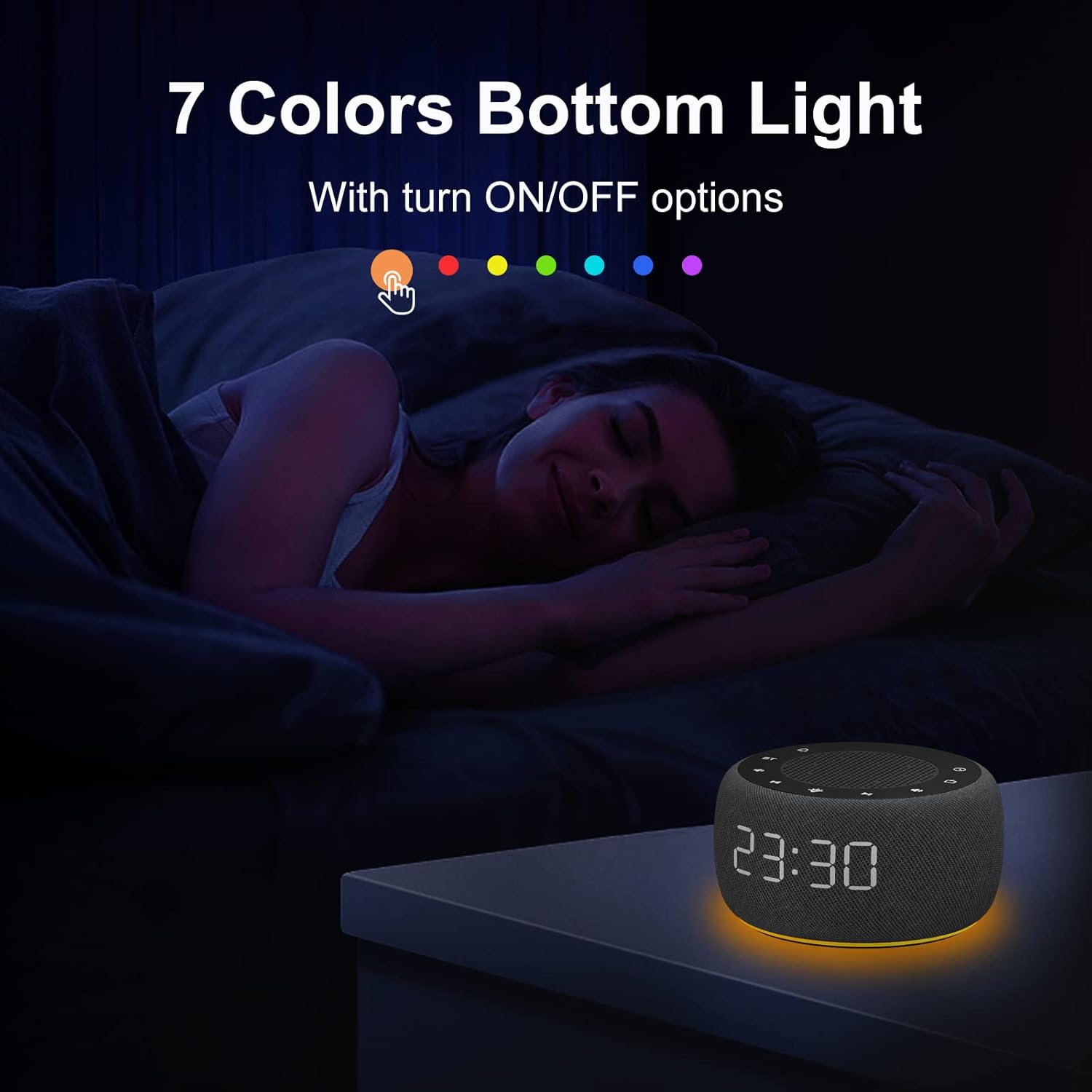
Night Light (7 Colors Underlight)
Create a relaxing atmosphere with 7 selectable colors.
Skiftende farver
Tryk på Lys button (sun icon) to cycle through the 7 available colors.
Slukning af natlyset
Fortsæt med at trykke på Lys button until the light turns off, or hold the button down for a few seconds.

Alarm lyder
Wake up gently with various alarm sounds, including bird chirping, piano, beep, or your preferred FM radio station.
Opretholdelse
To ensure the longevity of your BUFFBEE device, keep it clean and free from dust. Use a soft, dry cloth for cleaning. Avoid using abrasive cleaners or solvents. Do not expose the unit to excessive moisture or extreme temperatures.
Fejlfinding
Ingen strøm / Skærm slukket
- Ensure the DC adapter is securely plugged into both the unit and a working wall outlet.
- Kontroller om stikkontakten fungerer ved at tilslutte en anden enhed.
- If the display is set to 0% brightness, it may appear off. Press the display dimmer button to increase brightness.
Dårlig FM-radiomodtagelse
- Træk FM-antennen helt ud.
- Reposition the unit to a location with better signal reception.
- Perform an auto-scan again to re-scan for stronger stations.
Problemer med Bluetooth-parring
- Ensure the device is in Bluetooth pairing mode (flashing BT icon).
- Sørg for, at din eksterne enheds Bluetooth er aktiveret og inden for rækkevidde.
- Prøv at ophæve parringen og parre enheden igen.
- Restart both the clock radio and your external device.
Alarmen lyder ikke
- Verify that the alarm is set correctly and enabled.
- Check the alarm volume level.
- If using FM radio as an alarm, ensure the selected station has a clear signal.
Specifikationer
| Feature | Detalje |
|---|---|
| Mærke | BUFFBEE |
| Model | RS11 |
| Farve | Space Grey |
| Display Type | Digital |
| Speciel funktion | Adjustable Brightness, Adjustable Volume, Loud Alarm, Mood Light, Radio |
| Produktdimensioner | 3.9"W x 2.4"H (3.85 x 3.85 x 2.36 Inches) |
| Strømkilde | Elektrisk med ledning |
| Materiale | Plast |
| Varens vægt | 12 ounces (340 gram) |
| Vækkeur | Ja |
| Driftstilstand | Elektrisk |
| Urformular | Multi Display |
| Monteringstype | Bordplade |
| Er batterier inkluderet | No (CR2032 for backup only) |
Garanti & Support
This BUFFBEE product comes with a 1 års garanti from the date of purchase. For any support inquiries, technical assistance, or warranty claims, please contact BUFFBEE customer service through the retailer's platform or visit the official BUFFBEE webwebsted.
Manufacturer: BUFFBEE


