1. Introduktion
This manual provides essential instructions for the safe and efficient use of your OnePlus Nord Buds 2 True Wireless Earbuds. Please read this manual thoroughly before using the product and retain it for future reference.
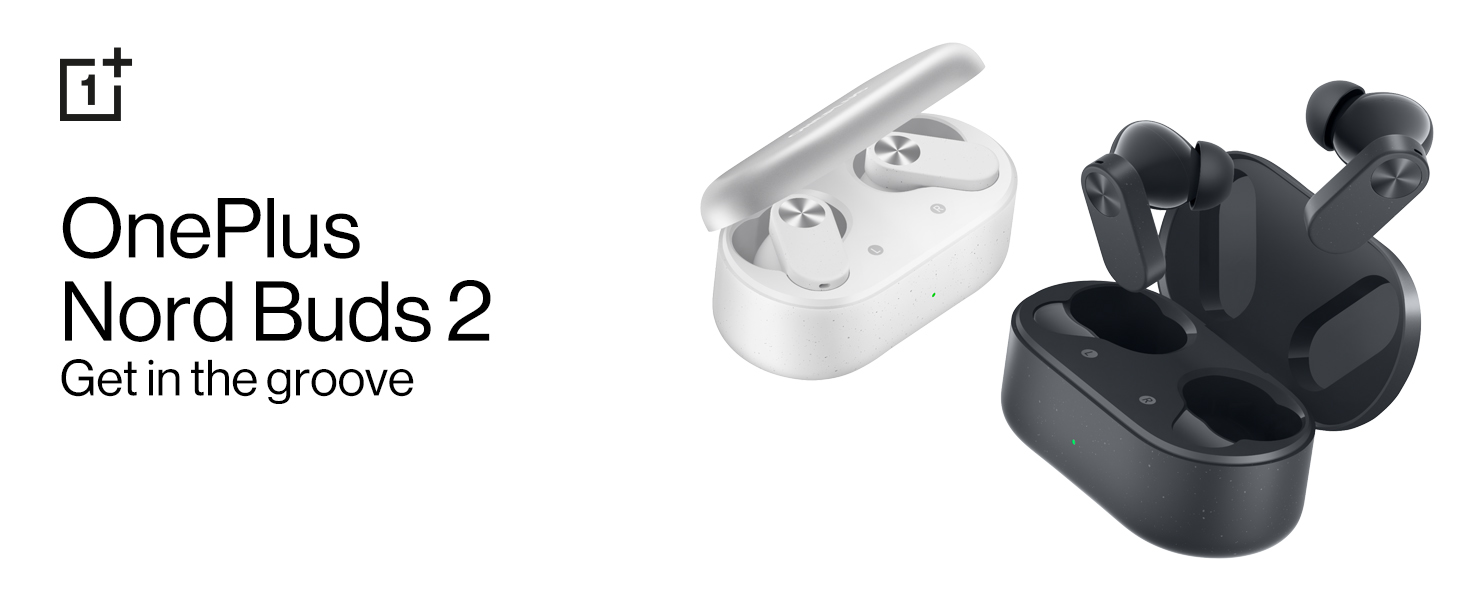
Image: OnePlus Nord Buds 2 in both Lightning White and Thunder Gray colors, alongside their respective charging cases.
2. Hvad er der i æsken
Kontroller, at alle varer er til stede i emballagen:
- OnePlus Nord Buds 2 Earbuds (Left and Right)
- Opladningsetui
- 1U Charging Cable (USB Type-C)
- 4N ørepropper (forskellige størrelser)
- 1U User Guide
- 1U Warranty & Safety Card
- 1N Red Cable Club Welcome Card
3. Produktet er slutview
3.1 Ørepropper og opladningsetui
The OnePlus Nord Buds 2 consist of two true wireless earbuds and a portable charging case. The earbuds feature a stem design with touch control areas.

Image: The OnePlus Nord Buds 2 earbuds shown with their charging case, illustrating their compact design.
3.2 Komponenter
- Earbud Speaker: Leverer lyd.
- Mikrofoner: Used for calls and Active Noise Cancellation.
- Berøringskontrolområde: Til styring af afspilning, opkald og tilstande.
- Opladningskontakter: For charging the earbuds within the case.
- LED-indikator for opladningsetuiet: Viser opladningsstatus og batteriniveau.
- USB Type-C-port: Til opladning af etuiet.

Billede: En detaljeret view of a single earbud, showing the speaker and microphone components.
4. Opsætning
4.1 Opladning
- Indledende opkrævning: Before first use, place both earbuds into the charging case and connect the case to a power source using the provided USB Type-C cable. Ensure the case and earbuds are fully charged.
- Opladning af øretelefoner: Place the earbuds into the charging case. They will charge automatically. The case LED indicates the charging status.
- Opladningsetui: Connect the charging case to a USB power adapter using the USB Type-C cable. The LED indicator will show charging progress. A full charge provides up to 36 hours of total playback with the case.
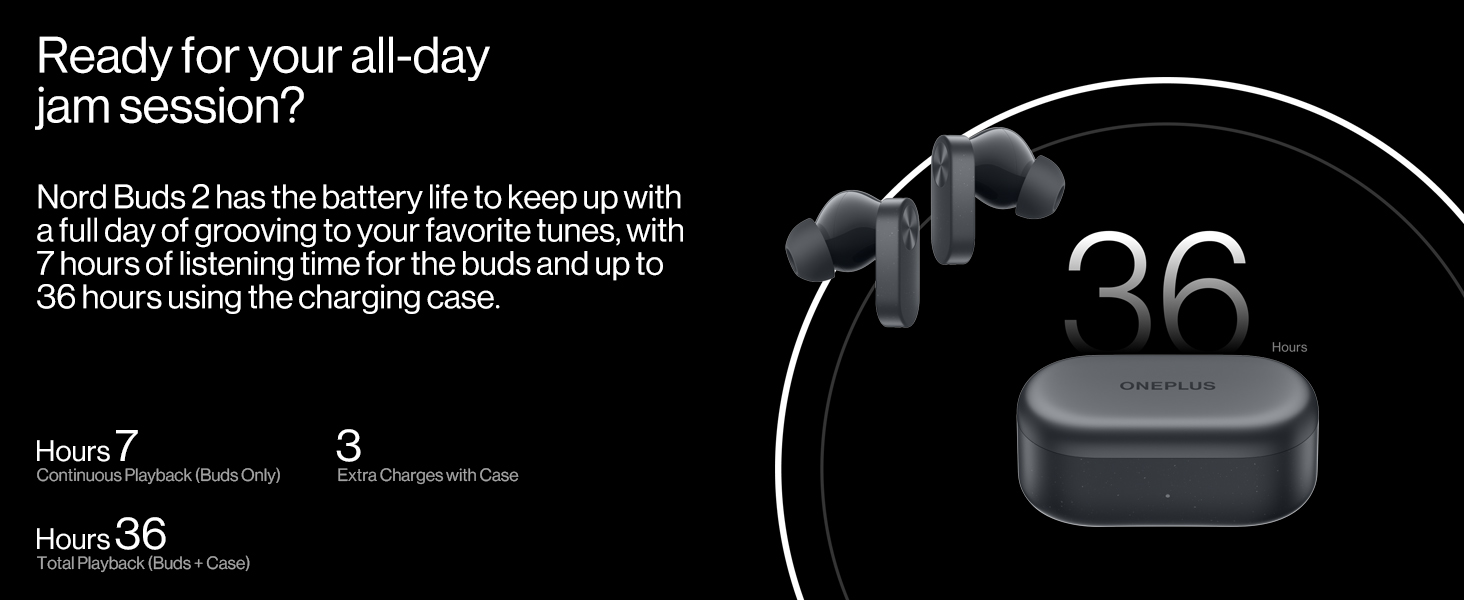
Image: Visual representation of the battery life, indicating 7 hours of continuous playback for earbuds and 36 hours total with the charging case.
4.2 Parring
- Første gangs parring: Åbn opladningsetuiet med ørepropperne indeni. Ørepropperne vil automatisk gå i parringstilstand.
- Opret forbindelse til enhed: On your smartphone or Bluetooth device, go to Bluetooth settings and select "OnePlus Nord Buds 2" from the list of available devices.
- Re-pairing/New Device: To pair with a new device or re-pair, place the earbuds in the case, open the lid, and press and hold the function button on the case for 2 seconds until the indicator light flashes white. Then select the earbuds on your device.
- Fast Pairing (OnePlus Devices): For OnePlus devices, simply open the charging case near your phone, and a pop-up will appear for quick connection.
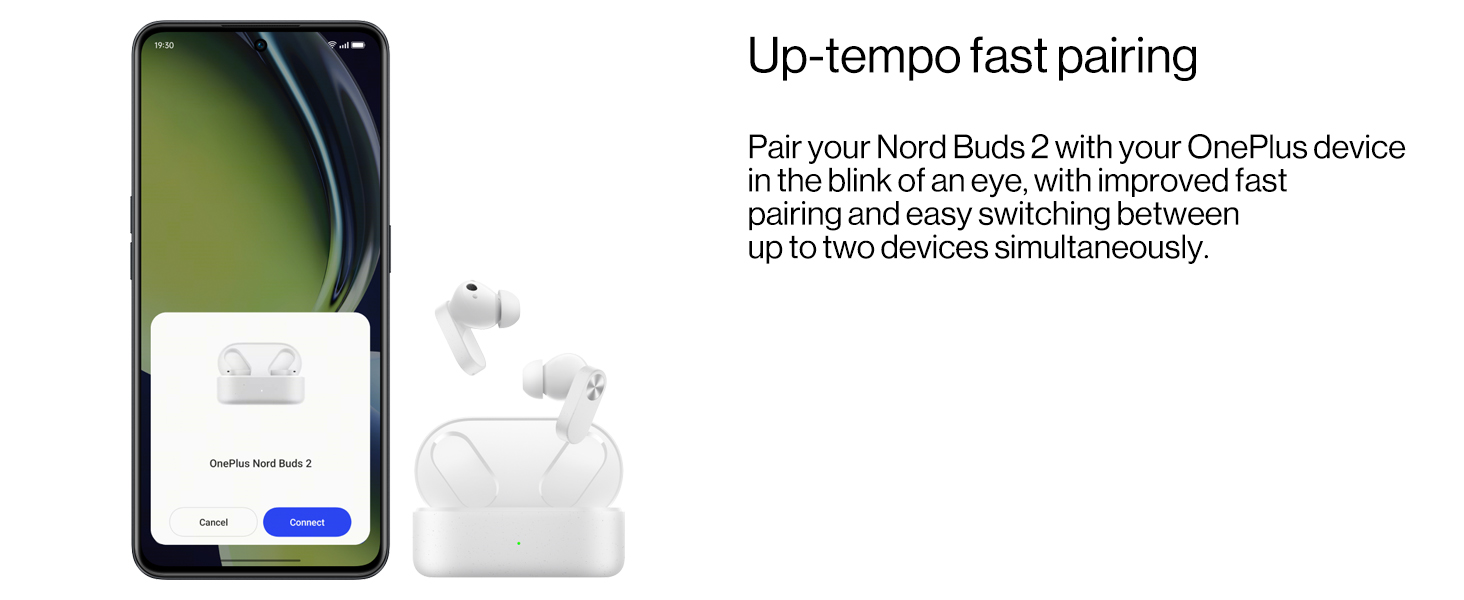
Image: A smartphone screen showing the fast pairing interface for OnePlus Nord Buds 2.
4.3 Sådan tager du ørepropperne på
- Vælg ørepropper: Choose the eartips that provide the best seal and comfort for your ears. Different sizes are included.
- Indsæt ørepropper: Før forsigtigt ørepropperne ind i dine ørekanaler.
- Juster position: Rotate the earbuds slightly until they fit securely and comfortably, ensuring the stem points downwards. A proper fit is crucial for optimal sound quality and Active Noise Cancellation performance.

Image: A selection of eartips in different sizes, allowing users to find the best fit for comfort and sound isolation.
5. Betjening af øretelefonerne
5.1 Tryk på kontrolelementer
The touch control area is located on the stem of each earbud. Functions can be customized via the HeyMelody app.
- Enkelt tryk: Afspil/pause musik, besvar/afslut opkald.
- Dobbeltklik: Næste nummer, Afvis opkald.
- Tredobbelt tryk: Forrige nummer.
- Press and Hold (1 second): Switch between Noise Cancellation modes (ANC On, Transparency, ANC Off).
5.2 Aktiv støjreduktion (ANC)
The Nord Buds 2 feature up to 25dB Active Noise Cancellation to reduce ambient noise. Press and hold the touch control area on either earbud to cycle through ANC On, Transparency Mode, and ANC Off.

Image: A visual representation of how Active Noise Cancellation works, showing an earbud suppressing ambient sound waves.
5.3 Gennemsigtighedstilstand
Transparency Mode allows you to hear your surroundings while still listening to audio. This is useful for situational awareness. Activate it by pressing and holding the touch control area.
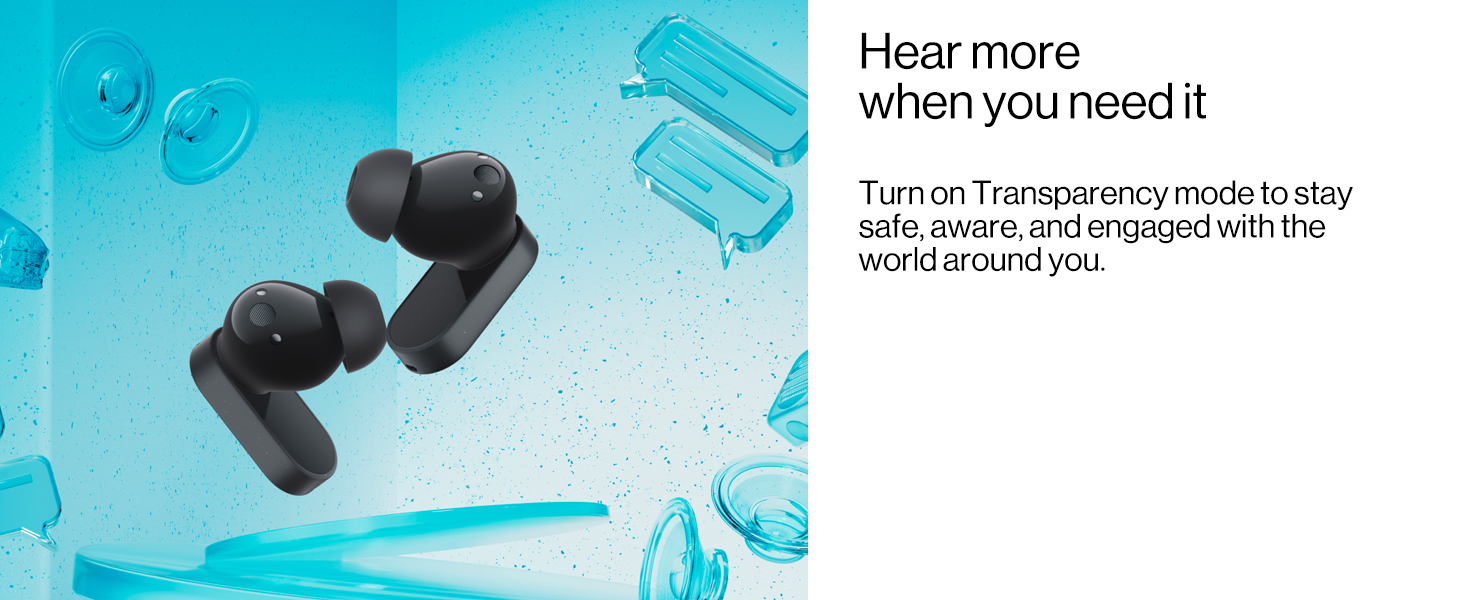
Image: Earbuds depicted with elements suggesting external sound, illustrating the function of Transparency Mode.
5.4 Sound Master Equalizers and BassWave Technology
Customize your audio experience using the HeyMelody app. The app provides various sound profiles (Balance, Vocal, Transparent) and the BassWave bass enhancement algorithm for dynamic low-frequency response.
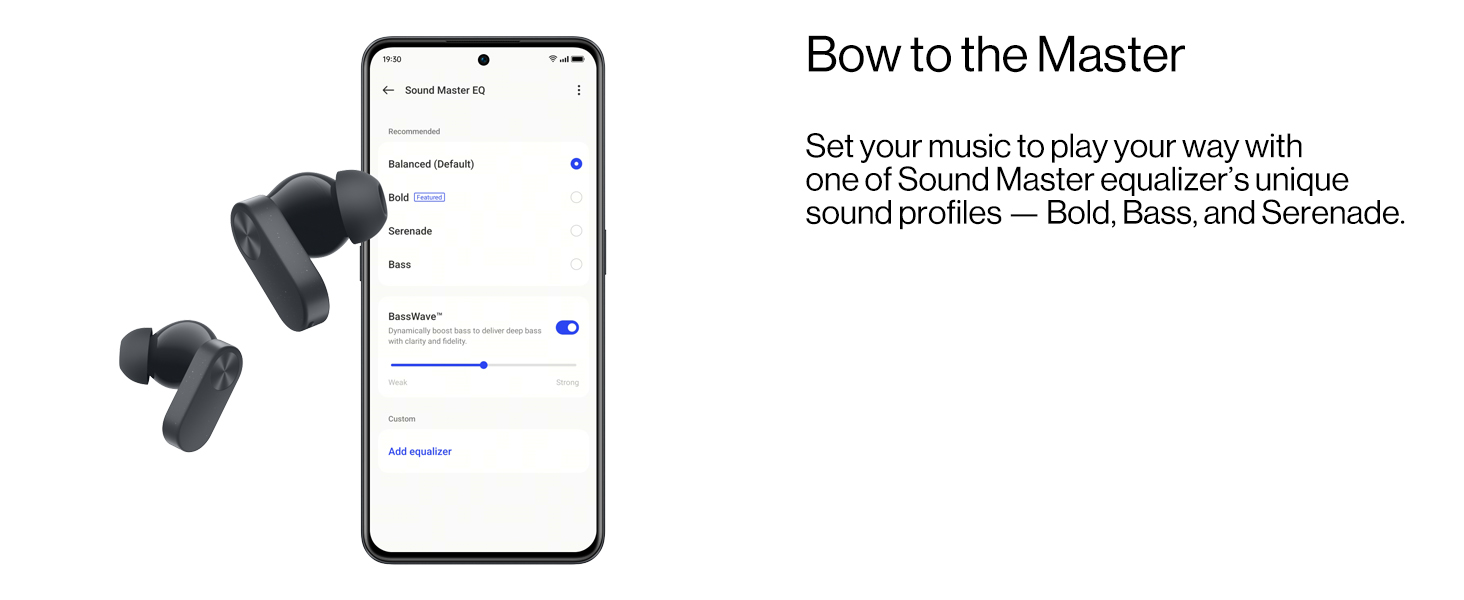
Image: A smartphone screen displaying the Sound Master Equalizer settings within the HeyMelody app, showing options for sound profiles and BassWave.
5.5 Opkaldsfunktioner
The Nord Buds 2 feature a 4-mic design and AI Clear Calls algorithm for clear voice pickup during calls, filtering out background noise.

Image: An illustration of an earbud indicating the placement and function of the noise cancellation and call clarity microphones.
6. Vedligeholdelse
6.1 Rengøring
Regelmæssig rengøring hjælper med at opretholde optimal ydeevne og hygiejne:
- Brug en blød, tør og fnugfri klud til at tørre ørepropperne og opladningsetuiet af.
- Gently remove any earwax or debris from the eartips and speaker mesh using a small, clean brush or cotton swab.
- Sørg for, at opladningskontakterne på både ørepropper og etuiet er rene og tørre.
- Brug ikke slibende materialer, alkohol eller kemiske rengøringsmidler.
6.2 Vandtæthed (IP55-klassificering)
The OnePlus Nord Buds 2 earbuds have an IP55 rating, indicating resistance to dust and splashes of water. This means they can withstand sweat and light rain. However, they are not waterproof and should not be submerged in water or exposed to high-pressure water jets.
- Dry the earbuds completely before placing them back into the charging case to prevent damage.
- Opladningsetuiet er ikke vandtæt.

Image: A user wearing the earbuds during a workout, demonstrating their IP55 rating for sweat and water resistance.
7. Fejlfinding
7.1 Almindelige problemer og løsninger
- Ørepropper parrer ikke:
- Sørg for, at ørepropperne er opladet.
- Place earbuds in the case, close the lid, then open it. Press and hold the function button on the case for 2 seconds until the indicator light flashes white.
- Slå Bluetooth fra og til på din enhed.
- Glem enheden i dine Bluetooth-indstillinger, og prøv at parre igen.
- Ingen lyd fra den ene øreprop:
- Sørg for, at begge øretelefoner er opladet.
- Rengør opladningskontakterne på både øreproppen og etuiet.
- Try resetting the earbuds (refer to the full user guide for specific reset instructions).
- Lav lydstyrke eller dårlig lydkvalitet:
- Juster lydstyrken på din tilsluttede enhed.
- Ensure eartips are correctly sized and provide a good seal.
- Clean the speaker mesh for any obstructions.
- Check equalizer settings in the HeyMelody app.
- ANC ikke effektivt:
- Sørg for, at ørepropperne sidder korrekt i dine ører og at de forsegler hinanden.
- Verify ANC is activated via touch control or the HeyMelody app.
8. Specifikationer
| Model | E508A |
| Forbindelse | Bluetooth 5.3 |
| Wireless Range | Op til 10 meter |
| Driver størrelse | 12.4mm Dynamic Titanium Drivers |
| Støjkontrol | Aktiv støjreduktion (op til 25 dB) |
| Mikrofoner | 4-Mic Design for calls |
| Batterilevetid (ørepropper) | Op til 7 timer (enkelt opladning) |
| Batterilevetid (i alt med etui) | Op til 36 timer |
| Opladningstid (etui) | Approximately 36 hours (This seems to be a typo in the source data, likely referring to total playback, not charge time. Actual charge time is typically much shorter, e.g., 1-2 hours for case.) |
| Hurtig opladning | 10 minutters opladning giver 5 timers afspilning |
| Vandmodstand | IP55 (kun øretelefoner) |
| Kontroltype | Tryk på kontrol |
| Vægt | 47 gram (i alt) |
9. Garanti og support
For detailed warranty information, please refer to the included Warranty & Safety Card. This document outlines the terms and conditions of your product warranty.
For further assistance, technical support, or to access the full user manual, please visit the official OnePlus support webwebsted eller kontakt deres kundeservice.
Fabrikant: ONEPLUS TECHNOLOGY (SHENZHEN) CO., LTD.
Importør: MOBITECH CREATIONS PRIVATE LIMITED


