1. Introduktion
This manual provides essential information for setting up, operating, and maintaining your Headwolf WPad3 Android 12 Tablet. Please read this manual thoroughly before using your device to ensure optimal performance and longevity.
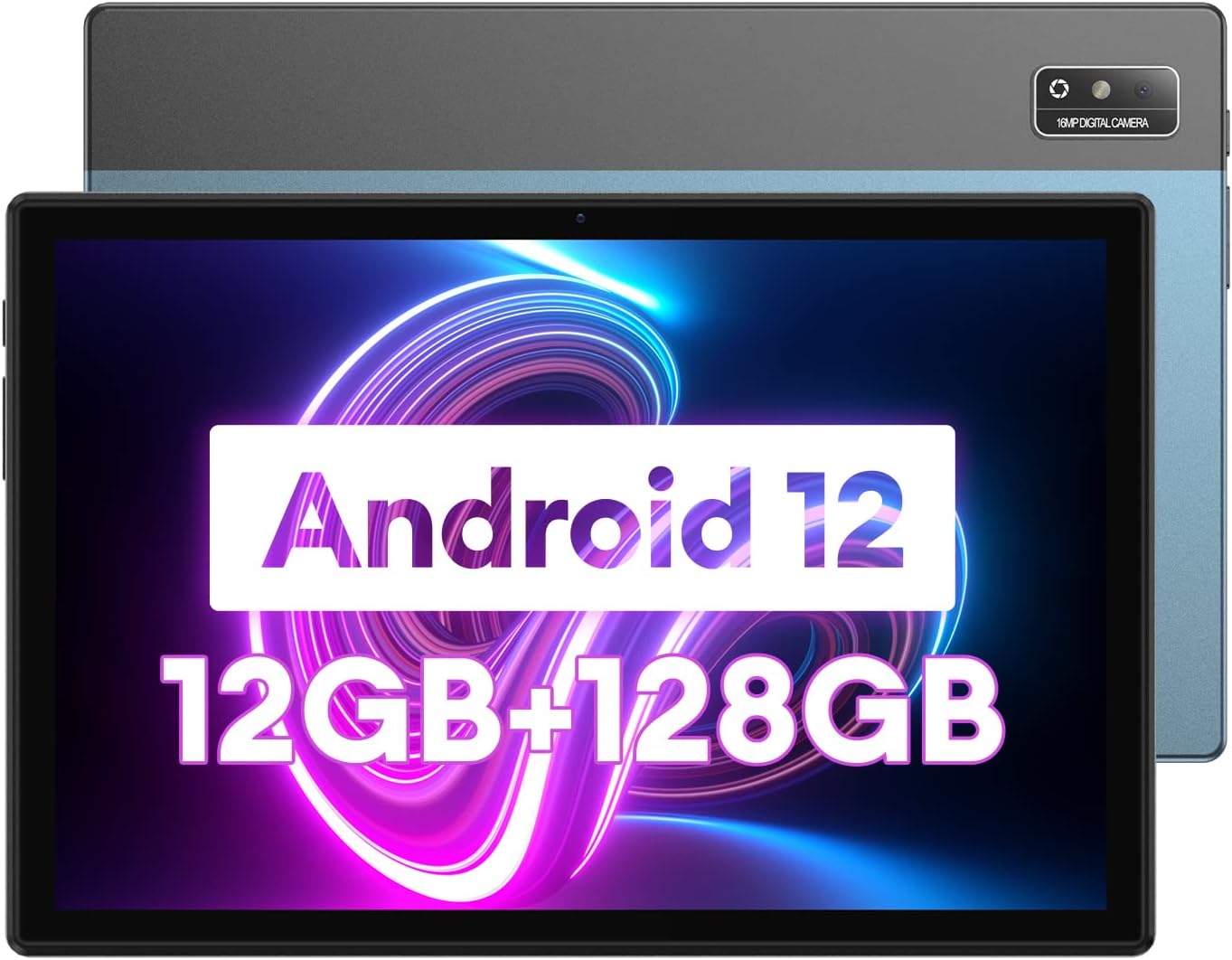
Image 1.1: Headwolf WPad3 Android 12 Tablet.
2. Pakkens indhold
Bekræft at alle varer er til stede i pakken:
- Headwolf WPad3 Tablet
- 5V2A strømadapter
- White USB Cable (31.5 inches)
- Brugermanual
- Micro SD Ejector Tool

Image 2.1: Contents of the Headwolf WPad3 package.
For a visual guide on unboxing, refer to the video below:
Video 2.1: Headwolf WPad3 Android Tablet 10 inch Unboxing. This video demonstrates the unboxing process and shows the included items.
3. Produktet er slutview
3.1 Fysisk layout
The Headwolf WPad3 features a thin and light metal body for portability.

Image 3.1: Thin and light metal body design of the Headwolf WPad3.
3.2 Nøglefunktioner
- Processor: MT8183 Octa-core CPU for fast application launching and smooth gaming.
- Hukommelse og opbevaring: 12GB RAM (6GB + 6GB expansion) and 128GB ROM, expandable up to 512GB via Micro SD.
- Operativsystem: Android 12 with upgraded privacy and security management.
- Vise: 10.1-inch HD IPS display with 189 PPI and 178° viewvinkel.
- Kameraer: 8MP front camera and 16MP rear camera with autofocus.
- Batteri: 7700mAh cobalt lithium battery, providing up to 10 hours of use.
- Forbindelse: 2.4G/5G dual-band WiFi, Bluetooth 5.0, GPS+BDS+GALILEO navigation system.
- Lyd: Dual BOX speakers.

Billede 3.2: Overview of Headwolf WPad3 features.
4. Opsætning
4.1 Tænd/sluk
To power on the tablet, press and hold the power button located on the side until the Headwolf logo appears. To power off, press and hold the power button, then select 'Power off' from the options.
4.2 Guide til indledende opsætning
Upon first use, the tablet will guide you through an initial setup process. This includes selecting your language, connecting to a Wi-Fi network, and setting up your Google account.
4.3 Tilslutning til Wi-Fi
- Gå til Indstillinger > Netværk og internet > Wi-Fi.
- Slå Wi-Fi til/fra On.
- Vælg det ønskede netværk fra listen.
- Indtast adgangskoden, hvis du bliver bedt om det, og tryk derefter på Forbinde.
4.4 Opsætning af Google-konto
A Google account is required to download apps from the Google Play Store and access Google services. During initial setup, you will be prompted to sign in or create a new Google account.
5. Betjening af din tablet
5.1 Navigation Basics
Tabletten bruger berøringsbevægelser til navigation:
- Tryk på: Vælg et element, eller åbn en app.
- Stryg: Rul gennem skærme eller lister.
- Knib for at zoome: Zoom ind eller ud på billeder og web sider.
5.2 Brug af applikationer
The tablet comes pre-installed with essential Google applications. Additional applications can be downloaded from the Google Play Store.

Image 5.1: Android 12 interface on the Headwolf WPad3.
5.3 Kamerafunktioner
The tablet is equipped with an 8MP front camera and a 16MP rear camera. Open the Camera app to capture photos and videos.

Image 5.2: Headwolf WPad3 dual camera system.
5.4 Batteristyring
The 7700mAh battery provides extended usage. Charge the tablet using the provided 5V2A power adapter and Type-C cable.

Image 5.3: Headwolf WPad3 battery and charging.
5.5 Lagerstyring
The tablet has 128GB of internal storage and supports Micro SD card expansion up to 512GB. To insert a Micro SD card, use the ejector tool to open the card slot.

Image 5.4: Headwolf WPad3 memory and storage expansion.
5.6 Trådløs projektion
The tablet supports wireless projection to compatible displays, allowing you to extend your viewoplevelse.

Image 5.5: Wireless projection feature.
5.7 GPS-funktionalitet
The tablet integrates GPS, BDS, and GALILEO navigation systems for accurate location services.
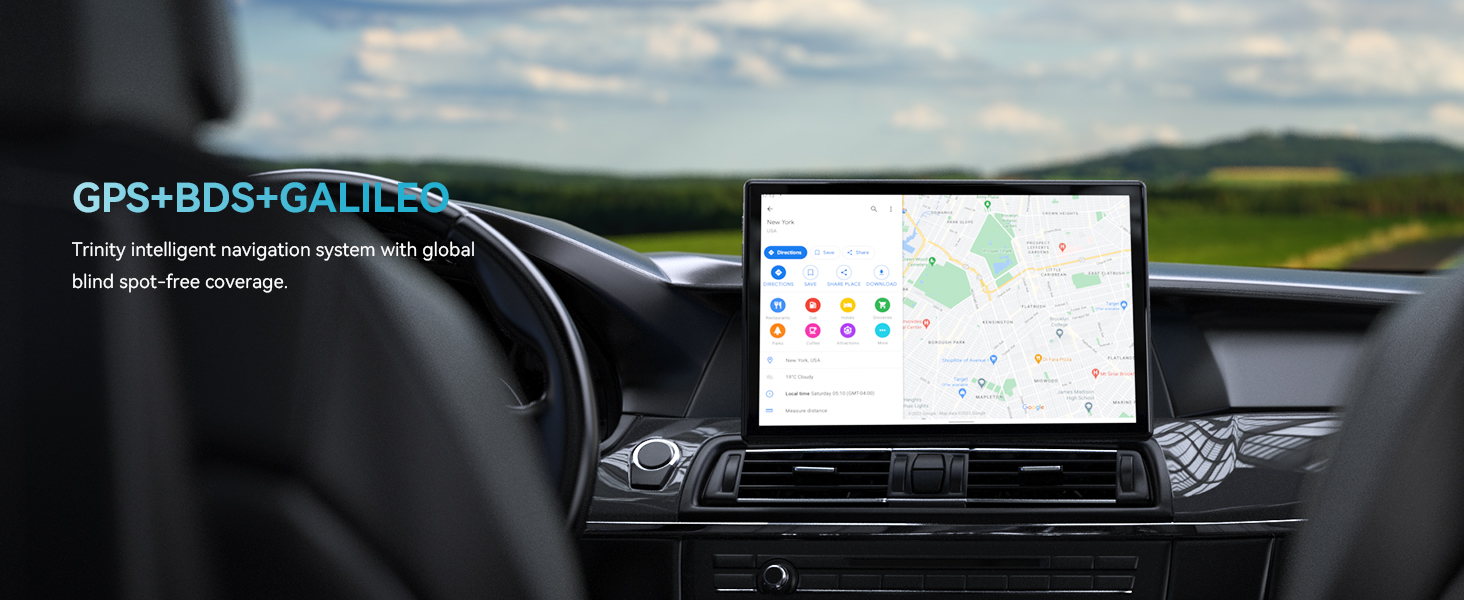
Image 5.6: GPS navigation on the Headwolf WPad3.
5.8 Lyd
Enjoy audio through the tablet's dual BOX speakers or connect headphones via the 3.5mm headphone jack.

Image 5.7: Dual BOX speakers for enhanced audio.
For a demonstration of the tablet's performance and features, refer to the video below:
Video 5.8: Headwolf WPad3 6+6GB RAM 128GB ROM Android 12 Tablet. This video highlights the tablet's speed and memory capabilities.
Video 5.9: Headwolf WPad3 10 Inch Tablet, 6GB+128GB Large Memory. This video showcases the tablet's large memory and display.
6. Vedligeholdelse
6.1 Rengøring
Brug en blød, fnugfri klud til at rengøre tablettens skærm og kabinet. Undgå at bruge skrappe kemikalier eller slibende materialer.
6.2 Softwareopdateringer
Tjek regelmæssigt efter og installer softwareopdateringer for at sikre, at din tablet har de nyeste funktioner og sikkerhedsrettelser. Gå til Indstillinger > System > Systemopdatering.
7. Fejlfinding
This section addresses common issues you might encounter with your Headwolf WPad3 tablet.
7.1 Display Issues (e.g., Dead Pixels)
If you observe a dead pixel or other display anomalies upon unboxing, contact customer support immediately. While rare, manufacturing defects can occur.
7.2 Opladningsproblemer
Ensure you are using the provided 5V2A power adapter and Type-C cable. Some Type-C to Type-C cables or chargers may not be compatible. If the tablet is not charging, try a different power outlet or cable. If the issue persists, contact customer support.
7.3 Performance Lags or App Crashes
If the tablet experiences occasional lags or app crashes, try the following:
- Luk ubrugte baggrundsprogrammer.
- Ryd cachen for problematiske apps (Indstillinger > Apps > [Appnavn] > Lagring og cache > Ryd cache).
- Sørg for tilstrækkelig ledig opbevaringsplads.
- Udfør en fabriksnulstilling som sidste udvej (Indstillinger > System > Nulstil muligheder > Slet alle data (gendan fabriksindstillinger)). Back up your data before performing a factory reset.
8. Specifikationer
| Feature | Detalje |
|---|---|
| Modelnavn | W3 |
| Operativsystem | Android 12 |
| Skærmstørrelse | 10.1 tommer |
| Skærmopløsning | 1280 x 800 pixels (HD IPS) |
| Processor mærke | MediaTek (MT8183 Octa-core) |
| VÆDDER | 12GB (6GB + 6GB expansion) |
| Internt lager (ROM) | 128 GB |
| Udvidelig opbevaring | Op til 512 GB (Micro SD) |
| Bag Webcam opløsning | 16 MP |
| Front Webcam opløsning | 8 MP |
| Batterikapacitet | 7700mAh |
| Trådløs type | 802.11ac (2.4G/5G WiFi) |
| Bluetooth | Bluetooth 5.0 |
| Navigation | GPS+BDS+GALILEO |
| Varens vægt | 2.07 pund |
| Produktdimensioner | 9 x 5 x 3 tommer |
9. Garanti og support
Headwolf provides a one-year repair and replacement warranty for the WPad3 tablet. Dedicated customer service and technical support are available 24 hours a day. If you encounter any problems with your Android tablet, you can contact us through Amazon "Your Order - Get Help" for assistance. We are committed to providing a satisfactory solution.


