Indledning
The Brady M210 Portable Label Printer Kit is designed for on-site efficiency, providing fast and reliable identification solutions. This manual offers comprehensive instructions for setup, operation, maintenance, and troubleshooting to ensure optimal performance of your M210 printer and accessories.
Hvad er der i æsken
Dit Brady M210 bærbare etiketprintersæt indeholder følgende komponenter:
- Portable M210 label printer
- Etiket patron
- Accessories (power adapter, cables)
- Durable hard case

Image: Complete contents of the Brady M210 Portable Label Printer Kit.
Opsætning
Installation og opladning af batteri
The M210 printer operates on a rechargeable battery. To install or replace the battery, locate the battery compartment on the back of the printer. Press the release button and carefully insert the battery pack. For charging, the battery needs to be removed from the printer and charged using the provided power adapter. Ensure the battery is fully charged before initial use for optimal performance and battery life.
Label Cartridge Installation
To install a label cartridge, open the cartridge compartment on the front of the printer. Insert the label cartridge, ensuring the label stock is properly aligned between the small plastic guides. Close the compartment securely until it clicks into place. The M210 supports over 90 different cartridges and 12 material types, offering a wide range of labeling possibilities.

Image: The Brady M210 printer showing the label cartridge compartment.
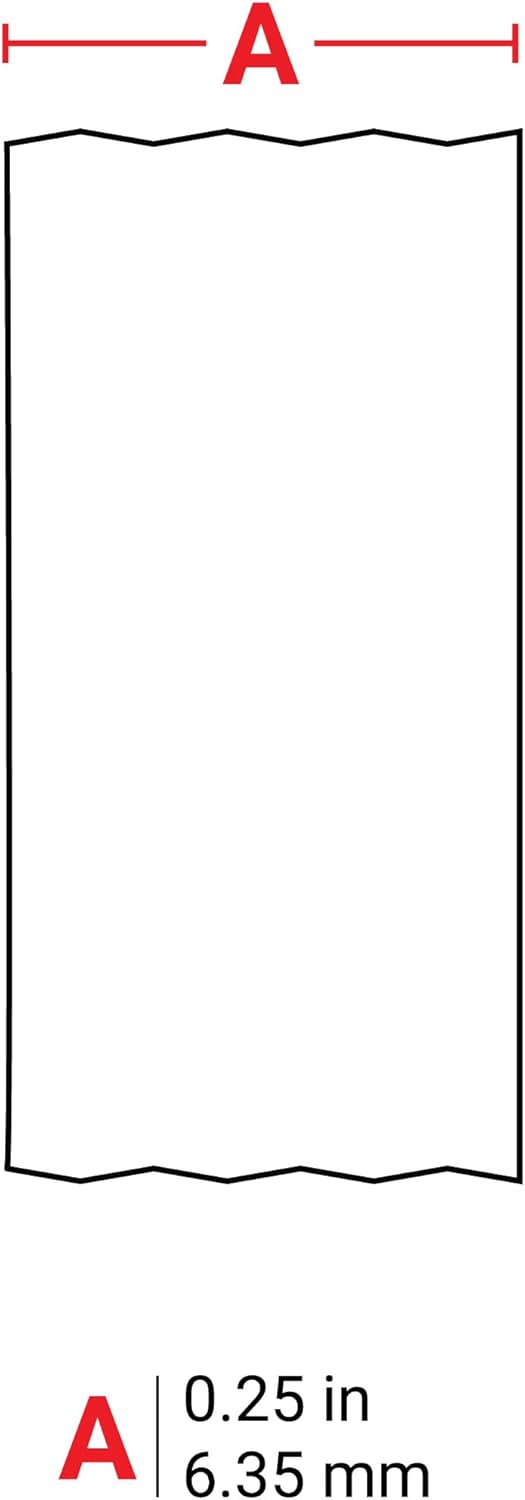
Billede: Et nærbillede view of a Brady Authentic label cartridge (M21-250-423).
Betjeningsvejledning
Grundlæggende etiketoprettelse
Turn on the printer using the power button. Use the integrated QWERTY keyboard to type your desired label text. The backlit LCD display provides clear visibility of your input, even in low-light conditions. You can adjust font size and label type using the dedicated function keys on the keypad.
Udskrivning af etiketter
Once your text is entered and formatted to your preference, press the 'Print' button. The printer will automatically feed and cut the label. Ensure the label stock is not obstructed during the printing process to prevent jams or misprints.
Avancerede funktioner
The M210 offers various pre-programmed label templates specifically designed for common applications such as wires, panels, and equipment. It also includes a library of over 90 symbols and supports 8 different barcode types built-in, allowing for highly versatile and professional labeling solutions. The printer can operate on either its rechargeable battery or directly via AC power using the provided adapter.
Opretholdelse
Rensning
Regularly clean the print head and label path to ensure clear and consistent print quality. Use a soft, lint-free cloth for cleaning. Avoid using abrasive cleaners or chemical solvents, as these can damage the printer components.
Opbevaring
When not in use, store the M210 printer in its durable hard case. This protects it from dust, debris, and potential physical damage. Store the kit in a cool, dry place away from direct sunlight or extreme temperatures.
Fejlfinding
Fælles problemer
- Printeren tænder ikke: Check the battery charge level. If using AC power, ensure the power adapter is securely connected to both the printer and a working power outlet.
- Etiket Jams: Verify that the label cartridge is correctly fitted and the label stock is properly aligned within the printer's guides. Ensure the compartment is fully closed.
- Dårlig udskriftskvalitet: Clean the print head and label path as described in the Maintenance section. Ensure you are using authentic Brady label cartridges.
For more detailed troubleshooting steps and solutions to other issues, please refer to the complete user manual available for download on the official Brady webwebsted.
Specifikationer
| Ejendom | Værdi |
|---|---|
| Scanner type | Transportabel |
| Display Type | LCD |
| Ark størrelse | 0.75 tommer |
| Maksimal sort/hvid printopløsning | 300 dpi |
| Garantitype | begrænset garanti |
| Farvedybde | 1 bpp |
| Dobbeltsidet udskrivning | Ingen |
| Duplex | simpleks |
| Hardware-interface | USB |
| Blækfarve | Hvid |
| Opløsning | 300 x 300 |
| Yderligere printerfunktioner | Kun udskriv |
| Kontrolmetode | App |
| Antal bakker | 1 |
| Printerblæktype | Termisk overførselsbånd |
| Farve | Hvid |
| Speciel funktion | Transportabel |
| Udskrivningsteknologi | Termisk |
| Udskriftsmedie | Etiketter |
Garanti & Support
The Brady M210 Portable Label Printer Kit comes with a limited warranty. For detailed warranty information, product support, or to download the complete user manual, please visit the official Brady website or contact Brady customer service.
Official Brady Store: Visit the Brady Store on Amazon


