This manual provides detailed instructions for the VETEK 8K Camcorder, a versatile digital video camera designed for enthusiasts and beginners. It supports high-resolution video recording up to 8K (7680x4320) at 15fps, 5K at 30fps, and 4K at 60fps, along with 48.0MP image capture. Key features include an 18X digital zoom, a 3.0-inch rotatable touch screen, IR night vision, WiFi connectivity, and webcam functionality. Please read this manual thoroughly to ensure proper operation and to maximize your recording experience.
Hvad er der i æsken
8K videokamera
32G SD-kort
Modlysblænde
Stabilisator
Ekstern mikrofon
Two-color Fill Light
2 Batterier
Fjernbetjening
USB datakabel
engelsk manual
Dobbelt oplader
Oplader
Figure 1: All components included with the VETEK 8K Camcorder.
Opsætning
Installation af batteri
Insert the included Lithium Polymer batteries into the battery compartment, ensuring correct polarity. The camera requires two batteries for operation.
Klargøring af SD-kort
Insert the 32GB SD card (or your own Class 10 or higher SD card up to 256GB) into the designated slot. For first-time use, it is recommended to format the SD card directly through the camera's menu to ensure compatibility and optimal performance.
Montering af tilbehør
The camcorder features a hot shoe mount for attaching the external microphone and the two-color fill light. The foldable handheld stabilizer can be attached to the bottom of the camera for improved stability during recording.
Figure 2: VETEK 8K Camcorder with microphone, fill light, and stabilizer attached.
Figure 3: The external fill light offers white, white glow, and warm light modes.
Figure 4: The foldable handheld stabilizer provides enhanced grip and stability.
Betjeningsvejledning
Tænd/sluk
For at tænde videokameraet skal du åbne LCD-skærmen. For at slukke skal du lukke LCD-skærmen eller trykke på tænd/sluk-knappen og holde den nede.
Grundlæggende kontrol
Navigate through the camera's functions using the Mode, Menu, Up, Down, and OK buttons located on the side of the camcorder. The 3.0-inch touch screen also allows for intuitive navigation.
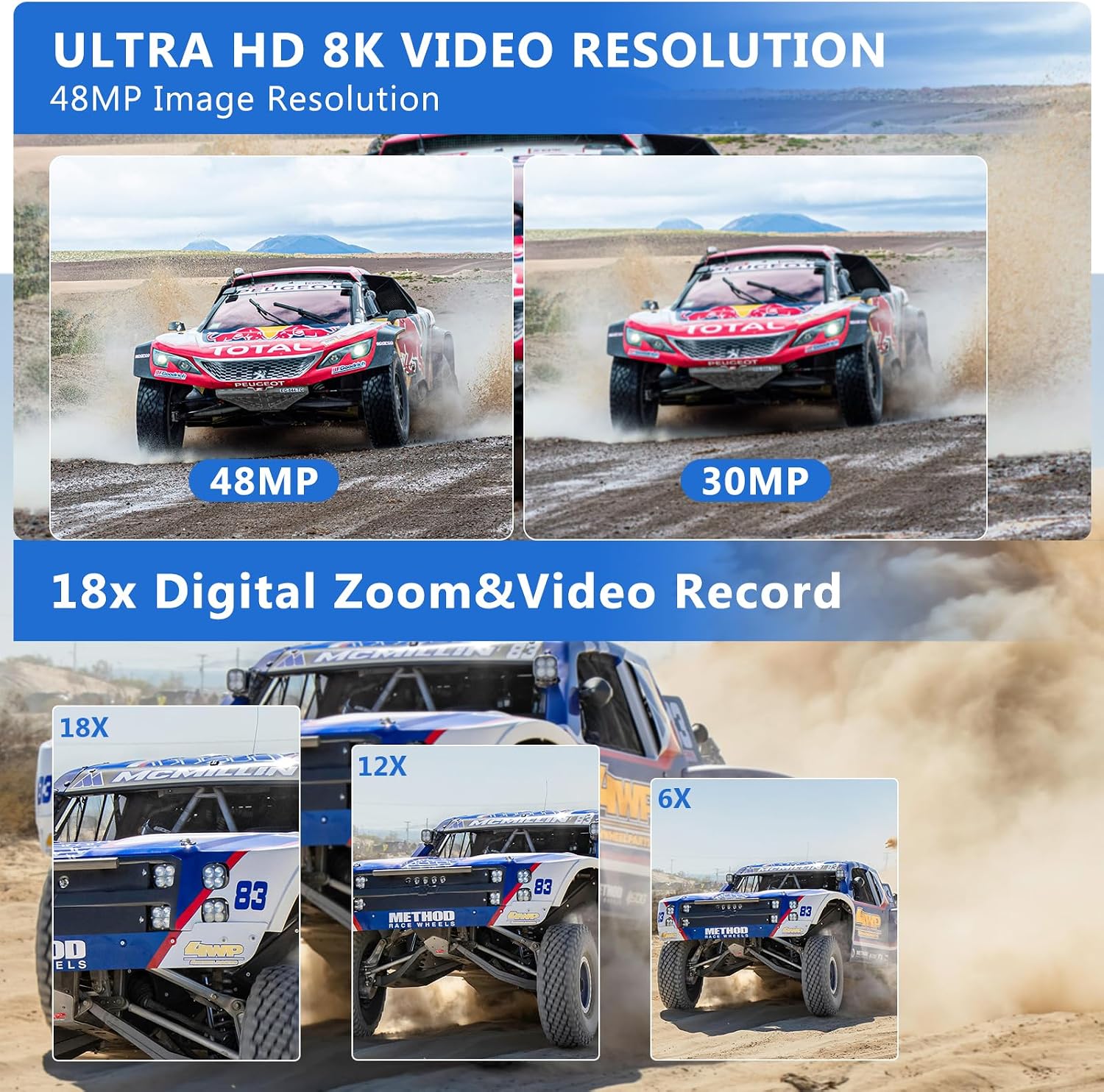
Figure 5: The VETEK 8K Camcorder supports 8K video and 48MP image resolution.
Videooptagelse
Press the Record button to start and stop video recording. The camcorder supports 8K (15fps), 5K (30fps), and 4K (60fps) video resolutions. Adjust video quality and other settings via the menu.
Video 1: A basic function introduction to the VETEK 8K camcorder, demonstrating various settings and features.
Video 2: A demonstration of the VETEK Vlog Camera, highlighting its digital video capabilities.
Figure 6: Visual comparison illustrating the clarity of 8K and 5K video resolutions.
Fotografering
Switch to Photo Mode using the Mode button. Press the Shutter button to capture 48.0MP still images. The camera offers various photo settings and filters.
Figure 7: Image quality comparison between 48MP and 30MP settings.
Digital Zoom
Utilize the 18X digital zoom to bring distant subjects closer. The zoom function can be controlled via the camera's buttons or the remote control.
Figure 8: Demonstration of the 18X digital zoom capability.
IR Night Vision
Activate the IR Night Vision mode for clear black and white recordings in low-light or dark environments. This feature enhances visibility for capturing content where traditional lighting is insufficient.
Figure 9: The camcorder's IR Night Vision captures clear images in dark conditions.
Video 3: This video demonstrates the camcorder's night vision capabilities, showing how it captures clear footage i omgivelser med svagt lys.
WiFi Connectivity & App Control
Connect the camcorder to your smartphone or tablet via WiFi using the 'HelloCam' app. This allows for remote viewing, image capture, video shooting, and easy transfer and sharing of media files. Scan the QR code in the manual or on the camera screen to download the app.
Figur 10: Fjernbetjening og file sharing are enabled through WiFi connectivity.
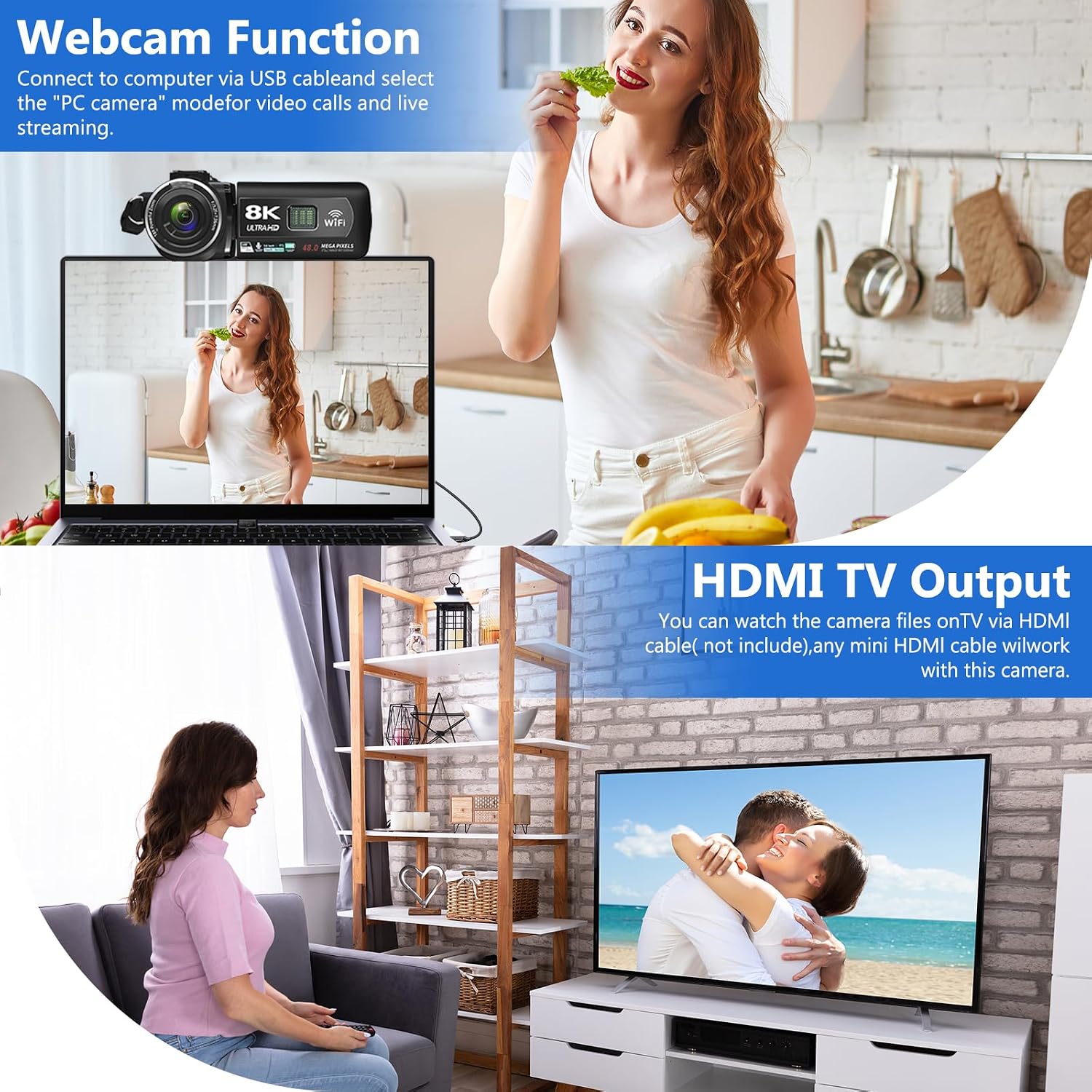
Connect the camcorder to your computer using the USB cable and select 'PC CAM' mode to use it as a webkamera til videoopkald og livestreaming.
HDMI TV Output
Connect the camcorder to a TV using an HDMI cable (not included) to view your recorded videos and photos on a larger screen.
Figure 11: The camcorder can function as a webcam or connect to a TV via HDMI.
File Overfør til computer
Connect the camera to your computer via the USB cable. Select 'Mass Storage Mode' on the camera to access and transfer your video and photo filedirekte til din computer.
Figure 12: Simple steps to transfer your recorded content to a computer.
Støjreduktion
The camcorder features a built-in noise reduction function. When recording video, activate this function to automatically minimize external noise, enhancing the clarity of your audio. The external microphone also aids in noise reduction.
Opretholdelse
Hold kameraet rent ved at tørre det af med en blød, tør klud.
Avoid exposing the camera to extreme temperatures, humidity, or dust.
Store the camera and accessories in the provided camera bag when not in use.
Regularly format the SD card through the camera's menu to maintain optimal performance and prevent data corruption.
Ensure batteries are fully charged before use and stored properly when not in use.
Fejlfinding
Vigtige tips
Please carefully read the user manual before using the video camera.
The camcorder is designed for amateurs, not professionals. Autofocus and optical zoom are not supported.
This camera has a fixed focus. The shooting distance should be more than 4 meters for clear pictures or videos.
After recording, check the video effect on a computer, as checking it on the camera reduces the resolution.
Format the memory card through this camera for the first time use. Supports 4-128GB SD card Class 10 or higher.
Figure 13: Key tips for optimal camcorder usage.
Specifikationer
Feature
Beskrivelse
Mærke
VETEK
Modelnummer
HDV01-8K
Videooptagelsesopløsning
8K (15fps), 5K (30fps), 4K (60fps)
Billedopløsning
48.0 MP
Digital Zoom
18X
Skærmstørrelse
3.0-inch LCD Touch Screen (270-degree rotatable)
Forbindelsesteknologi
USB, WiFi, HDMI
Særlige funktioner
Portable, IR Night Vision, Webcam Function, Noise Reduction, Pause Function, Time-lapse, Slow Motion, Continuous Shooting, Beauty Function, Image Stabilization
Varens vægt
9.9 ounce
Produktdimensioner
5.12 x 2.36 x 2.17 tommer
Batterier
2 Lithium Polymer batterier (medfølger)
Flash-hukommelsestype
SD (op til 256 GB)
Garanti og support
VETEK is committed to providing cost-effective entry cameras and superior quality. All products are eligible for a free return within 30 days of purchase. For any concerns or assistance, please contact VETEK customer service via the email address provided in your product manual. We are dedicated to addressing your concerns and improving product quality based on customer feedback.
8K Digital Camcorder Easy Guide: Operation, Features, and Troubleshooting Comprehensive easy guide for the 8K Digital Camcorder (HDV01-8K) by SHENZHEN HAIJIXING TECHNOLOGY CO., LTD. Learn about setup, parts, controls, charging, power, interface, settings, memory card usage, playback, computer and Wi-Fi connectivity, maintenance, and troubleshooting.
Digitalt videokamera lynguide - brugermanual Lynvejledning til det digitale videokamera, der dækker opsætning, betjening, opladning, afspilning, tilslutning, vedligeholdelse og fejlfinding. Indeholder sikkerhedsadvarsler og FCC-overholdelse.
Vivitar DVR 8K-KIT (v2) Digitalt videokamera: Nem guide og brugermanual Denne omfattende vejledning indeholder instruktioner til det digitale videokamera Vivitar DVR 8K-KIT (v2). Lær om opsætning, betjening, funktioner, tilslutning til enheder, fejlfinding af almindelige problemer og garantioplysninger.