1. Introduktion
Thank you for choosing the LORELEI B-C6 Wireless Over Ear Headphones. These headphones are designed to provide a superior audio experience with deep bass, comfortable memory foam earmuffs, and versatile connectivity options. This manual will guide you through the setup, operation, and maintenance of your new headphones.

Image: LORELEI B-C6 Wireless Over Ear Headphones in Beige White.
2. Hvad er der i æsken
Your LORELEI B-C6 package includes the following items:
- LORELEI B-C6 Wireless Headphones
- Black leather bundle pocket (carrying case)
- 3.5mm non-wound Braided audio cable
- Type-C ladekabel
- Brugervejledning (dette dokument)
3. Opsætning og tilslutning
3.1. Opladning af hovedtelefonerne
Before first use, fully charge your LORELEI B-C6 headphones. A full charge provides up to 50 hours of music enjoyment.
- Connect the Type-C charging cable to the charging port on the headphone.
- Tilslut den anden ende af kablet til en USB-strømkilde (f.eks. en computers USB-port eller en USB-vægadapter).
- LED-indikatoren viser opladningsstatus og slukker, når den er fuldt opladet.
3.2. Bluetooth-parring
The LORELEI B-C6 headphones feature Bluetooth 5.3 for stable and low-latency audio transmission.
- Sørg for, at hovedtelefonerne er opladet.
- Slide the power switch to the ON position. The headphones will enter pairing mode, indicated by a flashing LED light.
- On your device (smartphone, tablet, laptop), enable Bluetooth and search for "LORELEI B-C6" in the list of available devices.
- Select "LORELEI B-C6" to connect. Once connected, the LED indicator will stop flashing and remain solid.
3.3. Wired Connection (Auxiliary Mode)
You can use the headphones in wired mode with the included 3.5mm audio cable, even if the battery is low or depleted.
- Plug one end of the 3.5mm audio cable into the audio jack on the headphone.
- Sæt den anden ende i 3.5 mm lydudgangen på din enhed.
- Hovedtelefonerne skifter automatisk til kablet tilstand.
4. Betjening af dine hovedtelefoner
Den højre ørekop har intuitive kontroller til styring af din lyd og dine opkald.

Billede: Detaljeret view of the audio controls on the right earcup.
4.1. Tænd/sluk
- To Power On: Slide the power switch to the ON position.
- To Power Off: Slide the power switch to the OFF position.
4.2. Musikafspilning
- Afspil/pause: Press the Multi-function Button (center button).
- Lydstyrke op: Tryk på knappen "+".
- Skrue ned for lyden: Tryk på knappen "-".
- Næste nummer: Tryk længe på "+"-knappen.
- Forrige nummer: Tryk længe på "-" knappen.
4.3. Opkaldsstyring
- Besvar opkald: Press the Multi-function Button.
- Afslut opkald: Press the Multi-function Button during a call.
- Afvis opkald: Tryk længe på multifunktionsknappen.
5. Vedligeholdelse og pleje
To ensure the longevity and optimal performance of your LORELEI B-C6 headphones, follow these care guidelines:
- Rensning: Use a soft, dry cloth to clean the headphones. For the protein ear pads, gently wipe with a slightly damp cloth if necessary, then dry immediately. Avoid harsh chemicals or abrasive materials.
- Opbevaring: When not in use, store the headphones in the provided black leather bundle pocket to protect them from dust and scratches. The foldable design allows for compact storage.
- Temperatur: Undgå at udsætte hovedtelefonerne for ekstreme temperaturer (varme eller kolde) eller høj luftfugtighed.
- Vandeksponering: Disse hovedtelefoner er ikke vandtætte. Undgå kontakt med vand eller andre væsker.
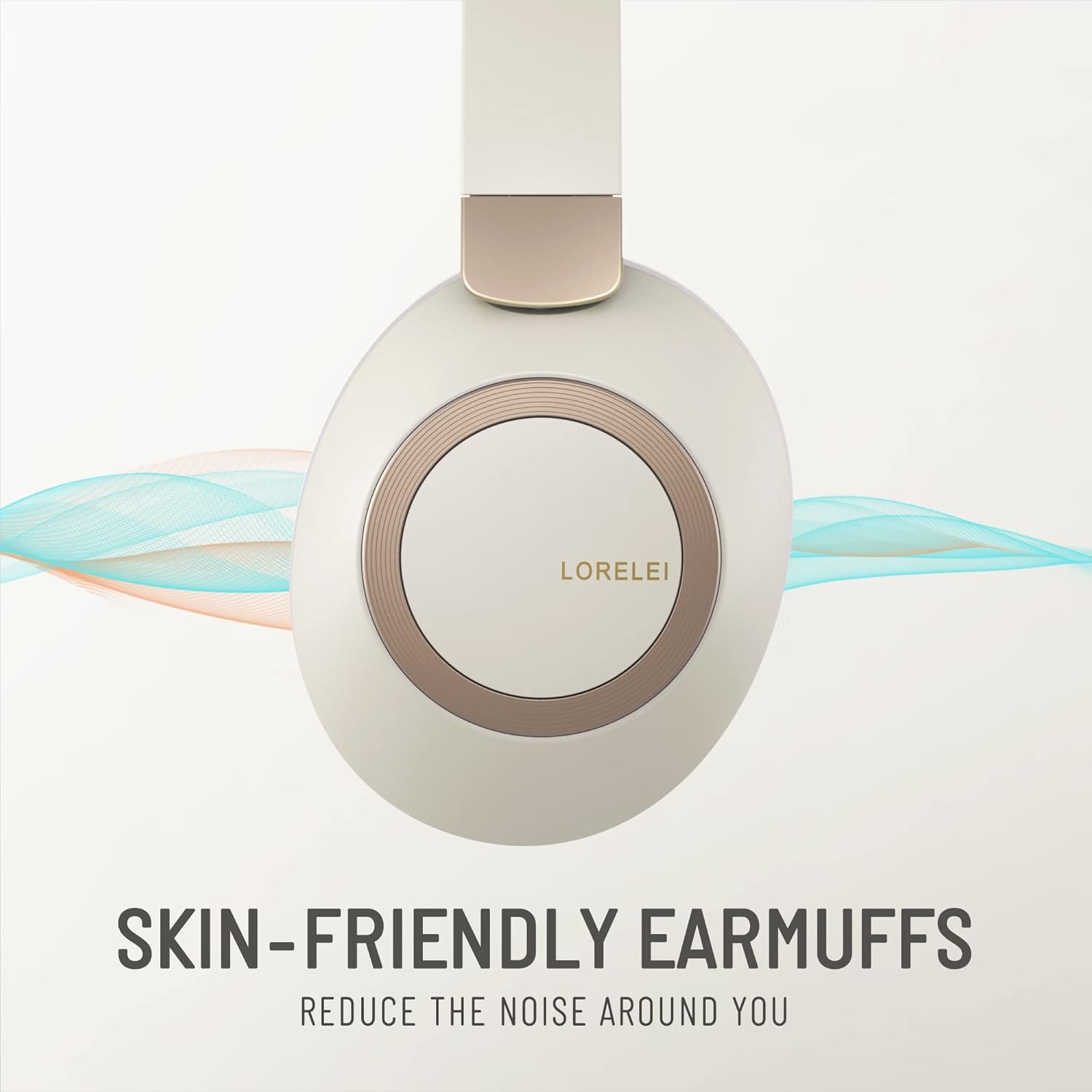
Image: Close-up of the skin-friendly memory foam earmuffs.
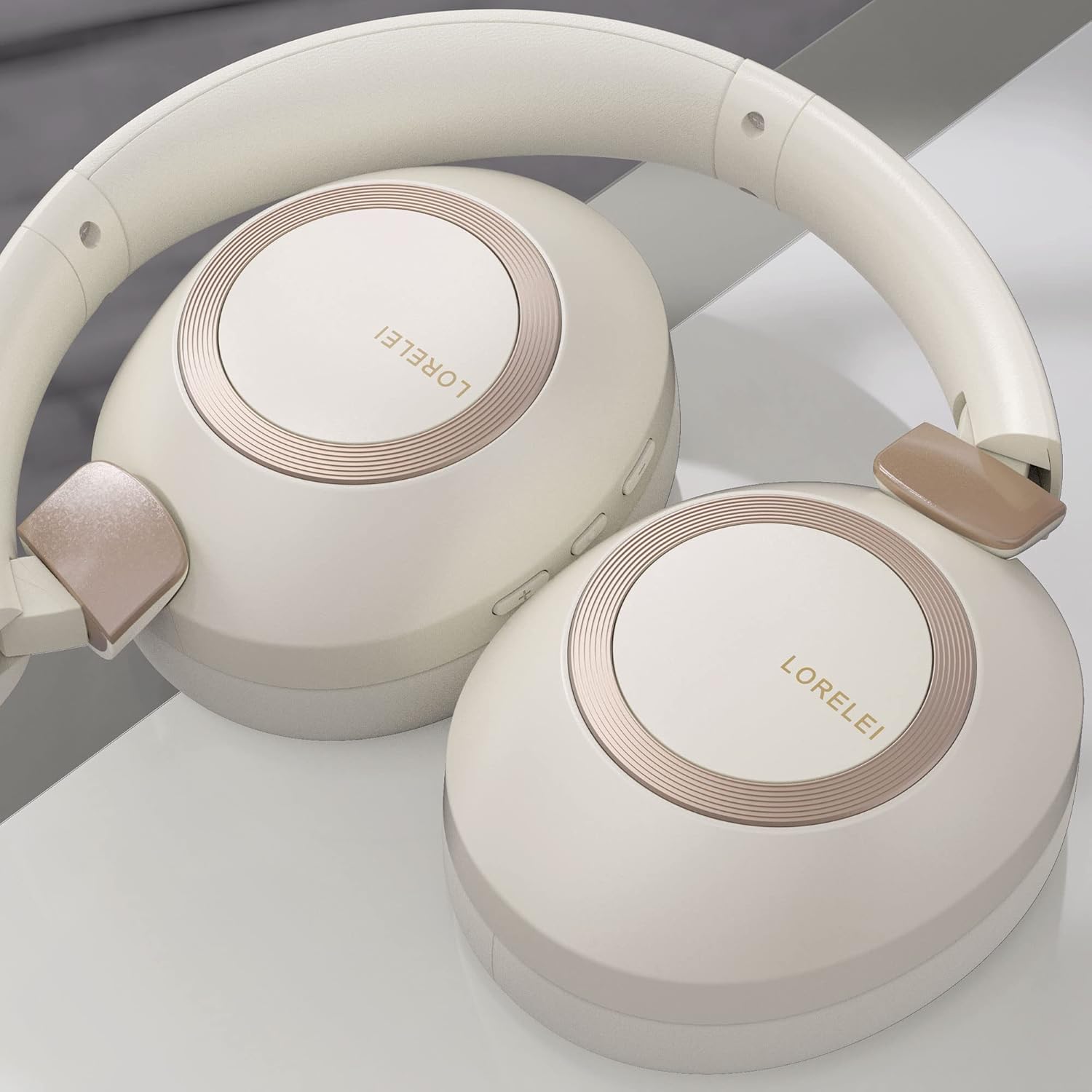
Image: LORELEI B-C6 headphones in their folded, compact state.
6. Fejlfinding
If you encounter any issues with your LORELEI B-C6 headphones, please refer to the following common solutions:
| Problem | Mulig løsning |
|---|---|
| Hovedtelefonerne tænder ikke. | Sørg for, at hovedtelefonerne er fuldt opladet. Tilslut dem til en strømkilde med Type-C-kablet. |
| Kan ikke parres via Bluetooth. | Make sure Bluetooth is enabled on your device and the headphones are in pairing mode (flashing LED). Try turning both devices off and on again. Ensure no other devices are currently connected to the headphones. |
| Ingen lyd i Bluetooth-tilstand. | Kontrollér lydstyrken på både hovedtelefonerne og din tilsluttede enhed. Sørg for, at hovedtelefonerne er korrekt parret. |
| Ingen lyd i kablet tilstand. | Ensure the 3.5mm audio cable is fully inserted into both the headphone and your device. Check the volume levels on your device. |
| Dårlig lydkvalitet. | For Bluetooth, ensure you are within the 10-meter range of your device. Check the audio source quality. |
| Batteriets levetid er kortere end forventet. | Ensure the headphones are fully charged before use. High volume levels can reduce battery life. |
7. Specifikationer
| Feature | Detalje |
|---|---|
| Modelnavn | B-C6 |
| Mærke | LORELEI |
| Forbindelsesteknologi | Trådløs (Bluetooth), Kablet (3.5 mm jack) |
| Trådløs kommunikationsteknologi | Bluetooth 5.3 |
| Bluetooth rækkevidde | 10 meter |
| Batterilevetid | 50 timer |
| Audio driver størrelse | 40 millimeter |
| Audio driver type | Dynamisk Driver |
| Støjkontrol | Lydisolering |
| Øreplacering | Over Ear |
| Formfaktor | Over Ear |
| Materiale | Plastic (body), Leather (carrying case) |
| Varens vægt | 11.2 ounce |
| Frekvensområde | 20 Hz - 20,000 Hz |
| Impedans | 32 Ohm |
| Kontroltype | Lydstyrkekontrol, knap |
| Kompatible enheder | Laptops, Tablets, Telephones, Smart Speaker, Television, Cellphones |
| Farve | Beige white |
8. Garanti og support
LORELEI is committed to providing reliable quality products and the best user experience. If you have any questions, concerns, or require assistance with your LORELEI B-C6 headphones, please do not hesitate to contact our customer service team. We aim to solve your problem within 24 hours.
For support, please visit the official LORELEI store or contact us through the platform where you purchased the product.
Note: Specific warranty details may vary. Please refer to your purchase documentation for complete warranty information.


