Indledning
This manual provides essential instructions for the operation and maintenance of your Creative Sensemore Air True Wireless In-Ear Headphones. These headphones are designed to deliver a versatile audio experience with advanced features for various listening environments.

Image: Creative Sensemore Air earbuds shown with their charging case.
Nøglefunktioner:
- Sensemore Mode: Amplifies surrounding sounds for enhanced awareness.
- Ambient tilstand: Giver dig mulighed for at høre dine omgivelser, mens du nyder lyd.
- Aktiv støjreduktion (ANC): Reducerer ekstern støj for fordybende lytning.
- Quad Microphones: Sikrer tydelig stemmeoptagelse ved opkald og stemmekommandoer.
- Forlænget batterilevetid: Up to 10 hours per charge, with a total of 35 hours using the charging case.
- IPX5 Svedtæt: Designed to withstand sweat and light splashes.
- Trådløs opladning: Supports Qi-certified wireless charging for convenience.
- Bluetooth 5.2: Giver stabil og effektiv trådløs forbindelse.
- Customizable Touch Controls: Personalize earbud functions via the Creative app.
Opsætning
1. Opladning af enheden
Before first use, fully charge the Creative Sensemore Air earbuds and their charging case.
- Via USB-C-kabel: Tilslut det medfølgende USB-C-opladerkabel til opladningsporten på etuiet og til en strømkilde.
- Trådløs opladning: Place the charging case on a Qi-certified wireless charging pad.
The LED indicators on the front of the charging case will show the charging status. A full charge provides up to 10 hours of playtime for the earbuds and up to 35 hours total with the case. A 10-minute quick charge provides up to 2 hours of playtime.

Image: The charging case showing LED indicators for battery status.
2. Parring med en enhed
- Sørg for, at ørepropperne er i opladningsetuiet, og at låget er åbent.
- Aktiver Bluetooth på din enhed (smartphone, tablet osv.) og søg efter tilgængelige enheder.
- Select "Creative Sensemore Air" from the list of detected devices to pair.
- Når ørepropperne er parret, opretter de automatisk forbindelse til din enhed, når de tages ud af etuiet.
3. Installing the Creative App
For full functionality and customization, download the Creative app from your device's app store. The app allows you to:
- Switch between Sensemore Mode, Ambient Mode, and Active Noise Cancellation.
- Tilpas berøringskontroller.
- Adjust audio settings with a graphic equalizer.
- Udfør firmwareopgraderinger.

Image: Creative app icon for mobile devices.
Betjening af hovedtelefonerne
Støjkontroltilstande
The Creative Sensemore Air headphones offer three distinct noise control modes to adapt to your environment:
- Sensemore Mode: This proprietary technology enhances ambient sound beyond conventional transparency modes. It focuses on vocals and amplifies surrounding sounds for improved hearing and clearer conversations.
- Ambient tilstand: Allows you to hear your surroundings naturally, useful for staying aware in busy environments.
- Aktiv støjreduktion (ANC): Blocks out unwanted external noise, providing a more immersive audio experience.
Switch between these modes using the customizable touch controls on the earbuds or through the Creative app.

Image: A person on a bus using the Creative Sensemore Air earbuds, illustrating the noise control features.
Video: En overview of the Creative Sensemore Air True Wireless in-Ear Headphones, demonstrating key features like Sensemore Mode, Ambient Mode, and Active Noise Cancellation.
Opkaldsfunktion
Equipped with four microphones, the earbuds provide enhanced voice pickup and call clarity. You can also activate voice assistants like Siri or Google Assistant with ease.

Image: A woman using the earbuds to interact with a voice assistant, highlighting the quad mic feature.
Tryk på kontrolelementer
The earbuds feature intuitive touch controls for managing playback, calls, and noise control modes. These controls can be customized through the Creative app to suit your preferences.

Image: Screenshot of the Creative app showing customizable touch control settings.
Opretholdelse
Rengøring og pleje
To ensure longevity and optimal performance, regularly clean your earbuds and charging case.
- Tør ørepropperne og opladningsetuiet af med en blød, tør og fnugfri klud.
- Fjern ørepropperne, og rengør dem med mild sæbe og vand. Tør dem derefter grundigt, inden de sættes på igen.
- Undgå at bruge slibende rengøringsmidler eller opløsningsmidler.
Vandtæthed (IPX5)
The Creative Sensemore Air earbuds are rated IPX5 sweatproof, meaning they are protected against low-pressure water jets from any direction. This makes them suitable for workouts and use in light rain.
Vigtig: Opladningsetuiet er ikke water-resistant. Do not expose it to water or moisture.
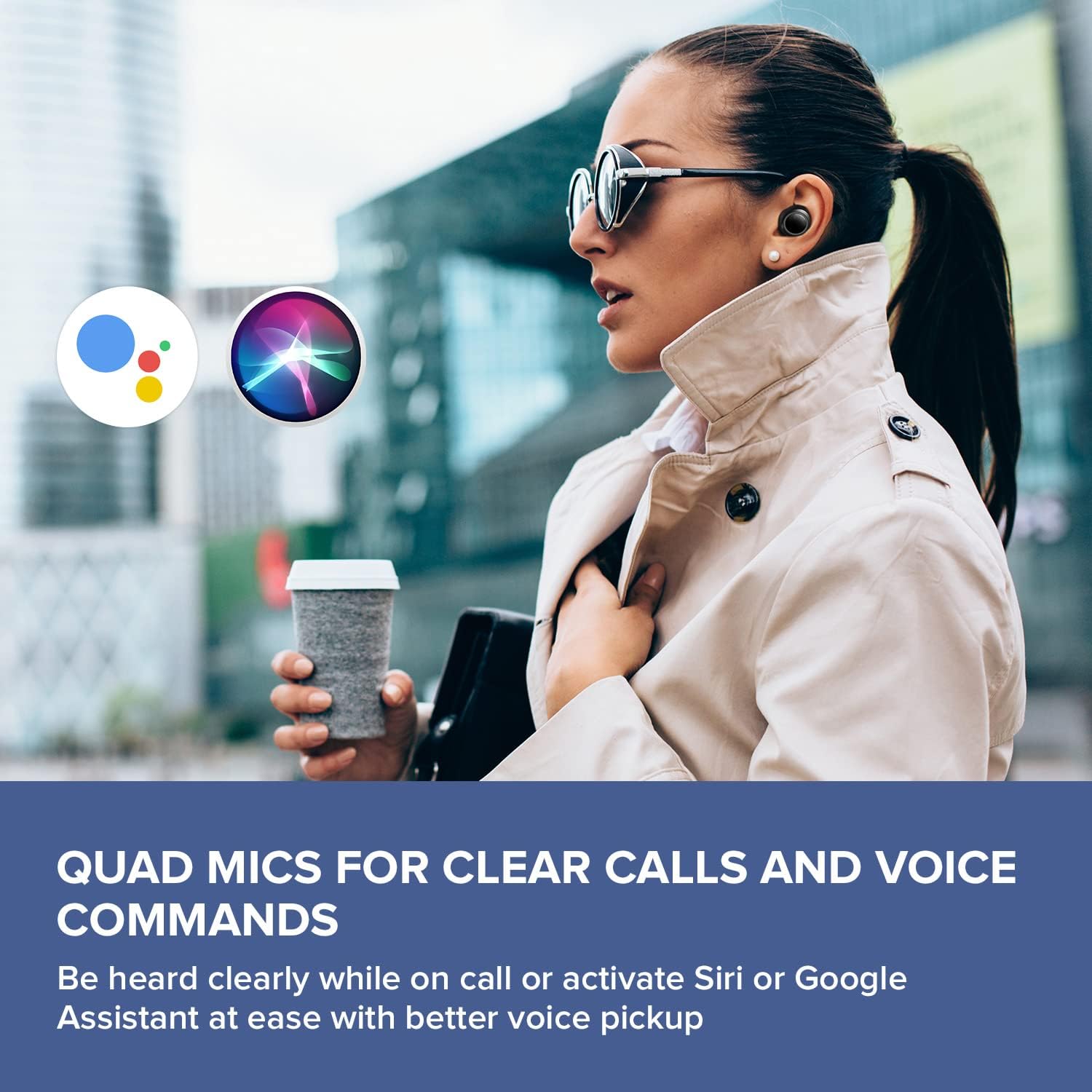
Image: A woman running outdoors, demonstrating the IPX5 sweatproof feature of the earbuds.
Fejlfinding
Fælles problemer og løsninger
- Ingen lyd/dårlig lydkvalitet:
- Sørg for, at ørepropperne er fuldt opladede.
- Kontrollér Bluetooth-forbindelsen, og genpar den, hvis det er nødvendigt.
- Juster lydstyrken på både ørepropperne og din tilsluttede enhed.
- Rengør ørepropper og øreproppernes dyser for at fjerne eventuelt snavs.
- Prøv ørepropper i forskellige størrelser for at få en bedre forsegling.
- Øretelefoner parrer ikke:
- Place earbuds back in the case, close the lid, then open it again to reset.
- Sørg for, at Bluetooth er aktiveret på din enhed og inden for rækkevidde.
- Glem enheden i din telefons Bluetooth-indstillinger, og prøv at parre den igen.
- Opladningsproblemer:
- Verify the USB-C cable is securely connected to both the case and power source.
- If using wireless charging, ensure the case is correctly positioned on the Qi-certified pad.
- Kontroller, om opladningskontakterne på ørepropperne og inde i etuiet er rene.
- Problemer med appforbindelse:
- Ensure the Creative app is updated to the latest version.
- Genstart appen eller din mobilenhed.
- Confirm Bluetooth is active and the earbuds are connected to your device.
Specifikationer
| Feature | Detalje |
|---|---|
| Modelnavn | EF1020 |
| Forbindelse | Bluetooth 5.2 |
| Bluetooth rækkevidde | 10 meter |
| Lyd-codecs | AAC, SBC |
| Chauffører | 6 mm Bio-cellulose Dynamic Drivers |
| Mikrofoner | Quad mikrofoner |
| Støjkontrol | Sensemore Mode, Ambient Mode, Active Noise Cancellation |
| Samlet spilletid | Op til 35 timer (med opladningsetui) |
| Spilletid pr. opladning | Op til 10 timer |
| Opladningstid | 2 timer |
| Opladningsgrænseflade | USB-C, Wireless (Qi-certified) |
| Vandmodstand | IPX5 (kun øretelefoner) |
| Kontrolmetode | Røre |
| Varens vægt | 1.76 ounce |
| Produktdimensioner | 2.7 x 1.9 x 1.3 cm (opladeretui) |
Garanti og support
Creative products are designed for reliability and performance. For warranty information and customer support, please refer to the official Creative webwebstedet eller den dokumentation, der følger med dit produkt.
- Produktregistrering: Registrer dit produkt online for at modtage opdateringer og support.
- Teknisk support: Visit the Creative support page for FAQs, troubleshooting guides, and contact information.
Note: Warranty terms may vary by region and retailer. Please retain your proof of purchase.


