1. Introduktion
This manual provides essential information for the setup, operation, and maintenance of your CHiQ L40H7C Smart TV. Please read it thoroughly before using the product to ensure proper functionality and safety.
The CHiQ L40H7C is a 40-inch Full HD Smart TV featuring Android 11, HDR10 technology, DBX-TV audio, a Quad-Core CPU, and a frameless design. It includes dual-band Wi-Fi, Bluetooth 5.0, Google Assistant, and Chromecast built-in, providing access to a wide range of applications and content.
2. Pakkens indhold
Ved udpakning skal du kontrollere, at alle dele er til stede og ubeskadigede:
- CHiQ L40H7C Smart TV Unit
- Fjernbetjening (kræver 2 AAA-batterier, medfølger)
- Brugervejledning (dette dokument)
- Strømkabel
- Bordstativ (2 stk.)
- Skruer til bordstativ

Figure 2.1: Package contents and TV dimensions. The image displays the 40-inch TV with its dimensions (898mm width, 560mm height with stand, 515mm height without stand, 180mm stand depth). The remote control is also shown, highlighting voice control capabilities. The VESA mount support is 200 x 200 mm.
3. Opsætning
3.1 Montering af tv-bordet
- Placer forsigtigt tv-skærmen med nedad på en blød, flad overflade for at forhindre skader.
- Align the stand pieces with the mounting holes on the bottom of the TV.
- Fastgør stativerne med de medfølgende skruer. Sørg for, at de er spændt godt fast.
Alternatively, the TV supports VESA wall mounting (200 x 200 mm). Wall mount hardware is sold separately.
3.2 Tilslutning af eksterne enheder
TV'et tilbyder forskellige tilslutningsmuligheder:
- HDMI 1.4 (x3): For connecting external devices like Blu-ray players, game consoles, or set-top boxes.
- USB (x2): For media playback from USB drives or connecting USB accessories.
- CI+ (x1): Common Interface Plus-stik til betingede adgangsmoduler.
- ANT (x2): Antenna inputs for terrestrial/cable and satellite signals.
- Digital lydudgang (x1): Til tilslutning til eksterne lydsystemer.
- Earphone (x1): 3.5 mm jackstik til hovedtelefoner.
- LAN (x1): Ethernet-port til kablet internetforbindelse.
- AV (x1): Kompositvideo og stereolydindgang.
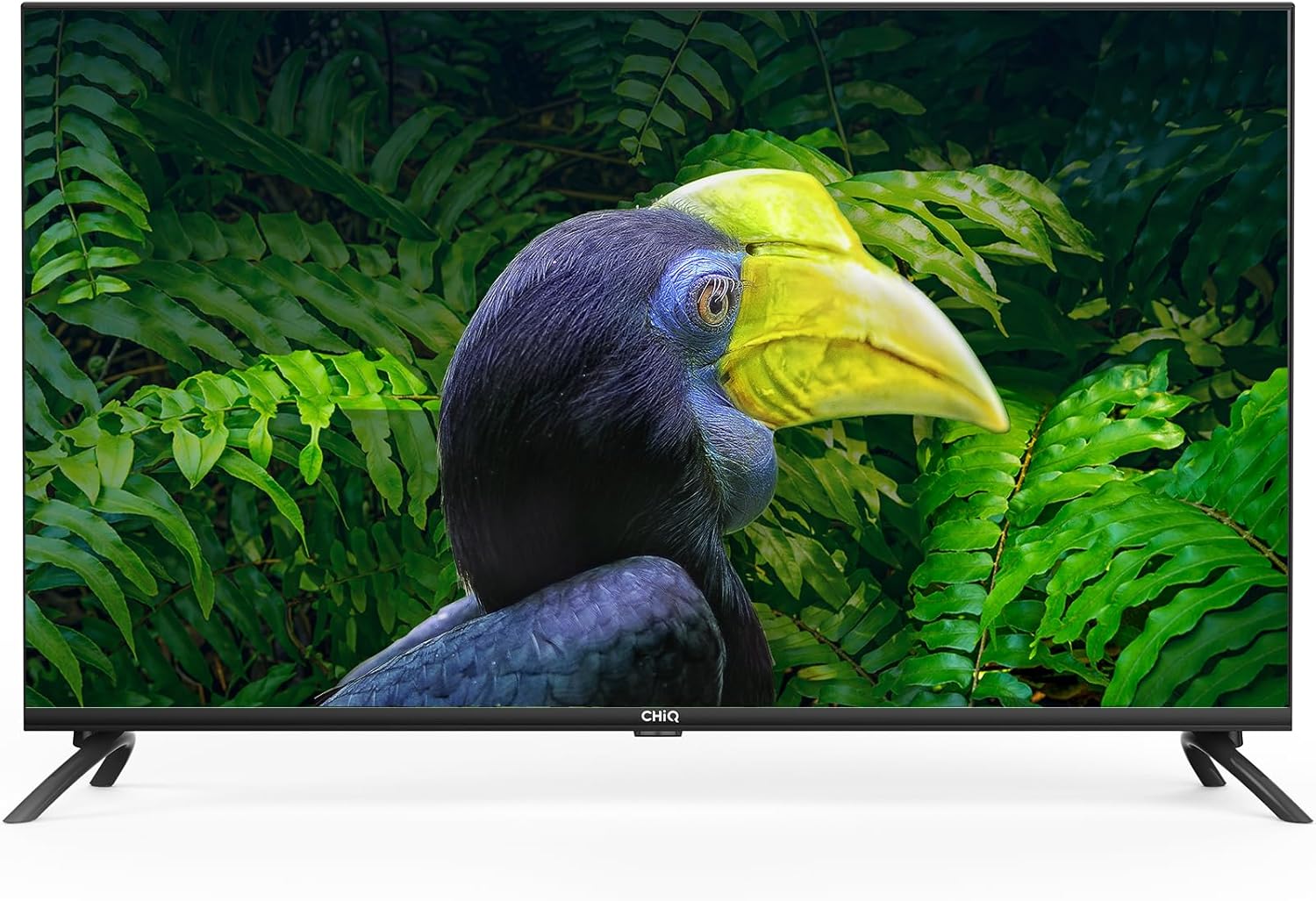
Figure 3.1: Rear and side panel connections. This image illustrates the location of HDMI, USB, CI+, ANT, Digital Audio Out, Earphone, LAN, and AV ports on the television.
3.3 Initial Power-On and Network Configuration
- Tilslut strømkablet til tv'et og en stikkontakt.
- Tryk på tænd/sluk-knappen på fjernbetjeningen eller tv'et.
- Follow the on-screen instructions to select your language, region, and connect to your Wi-Fi network (2.4/5G dual-band supported) or via Ethernet.
- Log in with your Google account to access Android TV features and the Google Play Store.
4. Betjening af dit Smart TV
4.1 Android 11 TV Interface
Your CHiQ L40H7C runs on Android 11, providing a user-friendly interface for accessing apps, streaming services, and live TV. Navigate using the remote control's directional pad and select button.

Figure 4.1: Key features of the CHiQ L40H7C Smart TV, including Android 11 operating system, HDR10 support for enhanced visuals, DBX-TV for superior audio, and integrated Google Assistant.
4.2 Smarte funktioner
- Google Play Butik: Download thousands of apps, games, and content.
- Forudinstallerede apps: Access popular streaming services like Netflix, Prime Video, and YouTube directly.
- Google Assistant: Brug stemmekommandoer via fjernbetjeningen til at søge efter indhold, styre smart home-enheder og få information.
- Chromecast indbygget: Cast indhold fra din smartphone, tablet eller computer direkte til TV-skærmen.
- Bluetooth 5.0: Tilslut trådløse hovedtelefoner, soundbars eller andre Bluetooth-aktiverede enheder.

Figure 4.2: The H7C series offers access to over 5000 apps via Google Play, built-in Chromecast, HDMI 1.4, Wi-Fi, and Bluetooth 5.0 for comprehensive connectivity and entertainment.
4.3 Billed- og lydindstillinger
- Fuld HD-opløsning (1920x1080): Giver klare og detaljerede billeder.
- HDR10 and HLG: Forbedrer kontrast og farvenøjagtighed for en mere dynamisk viewoplevelse.
- DBX-TV Audio: Professional audio processing for improved sound quality.
- Dolby Audio: Certified for rich, clear, and powerful sound.

Figure 4.3: Visual comparison demonstrating the enhanced clarity and detail of Full HD (1920x1080) resolution compared to standard HD.

Figure 4.4: Demonstration of HDR10 and HLG technology, illustrating how it provides high contrast and sharp details for a more immersive visual experience.
5. Vedligeholdelse
5.1 Rengøring af tv'et
- Tag altid stikket ud af tv'et inden rengøring.
- Brug en blød, tør og fnugfri klud til at tørre skærmen og kabinettet af.
- For genstridige mærker, gnid letampen the cloth with water or a specialized screen cleaner. Never spray liquid directly onto the TV.
- Undgå at bruge slibende rengøringsmidler, voks eller opløsningsmidler, da de kan beskadige overfladen.
5.2 Udskiftning af batteri i fjernbetjening
When the remote control's response becomes sluggish, replace the two AAA batteries. Ensure correct polarity when inserting new batteries.
6. Fejlfinding
Hvis du støder på problemer med dit tv, kan du bruge følgende almindelige løsninger:
| Problem | Mulig løsning |
|---|---|
| Ingen strøm |
|
| Intet billede, men der er lyd |
|
| Ingen lyd, men der er billede |
|
| Fjernbetjening virker ikke |
|
| Problemer med netværksforbindelse |
|
7. Specifikationer
| Feature | Detalje |
|---|---|
| Mærke | CHiQ |
| Model | L40H7C |
| Skærmstørrelse | 40 tommer |
| Display Type | LED |
| Opløsning | 1080p (Full HD, 1920x1080) |
| Opdateringshastighed | 60 Hz |
| Operativsystem | Android 11 |
| Særlige funktioner | Farve Amplifier, Chromecast Built-in, Frameless Design, USB Recording (DVR), HDR10, HLG, DBX-TV, Dolby Audio, Google Assistant |
| Forbindelsesteknologi | Bluetooth 5.0, HDMI (x3), USB (x2), Wi-Fi (Dual Band 2.4/5G), LAN, CI+, ANT (x2), Digital Audio Out, Earphone, AV |
| Understøttede internettjenester | Amazon Prime Video, Google Assistant, Netflix, YouTube, Google Play Store |
| Monteringstype | Wall Mount (VESA 200x200mm), Table Stand |
| Produktmål (med stativ) | 89.8 x 18 x 56 cm |
| Produktets vægt | 7.62 kg |
| Batterier til fjernbetjening | 2 AAA (inkluderet) |
8. Support og garanti
For technical assistance, troubleshooting beyond this manual, or warranty inquiries, please contact CHiQ customer support. Refer to the product packaging or the official CHiQ webwebsted for kontaktoplysninger, der er specifikke for din region.
Warranty information is typically provided with the product at the time of purchase. Please retain your proof of purchase for warranty claims.


