Indledning
This manual provides instructions for the setup, operation, and troubleshooting of your REDSTORM Wireless USB Receiver Dongle, model VG-C349. This device is designed to connect your REDSTORM 9124 Wireless Controller to compatible systems.
Opsætning
- Driver Installation (Windows 7 and Older): For computers running Windows 7 or older operating systems, driver installation may be required. Please refer to your operating system's documentation or the REDSTORM support website for specific driver download and installation instructions. Windows 8 and newer typically install drivers automatically.
- Tilslut modtageren: Insert the REDSTORM Wireless USB Receiver Dongle into an available USB port on your computer or compatible device.

Image: The REDSTORM Wireless USB Receiver Dongle, a black USB device with a central button.
Betjeningsvejledning
This USB Receiver is specifically designed for use with the REDSTORM 9124 Wireless Controller.
- Tænd-controller: Ensure your REDSTORM 9124 Wireless Controller is powered on.
- Start parring: On your 9124 controller, simultaneously press and hold the Y-knap og den Hjem-knap.
- Vent på forbindelse: The controller's indicator lights will flash, indicating it is searching for the receiver. Once successfully paired, the lights will stabilize.

Billede: En eksample of the REDSTORM 9124 Wireless Controller, featuring a white design with red splatter accents.
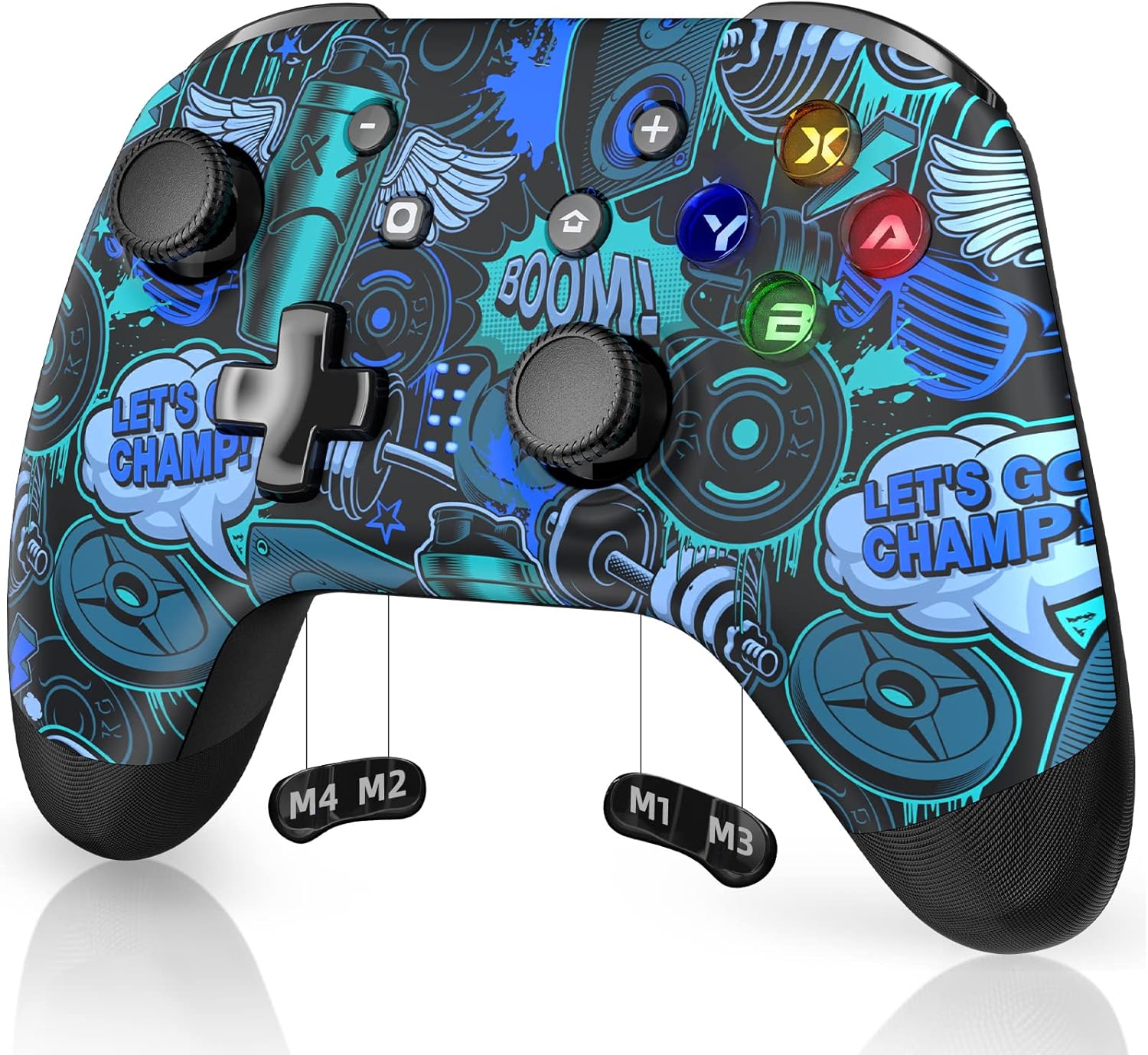
Billede: Endnu en eksample of the REDSTORM 9124 Wireless Controller, featuring a blue and black graphic design.
Opretholdelse
- Keep the receiver dongle clean and free from dust. Use a soft, dry cloth for cleaning.
- Undgå at udsætte enheden for ekstreme temperaturer eller fugt.
- Store the dongle in a safe place when not in use to prevent physical damage.
Fejlfinding
- Controlleren parrer ikke:
- Ensure the receiver is securely plugged into a working USB port.
- Confirm the controller is a REDSTORM 9124 model.
- Re-attempt the pairing process by pressing Y+Home on the controller after it is powered on.
- Prøv at tilslutte receiveren til en anden USB-port.
- No Response After Pairing:
- Verify that the correct drivers are installed, especially for Windows 7 and older systems.
- Genstart din computer eller enhed.
- Check if the controller's battery is charged.
- Intermitterende forbindelse:
- Sørg for, at der ikke er væsentlige forhindringer mellem controlleren og modtageren.
- Minimér interferens fra andre trådløse enheder.
- Try moving the receiver to a more open location or using a USB extension cable.
Specifikationer
| Feature | Detalje |
|---|---|
| Modelnummer | VG-C349 |
| Mærke | RØDESTORM |
| Produktdimensioner | 2.5 x 1 x 0.5 tommer |
| Varens vægt | 0.317 ounce (0.01 kilo) |
| Hardware-interface | USB |
| Data Link Protocol | USB |
| Kompatible enheder | Stationære computere |
| Kompatibel OS-familie | Windows (Driver required for Windows 7 and older) |
| Farve | Sort |
| ASIN | B0BG614DTF |
Garanti og support
For warranty information, technical support, or further assistance, please visit the official REDSTORM webwebstedet eller kontakt deres kundeserviceafdeling. Detaljer kan typisk findes på produktemballagen eller mærkets online tilstedeværelse.
You can visit the REDSTORM store on Amazon for more products and support information: REDSTORM Store


