1. Introduktion
Welcome to the user manual for your Rollei Smart Frame WiFi 100. This digital photo frame allows you to easily share and display your favorite photos and videos with family and friends, no matter where they are. This manual provides detailed instructions for setting up, operating, and maintaining your device.

Image: The Rollei Smart Frame WiFi 100 displaying a vibrant family photo.
2. Pakkens indhold
Tjek venligst pakken for følgende varer:
- 1 x Rollei Smart Frame 100 WiFi Digital Photo Frame (White)
- 1 x Power Adapter with Power Cable
- 1 x stativ
- 1 x Screw (for wall mounting)
- 1 x brugermanual
3. Produktet er slutview
Nøglefunktioner:
- 10.1-inch IPS Touchscreen Display
- Wi-Fi Connectivity for easy photo/video transfer
- 8 GB Internal Storage (up to 7000 photos or 250 videos)
- MicroSD Card Slot for expanded storage
- Micro-USB Port for data transfer
- Automatic or Manual Rotation
- Frameo App compatibility (iOS and Android)

Image: Visual representation of the Rollei Smart Frame's key features including Wi-Fi, 10.1-inch touchscreen, IPS panel, 1280x800 resolution, 8GB storage, microSD, and micro-USB.
Fysiske komponenter:
- Vise: 10.1-inch IPS touchscreen.
- Strømport: Tilsluttes den medfølgende strømadapter.
- MicroSD -kortplads: For additional storage.
- Mikro-USB-port: For connecting to a computer or other devices.
- Stand/Mounting Points: Allows for standing or wall-mounted use, both vertically and horizontally.

Billede: Bagsiden view of the digital photo frame, highlighting the MicroSD card slot, Micro-USB port, and DC power input.
4. Indledende opsætning
4.1 Strømtilslutning
- Tilslut strømadapteren til DC-porten på bagsiden af rammen.
- Plug the power adapter into a wall outlet. The frame will automatically power on.
4.2 Frame Orientation
The frame can be used in both portrait and landscape orientations, either standing on a surface or mounted on a wall.
- Stående: Attach the included stand to the back of the frame.
- Vægmontering: Use the screw provided to secure the frame to a wall. Ensure the frame is securely mounted before use.
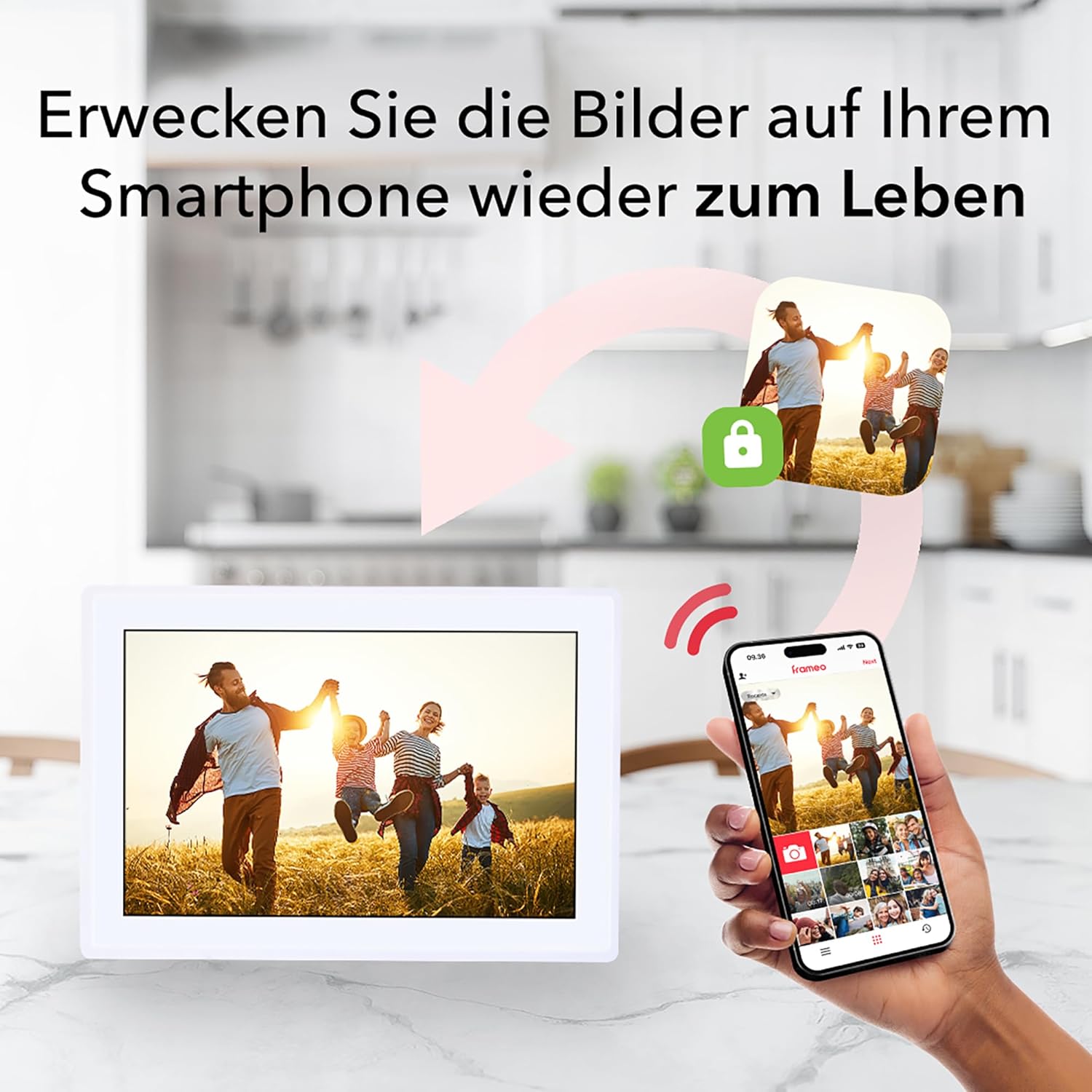
Image: The digital photo frame positioned horizontally on a surface.
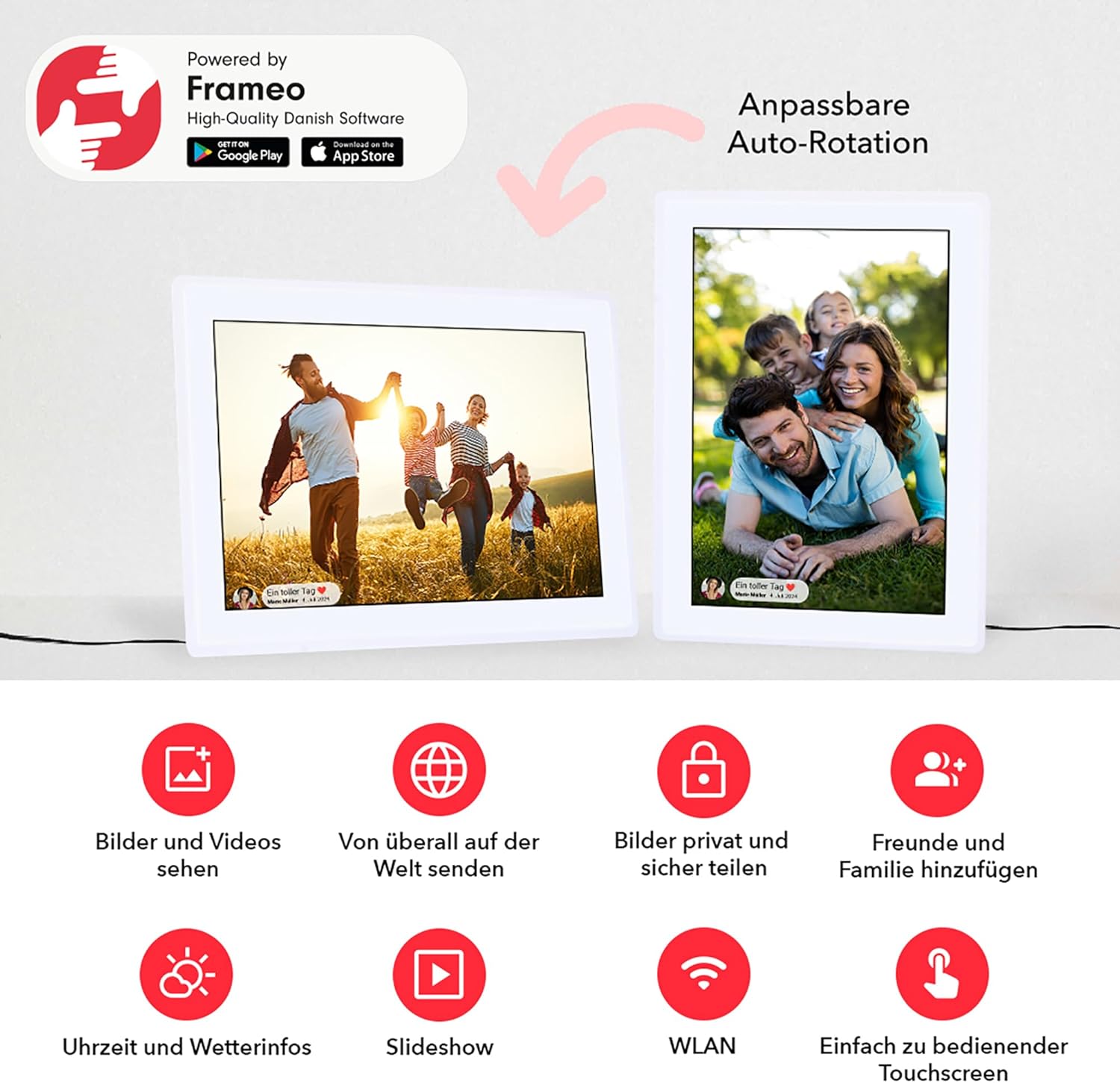
Image: The digital photo frame positioned vertically on a surface.
4.3 Wi-Fi-forbindelse
- On the frame's touchscreen, follow the on-screen prompts to select your language and time zone.
- Vælg dit Wi-Fi-netværk på listen, og indtast adgangskoden.
- Once connected, the frame will display a unique Frame ID.
4.4 Installation og parring af Frameo-appen
- Download the free Frameo app from the App Store (iOS) or Google Play Store (Android) on your smartphone or tablet.
- Open the Frameo app and create an account.
- In the app, add your frame by entering the unique Frame ID displayed on your Rollei Smart Frame.
- Your frame is now paired and ready to receive photos and videos.
5. Operating the Frameo App
The Frameo app is the primary tool for managing content on your digital photo frame.
5.1 Afsendelse af fotos og videoer
- Åbn Frameo-appen på din smartphone eller tablet.
- Select the photos or videos you wish to send from your device's gallery.
- Choose the recipient frame(s) if you have multiple frames or are sending to a friend's frame.
- Add a caption to your photos/videos (optional).
- Adjust the photo/video cropping if necessary.
- Tap 'Send' to transfer the content to your frame.

Image: A smartphone screen showing the Frameo app, ready to send photos to the digital frame.
5.2 Managing Multiple Users and Frames
The Frameo app allows you to connect to multiple frames and invite friends and family to send photos to your frame. Each user can have their own profile and send content.
5.3 Avancerede appfunktioner
- Reactions: Respond to photos on the frame directly from the app.
- Indstillinger for slideshow: Customize the duration, transition effects, and order of photos in the slideshow.
- Sove mode: Schedule the frame to automatically turn off and on at specific times to save energy.
- Import/eksport: Transfer photos to and from a microSD card.
- Cloud-backup: Securely back up your frame's content (requires Frameo+ subscription).
- Google Cast: Display photos from the app on a Google Cast-compatible TV (requires Frameo+ subscription).
Video: A demonstration of various features of the Frameo app, including sending photos, adding captions, multi-user functionality, reactions, slideshows, and cloud backup options.
6. Using the Digital Photo Frame
6.1 Navigation med berøringsskærm
The Rollei Smart Frame features an intuitive touchscreen interface:
- Stryg til venstre/højre: Navigate through photos and videos.
- Tryk på: Display options or interact with on-screen elements.
- Knib-for-at-zoome: Zoom ind eller ud på fotos.

Image: A hand touching the screen of the digital photo frame, demonstrating its touchscreen functionality.
6.2 Skærmindstillinger
You can adjust various display settings directly on the frame:
- Automatisk rotation: The frame automatically adjusts the photo orientation based on how the frame is positioned.
- Manuel rotation: Manually rotate photos if needed.
- Rammejustering: Adjust how photos fit the frame (e.g., fill screen, fit to screen).
- Fade-funktion: Control the transition effect between photos.
7. Hukommelsesstyring
7.1 Internal Storage
The Rollei Smart Frame comes with 8 GB of internal storage, capable of holding approximately 7,000 photos or 250 videos (based on average file størrelser).

Image: An infographic illustrating the 8GB internal storage capacity, capable of storing over 7000 photos or 250 videos.
7.2 MicroSD Card Usage
To expand storage or transfer content, insert a microSD card into the designated slot on the back of the frame. You can then use the frame's settings or the Frameo app to import or export media.
8. Vedligeholdelse og pleje
- Rengøring af skærmen: Use a soft, lint-free cloth to gently wipe the screen. Do not use abrasive cleaners or sprays directly on the screen.
- Generel rengøring: Wipe the frame's exterior with a dry, soft cloth.
- Undgå væsker: Keep the frame away from water and other liquids.
- Temperatur: Operate the frame within recommended temperature ranges to prevent damage.
9. Fejlfinding
9.1 Frame Not Turning On
- Sørg for, at strømadapteren er korrekt tilsluttet både stellet og en fungerende stikkontakt.
- Kontroller, om stikkontakten fungerer.
9.2 Kan ikke oprette forbindelse til Wi-Fi
- Bekræft, at dit Wi-Fi-netværk er aktivt og inden for rækkevidde.
- Dobbelttjek Wi-Fi-adgangskoden.
- Restart your Wi-Fi router and the photo frame.
9.3 Photos Not Appearing on Frame
- Sørg for, at rammen er forbundet til Wi-Fi.
- Verify that the photos were successfully sent from the Frameo app.
- Check the frame's storage capacity.
9.4 Berøringsskærmen reagerer ikke
- Restart the frame by unplugging and re-plugging the power adapter.
- Sørg for, at skærmen er ren og fri for snavs.
10. Specifikationer
| Feature | Detalje |
|---|---|
| Mærke | Rollei |
| Modelnummer | 30272 |
| Produktdimensioner | 19.5 x 16.1 x 2.51 cm; 798 g |
| Skærmstørrelse | 10.1 tommer |
| Opløsning | 800 x 1280p |
| Human Interface Input | Touchskærm |
| Forbindelsesteknologi | Wi-Fi |
| Strømkilde | Strømkabel |
| Kompatible enheder | Smartphone, tablet |
| Rammemateriale | Plast |
11. Garanti og support
11.1 Garantioplysninger
Your Rollei Smart Frame WiFi 100 comes with a 24-month exchange guarantee fra købsdatoen. Gem venligst din købsbevis i tilfælde af garantikrav.
11.2 Kundesupport
For technical assistance, troubleshooting, or warranty inquiries, please contact Rollei customer support. Our experts are available to assist you.
- Fabrikant: Rollei GmbH & Co. KG
- Kontaktoplysninger: Refer to the official Rollei website or the contact details provided in your product packaging for the most up-to-date support options.


