1. Introduktion
This manual provides essential instructions for the safe and effective use of your Gens ace Smart RC LiPo Battery. Please read this manual thoroughly before using the battery to ensure proper operation, maximize battery life, and prevent potential hazards.
The Gens ace Smart RC LiPo Battery is an advanced power source designed for high-performance remote control applications, featuring intelligent charging, discharge, and storage management.

Image: The Gens ace Smart RC LiPo Battery (Model GEA65003S10E5).
2. Sikkerhedsinstruktioner
WARNING: Lithium Polymer (LiPo) batteries can be dangerous if not handled correctly. Failure to follow these safety instructions can result in fire, personal injury, and property damage.
- Always charge LiPo batteries on a fire-resistant surface, away from flammable materials.
- Never leave a charging LiPo battery unattended.
- Use only chargers specifically designed for LiPo batteries and compatible with the battery's cell count and voltage.
- Do not overcharge or over-discharge the battery. The smart features help prevent this, but always monitor.
- Kortslut ikke batteripolerne.
- Inspect the battery for damage before each use. Do not use if swollen, punctured, or otherwise damaged.
- Store batteries in a cool, dry place, ideally in a LiPo-safe bag or container, and at storage voltage (approximately 3.8V-3.9V per cell).
- Hold batterier utilgængeligt for børn og kæledyr.
- In case of fire, use a LiPo-specific fire extinguisher or sand. Water may not be effective and can worsen the situation.
3. Produktfunktioner
The Gens ace Smart RC LiPo Battery incorporates several advanced features for enhanced safety and convenience:
- Smart LiPo-batteri: Features a built-in microchip that communicates with compatible smart chargers. This enables automatic battery information reading, automatic charging parameter setting, and overcharge protection, simplifying the charging process.
- LED -strømindikator: Equipped with a 4-LED power indicator button on the side. Each LED represents approximately 25% of the battery's total charge level.
- Voltage Status Indicator: Provides visual alerts for battery status. A large voltage difference (>300mV) between cells is indicated by flashing red and blue lights. A solid red light indicates low voltage, prompting timely recharging.
- Self-Storage Mode: If the internal circuit detects a charge level above 3.95V per cell after five days of inactivity, the battery will automatically begin discharging to a safe storage level of 3.92V per cell. This feature helps prolong battery life.
- Overcharge Cut-Off: Designed to prevent overcharging. If a charging failure occurs or the battery attempts to overcharge, the power from the balance lead will be cut off, and the charger screen may display a "Connection Error" or similar warning.
- Hardcase Design: Provides robust protection for the battery cells against impacts and physical damage.
- 8 Gauge Wire: Utilizes heavy-duty 8 gauge silicone wire for efficient power delivery and reduced resistance.
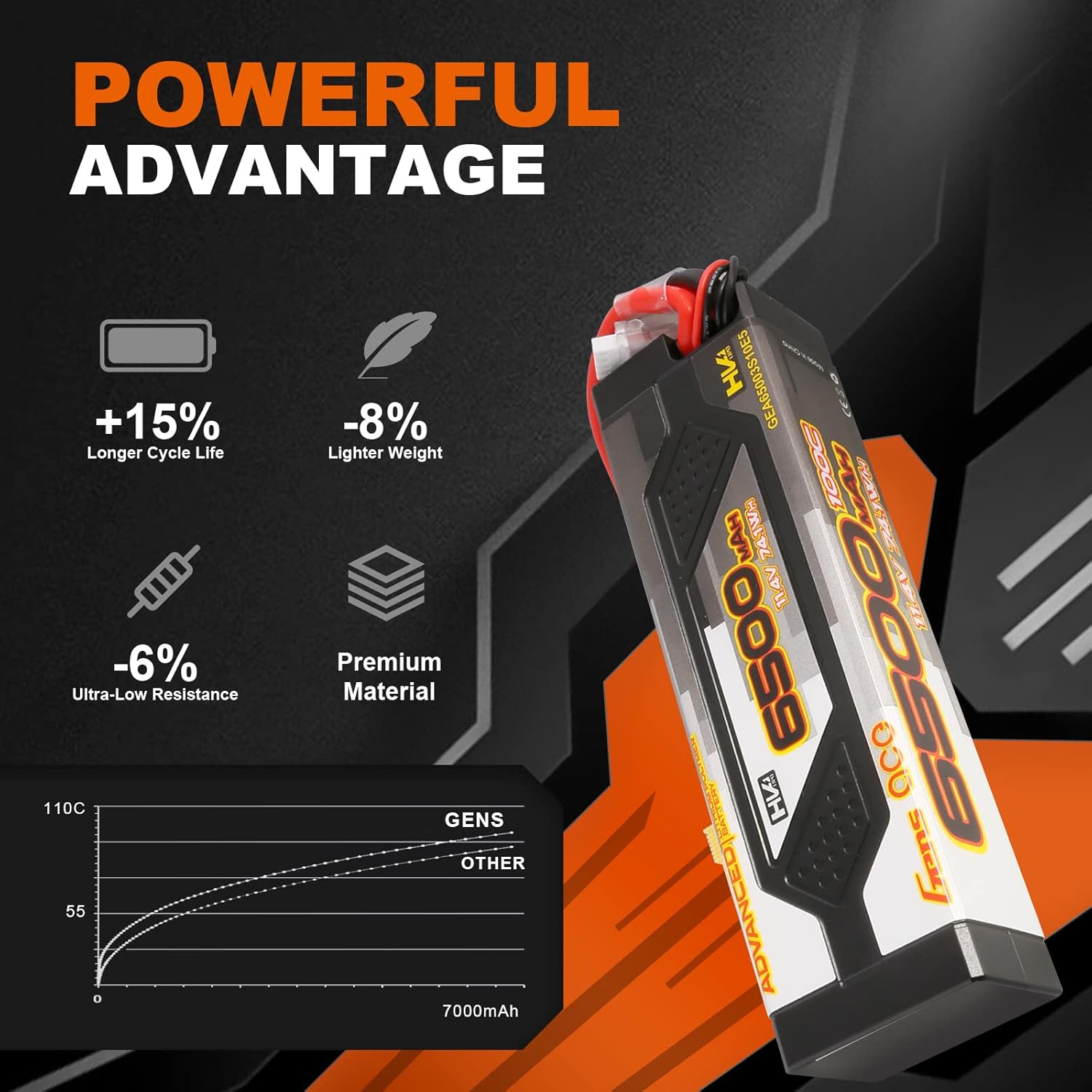
Image: Gens ace Smart LiPo Battery highlighting its powerful advantages, including increased cycle life, reduced weight, and lower internal resistance.
4. Specifikationer
| Specifikation | Værdi |
|---|---|
| Modelnummer | GEA65003S10E5 |
| Kapacitet | 6500mAh |
| Voltage | 11.4V (3S / 3 Cell) |
| Udledningshastighed | 100C |
| Vægt | 490 g (1.08 lbs) |
| Dimensioner (L x B x H) | 165 mm x 47 mm x 34 mm (6.5 x 1.85 x 1.34 tommer) |
| Afladningsstik | EC5 |
| Balancer Connector Type | JST-XHR-4P |
| Cellekemi | Litium Polymer (LiPo) |

Billede: Detaljeret view of the Gens ace Smart LiPo Battery, illustrating its key specifications and connector types.
5. Opsætning og første brug
- Udpakning: Carefully remove the battery from its packaging. Inspect for any visible damage. The package typically includes one 3S 100C 6500mAh LiPo Battery and a user manual.

Image: Contents of the Gens ace Smart LiPo Battery package.
- Indledende opkrævning: Before first use, fully charge the battery using a compatible smart LiPo charger. Connect the EC5 discharge plug and the JST-XHR-4P balance connector to your charger. The smart battery will communicate its parameters to a compatible smart charger for optimal charging.
- Tjek før flyvning/før kørsel: Always ensure the battery is fully charged and visually inspect it for any damage before connecting it to your RC model.
6. Betjening
6.1 Opladning
- Connect the battery's EC5 discharge plug and JST-XHR-4P balance connector to your smart LiPo charger.
- The smart charger should automatically detect the battery type, cell count, and recommended charging current. Confirm these settings before starting the charge.
- Always charge at the recommended charge rate (typically 1C, or 6.5A for this 6500mAh battery, unless specified otherwise by the manufacturer).
- Monitor the charging process. The LED power indicator on the battery will show the charge progress.
6.2 Discharging and Usage
- Connect the EC5 plug to your RC model's Electronic Speed Controller (ESC).
- During use, periodically check the LED power indicator to monitor the remaining charge.
- Pay attention to the Voltage Status Indicator:
- Flashing red and blue: Indicates a large voltage difference (>300mV) between cells. This may require balancing or inspection.
- Solid red light: Indicates low voltage. Stop using the battery immediately and recharge it to prevent over-discharge damage.
- Avoid discharging the battery below 3.2V per cell under load to prevent irreversible damage.
6.3 Opbevaring
- For long-term storage, ensure the battery is at its storage voltage (approximately 3.8V-3.9V per cell).
- The battery's built-in Self-Storage Mode will automatically discharge the battery to 3.92V per cell if it detects a charge level above 3.95V per cell after five days.
- Opbevar batteriet et køligt, tørt sted, væk fra direkte sollys og ekstreme temperaturer.
7. Vedligeholdelse
- Regularly inspect the battery case, wires, and connectors for any signs of wear, damage, or corrosion.
- Keep the battery clean and free from dirt, dust, and moisture.
- Avoid physical impacts or dropping the battery. The hardcase provides protection, but severe impacts can still cause internal damage.
- If the battery becomes warm during charging or discharging, this is normal. However, excessive heat (too hot to touch) indicates a problem, and usage should be discontinued immediately.
8. Fejlfinding
- Charger displays "Connection Error" or similar warning: This may indicate that the battery's overcharge cut-off feature has activated, or there is an issue with the connection. Ensure all connectors are securely attached and inspect for any damage.
- Batteri oplades ikke: Verify that the charger is properly connected and powered on. Check the battery's balance lead and main discharge lead for secure connections. If using a smart charger, ensure it recognizes the battery.
- Battery swells or becomes excessively hot: Immediately disconnect the battery from the charger or model and place it in a safe, fireproof location (e.g., a LiPo-safe bag or sand bucket) outdoors. Do not attempt to use or charge a swollen battery.
- Rapid voltage drop during use: This could indicate an aging battery, an undersized battery for the application, or an issue with the RC model's power system. Check the battery's internal resistance if your charger supports it.
- Voltage Status Indicator shows flashing red and blue: This indicates a significant cell voltage imbalance. Use a balance charger to balance the cells. If the issue persists, the battery may be damaged.
9. Ansøgninger
The Gens ace Smart RC LiPo Battery (GEA65003S10E5) is suitable for a wide range of high-performance RC vehicles, including:
- 1/7 Scale Models: FELONY 6S BLX, LIMITLESS, INFRACTION 6S BLX
- 1/10 Scale Models: SENTON 3S, BIGROCK 3S BLX
- 1/8 Scale Models: TYPHON 6S, TYPHON 3S, Vendetta, KRATON 6S BLX, TALION 6S BLX, OUTCAST 6S BLX, NOTORIOUS 6S
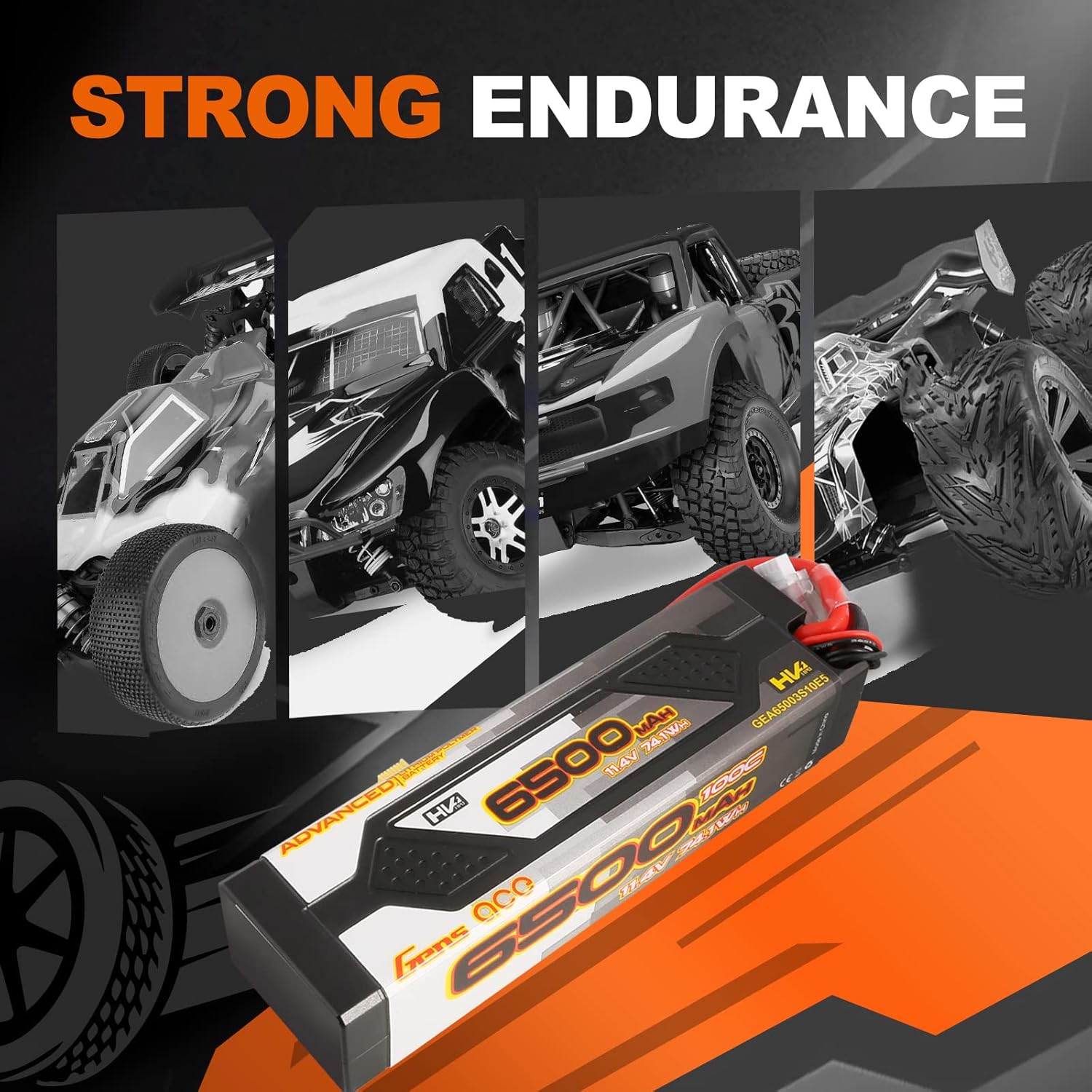
Image: The Gens ace Smart LiPo Battery powering various RC models, demonstrating its versatility and performance.

Image: The Gens ace Smart LiPo Battery in an outdoor RC environment, ready for use in a rock crawler.
10. Garanti og support
For warranty information and technical support, please contact Gens ace customer service. Refer to the official Gens ace webwebstedet eller produktemballagen for de seneste kontaktoplysninger.
Gem altid din købsbevis i tilfælde af garantikrav.


