Indledning
This manual provides comprehensive instructions for the operation and maintenance of your AbergBest Mini Digital Camera. Designed for ease of use, this compact camera is ideal for capturing everyday moments with its 21-megapixel sensor and HD 720P video recording capabilities. Please read this manual thoroughly to ensure proper usage and to maximize your camera's potential.
Hvad er der i æsken
Upon unboxing your AbergBest Mini Digital Camera, please verify that all the following components are included:
- AbergBest Mini Digital Camera (Model: New2022ABDC5100)
- 2 x Lithium Batteries
- Charging Brick (USB Wall Adapter)
- USB-kabel (til opladning og dataoverførsel)
- Håndledsrem
- Driver Disk (CD)
- Brugermanual
- Carrying Satchel

Image: All components included in the AbergBest Mini Digital Camera package.
Opsætning
1. Batteriinstallation
The camera comes with two rechargeable lithium batteries. To install a battery:
- Locate the battery compartment door on the bottom of the camera.
- Skub låsen for at åbne rummet.
- Isæt batteriet, og sørg for, at kontakterne er korrekt justeret.
- Luk batteridækslet ordentligt, indtil det klikker.

Image: Visual guide for inserting the battery into the camera.
2. SD Card Installation (Not Included)
An SD memory card is required to store photos and videos. The camera supports up to a 64GB SD memory card. For optimal performance, use a certified brand SD card with a Class 4 speed or above.
- Locate the SD card slot, typically near the battery compartment or on the side of the camera.
- Sæt SD-kortet i med metalkontakterne nedad, indtil det klikker på plads.
- For at fjerne det skal du forsigtigt skubbe kortet ind, indtil det springer ud.

Image: Recommended SD card types and capacity for the camera.
3. Opladning af kameraet
Use the provided USB cable and charging brick to charge the camera. A fully charged battery can support the camera for over 60 minutes of use.
- Connect the small end of the USB cable to the camera's USB port.
- Connect the large end of the USB cable to the charging brick.
- Plug the charging brick into a wall outlet.
- Opladningsindikatorlampen lyser under opladningen og slukker, når den er færdig.
Betjeningsvejledning
1. Tænd/sluk
Press and hold the Power button (usually located on the top or side of the camera) to turn the camera on or off.
2. Brug af LCD-skærmen
The camera features a 2.7-inch TFT LCD screen for framing shots, reviewtager billeder og navigerer i menuer.
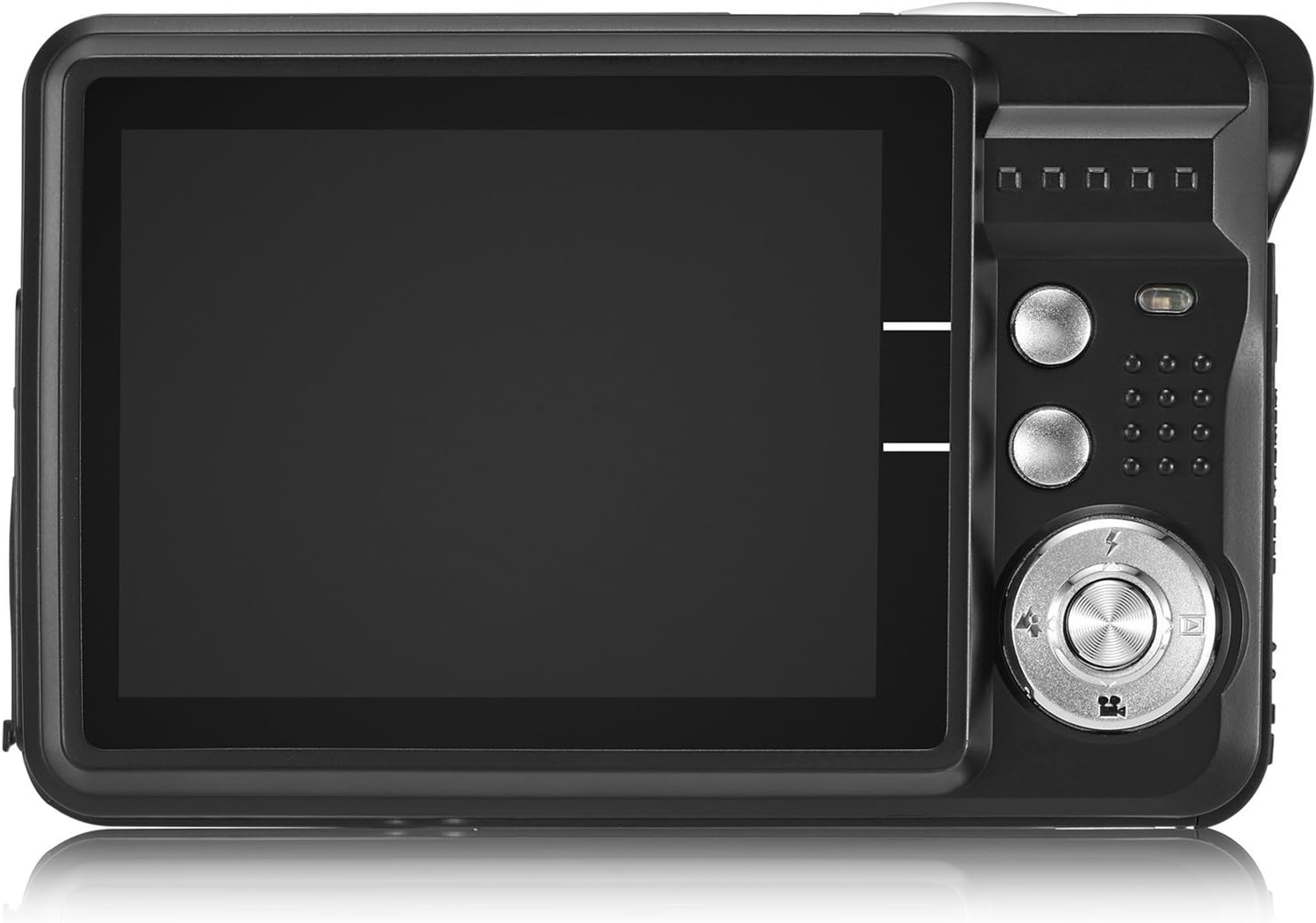
Image: The camera's 2.7-inch LCD screen and rear controls.
3. Tage billeder
Sådan optager du et stillbillede:
- Indram dit motiv ved hjælp af LCD-skærmen.
- Press the Shutter button halfway down to focus.
- Press the Shutter button fully to take the picture.
The camera captures images at 21 megapixels in JPEG format.
4. Optagelse af videoer
Sådan optager du en video:
- Switch the camera to video mode (refer to the on-screen icons or user manual for specific button).
- Tryk på udløserknappen for at starte optagelsen.
- Tryk på udløserknappen igen for at stoppe optagelsen.
Videos are recorded in HD 720P resolution in AVI format.

Image: The camera displaying video recording functionality.
5. Zoomfunktion
The camera features 8X digital zoom. Use the zoom buttons (often labeled with a magnifying glass icon or 'W' for Wide and 'T' for Telephoto) to adjust the zoom level.

Image: Demonstrating the camera's 8X digital zoom capability.
6. Scene Modes and Settings
Access the camera's menu to select various scene modes and adjust settings for different shooting conditions. Available modes include:
- Natportræt: For clear portraits in low light.
- Night Scenery: Optimizes for landscapes at night.
- Sport: Reduces blur for fast-moving subjects.
- Scenery: Enhances outdoor landscape shots.
- Parti: Ideal for indoor events with mixed lighting.
- Strand: Adjusts for bright, reflective environments.
- Høj følsomhed: Improves performance in very low light.
Other adjustable settings include ISO (Auto, 100, 200, 400), Anti-Shake for stable images, and Flash options (Auto, On, Off, Red-eye Reduction). The camera also features Face Detection, Smile Capture, and a 2-second Self-Timer.

Image: The camera's 2.7-inch screen highlighting the face detection feature.

Image: Illustrating the effect of the built-in flash in low-light conditions.
Tilslutning til en computer
To transfer photos and videos to your computer:
- Sørg for, at kameraet er slukket.
- Tilslut kameraet til din computer ved hjælp af det medfølgende USB-kabel.
- Tænd kameraet. Det burde vises som et flytbart diskdrev på din computer.
- Alternatively, you can remove the SD card and insert it into a compatible card reader connected to your computer.
The camera is compatible with Windows XP/VISTA/7/8/10 and Mac operating systems. A driver disk is included for older systems or specific software needs, though most modern operating systems will recognize the camera automatically.

Image: Connecting the camera to a personal computer for data transfer.
Opretholdelse
Proper care will extend the life of your camera:
- Rensning: Use a soft, lint-free cloth to clean the camera body and screen. For the lens, use a specialized lens cleaning cloth and solution. Avoid harsh chemicals.
- Opbevaring: Opbevar kameraet et køligt og tørt sted væk fra direkte sollys og ekstreme temperaturer. Fjern batteriet, hvis det opbevares i længere perioder.
- Batteripleje: Fully charge batteries before first use. Avoid overcharging or completely draining the battery frequently to prolong its lifespan.
Fejlfinding
If you encounter issues with your camera, try the following common troubleshooting steps:
- Kamera tænder ikke: Sørg for, at batteriet er korrekt installeret og fuldt opladet. Prøv at bruge det andet medfølgende batteri.
- Dårlig billedkvalitet: Check lighting conditions. Ensure the lens is clean. Adjust scene modes or ISO settings as needed.
- Fejl på hukommelseskort: Ensure the SD card is properly inserted and not full. Try formatting the card (this will erase all data, so back up first). Use a compatible SD card (Class 4 or above, up to 64GB).
- Kameraet fryser: Fjern og sæt batteriet i igen for at nulstille kameraet.
If problems persist, please refer to the detailed user manual or contact customer support.
Specifikationer
| Feature | Detalje |
|---|---|
| Mærke | AbergBest |
| Modelnavn | ABCAM218UPDATED |
| Modelnummer | New2022ABDC5100 |
| Maksimum Webcam billedopløsning | 21 MP |
| Fotosensorteknologi | CMOS |
| Video opløsning | 720p |
| Understøttet File Format | AVI (Video), JPEG (Photo) |
| Billedstabilisering | Digital |
| Skærmstørrelse | 2.7 tommer TFT LCD |
| Digital Zoom | 8x |
| Flash-hukommelsestype | SD (up to 64GB, Class 4+) |
| Batteritype | Lithium Polymer (2 inkluderet) |
| Forbindelsesteknologi | USB |
| Kompatible enheder | Windows XP/VISTA/7/8/10/MAC |
| Speciel funktion | Face Detection, Smile Capture, Anti-Shake, Self-Timer |
| Varens vægt | 309 gram |
| Varedimensioner (D x B x H) | 3.74" D x 2.4" B x 0.94" H |
Garanti og support
Your AbergBest Mini Digital Camera comes with a 1 års producentgaranti. For warranty claims, technical support, or any questions regarding your product, please refer to the contact information provided in the included user manual or visit the official AbergBest webwebsted.
Gem venligst din købsbevis af garantihensyn.