Produkt overview
The TNVTEC Wireless CarPlay Android Auto Adapter (Model: YDSMT-AZ01) is designed to convert existing wired CarPlay systems in compatible vehicles into wireless Android Auto or wireless CarPlay functionality. This device offers enhanced convenience and seamless integration with your smartphone, supporting both iOS and Android devices.

Figure 1: TNVTEC Wireless CarPlay Android Auto Adapter (Model: YDSMT-AZ01)
Opsætningsinstruktioner
Follow these steps for initial setup and connection of your TNVTEC Wireless CarPlay Android Auto Adapter:
- Bekræft kabelbaseret CarPlay: Ensure your vehicle is equipped with factory wired CarPlay. This adapter is designed to convert wired CarPlay to wireless functionality.
- Tilslut adapteren: Plug the TNVTEC adapter into the USB data port of your car that is typically used for wired CarPlay.
- Tænd køretøjet: Start your car's engine to power on the infotainment system.
- Par Bluetooth: On your smartphone (iOS 11-16 or Android 11+), enable Bluetooth and search for the device named "smartBox-xxxx" (where xxxx is a unique identifier). Pair with this device.
- Bekræft forbindelse: Once paired, the car's screen should automatically switch to the wireless CarPlay or Android Auto interface. The first connection may take up to 1 minute, subsequent connections will be faster (around 15 seconds).
Visuel vejledning til opsætning

Figure 2: Connecting the adapter to the car's USB port for easy plug-and-play setup.

Figure 3: The adapter features a dual-band 2.4GHz+5GHz Wi-Fi module for stable connection.
Video 1: Installation Way for TNVTEC Wireless CarPlay Adapter. This video demonstrates the step-by-step process of installing the adapter in your vehicle.
Video 2: TNVTEC Wireless Android Auto for Wired CarPlay Upgrade AC01. This video provides an overview of the adapter's functionality and initial setup for wireless Android Auto.
Betjeningsvejledning
Once connected, the TNVTEC adapter allows for seamless use of wireless Android Auto or CarPlay. The device features dual-band 2.4GHz+5GHz Wi-Fi and Bluetooth 5.0 for low latency and anti-interference performance.
Nøglefunktioner og brug:
- 2-in-1 Wireless Functionality: Converts wired CarPlay to wireless Android Auto or wireless CarPlay.
- Hurtig opstart: Achieves full startup speeds of 15-20 seconds.
- Stemmestyring: Supports intelligent voice assistants like Siri and Google Assistant through the car's original microphone.
- Originale bilkontroller: Maintain use of OEM knob control, steering wheel controls, and touchscreen control for navigation and media.
- Automatisk genforbindelse: After the initial setup, the adapter will automatically connect to your mobile device when the car is started.
Daily Use and Functions:
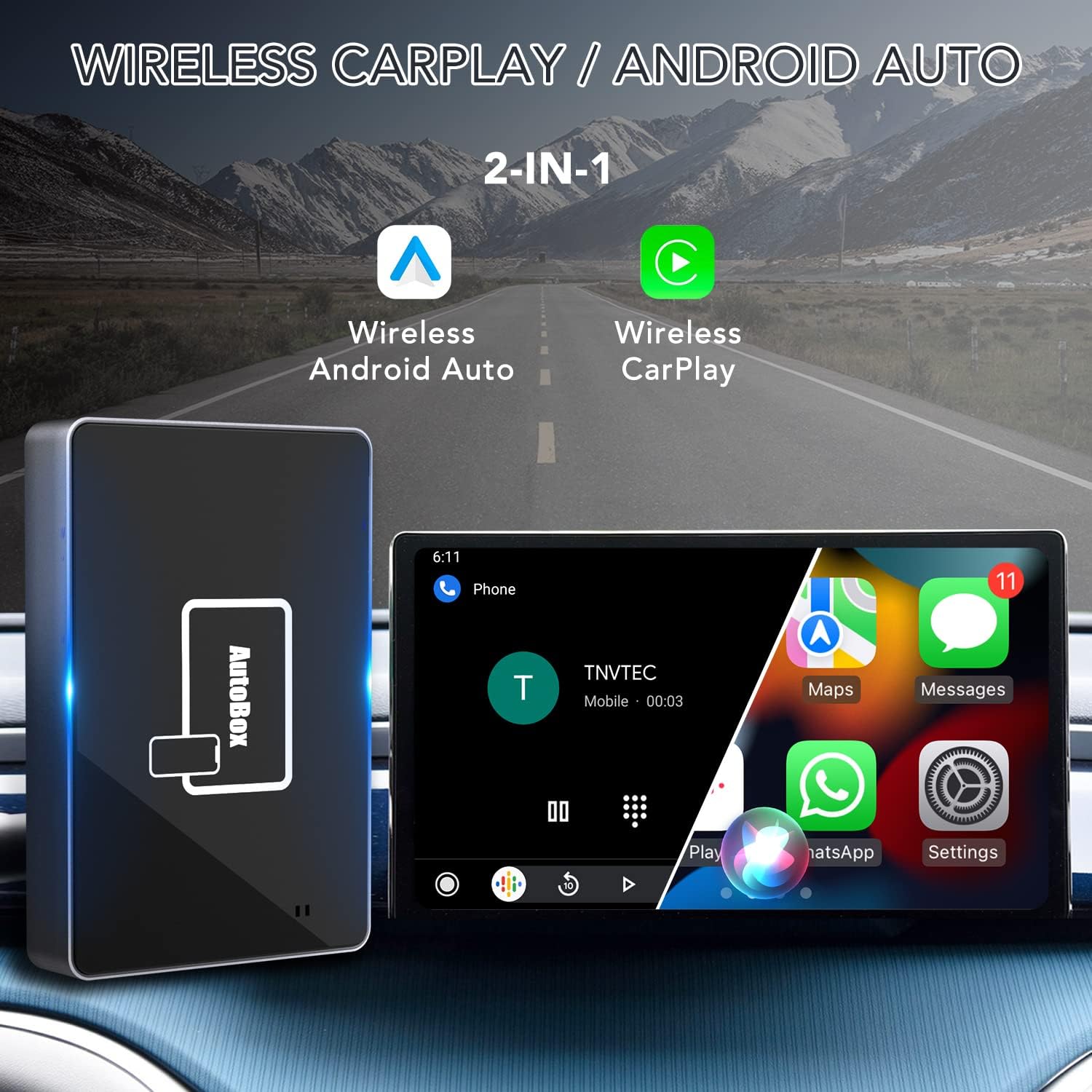
Figure 4: The adapter provides both Wireless Android Auto and Wireless CarPlay functionality.

Figure 5: The adapter integrates with your car's existing intelligent voice assistant, OEM knob, steering wheel, and touchscreen controls.
Video 3: Daily Use Functions for TNVTEC Wireless CarPlay Adapter. This video illustrates how to use various functions of the adapter in daily driving scenarios.
Video 4: TNVTEC SMT-AC01 Switch Wireless AA mode for Android Mobile. This video demonstrates how to switch between CarPlay and Android Auto modes on the adapter.

Figure 6: Comparison of CarPlay and Android Auto interfaces on the car screen.

Figure 7: Visual representation of switching between CarPlay and Android Auto modes.

Figure 8: The adapter supports fast charging for your mobile device while using wireless CarPlay/Android Auto.
Opretholdelse
Regular firmware updates can improve performance and address potential issues. However, it is important to note the following:
- Do Not Upgrade if Working Normally: If the adapter is functioning correctly, it is generally recommended not to upgrade the firmware. New versions may not always be perfectly compatible with your specific car model.
- Opgraderingsproces: Firmware upgrades are typically performed by connecting the adapter to a USB power adapter and using a smartphone (preferably an iPhone for online upgrades) to access the update interface via a specific IP address (192.168.1.101).
- Lysindikatorer: During the upgrade process, the adapter's indicator lights will flash. The process is complete when the lights stop flashing and remain solid.
Firmware Upgrade Guide:
Video 5: SMT-AC01 Upgrade Steps for TNVTEC Wireless Carplay Adapter. This video details the procedure for updating the adapter's firmware.

Figure 9: Connect the adapter to a USB power source for firmware upgrade.

Figure 10: Access the firmware update interface via a web browseren på din smartphone.

Figure 11: Observe the adapter's light indicators during the firmware burning process.

Figure 12: It may be necessary to "Forget This Network" in your phone's Wi-Fi settings before connecting to the adapter's network for updates.
Fejlfinding
If you encounter issues with your TNVTEC Wireless CarPlay Android Auto Adapter, consider the following:
- Wired CarPlay Requirement: This adapter requires your car to have existing factory wired CarPlay. It will not function if your car does not support wired CarPlay.
- Inkompatible modeller: The adapter is explicitly not compatible with BMW, 2016 Buick LaCrosse, 2019 Honda CRV, and 2019 ACURA RDX models.
- Bluetooth og Wi-Fi: Ensure both Wi-Fi and Bluetooth functions are enabled on your mobile device for proper connection and operation.
- Forget Other Bluetooth Devices: Before connecting, forget any other Bluetooth devices (like the car's built-in Bluetooth or wireless earbuds) from your phone to avoid conflicts.
- Firmwareopdatering Advarsel: Avoid upgrading the firmware if the adapter is working normally, as new versions may introduce unforeseen compatibility issues with your specific vehicle.
- Kontakt support: For any persistent breakdowns or questions, contact TNVTEC seller support via Amazon email for technical assistance.
Oplysninger om kompatibilitet:

Figure 13: The adapter is suitable for most factory wired CarPlay cars from 2017-2022, including various brands like Ford, Chevrolet, Hyundai, Toyota, Nissan, Jeep, and more.
Specifikationer
| Feature | Detalje |
|---|---|
| Mærke | tnvtec |
| Modelnummer | YDSMT-AZ01 |
| Forbindelsesteknologi | Bluetooth, WiFi |
| Standard for trådløs kommunikation | Bluetooth |
| Farve | Sort |
| Kompatible enheder | Smartphone (iOS 10+ / Android 11+) |
| Pakkedimensioner | 4.25 x 4.09 x 1.14 tommer |
| Varens vægt | 6.4 ounce |
| Fabrikant | TNVTEC |
| Første ledige dato | 9. juni 2022 |
Garanti og support
The TNVTEC Wireless CarPlay Adapter comes with a one-year global warranty. For technical service support, please contact TNVTEC seller support directly via Amazon email. When contacting support, please provide details of your issue and any relevant car or device information to assist in troubleshooting.


