Indledning
This manual provides detailed instructions for the Parsonver LW45 Smart Watch. Please read this guide thoroughly to understand the watch's functions, setup, and maintenance, ensuring optimal performance and longevity of your device.
Pakkens indhold
Når du åbner pakken, skal du kontrollere, at alle varer er til stede:
- Parsonver LW45 Smart Watch
- Ladekabel
- Brugermanual
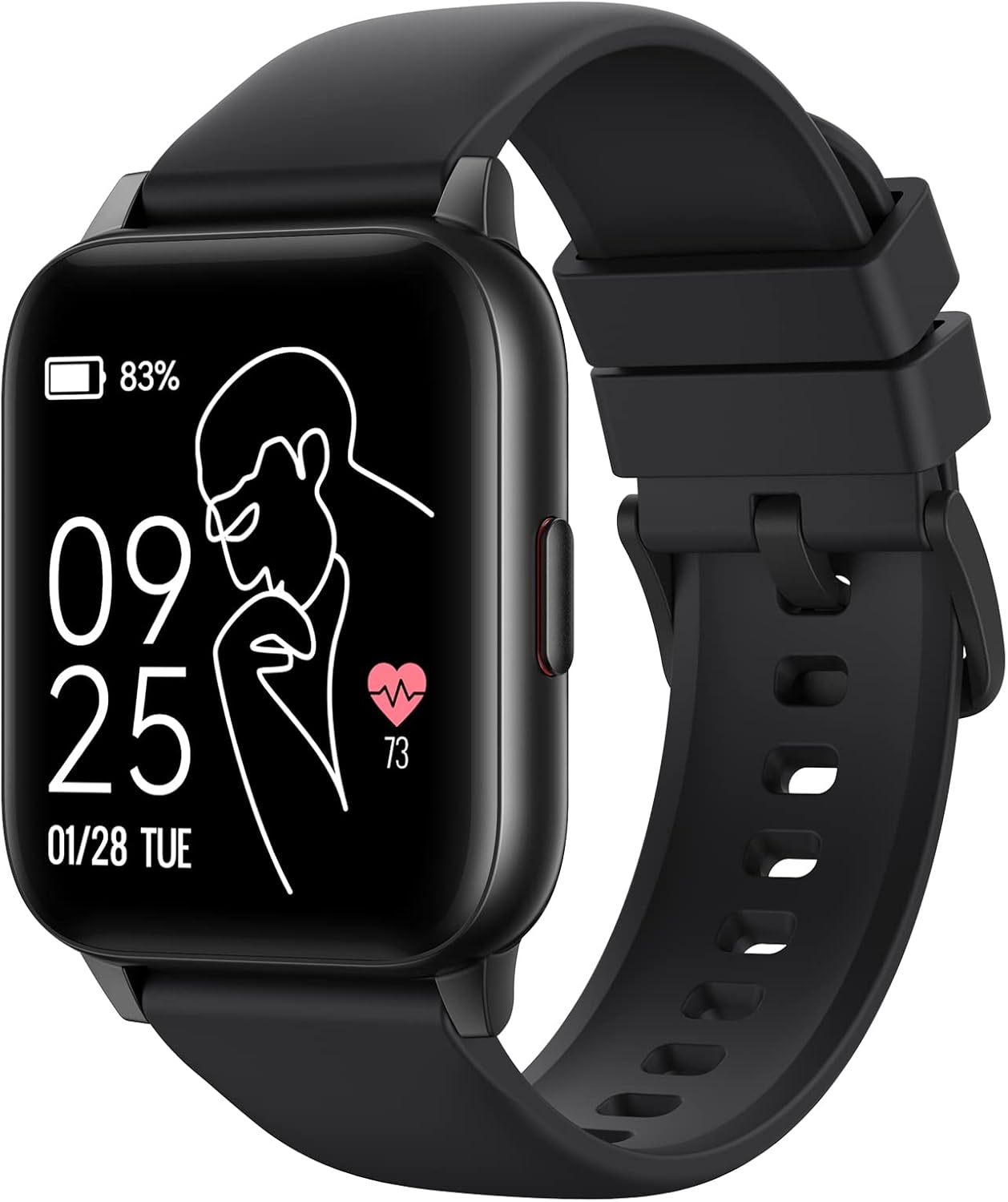
Image: The Parsonver LW45 Smart Watch, black model, displaying time and health metrics.
Opsætningsvejledning
1. Opladning af enheden
Before initial use, fully charge the smart watch. Connect the charging cable to the charging port on the back of the watch and to a USB power source. The watch display will indicate charging status.
2. Appinstallation og parring
- Download the official Parsonver app from your smartphone's app store (compatible with iOS 10.0/Android 5.0 or above).
- Sørg for, at Bluetooth er aktiveret på din smartphone.
- Åbn appen og følg instruktionerne på skærmen for at oprette en konto eller logge ind.
- Select "Add Device" or similar option within the app to search for your LW45 Smart Watch.
- Bekræft parringsanmodningen på både din smartphone og uret.
Note: The watch connects via Bluetooth 5.0. Maintain proximity between the watch and your smartphone for a stable connection.

Image: A smartphone displaying the Parsonver app, illustrating the device connection process.
Betjeningsvejledning
Grundlæggende navigation
- Berøringsskærm: Stryg til venstre/højre, op/ned for at navigere i menuer og få adgang til funktioner. Tryk for at vælge.
- Side knap: Tryk for at vende tilbage til startskærmen eller vække enheden.
Sportstilstande
The LW45 Smart Watch features 16 default sports modes. Over 100 additional sports modes can be customized and added via the companion app. These include activities such as walking, running, cycling, swimming, yoga, and strength training.
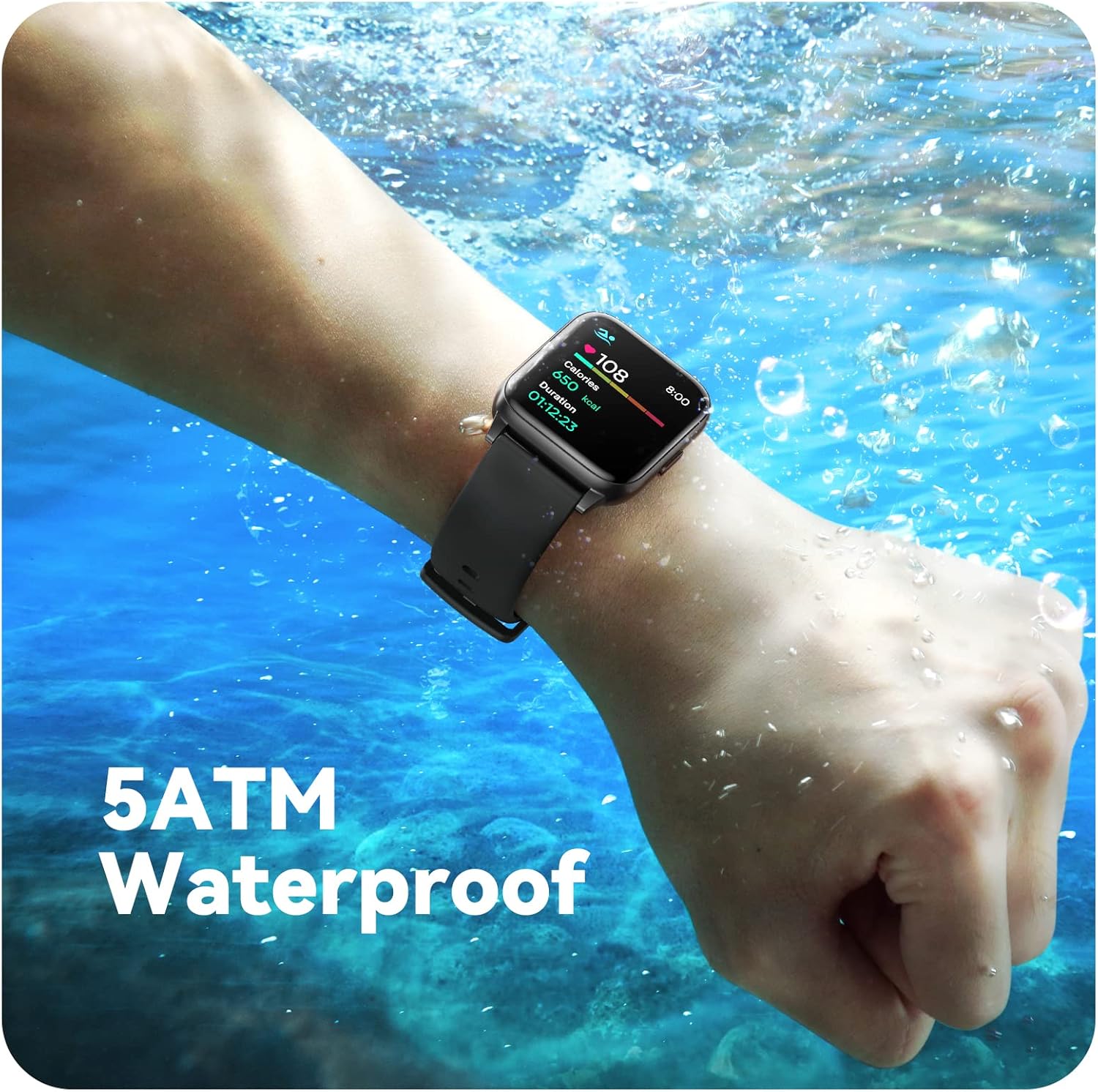
Image: A person engaged in soccer, wearing the smart watch, demonstrating its use during sports activities.

Image: A smartphone screen displaying a wide selection of sports modes within the Parsonver application.
Sundhedsovervågning
- Heart Rate Monitoring: Provides 24/7 real-time heart rate data.
- Overvågning af ilt i blodet: Måler iltniveauet i blodet.
- Søvnsporing: Automatically monitors sleep patterns, including deep sleep, light sleep, and awake times (from 9:00 PM to 12:00 PM the next day).
- Hydration and Sedentary Alerts: The watch can provide reminders for hydration and prolonged inactivity.
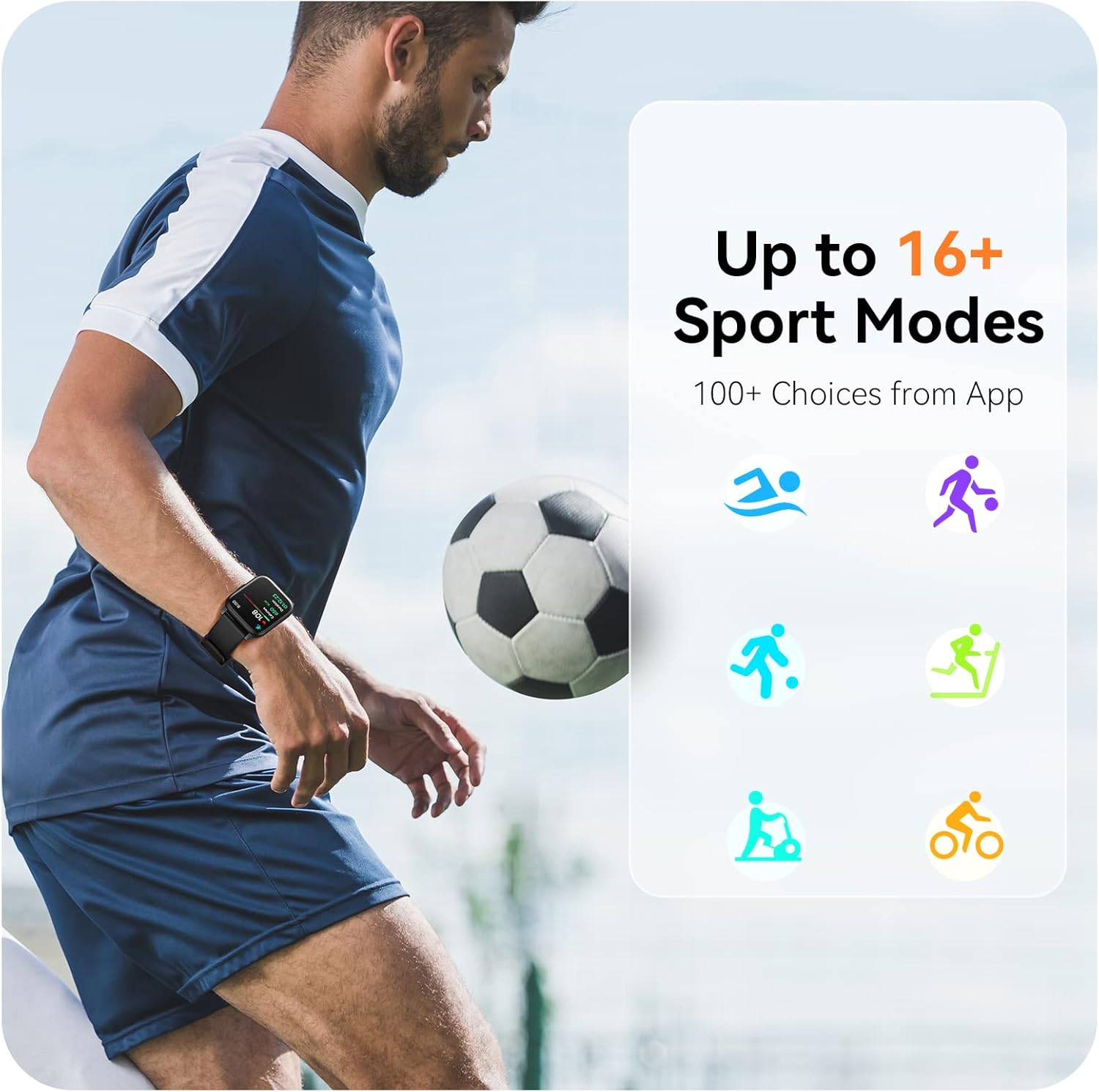
Image: A man running, with the smart watch on his wrist showing real-time fitness data.

Image: A person sleeping, with the smart watch tracking sleep and displaying data on a connected phone.
Meddelelser
Receive notifications for incoming calls, SMS messages, emails, and alerts from social media applications (WhatsApp, LinkedIn, Instagram, Twitter) when connected to your smartphone. You can reject calls directly from the watch, but cannot answer or reply to messages.
Image: The smart watch screen showing icons for different types of notifications.
Yderligere funktioner
The 1.69-inch high-definition touch screen provides access to various features:
- Vejrudsigter
- Vækkeur
- Timer og stopur
- Fjernbetjening til kamera
- Musikafspilningskontrol
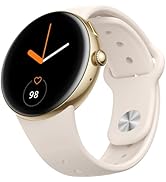
Image: The smart watch screen showing a weather forecast display.
Tilpasning
Personalize your watch experience:
- Se ansigter: Choose from a variety of pre-installed watch faces or download more via the app.
- Brugerdefinerede baggrunde: Set your own photos as watch face backgrounds through the app.
- Time and Unit Formats: Adjust time display (12/24 hour) and measurement units (Metric/Imperial, Celsius/Fahrenheit) in the app settings.
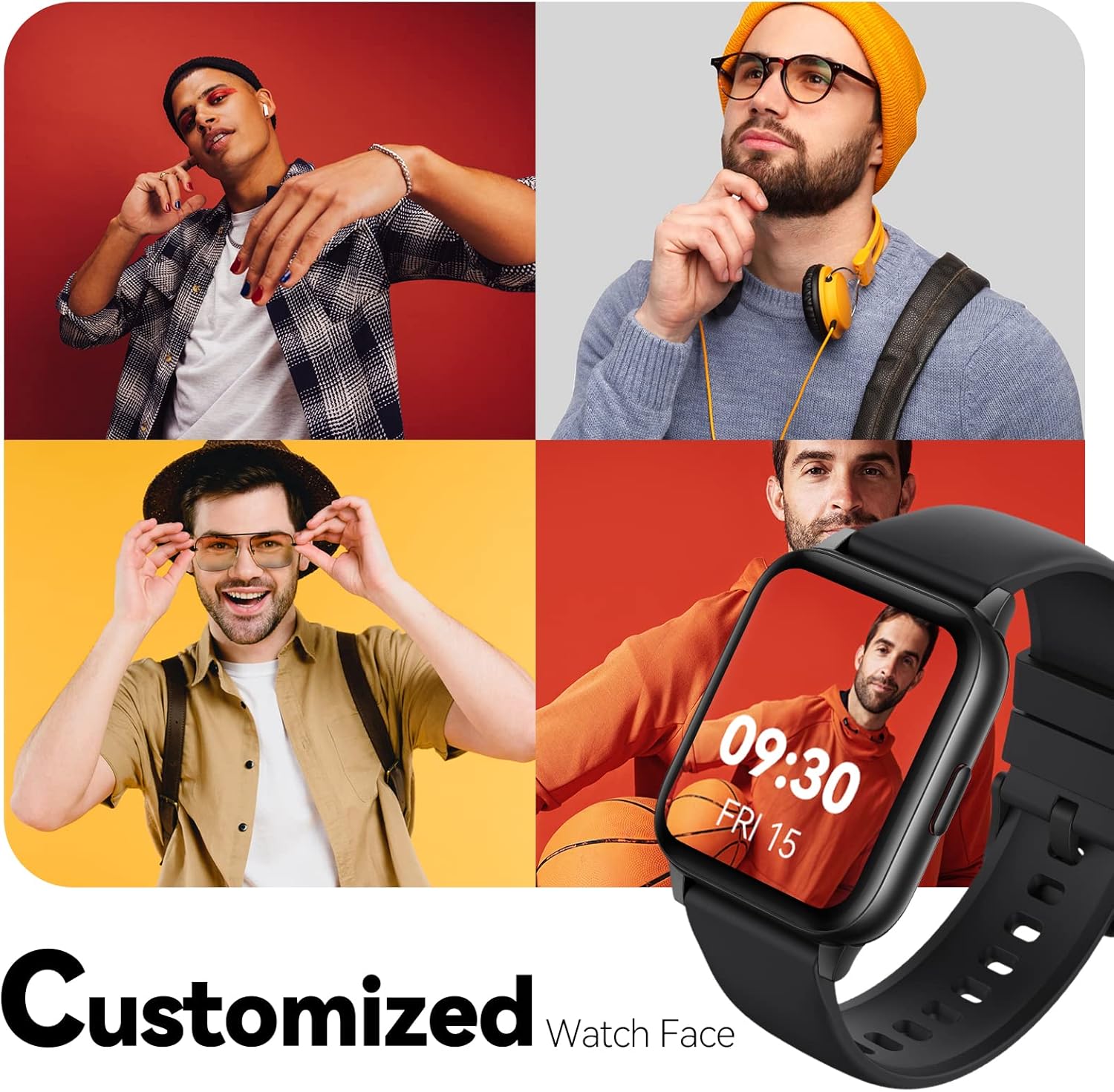
Image: Multiple watch face designs shown on the smart watch, highlighting customization.

Image: A visual guide demonstrating how to adjust time formats, units, and customize watch faces via the companion app.
Vandmodstand
The Parsonver LW45 Smart Watch is rated 5ATM waterproof, meaning it is water-resistant up to 50 meters. This allows for use during swimming, showering, and in various weather conditions like rain or snow. Important: Do not press any buttons while the watch is submerged in water.

Image: The smart watch submerged in water, illustrating its 5ATM waterproof capability.
Opretholdelse
- Rensning: Rengør regelmæssigt uret og remmen med en blød, tør klud. Til genstridigt snavs, brug en let tør klud.amp klud og mild sæbe, skyl derefter og tør grundigt.
- Opladningskontakter: Hold opladningskontakterne på bagsiden af uret rene og fri for snavs for at sikre korrekt opladning.
- Opbevaring: Opbevar uret et køligt og tørt sted, når det ikke er i brug.
- Undgå kemikalier: Do not expose the watch to strong chemicals, solvents, or detergents, as these can damage the materials.
Fejlfinding
| Spørgsmål | Mulig løsning |
|---|---|
| Watch not turning on or charging | Ensure the charging cable is securely connected to both the watch and a working USB power source. Clean the charging contacts. Try a different USB port or adapter. |
| Kan ikke parres med smartphone | Ensure Bluetooth is enabled on your phone. Restart both the watch and phone. Make sure the watch is within Bluetooth range. Check if other Bluetooth devices are interfering. Uninstall previous watch apps if present. |
| Notifikationer ikke modtaget | Verify that notification permissions are enabled for the Parsonver app in your phone's settings. Ensure the watch is connected via Bluetooth. Check app settings for specific notification toggles. |
| Inaccurate step count or sleep data | Ensure the watch is worn snugly on your wrist. Calibrate the watch through the app if available. Note that some activities (like driving) might register as steps. Sleep tracking is active from 9:00 PM to 12:00 PM the next day. |
Specifikationer
| Feature | Detalje |
|---|---|
| Modelnavn | LW45 |
| Skærmstørrelse | 1.69 tommer |
| Vandmodstand | 5 ATM (op til 50 meter) |
| Vægt | 40 gram |
| Operativsystemkompatibilitet | iOS 10.0/Android 5.0 eller nyere |
| Forbindelse | Bluetooth 5.0 |
| Batterikapacitet | 300 mioamp Timer |
| Hukommelseslagringskapacitet | 128 MB |
| GPS | Via smartphone |
| Inkluderede komponenter | Smart Watch |
Support og garanti
For technical assistance or warranty inquiries, please contact Parsonver customer service. Refer to the product packaging or the official Parsonver webhjemmeside for de seneste kontaktoplysninger.
Kundeservice email: support@parsonver.com

Image: The official Parsonver brand logo.

Image: A graphic indicating 24/7 online customer support availability.
Vigtige sikkerhedsoplysninger
- Forsøg ikke at skille uret ad eller modificere det.
- Keep the watch away from extreme temperatures.
- Consult a medical professional before starting any new exercise regimen, especially if you have pre-existing health conditions. The health monitoring features are for informational purposes and not for medical diagnosis.
- Bortskaf enheden og dens batteri i henhold til lokale regler.


