Indledning
Thank you for choosing the alpina Smart Home Wi-Fi Camera. This manual provides detailed instructions for the installation, operation, and maintenance of your outdoor surveillance camera. Designed for enhanced home security, this camera features Full HD 1080p video, 10-meter night vision, motion and sound detection, two-way communication, and IP65 weather resistance. Control all functionalities conveniently through the alpina Smart Home app on your smartphone.

Figur 1: Front view of the alpina Smart Home Wi-Fi Camera, showing the lens and main body.
Pakkens indhold
- 1x alpina Smart Home Wi-Fi Camera
- 1x strømkabel
- 1x brugermanual
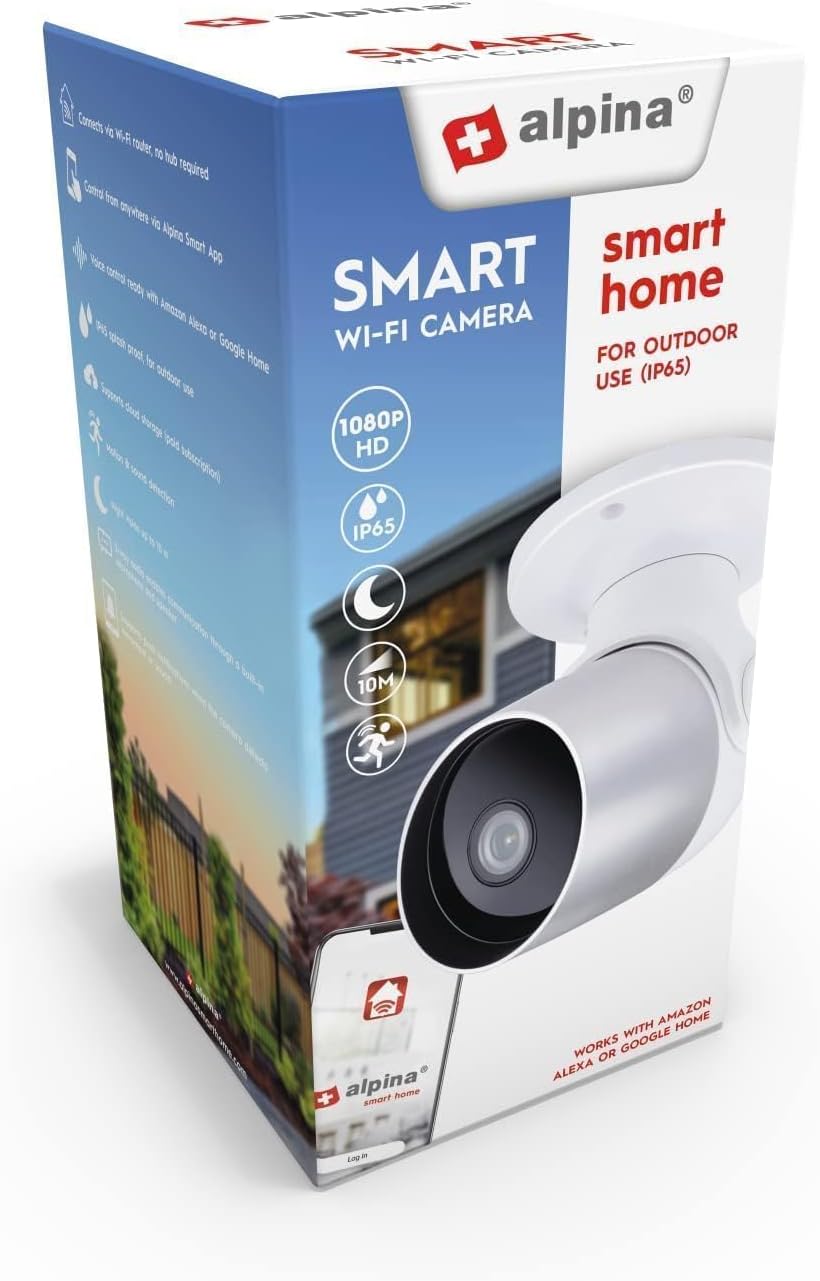
Figur 2: The alpina Smart Home Wi-Fi Camera packaging, illustrating the product and its key features.
Opsætning
1. Fysisk installation
- Vælg en placering: Select a strategic outdoor location for optimal surveillance, such as near an entrance or porch. The camera is IP65 rated, making it dust and water-resistant for outdoor use.
- Montering: The camera is designed for ceiling mounting. Securely attach the camera to the chosen surface using appropriate hardware (not included). Ensure the camera has a clear line of sight to the area you wish to monitor.
- Strømtilslutning: Connect the provided power cable to the camera and plug it into a suitable power outlet. The camera operates on 12 Volts.

Figur 3: Side view of the camera, showing its compact design suitable for outdoor installation.
2. App-forbindelse
- Download appen: Download the "alpina Smart Home" app from the Google Play Store (for Android devices) or the App Store (for iOS devices).
- Opret en konto: Åbn appen, og følg instruktionerne på skærmen for at oprette en ny brugerkonto eller logge ind, hvis du allerede har en.
- Tilføj enhed: In the app, select the option to add a new device. Follow the prompts to connect your camera to your home Wi-Fi network. The camera supports wireless connectivity.
- Parring: The app will guide you through the pairing process, which may involve scanning a QR code on the camera or entering a device ID. Ensure your smartphone is connected to the same Wi-Fi network during initial setup.
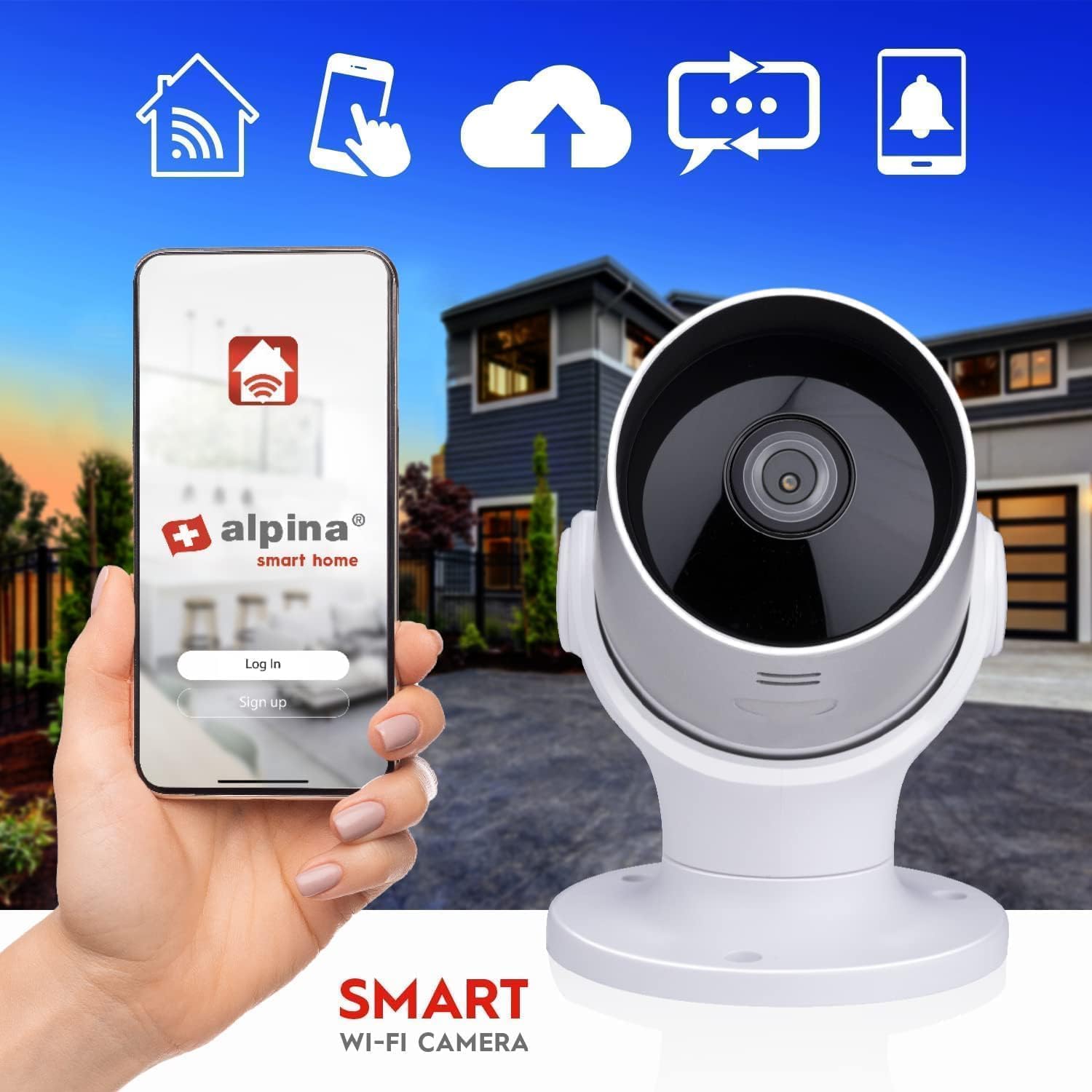
Figur 4: The alpina Smart Home app interface on a smartphone, demonstrating remote control capabilities for the camera.
Betjeningsvejledning
1. Lev View og optagelse
- Adgang til livefeed: Open the alpina Smart Home app and select your camera to view the live video feed. The camera provides Full HD 1080p resolution at 25 frames per second.
- Indspilning: The camera can record video. Storage is internal, up to 128GB (storage card not included).
2. Nattesyn
The camera is equipped with night vision capabilities, allowing clear visibility up to 10 meters in low-light or dark conditions. This feature activates automatically.

Figur 5: An illustration of the camera's night vision capability, showing a clear view of a house exterior in the dark.
3. Bevægelses- og lydregistrering
- The camera features integrated motion and sound sensors.
- Upon detection of movement or sound, the camera will send a push notification to your smartphone via the alpina Smart Home app.
- You can customize detection sensitivity and notification settings within the app.
4. Tovejskommunikation
- Brug den indbyggede mikrofon og højttaler til to-vejs lydkommunikation.
- Through the app, you can listen to what is happening near the camera and speak through the camera's speaker.
5. Camera Orientation
The camera offers a viewing angle of 110°. While the product description mentions "Caméras dôme" (dome cameras) and "Type de fixation: Montage au plafond", the images suggest a bullet-style camera with some rotational capability. The image with arrows indicates 355° rotation and 110° tilt. Adjust the camera's physical orientation during installation to cover the desired area.

Figur 6: The camera head with red arrows indicating a 355° horizontal rotation and a 110° vertical tilt, allowing for flexible viewing vinkler.
Opretholdelse
- Rensning: Tør regelmæssigt kameralinsen og huset af med en blød klud.amp klud til at fjerne støv og snavs. Undgå at bruge skrappe kemikalier eller slibende materialer.
- Firmwareopdateringer: Check the alpina Smart Home app periodically for any available firmware updates for your camera. Keeping the firmware updated ensures optimal performance and security.
- Kabelinspektion: Periodically inspect the power cable for any signs of wear or damage. Replace if necessary to prevent electrical hazards.
Fejlfinding
- Ingen strøm:
- Ensure the power cable is securely connected to both the camera and a working power outlet.
- Kontroller, at stikkontakten fungerer ved at tilslutte en anden enhed.
- Kan ikke oprette forbindelse til Wi-Fi:
- Ensure your Wi-Fi network is 2.4GHz (most smart home devices do not support 5GHz).
- Kontroller, at din Wi-Fi-adgangskode er indtastet korrekt i appen.
- Move the camera closer to your Wi-Fi router during the initial setup process.
- Genstart din Wi-Fi-router og kameraet.
- Dårlig videokvalitet:
- Rengør kameralinsen.
- Ensure a strong Wi-Fi signal at the camera's location.
- Tjek din internetforbindelses hastighed.
- Notifikationer ikke modtaget:
- Verify that motion and sound detection are enabled in the alpina Smart Home app.
- Check your smartphone's notification settings to ensure the app has permission to send notifications.
- Sørg for, at din telefon har en aktiv internetforbindelse.
- Tovejslyd virker ikke:
- Ensure your smartphone's microphone is enabled for the alpina Smart Home app.
- Tjek lydstyrkeindstillingerne på din smartphone og i appen.
- Sørg for, at der ikke er nogen forhindringer, der blokerer kameraets mikrofon eller højttaler.
Specifikationer
| Feature | Detalje |
|---|---|
| Mærke | alpina |
| Modelnummer | 8711252264677 |
| Kamera type | Bullet (Outdoor Surveillance) |
| Video opløsning | Fuld HD 1080p |
| Frames Per Second (FPS) | 25 fps |
| Videokomprimering | H.264 |
| Linsestørrelse | 4 mm |
| Viewi vinkel | 110° |
| Night Vision Range | Op til 10 meter |
| IP-vurdering | IP65 (støv- og vandafvisende) |
| Strømindgang | 100-240V / 50-60Hz |
| Strømudgang | 1A |
| Voltage | 12 volt |
| Strømforbrug | 3.5 watt |
| Forbindelse | Wi-Fi (Wireless), Bluetooth (for initial setup/pairing) |
| Frekvensområde | 2412-2472 MHz |
| Opbevaring | Internal, up to 128GB (card not included) |
| Dimensioner (L x B x H) | 7.9 x 7.9 x 13.2 cm |
| Vægt | 390 gram |
| Anbefalet brug | Udendørs sikkerhed |
| Kompatible enheder | Smartphone (iOS, Android) |
| Oprindelse | Kina |
Garanti og support
For warranty information, please refer to the documentation provided at the time of purchase or contact your retailer. For technical support or further assistance with your alpina Smart Home Wi-Fi Camera, please visit the official alpina Smart Home website or contact their customer service department. Contact details can typically be found on the product packaging or the alpina Smart Home app.
Note: Spare parts availability information is not provided.


