1. Introduktion
This manual provides comprehensive instructions for the JYX Dynamic Vocal Karaoke Microphone, Model JYX-01. Please read this guide thoroughly before using the microphone to ensure proper setup, operation, and maintenance. Retain this manual for future reference.
2. Produktet er slutview
The JYX Dynamic Vocal Karaoke Microphone is a handheld wired microphone designed for clear vocal reproduction. It features a durable construction, an integrated ON/OFF switch, and a cardioid pickup pattern to focus on the sound source while minimizing background noise. Its plug-and-play design ensures ease of use across various compatible audio systems.
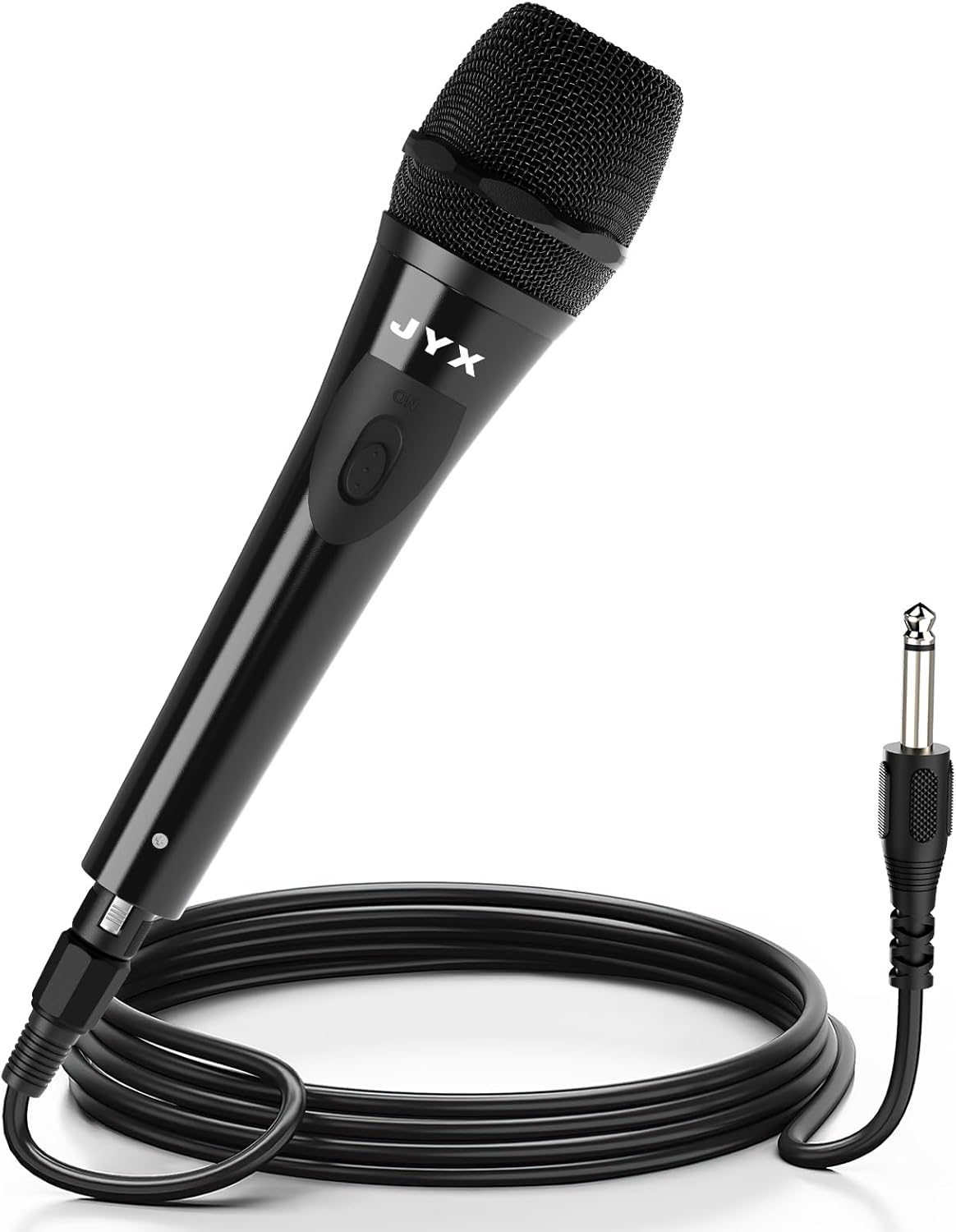
Image 2.1: JYX Dynamic Vocal Karaoke Microphone with its attached cable and 6.35mm connector.
Nøglefunktioner:
- Brugervenligt design: Ergonomically shaped for a comfortable grip during extended use.
- Plug and Play: Simple connection with no complex setup required.
- Cardioid Dynamic Pickup: Captures sound primarily from the front, reducing feedback and ambient noise.
- Integrated ON/OFF Switch: Provides convenient control over audio output.
- Bred kompatibilitet: Suitable for various audio systems including karaoke machines, speakers, amplibere og blandere.

Image 2.2: Visual representation of the microphone's internal features, including its unidirectional pickup pattern and pop filter.
3. Opsætning
Follow these steps to set up your JYX Dynamic Vocal Karaoke Microphone:
- Pak mikrofonen ud: Carefully remove the microphone and its cable from the packaging.
- Tilslut kablet: The microphone comes with an integrated cable featuring an XLR connector at one end (connected to the microphone) and a 6.35mm (1/4 inch) jack at the other end. Ensure the XLR connector is securely attached to the microphone base.
- Tilslut til lydenhed: Insert the 6.35mm jack into the microphone input port of your compatible audio device (e.g., karaoke machine, speaker, amplifier, mixer). Ensure the connection is firm.

Image 3.1: The microphone's 3-meter cable with XLR and 6.35mm connectors, highlighting its plug-and-play functionality.
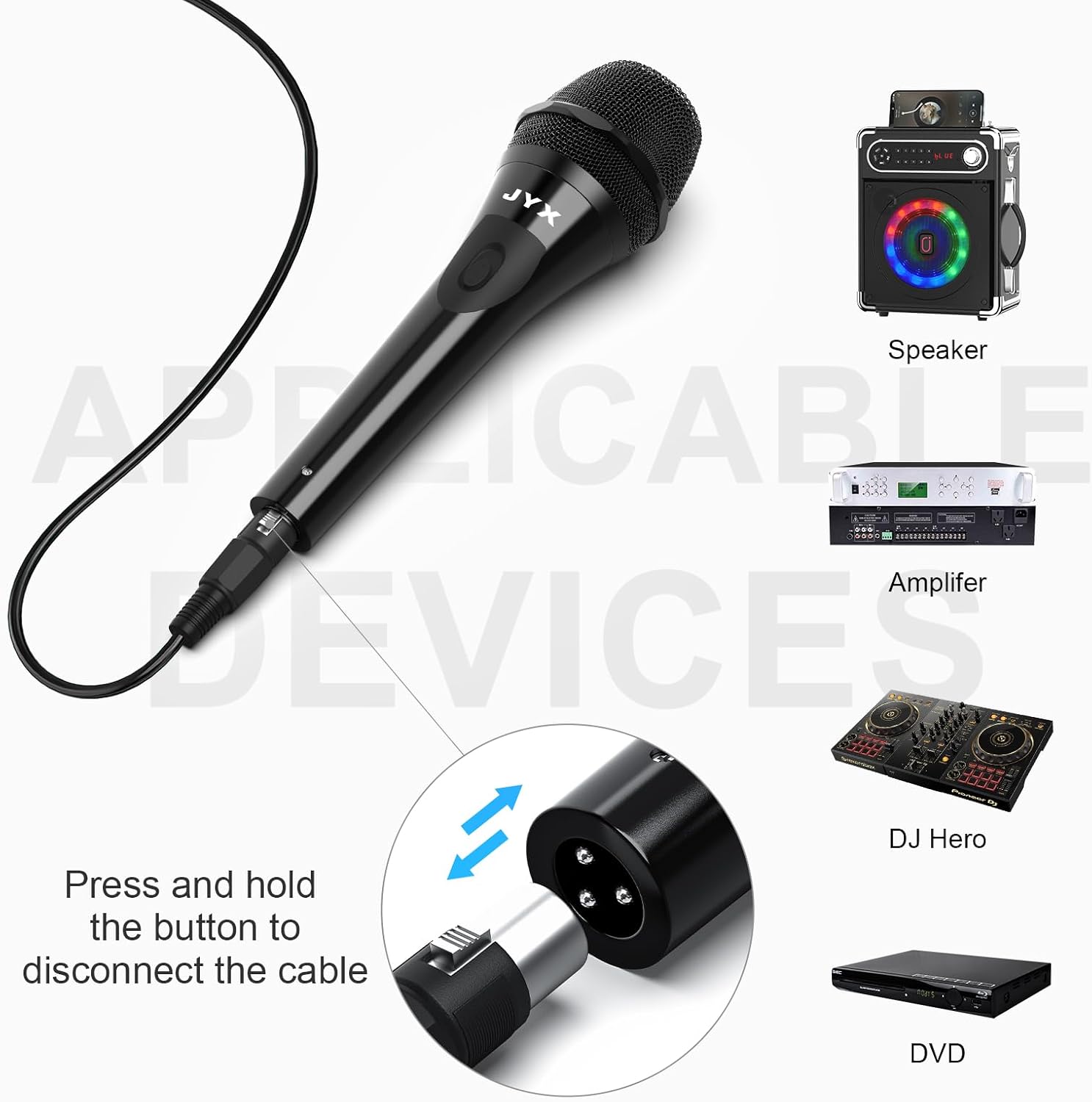
Billede 3.2: Eks.amples of compatible audio devices for the JYX microphone, including speakers, amplibere og blandere.
4. Betjeningsvejledning
Operating the JYX Dynamic Vocal Karaoke Microphone is straightforward:
- Tænd/sluk: Locate the ON/OFF switch on the microphone body. Slide the switch to the 'ON' position to activate the microphone. Slide it to 'OFF' when not in use to prevent unwanted sound pickup.
- Mikrofonplacering: For optimal sound quality, hold the microphone approximately 2-6 inches (5-15 cm) from your mouth. The cardioid pickup pattern is most sensitive at the front of the microphone.
- Juster lydstyrken: Adjust the volume level on your connected audio device (karaoke machine, speaker, amplifier) to achieve the desired sound output. Start with a low volume and gradually increase it to avoid sudden loud noises or feedback.
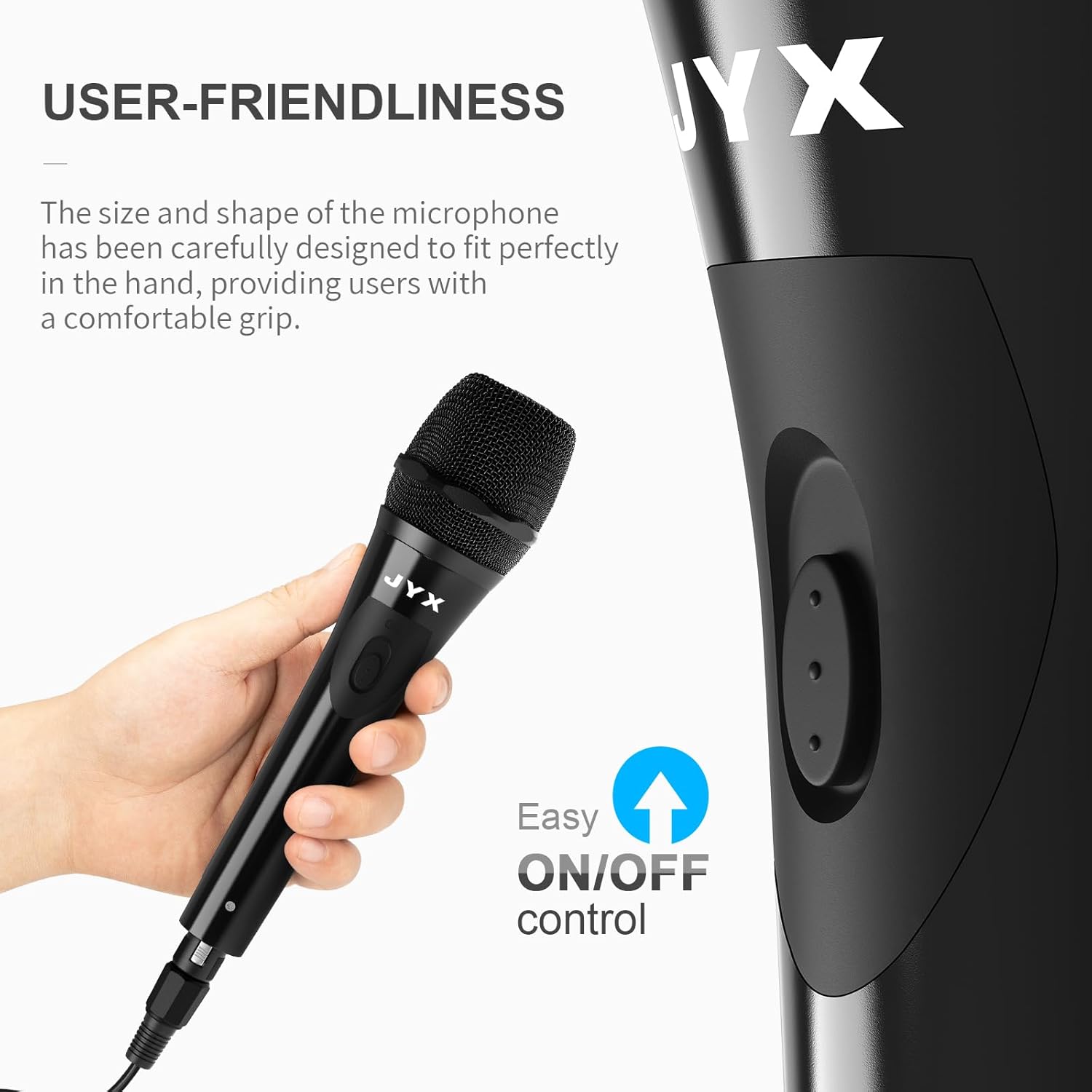
Image 4.1: Demonstrates the comfortable grip and accessible ON/OFF switch on the microphone.

Image 4.2: Illustrates the cardioid dynamic pickup pattern, showing how the microphone primarily captures sound from the front.
5. Vedligeholdelse
Proper maintenance ensures the longevity and performance of your microphone:
- Rensning: Use a soft, dry cloth to wipe the microphone body. For the grille, a soft brush can be used to gently remove dust or debris. Do not use liquid cleaners or abrasive materials.
- Opbevaring: Store the microphone in a dry, cool place away from direct sunlight and extreme temperatures. Avoid dropping or subjecting the microphone to strong impacts.
- Kabelpleje: Avoid sharply bending or twisting the cable. Coil it loosely when storing to prevent damage.
6. Fejlfinding
Hvis du støder på problemer med din mikrofon, kan du se følgende almindelige problemer og løsninger:
| Problem | Mulig årsag | Løsning |
|---|---|---|
| Ingen lydudgang | Microphone switch is OFF | Slide the ON/OFF switch to 'ON'. |
| Cable not securely connected | Ensure both the XLR connector and the 6.35mm jack are fully inserted. | |
| Audio device volume is too low or muted | Increase the volume on your connected audio device and check its mute settings. | |
| Incorrect input selected on audio device | Verify that the correct input channel is selected on your amprøremaskine eller røremaskine. | |
| Lav eller forvrænget lyd | Microphone held too far away | Hold the microphone closer to your mouth (2-6 inches). |
| Audio device volume too high (distortion) | Reduce the volume on your connected audio device. | |
| Beskadiget kabel | Inspect the cable for visible damage. If damaged, replace it. | |
| Feedback (hylende lyd) | Microphone too close to speakers | Move the microphone further away from the speakers or point it away from them. |
| Volume for højt | Reduce the master volume or microphone gain on your audio device. |
7. Specifikationer
| Feature | Detalje |
|---|---|
| Modelnavn | JYX-01 |
| Mikrofon formfaktor | Håndholdt |
| Polar mønster | Envejs (kardioid) |
| Forbindelsesteknologi | XLR (to microphone) |
| Connector Type | 6.35mm (1/4 inch) Jack |
| Kabellængde | 3 meter (9.8 fod) |
| Strømkilde | Corded Electric (via connected device) |
| Frekvensrespons | 15 KHz (upper limit) |
| Signal-støjforhold | 120 dB |
| Varens vægt | 9.2 ounce |
| Pakkedimensioner | 8.07 x 2.52 x 2.44 tommer |
| Kompatible enheder | Karaoke Machine, Amplifier, Speaker, Mixer |
8. Garanti og support
JYX provides the following support for your product:
- Garanti: 360 Days Warranty Service from the date of purchase.
- Teknisk support: Lifetime Technical Support is available.
For any questions, issues, or technical assistance, please contact our customer support team:
E-mail: service@jyxspeaker.com


