BOIFUN Portable DVD Player User Manual
Model: DP0168
Mærke: BOIFUN
1. Introduktion
This manual provides essential instructions for the safe and efficient operation of your BOIFUN Portable DVD Player, Model DP0168. Please read this manual thoroughly before using the device and retain it for future reference. This portable DVD player features a 15.6-inch HD swivel screen, a 6-hour rechargeable battery, and supports various media formats and connectivity options.

The BOIFUN Portable DVD Player shown open, featuring its 15.6-inch HD screen and control panel.
2. Pakkens indhold
Bekræft, at alle nedenstående varer er inkluderet i din pakke:
- BOIFUN Portable DVD Player (Model DP0168)
- Fjernbetjening
- Power Adapter (AC Charger)
- Bil oplader
- AV-kabel
- Brugermanual

The package includes the BOIFUN Portable DVD Player, a remote control, a power adapter for home use, a car charger for on-the-go power, an AV cable for TV connection, and a user manual.
3. Produktfunktioner overview
3.1. High-Resolution Swivel Screen
The device features a 15.6-inch HD screen with a resolution of 1280x800 pixels. The screen can swivel 270 degrees and flip 180 degrees, offering versatile viewing vinkler.

This image highlights the 15.6-inch screen of the portable DVD player, emphasizing its 1280x800 HD resolution for clear viewing.

The screen of the portable DVD player offers flexible viewing angles with its 180-degree flip and 270-degree swivel functionality.
3.2. Long-Lasting Battery
Equipped with a 5000mAh rechargeable lithium-polymer battery, providing up to 6 hours of continuous playback.
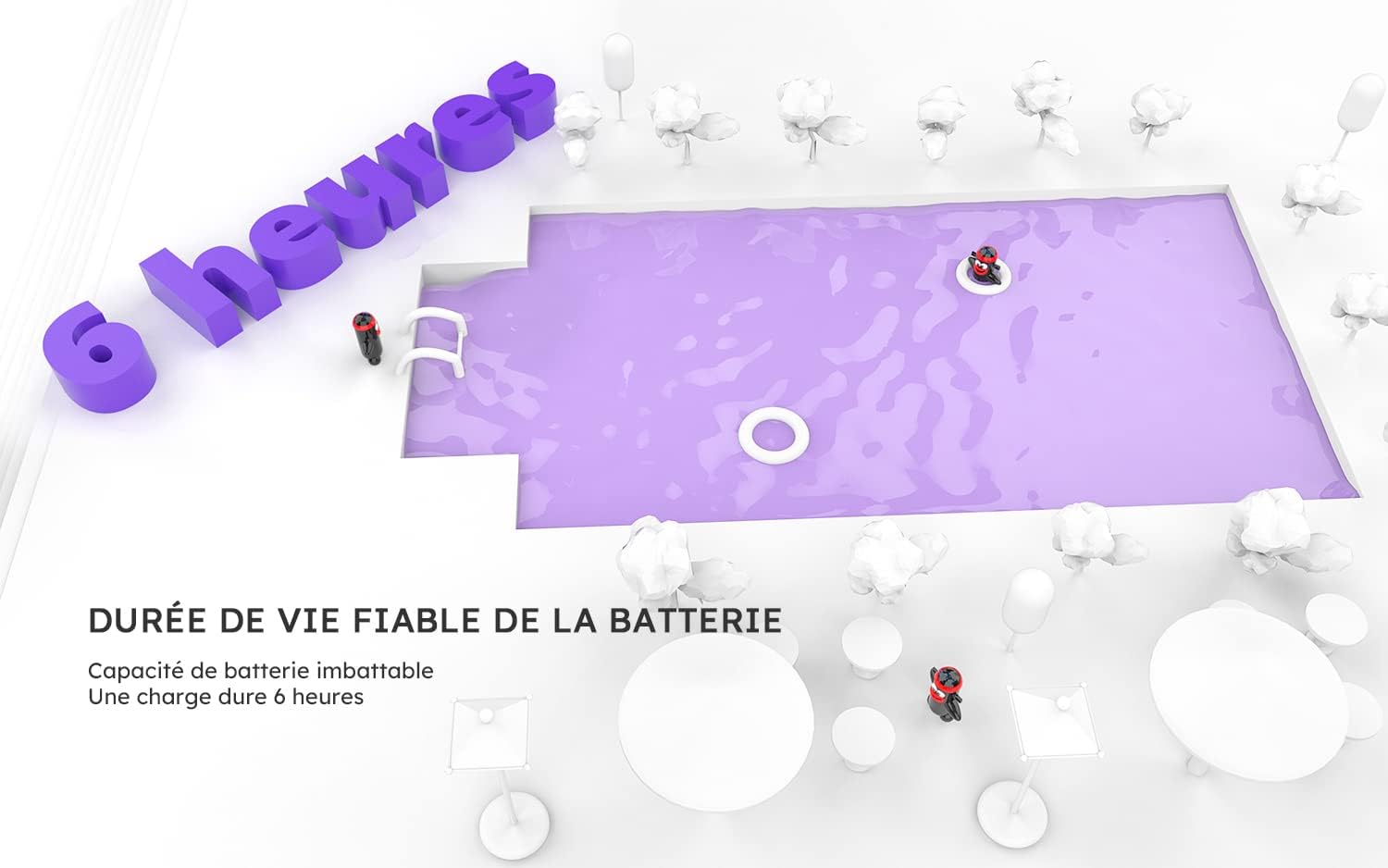
The device features a reliable battery providing up to 6 hours of continuous playback on a single charge.
3.3. Multi-Format Support
Supports direct playback of CD, DVD, DVD±R, CD-R(RW), SVCD-R(RW), DVD±RW, and VCD discs (Blu-ray discs are not supported). It also plays media files (VOB, AVI, MPEG, MP3, WMA, JPEG) from USB drives and SD cards (up to 32GB).

This portable DVD player supports multiple disc formats including DVD, VCD, CD, and various R/RW types, along with media files from USB and SD cards.
3.4. Forbindelse og porte
The player includes USB and SD card slots, a 3.5mm audio output, AV input, AV output, and a charging port. It supports synchronization with external TV screens.

The side of the DVD player features multiple ports for connectivity, including USB, SD card slot, 3.5mm audio jack, AV input/output, charging port, and the power switch.

The portable DVD player can be connected to a television, allowing content to be displayed on a larger screen for shared viewing oplevelser.
3.5. Anti-Shock Function
The Anti-Shock feature protects the disc playback process, reducing video interruption caused by movement or vibrations.
3.6. Resume Playback
The memory function allows the player to resume playback from the last watched point.

The resume playback function allows users to continue watching from where they left off, as depicted by the 'on' and 'off' states of the device.
4. Opsætning
4.1. Opladning af enheden
- Connect the provided AC power adapter to the DC IN port on the side of the DVD player.
- Sæt adapteren i en almindelig stikkontakt.
- The charging indicator light will illuminate. A full charge typically takes approximately 4-5 hours.
- For car use, connect the car charger to the DC IN port and your vehicle's cigarette lighter socket.
4.2. Isætning af en disk
- Åbn forsigtigt diskdækslet.
- Place the disc onto the spindle with the label side facing up.
- Press the center of the disc until it clicks into place.
- Close the disc cover securely.
4.3. Using USB/SD Card
- Indsæt et USB-drev i USB-porten eller et SD-kort i SD-kortstikket.
- The player will automatically detect the media or you may need to select the input source using the 'Source' or 'Mode' button.
- Naviger gennem din files using the control buttons.
4.4. Tilslutning til et tv
- Ensure both the DVD player and the TV are powered off.
- Connect one end of the provided AV cable to the AV OUT port on the DVD player.
- Connect the other end of the AV cable to the corresponding AV IN ports on your television (Yellow for Video, Red for Right Audio, White for Left Audio).
- Power on both devices and select the correct AV input source on your TV.
5. Betjeningsvejledning
5.1. Tænd/sluk
Slide the power switch located on the side of the player to the 'ON' position to power on. Slide to 'OFF' to power off.
5.2. Grundlæggende afspilningskontroller
- Afspil/pause: Tryk på AFSPIL/PAUSE knappen for at starte eller sætte afspilning på pause.
- Stop: Tryk på STOP for at stoppe afspilning.
- Hurtigt frem/tilbage: Trykke FWD or REV buttons to fast forward or rewind.
- Næste/Forrige: Tryk på NÆSTE or FORR buttons to skip tracks or chapters.
5.3. Lydstyrkekontrol
Brug VOL+ og VOL- buttons on the player or remote control to adjust the volume. The player features dual speakers for enhanced audio.
5.4. Menu navigation
Use the arrow buttons and the OK button on the player or remote to navigate through disc menus or file lister.
5.5. Screen Rotation
The screen can be rotated up to 270 degrees and flipped 180 degrees for optimal viewing in various positions.
6. Vedligeholdelse
6.1. Rengøring af enheden
- Wipe the screen and exterior surfaces with a soft, dry cloth.
- For genstridige mærker, let dampda kluden med vand eller et mildt, ikke-slibende rengøringsmiddel.
- Undgå at bruge skrappe kemikalier eller slibende materialer, der kan beskadige finishen.
6.2. Diskuspleje
- Hold diskene i kanterne for at undgå fingeraftryk.
- Opbevar diske i deres æsker, når de ikke er i brug, for at forhindre ridser.
- Rengør snavsede diske med en blød, fnugfri klud, og tør af fra midten og udad.
6.3. Batteripleje
- Oplad batteriet helt inden første brug.
- Undgå at aflade batteriet helt ofte for at forlænge dets levetid.
- If storing the device for an extended period, charge it to about 50% every few months.
7. Fejlfinding
| Problem | Mulig årsag | Løsning |
|---|---|---|
| Ingen strøm | Battery drained; Power adapter not connected; Power switch off | Charge the battery; Connect power adapter; Turn power switch to ON |
| No disc playback | Disc inserted incorrectly; Disc dirty/scratched; Unsupported disc format | Reinsert disc correctly; Clean or replace disc; Check disc format compatibility |
| No video from USB/SD | Ikke understøttet file format; USB/SD card not inserted correctly; Corrupt files | Check file format compatibility; Reinsert USB/SD card; Try different files/card |
| Ingen lyd | Volume too low; Mute activated; External speakers not connected | Increase volume; Deactivate mute; Connect external speakers if desired |
| Image distorted/No image on TV | AV cable loose/incorrectly connected; Incorrect TV input selected | Check AV cable connections; Select correct AV input on TV |
8. Specifikationer
| Feature | Detalje |
|---|---|
| Mærke | BOIFUN |
| Modelnummer | DP0168 |
| Skærmstørrelse | 15.6 inches (17.5 inches diagonal overall) |
| Skærmopløsning | 1280 x 800 HD |
| Batteritype | Lithium-polymer |
| Batterikapacitet | 5000mAh (up to 6 hours playback) |
| Understøttede diskformater | CD, DVD, DVD±R, CD-R(RW), SVCD-R(RW), DVD±RW, VCD (Excludes Blu-ray) |
| Supported Media Formats (USB/SD) | VOB, AVI, MPEG, MP3, WMA, JPEG |
| Max SD Card/USB Capacity | 32 GB |
| Forbindelse | USB Port, SD Card Slot, 3.5mm Audio Out, AV In, AV Out, DC In |
| Energieffektivitetsklasse (SDR) | C |
| Strømforbrug (SDR) | 6.7 W |
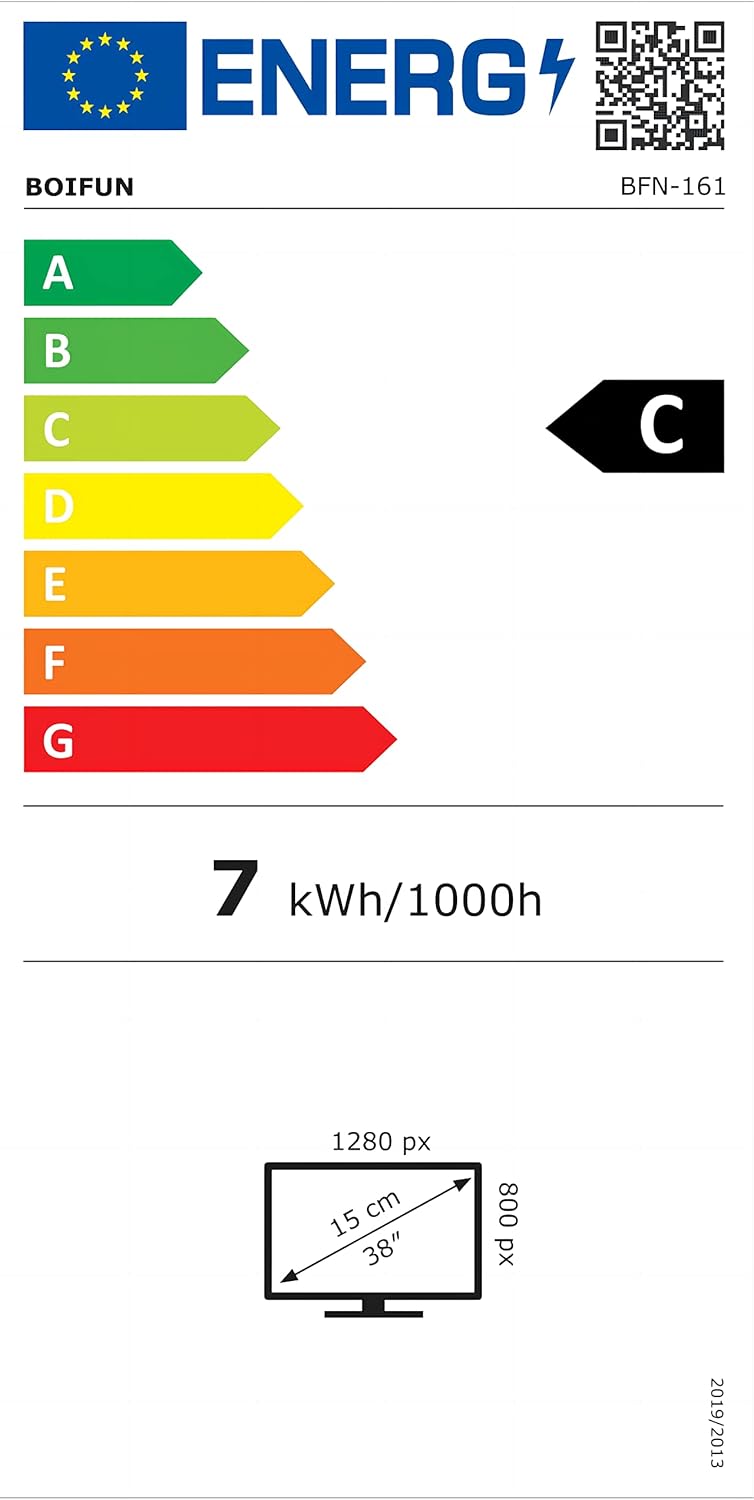
The EU Energy Label provides information on the energy efficiency of the display, indicating a Class C rating and 7 kWh per 1000 hours of operation. For more details, refer to the official EPREL database: EPREL Produktinformation.

This document provides detailed technical specifications for the BOIFUN BFN-161, including screen dimensions, resolution, energy efficiency, and supplier contact information.
9. Garanti og support
The Amazon return window is 30 days from the date of purchase. However, if you encounter any problems with your BOIFUN Portable DVD Player beyond this period, please contact our dedicated customer support center. We are committed to assisting you with any issues.
To receive support, please provide your order number and a detailed description of the problem. The BOIFUN Helping Center aims to respond within 24 hours and will work with you until your issues are resolved.
For customer support, please visit the BOIFUN store on Amazon or refer to the contact information provided with your purchase documentation.


