1. Introduktion
Thank you for choosing the Cuifati Clip MP3 Player. This compact and portable device is designed for music playback, recording, and radio functions, supporting various file systems and upgrade methods. This manual will guide you through the features, setup, operation, and maintenance of your new MP3 player to ensure optimal performance and longevity.
2. Produktet er slutview
2.1 Pakkens indhold
- Cuifati Clip MP3 Player (Red)
- Høretelefoner
- USB opladningskabel
- Brugermanual
2.2 Enhedslayout og kontroller
Familiarize yourself with the buttons and ports on your MP3 player.
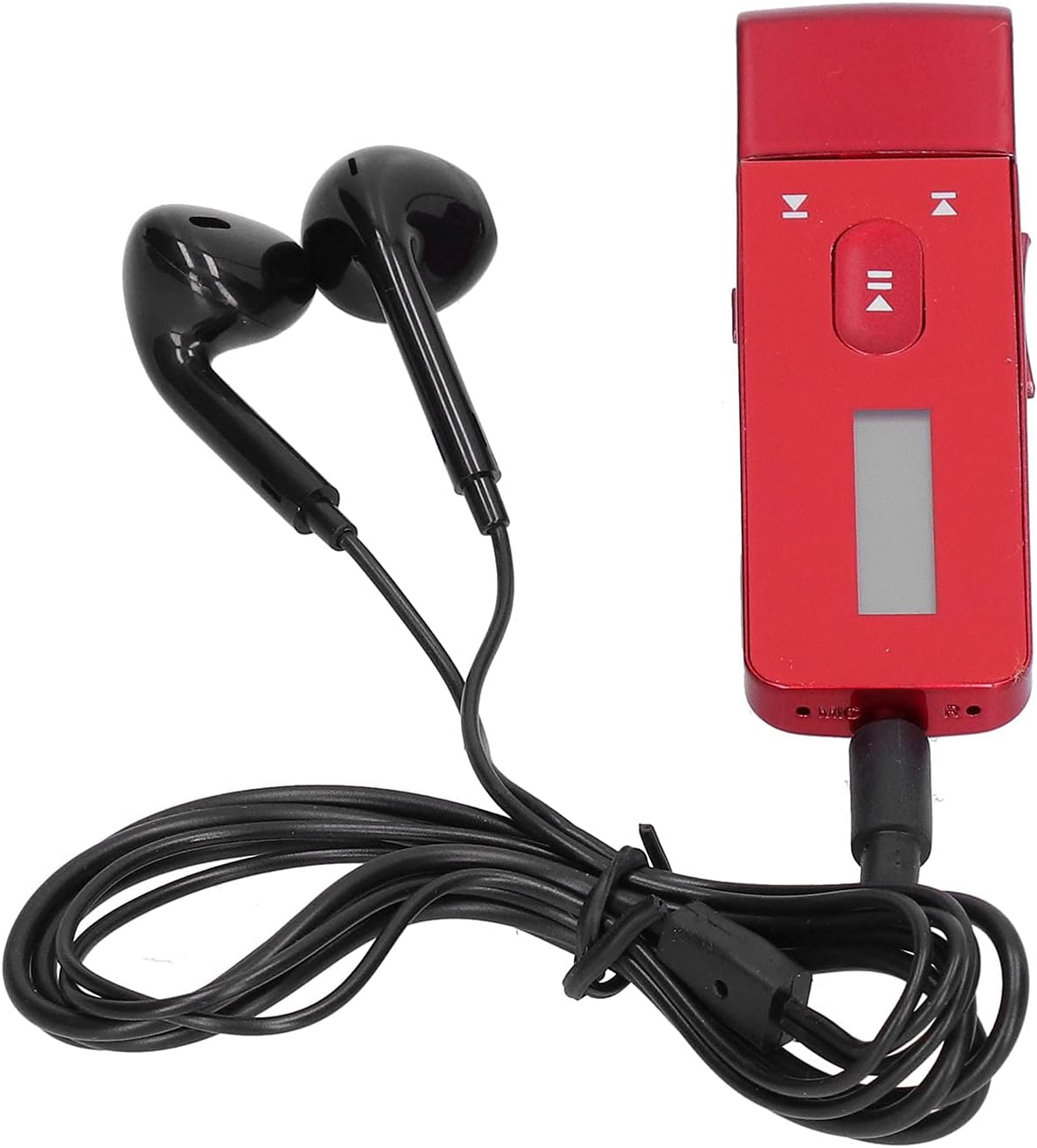
Image: The Cuifati Clip MP3 Player in red, shown with the black wired earphones connected. The player features a small display screen and control buttons on its front face.

Billede: En detaljeret view of the MP3 player, highlighting its control buttons (play/pause, skip forward/backward) and the small display. Text overlays indicate support for multi-task operation, automatic upgrade, USB host function, and FM/recording functions.
- Middle Play Button: Tryk og hold nede for at tænde/slukke. Kort tryk for afspil/pause.
- Lydstyrkeknapper: Typically located on the side or dedicated buttons for volume adjustment.
- Skip/Navigation Buttons: Used to navigate menus or skip tracks.
- USB-port: Til opladning og dataoverførsel.
- Stik til øretelefoner: For connecting the included earphones.
- Klip: Located on the back for attaching to clothing or straps.
3. Opsætning
3.1 Indledende opladning
Before first use, fully charge the MP3 player. Connect the included USB cable to the player's USB port and the other end to a USB power adapter (not included) or a computer's USB port. The charging indicator will typically show progress and turn off when fully charged.
3.2 Tilslutning af øretelefoner
Insert the 3.5mm jack of the earphones firmly into the earphone port on the MP3 player.
3.3 Overførsel af musik Files
Connect the MP3 player to your computer using the USB cable. The player will appear as a removable disk drive. You can then drag and drop your music files (WMA, MP3, APE, FLAC) directly into the player's storage. The device supports FAT16, FAT32, and EXFAT/FAT64 file systemer.
4. Betjeningsvejledning
4.1 Tænd/sluk
- For at tænde: Press and hold the middle play button until the screen illuminates and the device starts.
- For at slukke: Press and hold the middle play button again until the screen turns off.
4.2 Musikafspilning
- Once powered on, navigate to the music playback mode.
- Use the skip buttons to browse through your music library.
- Press the middle play button to play or pause the current track.
- Juster lydstyrken ved hjælp af de dedikerede lydstyrkeknapper.
4.3 Optagefunktion
The player supports recording in MP3 and WAV formats. Navigate to the recording function in the menu and follow the on-screen prompts to start, pause, and save recordings.
4.4 FM radio
If supported, navigate to the FM radio function. The earphones act as an antenna. Use the navigation buttons to scan for stations or manually tune to a frequency.
4.5 Avancerede funktioner
- USB-værtsfunktion: Allows the player to connect to other USB devices (e.g., flash drives) for data transfer.
- Multi-Task Operation: The device supports running multiple functions concurrently.
- Automatisk opgradering: The player can perform automatic firmware upgrades.
- ADFU Recovery & USB Upgrade Methods: Supports advanced recovery and upgrade procedures for system maintenance and DRM file opgraderinger.
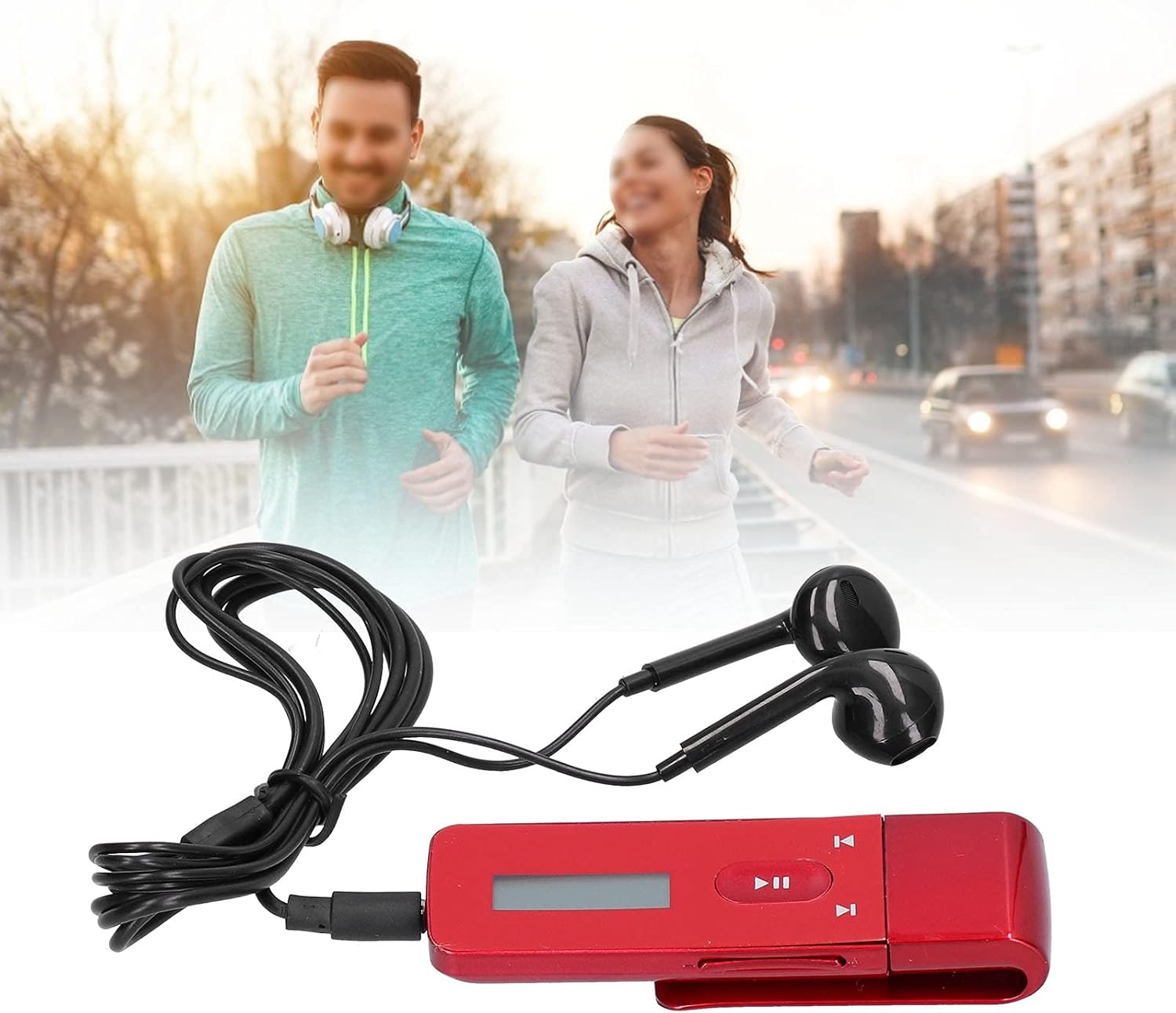
Image: A person running outdoors, demonstrating the portability and convenience of the Cuifati Clip MP3 Player, which is clipped to their clothing.
5. Vedligeholdelse
- Rensning: Brug en blød, tør klud til at rengøre enheden. Undgå flydende rengøringsmidler eller slibende materialer.
- Opbevaring: Opbevar MP3-afspilleren et køligt, tørt sted væk fra direkte sollys og ekstreme temperaturer.
- Batteripleje: For at forlænge batteriets levetid bør du undgå at aflade batteriet helt ofte. Oplad enheden regelmæssigt, selvom den ikke er i brug i længere perioder.
- Vandtæthed: Denne enhed er ikke vandtæt. Undgå udsættelse for vand eller høj luftfugtighed.
6. Fejlfinding
6.1 Device Will Not Turn On
- Sørg for, at batteriet er opladet. Tilslut afspilleren til en strømkilde, og lad den oplade i mindst 30 minutter, før du forsøger at tænde den igen.
- Press and hold the middle play button firmly for several seconds.
6.2 Ingen lyd fra øretelefoner
- Check if the earphones are fully plugged into the earphone jack.
- Sørg for, at lydstyrken ikke er indstillet til minimum eller slået fra.
- Test with another pair of earphones to rule out faulty earphones.
- Bekræft, at lyden files are not corrupted or in an unsupported format.
6.3 Kan ikke overføres Files
- Sørg for, at USB-kablet er korrekt tilsluttet til både afspilleren og computeren.
- Prøv en anden USB-port på din computer.
- Kontroller, at afspilleren genkendes som et flytbart diskdrev af din computer.
- Tjek om afspillerens lagerplads er fuld.
7. Specifikationer
| Produktnavn | Klip MP3-afspiller |
| Model | CUIFATIydwevo68hz3574-12 |
| Materiale | ABS |
| Musik formater | WMA, MP3, APE, FLAC |
| Optagelsesformater | MP3, WAV |
| Radiostøtte | Ja |
| Batteritype | Indbygget 240mAh lithiumbatteri |
| Hukommelseslagring | 8 GB |
| Forbindelse | USB |
| Kompatibel File Systemer | FAT16, FAT32, EXFAT/FAT64 |
| Farve | Rød |
8. Garanti og support
This product comes with a standard manufacturer's warranty. For specific warranty terms and conditions, please refer to the documentation provided with your purchase or contact Cuifati customer support. If you encounter any issues not covered in this manual, please reach out to the seller or manufacturer for assistance.


