1. Introduktion og overview
The VIVIBRIGHT D5000 is a native 1080P Full HD projector designed to deliver an immersive home theater and outdoor movie experience. It supports 4K video input and features advanced connectivity options, including WiFi for seamless screen mirroring and Bidirectional Bluetooth 5.1 for versatile audio connections. Equipped with a powerful 10W stereo speaker, the D5000 ensures high-fidelity sound to complement its vivid projection.
This manual provides detailed instructions for setting up, operating, and maintaining your VIVIBRIGHT D5000 projector, along with troubleshooting tips to ensure optimal performance.
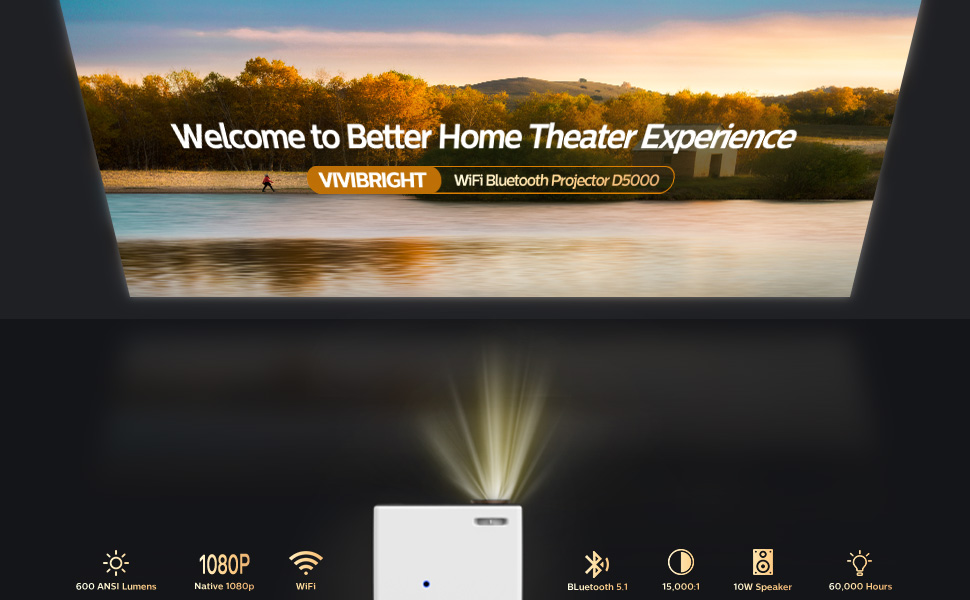
The VIVIBRIGHT D5000 projector in use, showcasing its display capabilities and key features.
2. Produktfunktioner
- 5.1 Bidirectional Bluetooth & WiFi Connection: This projector features two-way Bluetooth technology, allowing it to connect wirelessly to external speakers for enhanced audio or function as a standalone Bluetooth speaker when connected to a mobile phone. The built-in 10W stereo speaker delivers clear, detailed sound. Bluetooth connectivity supports headphones, speakers, and Airpods.
- Native 1080P Full HD & 600 ANSI Lumens: Experience crystal-clear visuals with a native resolution of 1920 x 1080P and a high contrast ratio of 10000:1. The projector supports 4K video input, providing vivid images and vibrant colors. With 600 ANSI lumens, it offers clear viewing even in moderately lit environments.
- WiFi Wireless Screen Mirroring: Easily synchronize your screen from iOS/Android devices to the large projection. Two methods are available: wireless WiFi connection or a direct USB connection (USB2 port only). Enjoy movies, videos, photos, and games on a larger display.
- Outdoor Projector & Screen Package: The projector includes a 100-inch projector screen and a convenient carrying bag, making it ideal for both indoor and outdoor use. It supports a maximum projection size of 300 inches, creating an immersive home theater experience. The diffuse light source design helps reduce eye irritation.
- Multifunctional Connections: Equipped with 2 HDMI ports, 2 USB ports, and a VGA port, the projector offers broad compatibility with various devices such as TV sticks, smartphones, laptops, USB drives, and gaming consoles like PS5.

Visual comparison highlighting the superior clarity and performance of the VIVIBRIGHT D5000.
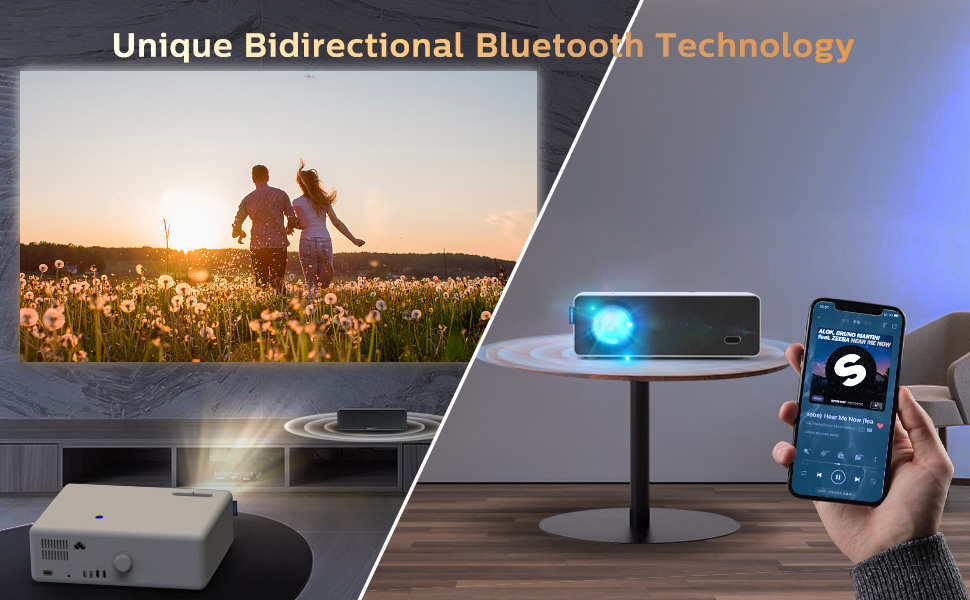
Demonstration of the projector's unique bidirectional Bluetooth technology.
3. Pakkens indhold
Upon opening your VIVIBRIGHT D5000 projector package, please verify that all the following items are included:
- VIVIBRIGHT D5000 Projector
- Fjernbetjening
- Strømkabel
- Bæretaske
- 100" Fast Stretch Screen
- Brugervejledning (dette dokument)

All components included with your VIVIBRIGHT D5000 projector.
4. Opsætningsvejledning
4.1 Indledende opsætning
- Place the projector on a stable, flat surface or mount it securely. Ensure there is adequate ventilation around the unit.
- Connect the power cable to the projector and then to a power outlet.
- Tryk på tænd/sluk-knappen på projektoren eller fjernbetjeningen for at tænde den.
4.2 Fokusjustering
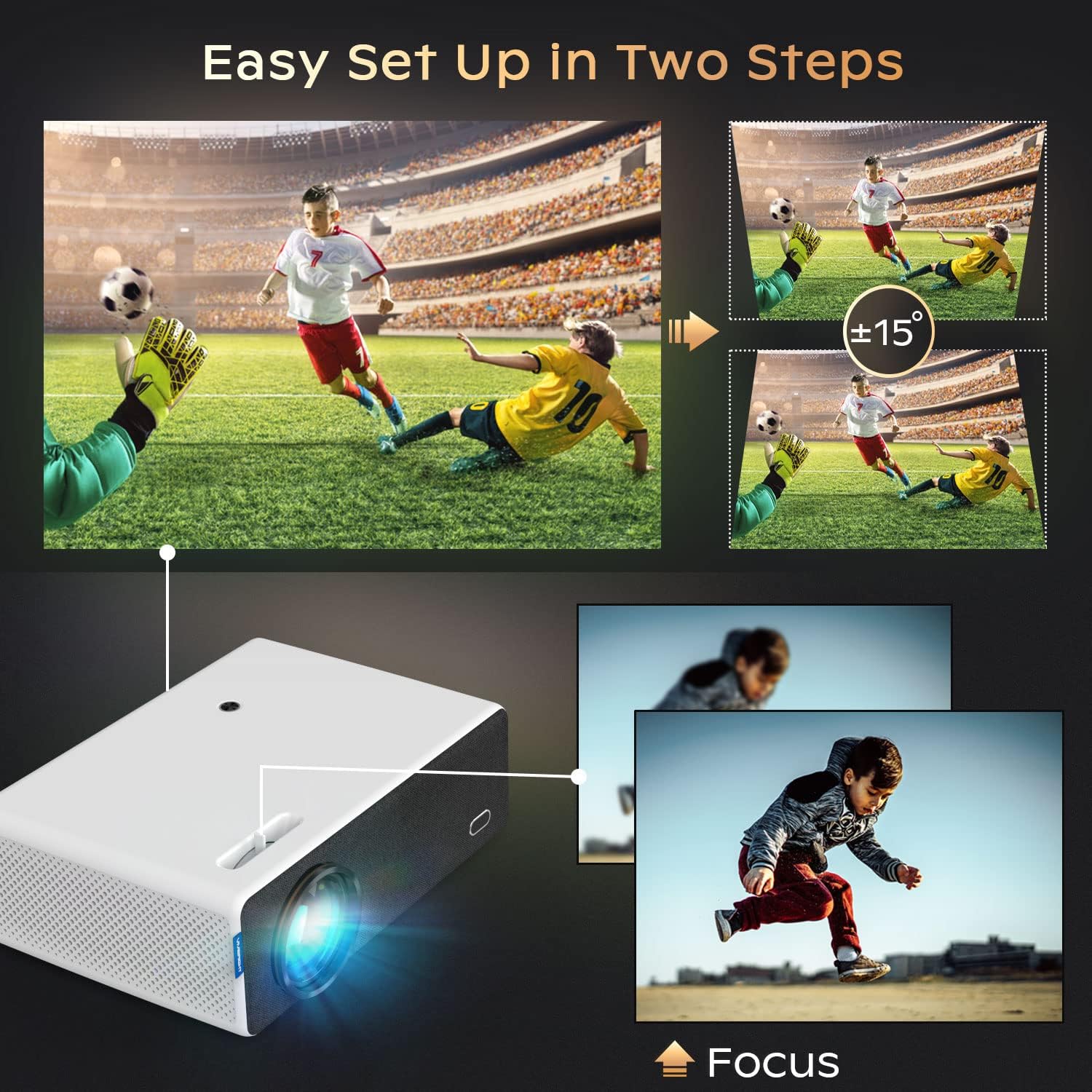
To achieve a clear and sharp image, adjust the focus wheel located on the projector. Rotate the wheel until the projected image appears crisp and well-defined on your screen or wall.

Adjusting the focus for a clear image.
4.3 Placement and Projection Size
The VIVIBRIGHT D5000 can project an image up to 300 inches. The optimal projection distance will vary based on your desired screen size. For example, a 176-inch screen can be achieved at approximately 6.35 meters, and a 200-inch screen at approximately 7.22 meters.
Position the projector to ensure the image is centered and fills your screen. Minor keystone correction can be performed if the image appears trapezoidal.
5. Betjeningsvejledning
5.1 Tænd/sluk
- Tænd: Press the power button on the projector or the remote control. The indicator light will turn blue.
- Sluk: Press the power button again. The projector will shut down, and the indicator light will turn off.
5.2 Kablet tilslutning
Projektoren tilbyder flere porte til tilslutning af forskellige enheder:
- HDMI Ports (HDMI 1, HDMI 2): Connect devices such as TV sticks, gaming consoles (PS5), laptops, and Blu-ray players using an HDMI cable. Select the corresponding HDMI input source from the projector's menu.
- USB-porte (USB 1, USB 2): Insert USB flash drives to play media files directly. USB2 also supports wired screen mirroring for compatible devices.
- VGA port: Connect older computers or laptops using a VGA cable.
Overview of the projector's versatile connectivity options.
5.3 Trådløs forbindelse
5.3.1 WiFi Screen Mirroring
Sådan spejler du din smartphone- eller tabletskærm trådløst:
- Sørg for, at din mobilenhed og projektoren er forbundet til det samme WiFi-netværk.
- On the projector, select the 'Screen Mirroring' or 'Wireless Display' option from the main menu.
- On your mobile device, enable screen mirroring (e.g., 'Smart View' for Android, 'Screen Mirroring' for iOS) and select the projector from the list of available devices.

Wireless screen mirroring from a mobile device to the projector.
5.3.2 Bluetooth-forbindelse
The bidirectional Bluetooth allows for flexible audio setup:
- Connecting to External Bluetooth Speakers/Headphones: Enable Bluetooth on the projector and your audio device. Pair them from the projector's Bluetooth settings menu.
- Using Projector as a Bluetooth Speaker: Connect your smartphone or other Bluetooth-enabled device to the projector. The projector's built-in 10W speaker will play audio from your connected device.
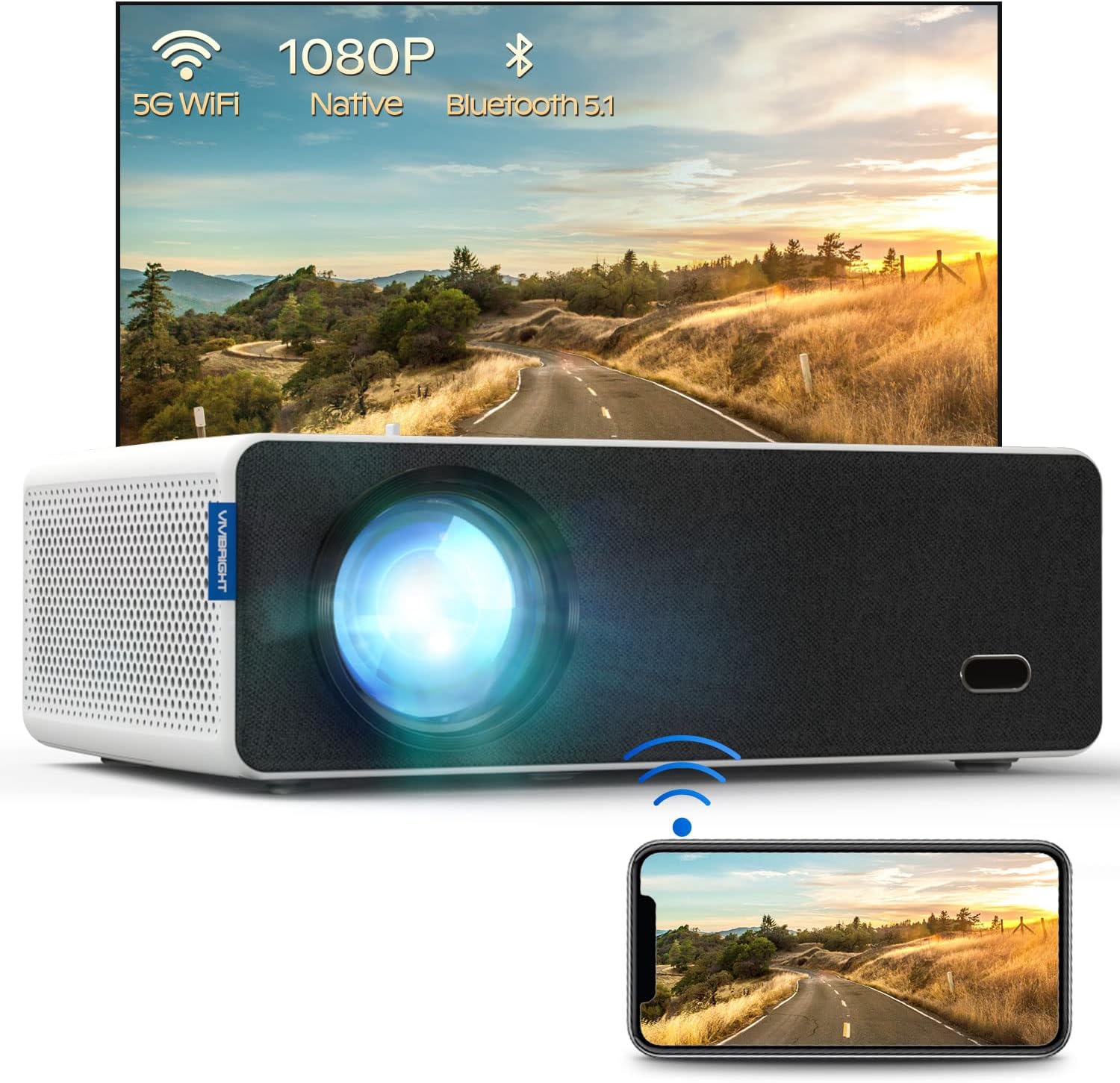
The projector's main view, highlighting its WiFi and Bluetooth capabilities.
5.4 Lydudgang
The projector features a built-in 10W stereo speaker for direct audio playback. For a more immersive experience, you can connect external speakers or a soundbar via Bluetooth or the 3.5mm audio output port.
6. Vedligeholdelse
- Rengøring af linser: Use a soft, lint-free cloth specifically designed for optical lenses to gently clean the projector lens. Avoid using abrasive cleaners or excessive force.
- Ventilation: Ensure the projector's ventilation vents are clear and unobstructed to prevent overheating. Do not place the projector on soft surfaces that may block airflow.
- Opbevaring: When not in use, store the projector in its provided carrying bag in a cool, dry place to protect it from dust and damage.
7. Fejlfinding
If you encounter issues with your VIVIBRIGHT D5000 projector, please refer to the following common problems and solutions:
- No Image/Power:
- Check if the power cable is securely connected to both the projector and the power outlet.
- Sørg for, at tænd/sluk-knappen er blevet trykket ned.
- Kontroller, at stikkontakten fungerer.
- Sløret billede:
- Juster fokushjulet, indtil billedet er klart.
- Sørg for, at projektionsafstanden er inden for det anbefalede område.
- Clean the projector lens if it is dirty.
- Ingen lyd:
- Kontroller lydstyrkeindstillingerne på både projektoren og den tilsluttede kildeenhed.
- Hvis du bruger eksterne højttalere, skal du sørge for, at de er korrekt tilsluttet og tændt.
- Hvis du bruger Bluetooth, skal du sørge for, at projektoren er korrekt parret med lydenheden.
- Connection Issues (HDMI/USB/VGA):
- Ensure the cables are securely connected to both the projector and the source device.
- Kontroller, at den korrekte inputkilde er valgt på projektoren.
- Try a different cable or port if available.
- WiFi Screen Mirroring Not Working:
- Sørg for, at både projektoren og din mobile enhed er forbundet til det samme WiFi-netværk.
- Restart both devices and try connecting again.
- Check for any software updates for your mobile device or projector.
8. Specifikationer
| Feature | Specifikation |
|---|---|
| Mærke | VIVIBRIGHT |
| Model | D5000 WiFi Bluetooth |
| Skærmopløsning | 1920 x 1080 (Native Full HD) |
| Lysstyrke | 600 ANSI Lumens |
| Kontrastforhold | 10000:1 |
| Højttaler type | Stereo (10W) |
| Forbindelsesteknologi | VGA, Bluetooth, USB (x2), HDMI (x2), WiFi |
| Særlige funktioner | Wireless, Portable, Built-In Wi-Fi, Bidirectional Bluetooth |
| Anbefalede anvendelser | Gaming, Home Theater, Outdoor Movies |
| Varens vægt | 10.43 pund |
| Produktdimensioner | 12.5 x 9.3 x 4.2 tommer |
9. Officiel produktvideo
Watch the official product video for an in-depth look at the VIVIBRIGHT D5000 projector's features and capabilities.
Denne video giver en overview of the VIVIBRIGHT D5000 Full HD Projector, showcasing its design, features, and projection capabilities.
10. Garanti og support
VIVIBRIGHT stands behind the quality of its products. The D5000 projector comes with a 2 års garanti fra købsdatoen.
Additionally, we offer lifetime professional technical support to assist you with any questions or issues you may encounter. If you require assistance, please do not hesitate to contact our support team. We are committed to responding to all inquiries within 24 hours.
For support, please refer to the contact information provided on the VIVIBRIGHT official webwebstedet eller din købsdokumentation.


