1. Introduktion
Thank you for choosing TALOYA Smart Light Bulbs. These smart bulbs offer a wide range of features including color changing, dimmable light, and control via app or voice assistants like Alexa and Google Assistant. This manual provides essential information for safe installation, operation, and maintenance of your new smart bulbs.
2. Sikkerhedsoplysninger
- Always cut off power before installing or removing the bulb.
- Do not use with standard dimmers. These bulbs are dimmable via the app or voice control only.
- Kun egnet til tørre steder.
- Pæren må ikke skilles ad eller ændres.
- Opbevares utilgængeligt for børn.
- Ensure the bulb is securely screwed into a compatible E26 base.
3. Produktet er slutview
The TALOYA Smart Light Bulbs are A21 RGB WiFi and Bluetooth enabled bulbs designed for various lighting needs. They offer 16 million colors, adjustable white light (warm to cool), and various smart features.
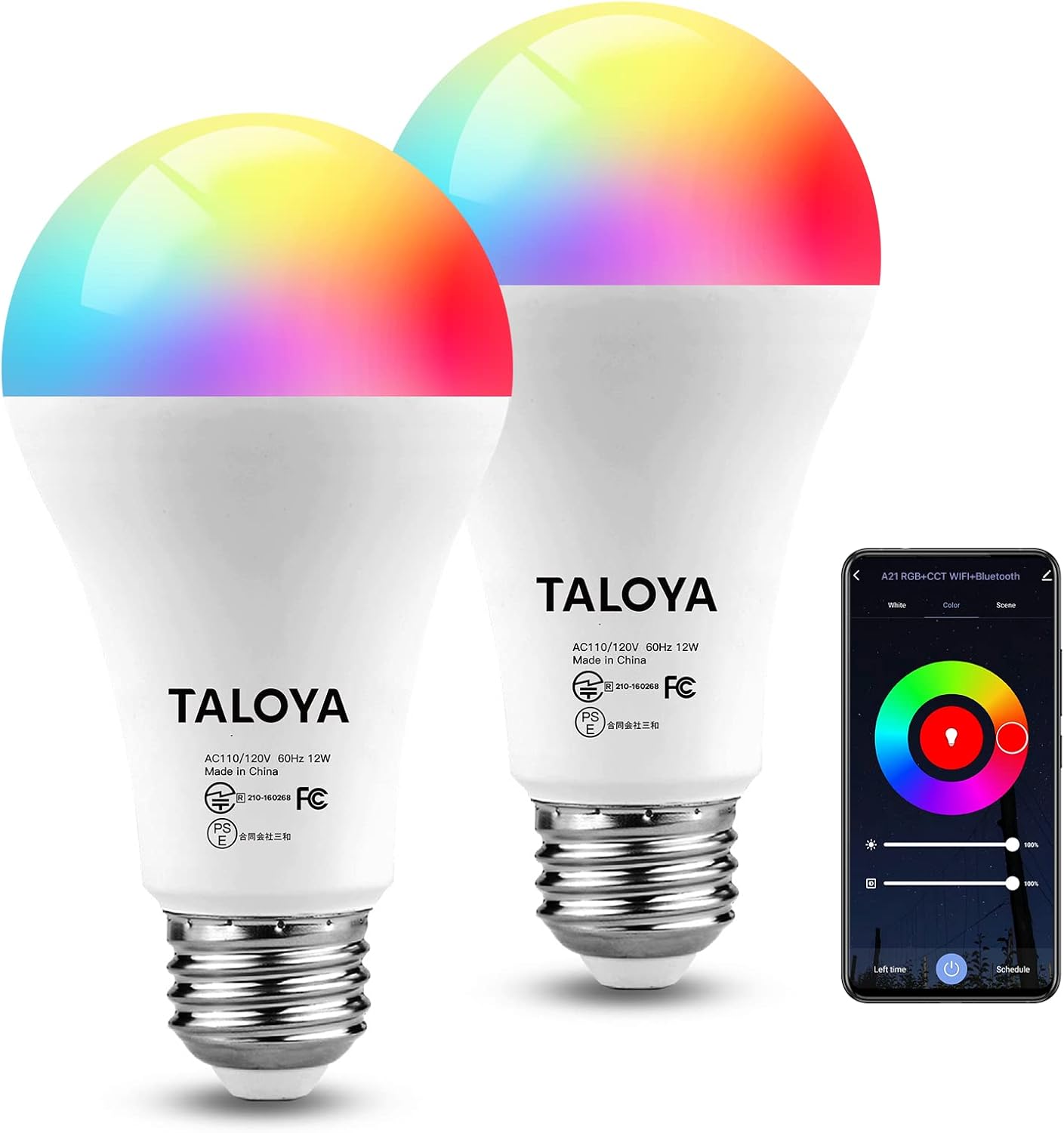
Image: Two TALOYA Smart Light Bulbs and the accompanying mobile application interface.

Billede: Overview of TALOYA Smart Bulb features including dimensions (65mm width, 129mm height) and E26 base type.
4. Specifikationer
| Feature | Detalje |
|---|---|
| Mærke | TALOYA |
| Modelnummer | Smart Bulbs 2-Packs |
| Lys type | Color Changing (RGB) |
| Pære base | E26 |
| Form | A21 |
| Wattage | 12 watt (svarende til 120 W) |
| Lumen output | 1200 LM |
| Kontrolmetode | App, Stemme (Alexa, Google Assistant) |
| Forbindelse | Wi-Fi (2.4 GHz), Bluetooth |
| Produktdimensioner | 2.6 x 2.6 x 5.1 tommer |
| Varens vægt | 6.3 ounce |
| Batterier medfølger | Ingen |
5. Opsætning og installation
5.1 Fysisk installation
Step 1: Cut off the power. Before installing the bulb, ensure the power to the light fixture is turned off at the switch or circuit breaker.

Image: Step 1 - Safely install the bulb after cutting off power.
Trin 2: Installer pæren. Screw the TALOYA Smart Light Bulb into a standard E26 light socket. Ensure it is firmly seated.
Step 3: Restore power. Tænd for strømmen til lampen igen.
5.2 App Pairing (SmartEra App)
The TALOYA Smart Light Bulbs are controlled via the SmartEra app. Ensure your smartphone is connected to a 2.4GHz Wi-Fi network.
Step 1: Download the SmartEra App. Søg efter "SmartEra" in your smartphone's app store (Google Play Store for Android or Apple App Store for iOS) and download it.
Step 2: Register or Log In. Open the SmartEra app and create a new account or log in if you already have one.
Step 3: Enable Wi-Fi and Bluetooth. Ensure both Wi-Fi and Bluetooth are enabled on your smartphone.

Image: Step 2 - Open Wi-Fi and Bluetooth on your device for app pairing.
Step 4: Add Device. In the SmartEra app, tap the "+" icon or "Add Device" to begin the pairing process. The app should automatically detect the new bulb(s).
Step 5: Connect to Bulbs. Follow the on-screen instructions to connect the bulb(s) to your Wi-Fi network. You may need to confirm the Wi-Fi password.

Image: Step 3 - Connect to your bulbs easily through the app interface.
6. Betjeningsvejledning
6.1 App kontrol
The SmartEra app provides full control over your TALOYA Smart Light Bulbs:
- Justering af farve og lysstyrke: Select from 16 million colors or adjust the white light temperature from warm to cool. Adjust brightness from 1% to 100%.
- Scenetilstande: Choose from pre-set scenes or create custom scenes for different moods and activities.
- Timer og tidsplan: Set schedules for the bulbs to turn on/off at specific times, or use the "Biorhythm" feature to schedule lighting changes throughout the day.
- Musiksynkronisering: Synchronize the light effects with music playing in your environment.

Image: Control your smart bulbs anywhere via the SmartEra app, including timer settings.

Image: Adjust color temperature and brightness to create the desired atmosphere, with options for 16 million colors and warm to cool white light.

Image: Utilize the Biorhythm timer to schedule your biological clock properly, and explore multicolor and dimmable options.
6.2 Stemmekontrol
TALOYA Smart Light Bulbs are compatible with Amazon Alexa and Google Assistant. To enable voice control:
- Ensure your smart bulb(s) are successfully paired with the SmartEra app.
- Åbn Alexa- eller Google Home-appen på din smartphone.
- Navigate to "Skills & Games" (Alexa) or "Works with Google" (Google Home) and search for "SmartEra".
- Enable the SmartEra skill/service and link your SmartEra account.
- Discover devices. Once linked, you can use voice commands such as:
- "Alexa, tænd lyset i stuen."
- "Hey Google, dæmp soveværelseslyset til 50%."
- "Alexa, change the kitchen light to blue."
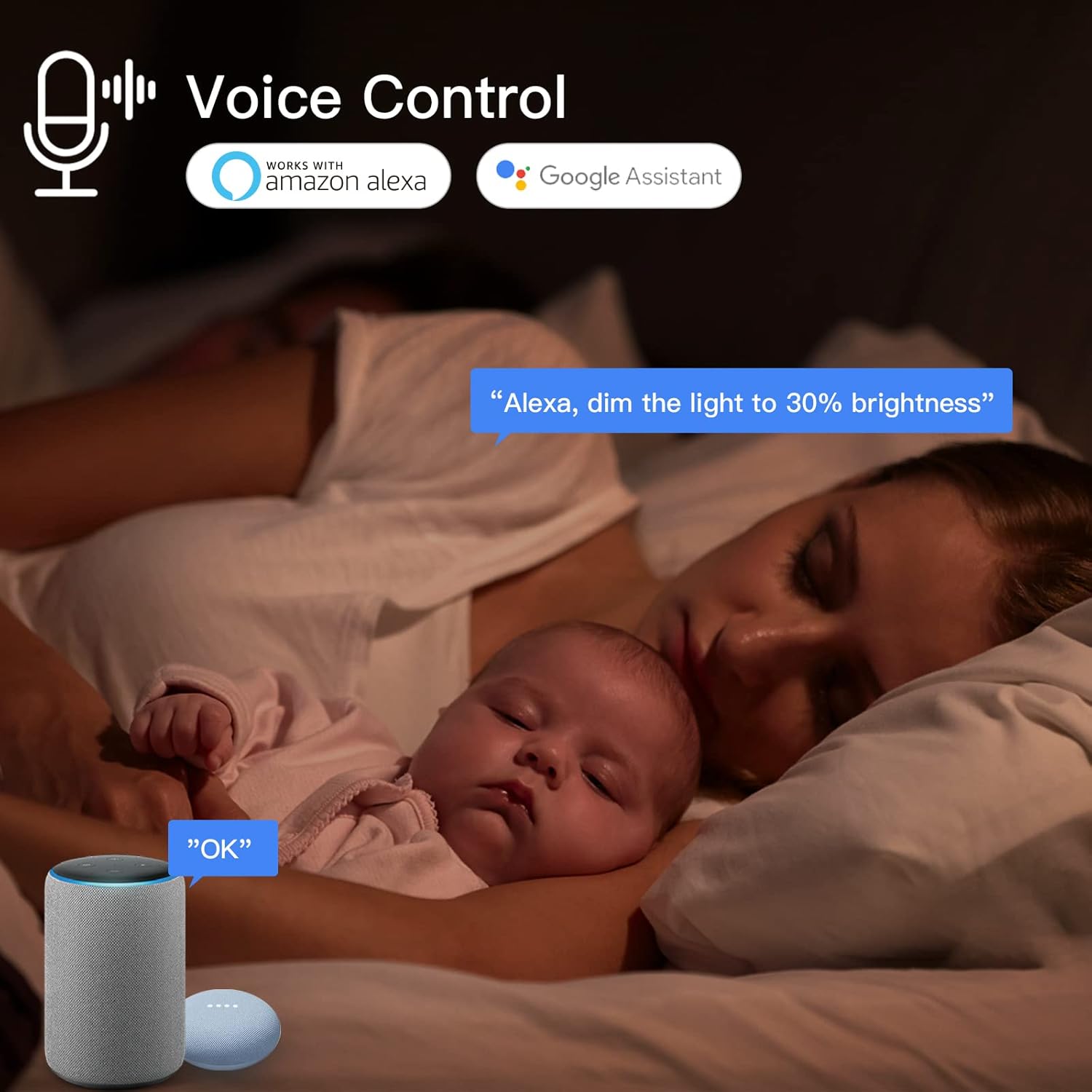
Billede: Stemmestyringsfunktion med Amazon Alexa og Google Assistant.

Image: Group control for multiple bulbs and hands-free voice control capabilities.
6.3 Gruppekontrol
You can group multiple TALOYA Smart Light Bulbs together in the SmartEra app to control them simultaneously. This is useful for controlling lights in a single room or area.
- Open the SmartEra app.
- Select one of the bulbs you wish to group.
- Look for a "Group" or "Create Group" option within the device settings.
- Select the other bulbs you want to add to this group and confirm.
- Name your group (e.g., "Living Room Lights").

Image: Group control functionality for managing multiple bulbs simultaneously and music sync feature.
7. Vedligeholdelse
- Rensning: Ensure the bulb is off and cool before cleaning. Wipe with a soft, dry cloth. Do not use liquid cleaners or abrasive materials.
- Firmwareopdateringer: Periodically check the SmartEra app for firmware updates for your bulbs to ensure optimal performance and access to new features.
- Opbevaring: If storing the bulbs for an extended period, keep them in a cool, dry place away from direct sunlight.
8. Fejlfinding
| Problem | Mulig årsag | Løsning |
|---|---|---|
| Bulb not turning on. | No power; Loose connection; Bulb faulty. | Check power switch/breaker; Re-screw bulb firmly; Test bulb in another fixture. |
| Kan ikke oprette forbindelse til Wi-Fi. | Incorrect Wi-Fi password; Router too far; 5GHz Wi-Fi network; Too many devices on network. | Verify password; Move bulb closer to router; Ensure 2.4GHz network is used; Reduce network congestion. |
| Stemmestyring virker ikke. | SmartEra skill not enabled; Incorrect device name; Internet connection issue. | Enable SmartEra skill in Alexa/Google Home app; Use correct device name; Check internet connection. |
| Bulb frequently disconnects. | Weak Wi-Fi signal; Network interference. | Improve Wi-Fi signal strength; Reduce interference from other devices. |
9. Garanti og support
TALOYA products come with a standard manufacturer's warranty. For specific warranty details, please refer to the product packaging or contact TALOYA customer support.
For technical support, troubleshooting assistance, or warranty claims, please contact TALOYA customer service through their official webwebstedet eller de kontaktoplysninger, der er angivet med dit køb.
Webwebsted: TALOYA Official Store on Amazon


