1. Introduktion
This manual provides comprehensive instructions for the Apple Watch Series 7 GPS 41mm. It covers device setup, operational procedures, maintenance guidelines, troubleshooting common issues, and detailed product specifications. Familiarize yourself with this guide to ensure optimal use and longevity of your device.
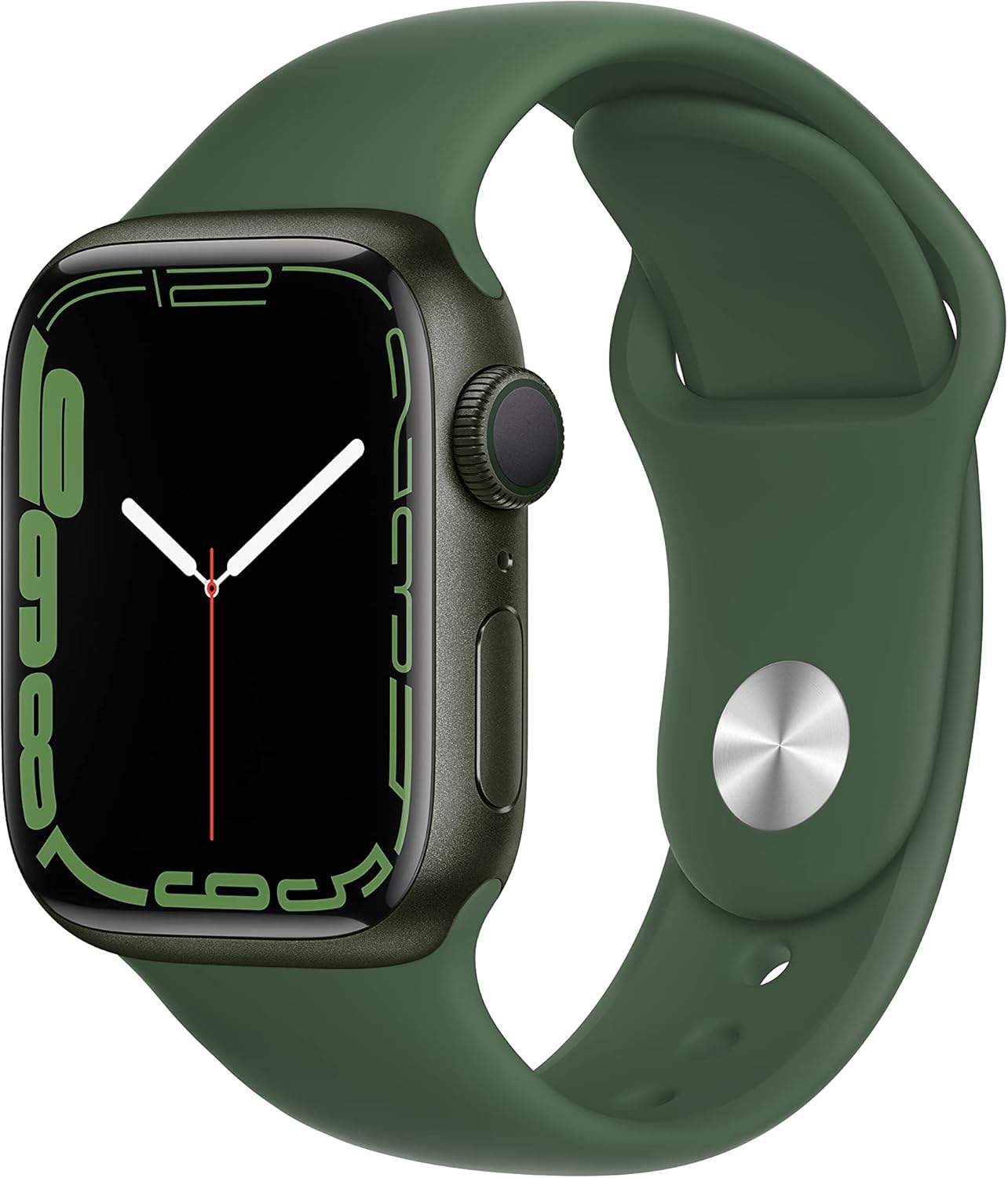
Image 1.1: The Apple Watch Series 7 GPS 41mm, featuring a green aluminum case and a clover sport band. The display shows a digital watch face.
2. Hvad er der i æsken
Når du pakker dit Apple Watch Series 7 ud, skal du kontrollere, at alle komponenter er til stede:
- Apple Watch Series 7 (Case)
- Sport Band (Clover)
- 1 m magnetisk ladekabel
Bemærk: En strømadapter er ikke inkluderet og skal købes separat.

Image 2.1: Depiction of the Apple Watch Series 7 components included in the retail packaging: the watch case, the sport band, and the USB-C magnetic fast charging cable.
3. Opsætning
3.1 Indledende opladning
Before first use, fully charge your Apple Watch. Connect the magnetic charging cable to the back of the watch and plug the USB-C end into a compatible power adapter (sold separately). The watch will display a charging indicator.
3.2 Parring med iPhone
- Sørg for, at din iPhone er opdateret til den nyeste iOS-version, og at Bluetooth er aktiveret.
- Power on your Apple Watch by pressing and holding the side button until the Apple logo appears.
- Place your iPhone near your Apple Watch. A pairing screen will appear on your iPhone. Tap "Continue."
- Placer din iPhone, så Apple Watch vises i viewfinder. Dette vil parre enhederne.
- Follow the on-screen instructions on both your iPhone and Apple Watch to complete the setup, including setting a passcode, installing apps, and configuring health features.
4. Betjening af dit Apple Watch
4.1 Navigation and Controls
- Digital krone: Drej for at rulle, zoome eller justere værdier. Tryk én gang for at gå til urskiven eller applisten. Dobbelttryk for at skifte mellem senest brugte apps. Tryk og hold nede for Siri.
- Side knap: Press once to open the Dock (recently used apps). Press and hold to access Emergency SOS, Medical ID, and power options. Double-press for Apple Pay.
- Berøringsskærm: Tap to select, swipe to navigate, force touch for additional options (on supported apps).
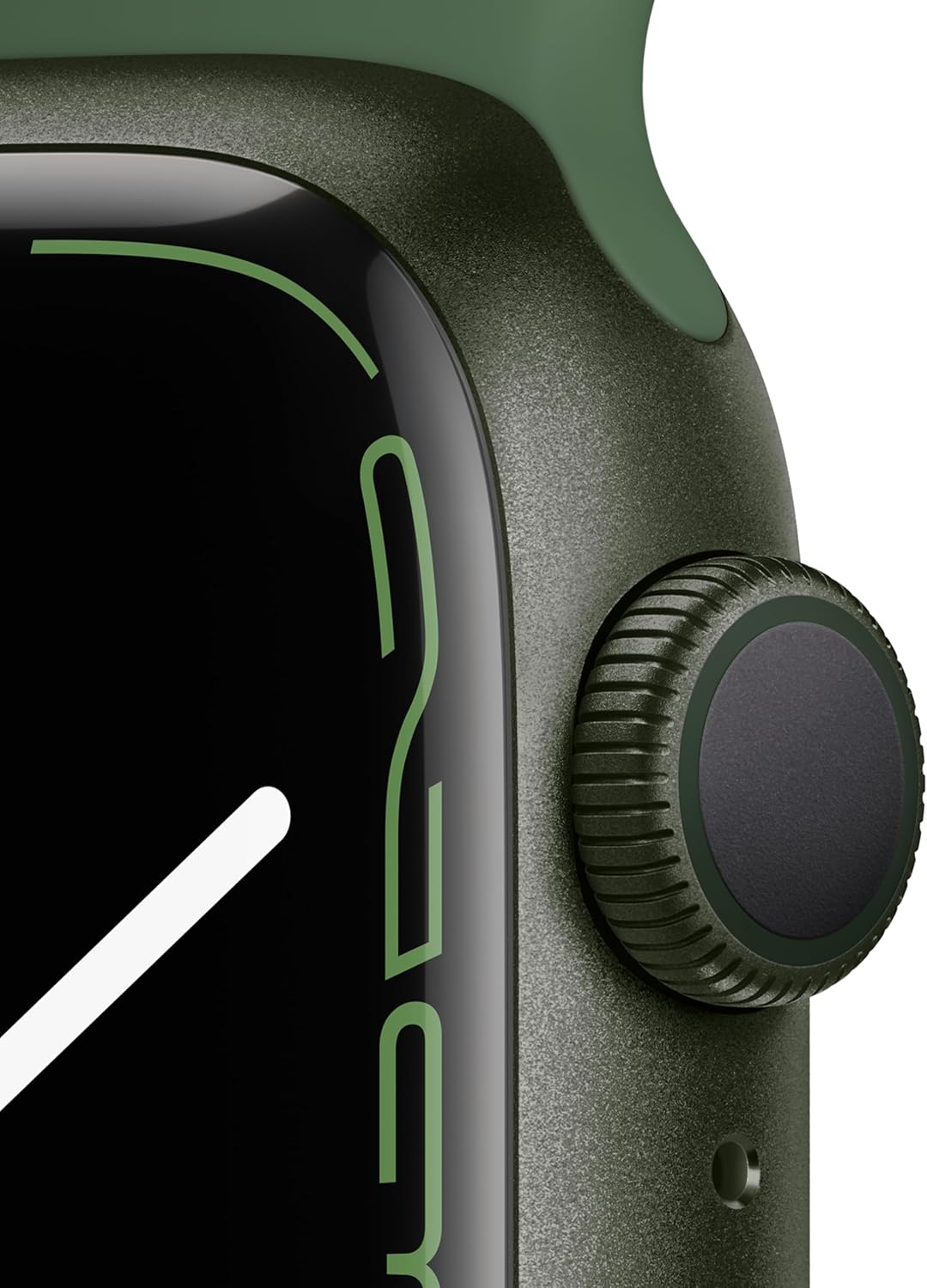
Billede 4.1: En detaljeret view of the Apple Watch Series 7's Digital Crown and side button, key components for device interaction.
4.2 Always-On Retina Display
The Apple Watch Series 7 features an Always-On Retina display, allowing you to see the time and complications without raising your wrist or tapping the screen. The display dims when your wrist is down and brightens when raised.
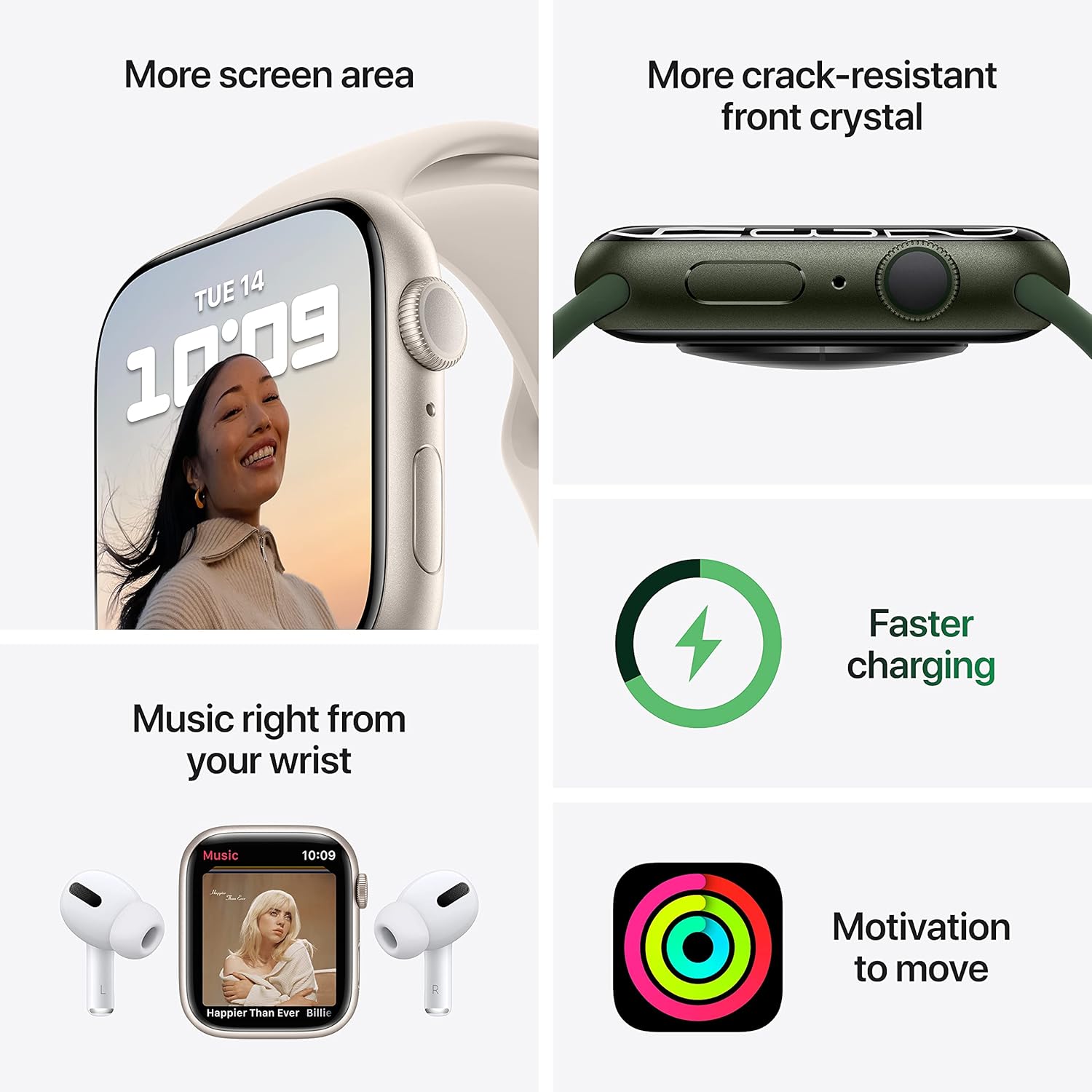
Image 4.2: This image highlights the expanded screen area of the Apple Watch Series 7 and indicates its faster charging capability. It also shows music playback and activity rings.
4.3 Sundheds- og velværefunktioner
- Blodilt-app: Measure your blood oxygen saturation directly from your wrist. Open the Blood Oxygen app and follow the instructions.
- EKG-app: Take an electrocardiogram to record your heart's electrical activity. Open the ECG app and place your finger on the Digital Crown.
- Heart Rate Monitoring: The watch continuously monitors your heart rate and can provide notifications for unusually high or low heart rates, or irregular heart rhythms.
- Søvnsporing: Track your sleep patterns and trends by wearing your watch to bed.
- Falddetektion: If a hard fall is detected, your watch can initiate an Emergency SOS call if you are unresponsive.

Image 4.3: Screenshots from the Apple Watch Series 7 demonstrating its health monitoring capabilities, including taking an ECG, measuring blood oxygen levels, and checking heart rate.
4.4 Fitnesssporing
The Activity app tracks your daily movement, exercise, and stand goals through three rings: Move, Exercise, and Stand. Close your rings daily to achieve your fitness goals. The Workout app allows you to track various exercises with detailed metrics.

Image 4.4: The Apple Watch Series 7 displaying workout statistics, including duration, heart rate, and calories burned, alongside the Activity app's rings.
4.5 Forbindelse
With GPS functionality, your Apple Watch can track your location and provide navigation. When connected to your iPhone or a Wi-Fi network, you can send messages, make calls, listen to music, use Siri, and access Emergency SOS features.
5. Vedligeholdelse
5.1 Opladning
For optimal battery health, charge your Apple Watch regularly. The Series 7 supports faster charging, allowing for quicker power replenishment. Use the provided magnetic charging cable and a compatible USB-C power adapter.
5.2 Cleaning Your Apple Watch
- Sluk dit Apple Watch, og frakobl det fra opladeren.
- Tør uret af med en ikke-slibende, fnugfri klud. Tør om nødvendigt letampda kluden med ferskvand.
- Tør uret grundigt med en blød, fnugfri klud.
- For the band, follow specific cleaning instructions based on its material (e.g., silicone bands can be wiped with a damp klæde).
5.3 Vandtæthed
The Apple Watch Series 7 is water resistant up to 50 meters. It can be used for shallow-water activities like swimming in a pool or ocean. It should not be used for scuba diving, waterskiing, or other activities involving high-velocity water or submersion below shallow depths. Water resistance is not a permanent condition and may diminish over time.
6. Fejlfinding
6.1 Almindelige problemer og løsninger
- Watch not pairing: Ensure your iPhone's Bluetooth is on, both devices are charged, and your iPhone is running the latest iOS. Try restarting both devices.
- Batteriet aflades hurtigt: Check for background app refresh, reduce screen brightness, disable unnecessary notifications, and ensure your watchOS is up to date.
- Apps not responding: Force quit the app by pressing the side button, then the Digital Crown to return to the app list, swipe left on the app, and tap the 'X' to close. Reopen the app.
- Uret tænder ikke: Ensure the watch is charged. If it still doesn't turn on, try a force restart (press and hold both the side button and Digital Crown for at least 10 seconds until you see the Apple logo).
6.2 Resetting Your Apple Watch
If issues persist, you may need to reset your Apple Watch. This will erase all content and settings. On your Apple Watch, go to Indstillinger > Generelt > Nulstil > Slet alt indhold og alle indstillinger. You will need to re-pair it with your iPhone after a reset.
7. Specifikationer
| Feature | Detalje |
|---|---|
| Modelnavn | Apple Watch Series 7 |
| Modelnummer | MKN03LL/A |
| Case Størrelse | 41 mm |
| Forbindelse | GPS, Wi-Fi (802.11bgn), Bluetooth, USB |
| Operativsystem | WatchOS |
| Vise | Altid tændt Retina-skærm |
| Sensorer | Blood Oxygen Sensor, Electrical Heart Sensor (ECG), Optical Heart Sensor, Altimeter, Accelerometer, Gyroscope, Ambient Light Sensor |
| Vandmodstand | 50 meter |
| Batteritype | Lithium-ion (1 medfølger) |
| Dimensioner (produkt) | 11.65 x 2.99 x 1.42 tommer |
| Varens vægt | 13.4 ounce |
| Dato først tilgængelig | 28. september 2021 |
8. Garanti og support
8.1 Begrænset garanti
Your Apple Watch Series 7 comes with a one-year limited hardware warranty provided by Apple. This warranty covers manufacturing defects and issues under normal use conditions. For full details, refer to the warranty documentation included with your product or visit Apple's official webwebsted.
8.2 AppleCare+
AppleCare+ is an optional extended service plan that provides additional hardware coverage and technical support beyond the standard limited warranty. It may also include coverage for accidental damage incidents. For more information on AppleCare+ plans and pricing, visit the Apple website or an authorized Apple retailer.
8.3 Teknisk support
For technical assistance, troubleshooting, or service inquiries, you can contact Apple Support. Support options include online resources, chat, and phone support. Ensure you have your device's serial number ready when contacting support.
Online support: support.apple.com/watch


