Indledning
Thank you for choosing the Rapoo V16 Optical Gaming Mouse. This manual provides detailed instructions on how to set up, operate, and maintain your new gaming mouse. The V16 is designed for optimal gaming performance, featuring an ergonomic design, programmable buttons, and customizable DPI settings.
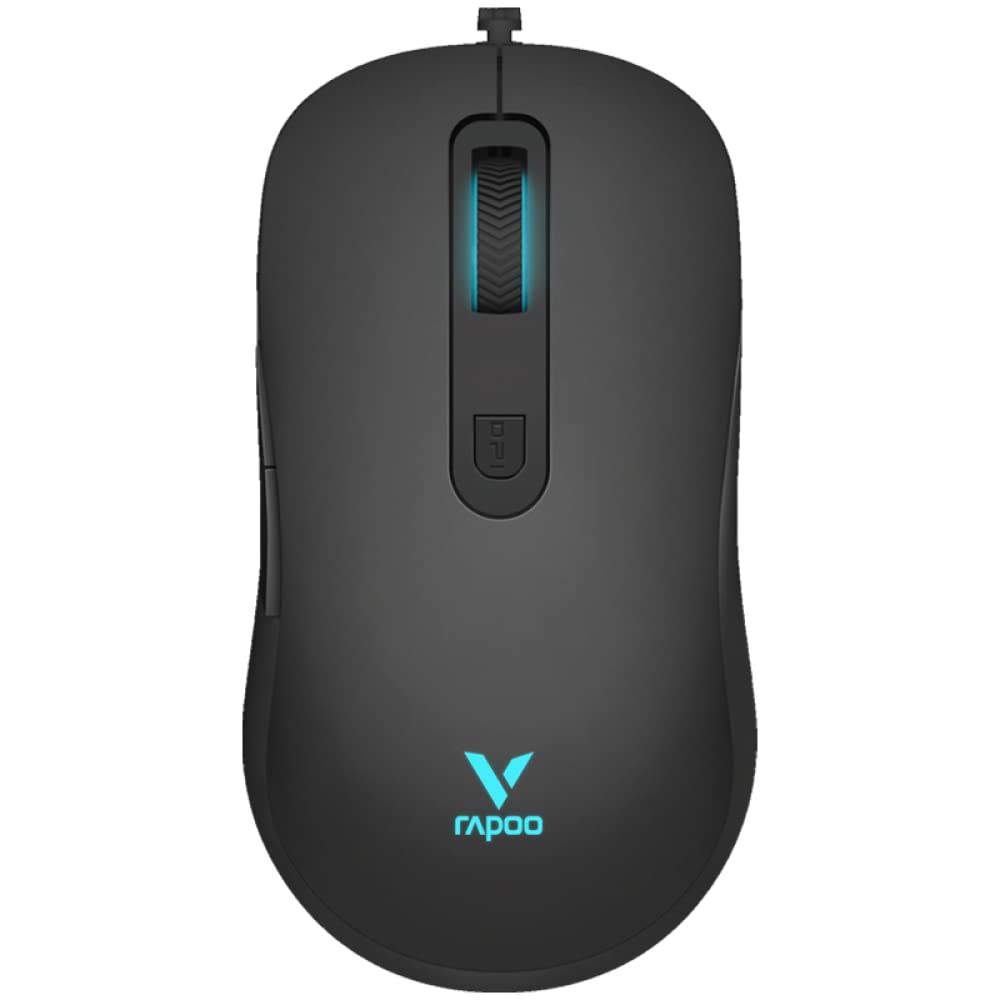
Figur 1: Øverst view of the Rapoo V16 Optical Gaming Mouse, highlighting its sleek black design and illuminated elements.
Nøglefunktioner
- Ergonomisk design: Perfectly designed for gaming, ensuring comfort during extended use.
- Letvægtsdesign: Allows users to move and control the mouse with better ergonomics, enabling faster shooting and flicking.
- 6 programmerbare knapper: Assign macros and functions through software to each button.
- Flettet kabel: Protects the wire from tangling and ensures a hassle-free experience.
- Single RGB Lighting: Features breathing modes with cyclical changes to enlighten and brighten your gaming setup.
- Adjustable Real-time DPI: Up to 2000 DPI with 3 sensitivity modes for precise tracking.
- Indbygget hukommelse: Store your custom settings directly on the mouse.
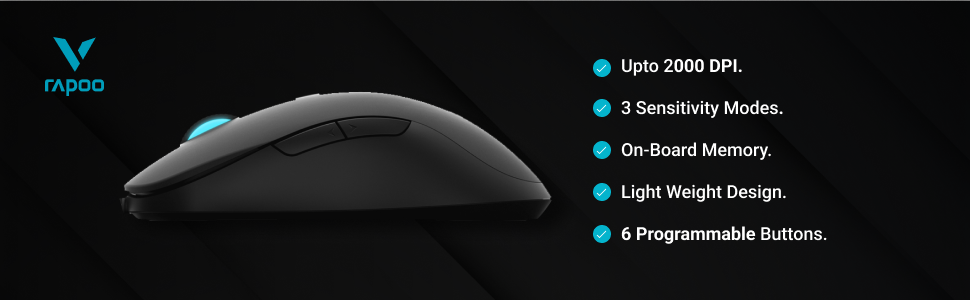
Figur 2: Overview of the Rapoo V16's main features, including its DPI range and programmable buttons.

Figure 3: The ergonomic design of the Rapoo V16, crafted for comfortable and extended gaming sessions.
Opsætningsvejledning
Systemkrav
- Operating System: Windows 8, Windows XP
- Hardwareplatform: PC
- Tilgængelig USB -port
Tilslutning af musen
- Find en ledig USB-port på din computer.
- Insert the USB connector of the Rapoo V16 mouse into the USB port.
- The mouse is plug-and-play. Your operating system will automatically detect and install the necessary drivers.
- Når musen er installeret, lyser RGB-belysningen op, hvilket indikerer, at den er klar til brug.
Figure 4: The Rapoo V16 is a wired gaming mouse, ensuring stable and reliable connectivity.
Betjeningsvejledning
Grundlæggende betjening
The Rapoo V16 functions as a standard optical mouse for everyday use. Move the mouse to control the cursor on your screen. The left and right click buttons perform primary and secondary actions, respectively. The scroll wheel allows for vertical scrolling through documents and web sider.
Programmerbare knapper
The V16 features 6 programmable buttons, allowing you to assign custom functions, macros, or key combinations for gaming or productivity. To utilize this feature, you will need to install the customisable drivers from the official Rapoo website. Once installed, open the driver software to configure each button.

Figure 5: The 6 programmable buttons on the Rapoo V16 mouse. These include the left click (1), right click (2), scroll wheel click (3), DPI button (4), and two side buttons (5, 6).
- Knap 1: Venstre klik
- Knap 2: Højreklik
- Knap 3: Klik på rullehjul
- Knap 4: DPI -cyklusknap
- Knap 5: Side Button (Forward/Backward by default)
- Knap 6: Side Button (Forward/Backward by default)
Justering af DPI-indstillinger
The Rapoo V16 allows for real-time DPI adjustment with 3 sensitivity modes, up to 2000 DPI. The DPI button (Button 4) located behind the scroll wheel allows you to cycle through these sensitivity settings on the fly, enabling quick adjustments for different gaming scenarios or tasks.

Figure 6: The dedicated DPI button on the Rapoo V16 for quick sensitivity adjustments.
Opretholdelse
Proper maintenance ensures the longevity and optimal performance of your Rapoo V16 gaming mouse.
- Rensning: Brug en blød, tør klud til at tørre musens overflade af. Ved genstridigt snavs, tør let afampRengør kluden med vand eller en mild rengøringsopløsning. Undgå at bruge skrappe kemikalier eller slibende materialer.
- Optisk sensor: Hold den optiske sensor på undersiden af musen ren og fri for støv og snavs for at sikre nøjagtig sporing.
- Kabelpleje: The braided cable is designed for durability, but avoid sharp bends or excessive pulling to prevent internal damage.
- Opbevaring: Når musen ikke er i brug, skal den opbevares et rent, tørt sted væk fra ekstreme temperaturer.
Fejlfinding
| Problem | Mulig årsag | Løsning |
|---|---|---|
| Musen reagerer ikke | USB cable not properly connected; Faulty USB port; Driver issue. | Ensure the USB cable is securely plugged in. Try a different USB port. Restart your computer. Reinstall mouse drivers from the Rapoo webwebsted. |
| Inaccurate tracking or erratic cursor movement | Dirty optical sensor; Uneven or reflective surface; Software interference. | Clean the optical sensor. Use a mouse pad or a non-reflective, even surface. Close other applications that might interfere. |
| Programmerbare knapper virker ikke | Drivers not installed or corrupted; Software not configured correctly. | Install or reinstall the latest drivers from the Rapoo website. Open the driver software and ensure buttons are assigned correctly. |
| RGB-belysning virker ikke | Driver issue; Hardware malfunction. | Ensure drivers are up to date. If the issue persists, contact Rapoo customer support. |
Specifikationer
| Feature | Detalje |
|---|---|
| Mærke | Rapoo |
| Model | V16 |
| Forbindelsesteknologi | Kablet (USB) |
| Bevægelsesdetekteringsteknologi | Optisk |
| DPI-følsomhed | Up to 2000 DPI (3 sensitivity modes) |
| Programmerbare knapper | 6 |
| Håndorientering | Ambidekstrøs |
| Særlige funktioner | Lightweight, Ergonomic Design, Onboard Memory, Braided Cable, Single RGB Lighting |
| Operativsystemkompatibilitet | Windows 8, Windows XP |
| Strømkilde | USB-drevet |
| Dimensioner (ca.) | 125.3 mm (L) x 68.2 mm (B) x 38.6 mm (H) |

Figure 7: Approximate dimensions of the Rapoo V16 mouse.
Garanti og support
The Rapoo V16 Optical Gaming Mouse comes with a 2 års garanti. For warranty claims, technical support, or further assistance, please contact Rapoo customer service or visit their official webwebsted.
Importør: Supertron Electronics Ltd
For more information, visit the official Rapoo store: Rapoo Store on Amazon.in


