1. Introduktion
This manual provides detailed instructions for the installation, operation, and maintenance of your BrosTrend WiFi 6 AX1800Mbps USB WiFi Adapter (Model AX1). This device is designed to upgrade your PC, laptop, or desktop to the latest WiFi 6 standard, offering faster speeds and improved network efficiency. It supports Windows 11 and Windows 10 operating systems only.
2. Sikkerhedsoplysninger
- Udsæt ikke enheden for vand eller for høj luftfugtighed.
- Undgå ekstreme temperaturer.
- Forsøg ikke selv at skille enheden ad eller reparere den. Kontakt kvalificeret servicepersonale.
- Opbevares utilgængeligt for børn.
- Sørg for ordentlig ventilation under brug.
3. Pakkens indhold
Bekræft, at din pakke indeholder følgende varer:
- 1 x BrosTrend AX1800Mbps USB WiFi 6 Adapter (Model AX1)
- 1 x Hurtig installationsvejledning
4. Opsætning og installation
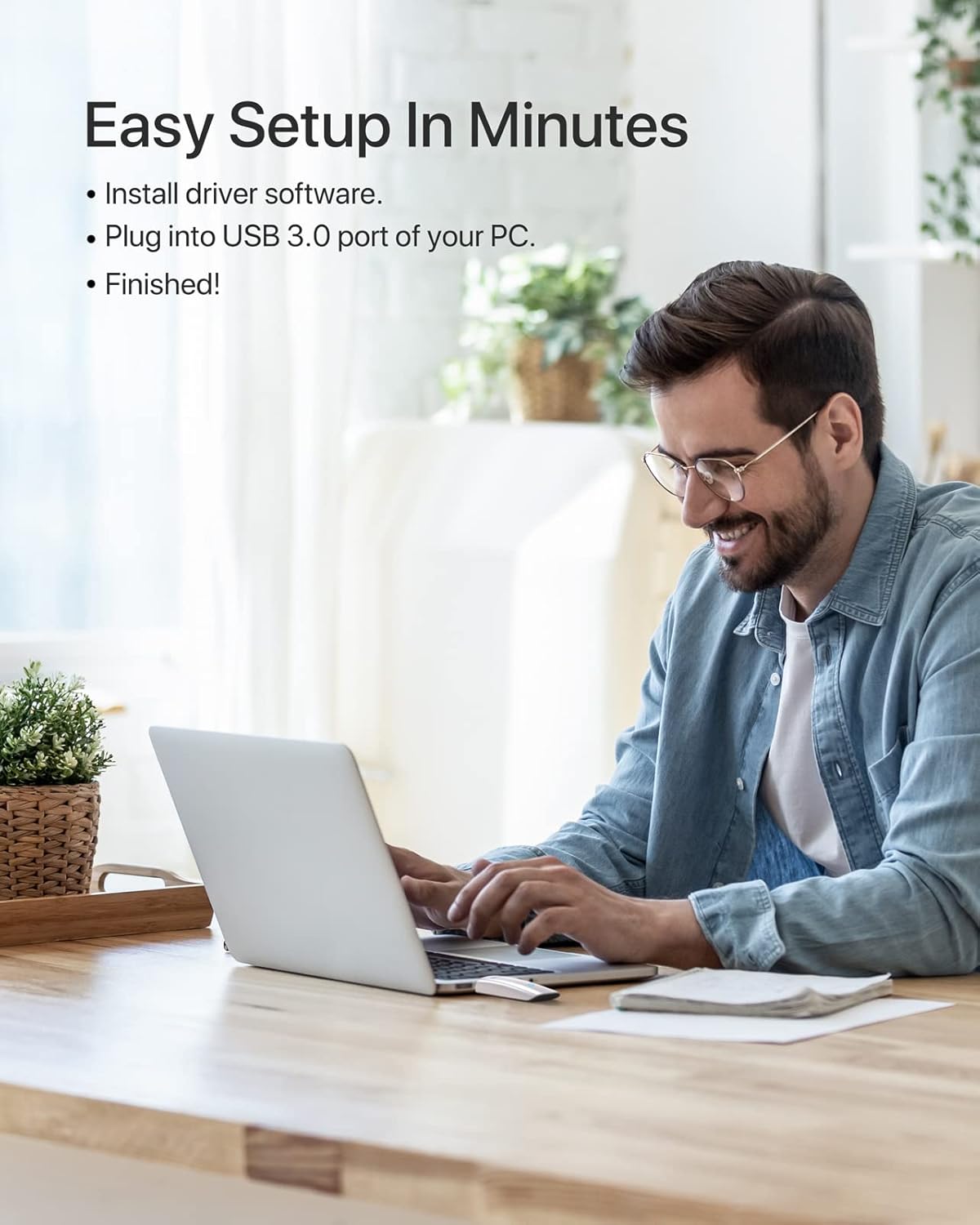
Follow these steps to install your BrosTrend WiFi 6 USB Adapter:
- Systemkrav: Ensure your computer is running Windows 11 or Windows 10. Linux operating systems are not supported.
- Driver installation: The adapter comes with a pre-loaded driver. When you plug it into your computer for the first time, the system should automatically detect the device and initiate driver installation. If automatic installation does not occur, you may need to access the adapter's internal storage (which appears as a virtual CD-ROM drive) and run the setup executable.
- Tilslut adapteren: Insert the BrosTrend AX1800Mbps USB WiFi 6 Adapter into an available USB 3.0 port on your PC, laptop, or desktop. For optimal performance, use a USB 3.0 port (typically blue inside).
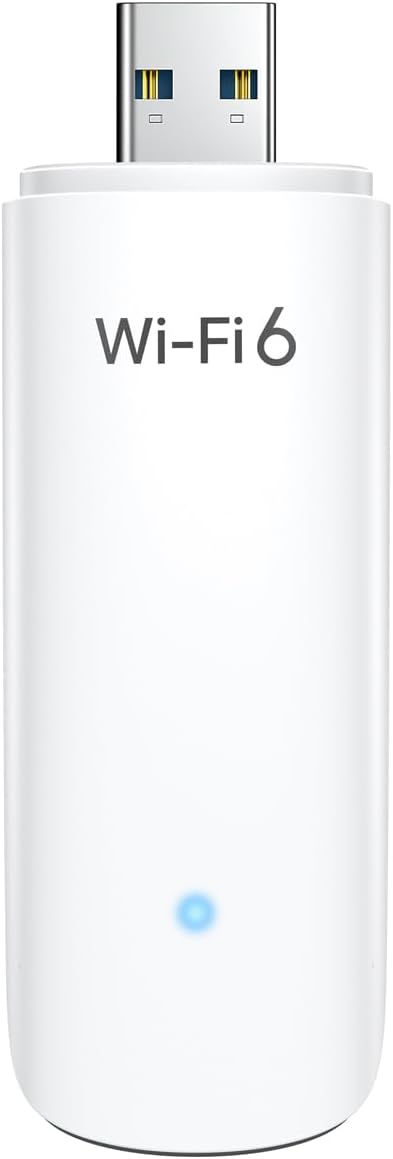
- Bekræft installationen: After installation, a new wireless network adapter should appear in your computer's Device Manager. The blue LED indicator on the adapter will illuminate when it is properly connected and functioning.

5. Betjeningsvejledning
Once the adapter is installed, you can connect to a wireless network:
- Adgangsnetværksindstillinger: Click on the Wi-Fi icon in your system tray (usually in the bottom-right corner of your screen).
- Vælg netværk: En liste over tilgængelige trådløse netværk vises. Vælg dit ønskede netværk (SSID).
- Forbinde: Klik på "Opret forbindelse", og indtast netværkssikkerhedsnøglen (adgangskoden), hvis du bliver bedt om det.
- Dobbeltbåndsdrift: The adapter supports both 5GHz and 2.4GHz bands. For higher speeds and less interference, connect to a 5GHz network if available. For broader coverage, the 2.4GHz band is suitable.
- Avancerede funktioner: The adapter utilizes UL/DL MU-MIMO and OFDMA technologies for improved network throughput and efficiency, especially in environments with multiple devices. Beamforming technology enhances signal strength and coverage.


6. Vedligeholdelse
For at sikre din adapters levetid og optimale ydeevne:
- Hold adapteren ren og fri for støv. Brug en blød, tør klud til rengøring.
- Undgå fysisk stød eller at tabe enheden.
- When not in use, you may unplug the adapter and store it in a safe place. The adapter includes a protective cap for the USB connector.
- Periodically check the BrosTrend website for updated drivers, although the pre-loaded driver is generally sufficient.

7. Fejlfinding
If you encounter issues with your BrosTrend WiFi 6 USB Adapter, consider the following:
- Adapter Not Detected / No Indicator Light:
- Ensure the adapter is fully inserted into a USB 3.0 port.
- Prøv en anden USB-port på din computer.
- Genstart din computer.
- Verify that your operating system is Windows 11 or Windows 10.
- Slow Speeds / Frequent Disconnections:
- Ensure you are connected to a 5GHz network if available and within range for optimal speed.
- Check for obstacles between your computer and the wireless router.
- Opdater din routers firmware.
- Temporarily disable any VPN or firewall software to see if it resolves the issue.
- Reinstall the adapter drivers.
- Problemer med driverinstallation:
- If the driver does not install automatically, open "This PC" or "My Computer", locate the virtual CD-ROM drive associated with the adapter, and run the setup file.
- Ensure your antivirus software is not blocking the driver installation.
- Download the latest drivers from the official BrosTrend support webstedet, hvis det er nødvendigt.
8. Specifikationer
| Feature | Detalje |
|---|---|
| Modelnummer | AX1 |
| Trådløs Standard | IEEE 802.11ax (WiFi 6) |
| Dataoverførselshastighed | Op til 1800 Mbps (1201 Mbps på 5 GHz, 574 Mbps på 2.4 GHz) |
| Frekvensbånd | 2.4 GHz og 5 GHz (dobbeltbånd) |
| Interface | USB 3.0 |
| Kompatible operativsystemer | Windows 11, Windows 10 (Linux NOT supported) |
| Antenne type | Internal On-Board Antennas |
| Dimensioner (L x B x H) | 3.62 x 1.18 x 0.51 tommer (9.2 x 3.0 x 1.3 cm) |
| Varens vægt | 0.635 ounces (18 gram) |
| Farve | Hvid |
| Avancerede funktioner | UL/DL MU-MIMO, OFDMA, Beamforming, WPA3 Encryption |
9. Garanti og support
BrosTrend products come with a manufacturer's warranty. Please refer to the official BrosTrend website or the Quick Installation Guide for specific warranty terms and conditions.
For technical support, driver downloads, or further assistance, please visit the BrosTrend support page or contact their customer service. Contact information is typically provided in the Quick Installation Guide or on the official BrosTrend webwebsted.
Online support: www.brostrend.com/support (Eksamplinket, bekræft venligst den faktiske support URL)


