1. Introduktion
This manual provides detailed instructions for the setup, operation, and maintenance of your TECLAST Mini PC N10. This compact desktop computer features an Intel Celeron N4000 processor, 6GB DDR4 RAM, 128GB SSD, and comes pre-installed with Windows 11 Pro. It is designed for various applications including office work, multimedia playback, and general computing tasks.
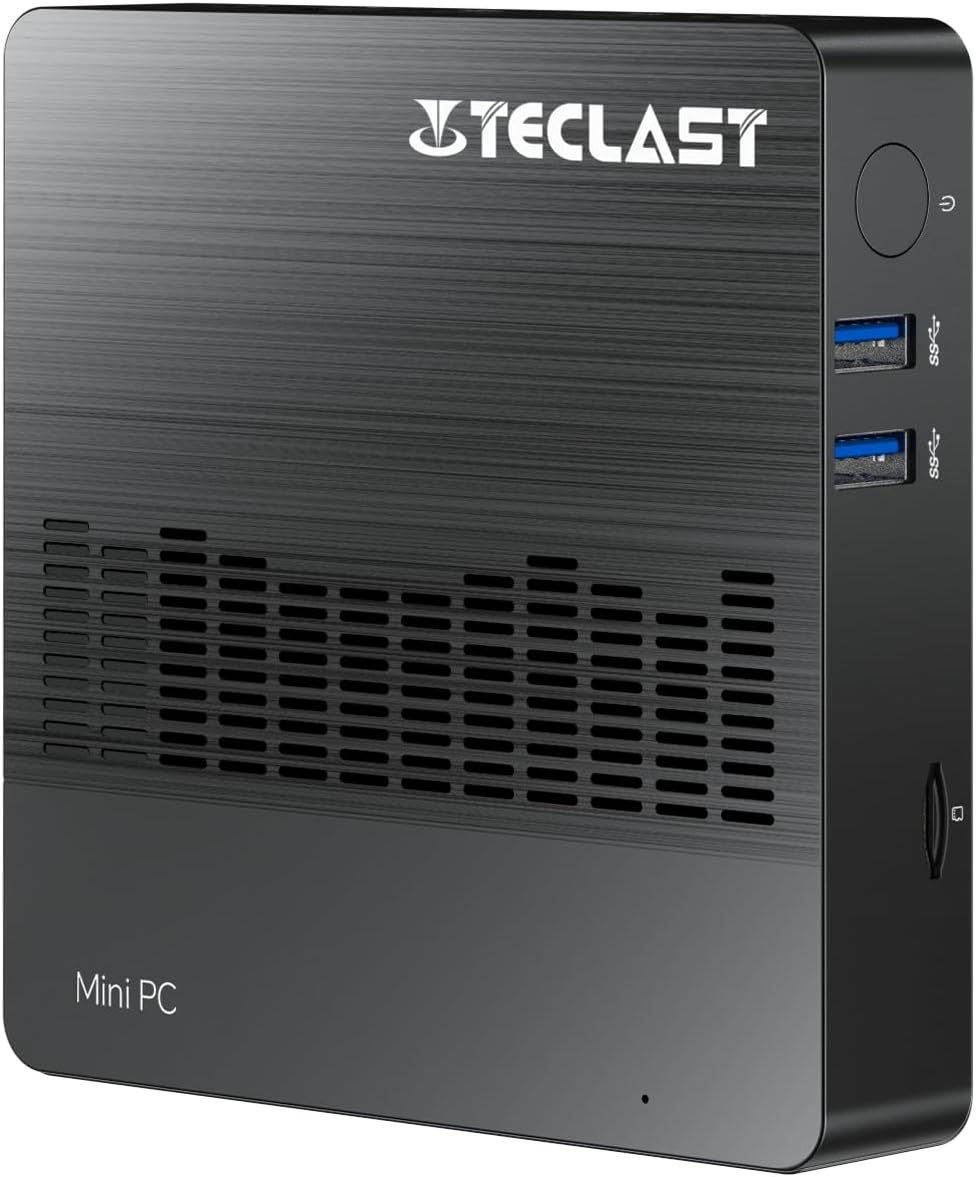
Billede 1.1: Forside view of the TECLAST Mini PC N10, showing its compact design and front ports.
2. Pakkens indhold
Tjek venligst pakken for følgende varer:
- TECLAST Mini PC N10 Unit
- Strømadapter
- Brugermanual
Hvis der mangler eller er beskadigede varer, bedes du kontakte kundesupport.
3. Produktet er slutview
3.1. Physical Dimensions and Design
The TECLAST Mini PC N10 is designed to be compact and lightweight, making it suitable for various environments. Its dimensions are approximately 11.9 x 11.9 x 2.4 cm, and it weighs around 700g.

Image 3.1: Illustration of the TECLAST Mini PC N10's compact dimensions (120mm x 120mm x 24mm) and lightweight design (200g, note: product specifications state 700g).
3.2. Havnelayout
The Mini PC N10 features a variety of ports for connectivity, located on its right, left, and back sides.

Billede 3.2: Detaljeret view of the TECLAST Mini PC N10's expansion ports.
- Højre side: TF (MicroSD) Card Reader x 1, USB 3.2 x 2, Power Button x 1
- Venstre side: VGA Port x 1
- Bagside: Reset Button x 1, DC Power Input x 1, USB 3.2 x 1, HDMI Port x 1, RJ45 Ethernet Port x 1, 3.5mm Headphone Output x 1
4. Indledende opsætning
Follow these steps to set up your TECLAST Mini PC N10:
- Connect to a Display: Connect your monitor or TV to the Mini PC using either the HDMI port or the VGA port. For optimal resolution, use the HDMI port.
- Tilslut ydre enheder: Plug in your keyboard and mouse to the available USB 3.2 ports.
- Tilslut til strøm: Connect the power adapter to the DC power input port on the back of the Mini PC, then plug the adapter into a power outlet.
- Tænd: Press the power button located on the right side of the Mini PC. The system will boot up.
- Første Windows-opsætning: Følg instruktionerne på skærmen for at fuldføre Windows 11 Pro-opsætningen, inklusive sprog, region, netværksforbindelse og oprettelse af brugerkonto.
5. Betjeningsvejledning
5.1. Opretter forbindelse til internettet
- Kablet forbindelse: Connect an Ethernet cable from your router or modem to the RJ45 Ethernet port on the back of the Mini PC.
- Trådløs forbindelse: The Mini PC supports 2.4GHz and 5GHz Wi-Fi. During Windows setup or via Windows settings, select your Wi-Fi network and enter the password.
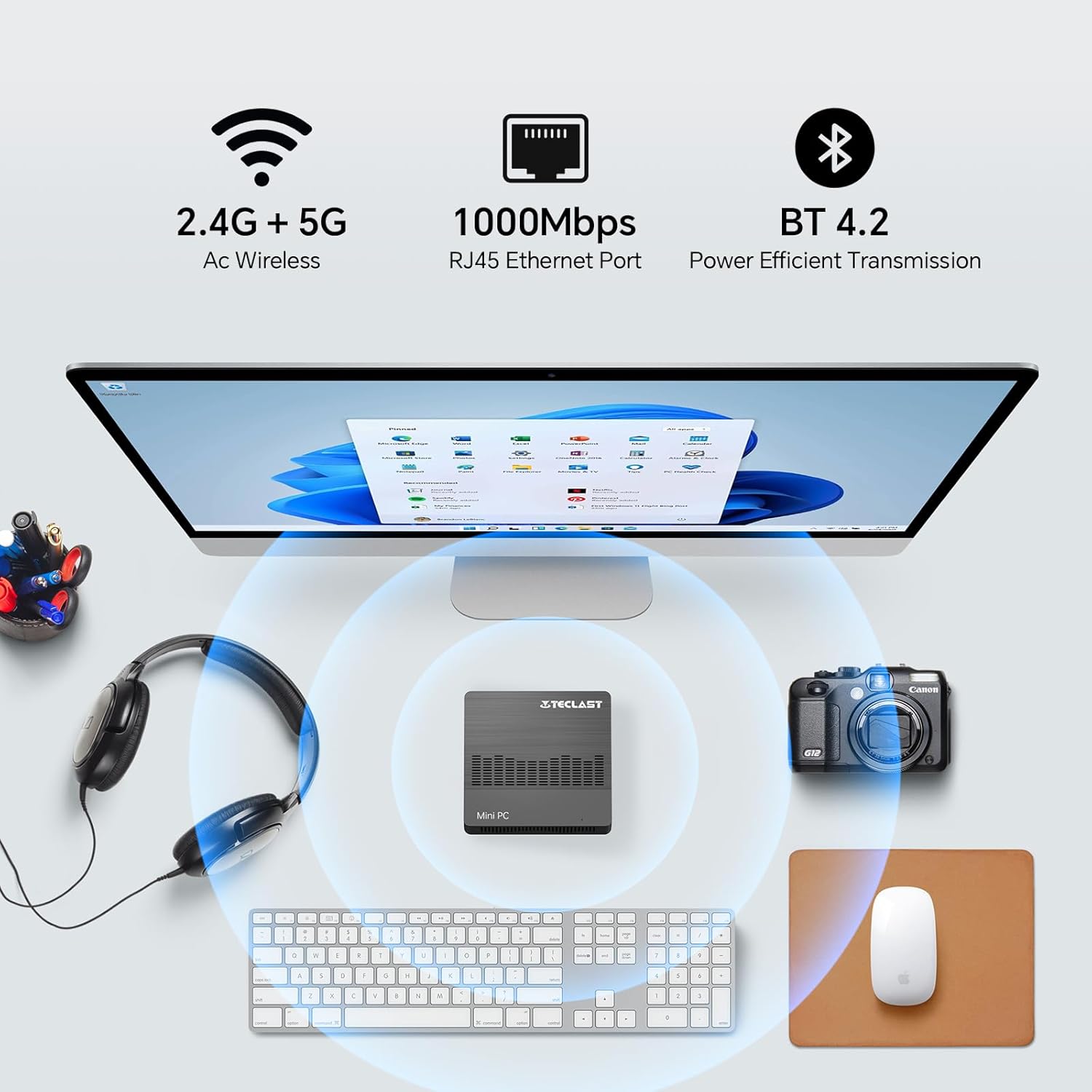
Image 5.1: The Mini PC N10 supports 2.4G+5G Wi-Fi, 1000Mbps RJ45 Ethernet, and Bluetooth 4.2 for versatile connectivity.
5.2. Dual Display Setup
The TECLAST Mini PC N10 supports dual display output via its HDMI and VGA ports, allowing you to extend your desktop across two screens or duplicate your display.
- Connect your primary monitor to the HDMI port.
- Connect your secondary monitor to the VGA port.
- Once both monitors are connected and powered on, Windows 11 should automatically detect them.
- To configure display settings (extend, duplicate, resolution), right-click on the desktop, select 'Display settings', and adjust as needed. The HDMI port supports up to 4K@60Hz resolution.

Image 5.2: The Mini PC N10 connected to two monitors via HDMI and VGA for dual display output.
5.3. Lagerudvidelse
The Mini PC N10 includes 128GB of internal SSD storage. For additional storage, it supports SATA protocol for M.2 SSD expansion (2242 length, M.2 interface, not included). A TF (MicroSD) card reader is also available for removable storage.
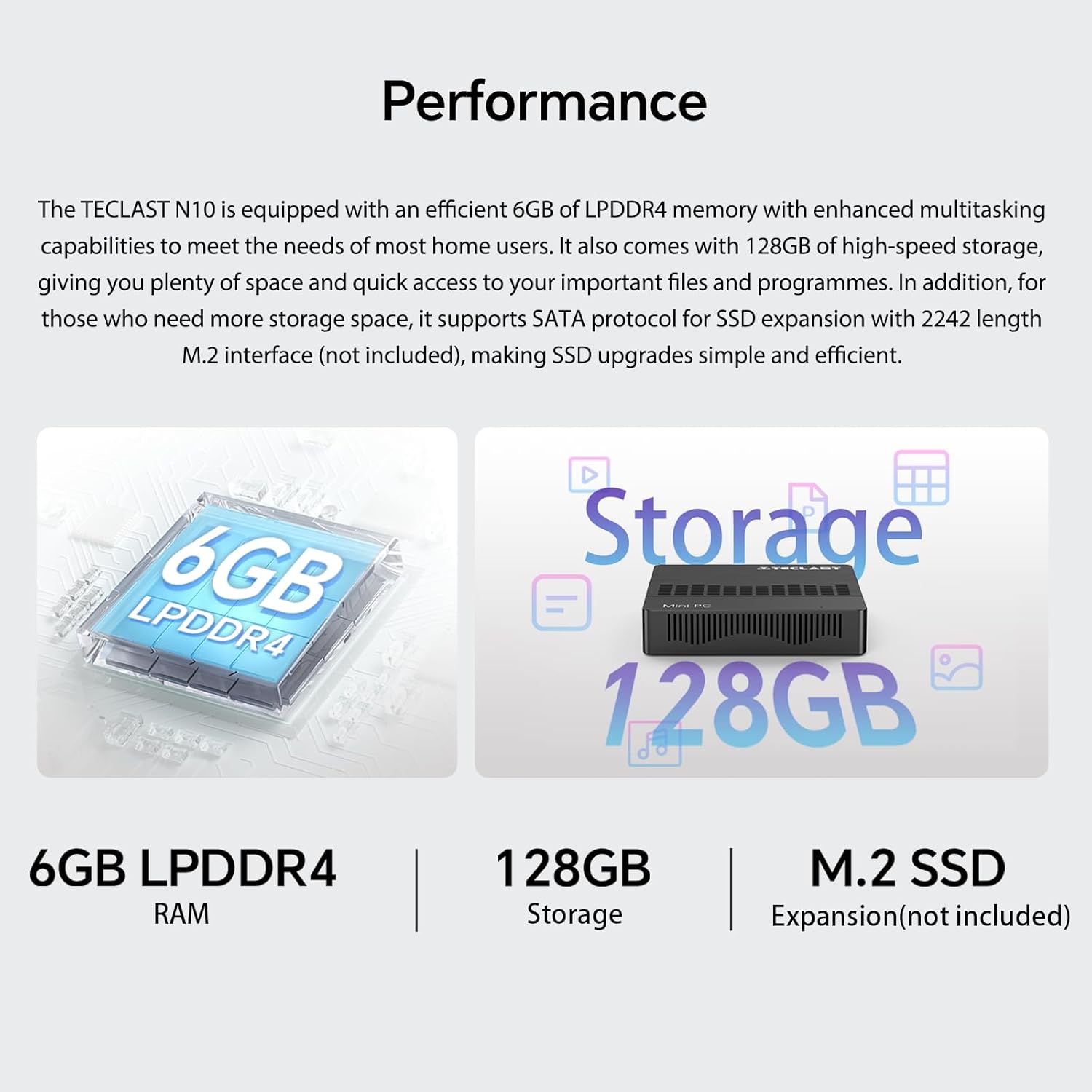
Billede 5.3: Overview of the Mini PC N10's 6GB LPDDR4 RAM, 128GB storage, and M.2 SSD expansion capability.
6. Specifikationer
| Feature | Detalje |
|---|---|
| Mærke | TECLAST |
| Modelnavn | N10 |
| Produktdimensioner | 11.9 x 11.9 x 2.4 cm |
| Produktets vægt | 700 g |
| Farve | Sort |
| Operativsystem | Windows 11 Pro |
| Processor producent | Intel |
| Processor type | Intel Celeron N4000 |
| Processorhastighed | 2.6 GHz (Turbo Frequency) |
| Antal processorer | 2 |
| RAM kapacitet | 6 GB |
| Hukommelsesteknologi | DDR4 |
| Hard Drive Description | SSD |
| Hukommelseslagringskapacitet | 128 GB |
| Grafik coprocessor | Intel UHD Graphics 600 |
| Beskrivelse af grafikkort | Integreret |
| Maksimal opløsning | 3840 x 2160 (4K) |
| Forbindelsestype | Wi-Fi, Bluetooth |
| Trådløs forbindelsestype | 2.4GHz + 5GHz Wi-Fi, Bluetooth 5.0 |
| Havne | HDMI x 1, VGA x 1, USB 3.2 x 3, RJ45 Ethernet x 1, 3.5mm Audio x 1, TF (MicroSD) x 1 |

Image 6.1: Details of the Intel Celeron N4000 processor, featuring 14nm process, Gemini Lake Architecture, 4MB cache, and up to 2.6GHz turbo frequency.
7. Vedligeholdelse
- Rensning: Use a soft, dry cloth to clean the exterior of the Mini PC. Avoid using liquid cleaners or sprays directly on the device.
- Ventilation: Ensure the ventilation openings are not blocked to prevent overheating. Place the Mini PC on a flat, stable surface.
- Softwareopdateringer: Søg regelmæssigt efter og installer Windows-opdateringer for at sikre systemstabilitet og sikkerhed.
- Data backup: Sikkerhedskopier regelmæssigt vigtige data til et eksternt drev eller cloud-lagring for at forhindre datatab.
8. Fejlfinding
8.1. Ingen strøm
- Sørg for, at strømadapteren er korrekt tilsluttet både mini-pc'en og en fungerende stikkontakt.
- Kontroller, at stikkontakten fungerer ved at tilslutte en anden enhed.
8.2. Ingen visning
- Check that the HDMI or VGA cable is securely connected to both the Mini PC and the monitor.
- Ensure the monitor is powered on and set to the correct input source (HDMI/VGA).
- Try connecting to a different display or using a different cable to rule out faulty components.
8.3. Ingen internetforbindelse
- wired: Check the Ethernet cable connection. Verify your router/modem is working correctly.
- Trådløs: Ensure Wi-Fi is enabled in Windows settings. Check if you are connected to the correct network and have entered the password correctly. Restart your router/modem.
8.4. System Slowdown
- Luk unødvendige programmer, der kører i baggrunden.
- Søg efter og installer eventuelle ventende Windows-opdateringer.
- Ensure there is sufficient free space on the SSD.
- Kør en virusscanning for at kontrollere for malware.
9. Garanti og support
9.1. Garantioplysninger
The TECLAST Mini PC N10 comes with a 2-year warranty, valid immediately after purchase. Please retain your proof of purchase for warranty claims.
9.2. Kundesupport
If you require assistance or have any questions regarding your TECLAST Mini PC N10, please contact our customer support team. Send us a message, and our specialists will respond within 1 business day. We are committed to providing support for our products.


