1. Introduktion
This manual provides comprehensive instructions for the setup, operation, and maintenance of your i-box Epoca Portable Radio. Please read this manual thoroughly before using the device to ensure proper functionality and to maximize your listening experience.

Figure 1: i-box Epoca Portable Radio
2. Nøglefunktioner
- DAB/DAB+ og FM-radio: Få adgang til et bredt udvalg af digitale og analoge radiostationer.
- Bluetooth 5.0-forbindelse: Wirelessly stream audio from compatible devices.
- Genopladeligt batteri: Provides up to 15 hours of portable playback.
- USB-opladning: Convenient charging via a standard USB connection.
- Stereo højtalere: Equipped with a bass reflex port for enhanced sound performance.
- Premium design: Features a retro-inspired leather effect finish, wooden housing, and anodised aluminium speaker grille.
- Hjælpeindgang: 3.5mm AUX-IN port for wired audio connections.
- Hovedtelefonudgang: 3.5mm headphone socket for private listening.

Figur 2: Overview af nøglefunktioner
3. Pakkens indhold
Please ensure all items are present and in good condition upon unboxing:
- i-box Epoca Portable Radio
- USB opladningskabel
- Strømadapter
- Brugervejledning (denne manual)

Figure 3: Product Components and Ports
4. Opsætning
4.1 Opladning af batteriet
The i-box Epoca radio includes a built-in rechargeable Lithium Ion battery. Before first use, it is recommended to fully charge the battery.
- Connect the supplied USB charging cable to the Micro USB port on the back of the radio.
- Connect the other end of the USB cable to the supplied power adapter.
- Sæt strømadapteren i en almindelig stikkontakt.
- The charging indicator on the radio's display will show charging status. A full charge may take several hours.
Once fully charged, the radio provides up to 15 hours of playback, depending on usage and volume levels.
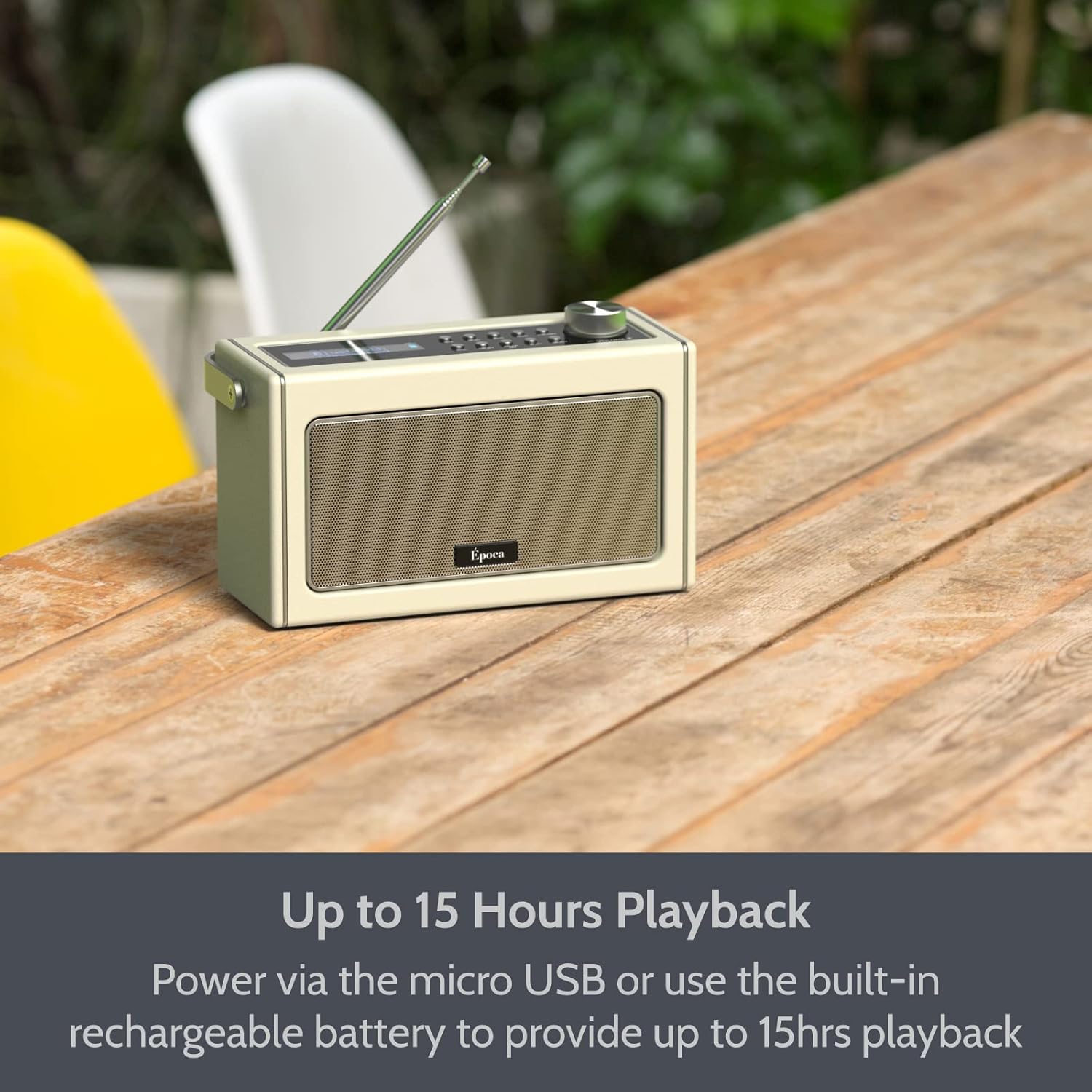
Figure 4: Portable Playback with Rechargeable Battery
4.2 Tænd/sluk
- For at tænde radioen skal du trykke på og holde Magt knappen placeret på kontrolpanelet.
- For at slukke radioen skal du trykke på og holde Magt knappen igen.
5. Driftstilstande
5.1 FM-radiofunktion
- Træk teleskopantennen ud for optimal modtagelse.
- Tryk på Mode -knappen for at vælge FM-radiotilstand.
- To automatically scan and save available FM stations, press the Scan button. The radio will scan and store stations in presets.
- For at indstille manuelt, brug Tune +/- buttons or the rotary dial.
- To recall a saved preset, press the Forudindstillet knappen og brug Tune +/- buttons to navigate through presets.

Figure 5: FM Tuner in Use
5.2 Bluetooth-betjening
- Tryk på Mode button to select Bluetooth mode. The display will show "BT" and the Bluetooth indicator will flash, indicating it's ready for pairing.
- Aktiver Bluetooth på din Bluetooth-aktiverede enhed (f.eks. smartphone, tablet) og søg efter tilgængelige enheder.
- Select "i-box Epoca" from the list of devices.
- Once paired, the Bluetooth indicator on the radio will stop flashing and remain solid. You can now play audio from your device through the radio.
- Use the radio's volume control or your device's volume control to adjust the audio level.

Figure 6: Bluetooth Setup Steps
Video: Overståetview of i-box Epoca Portable Radio features, including DAB/DAB+ and FM tuners, Bluetooth 5.0 connectivity, built-in rechargeable battery, AUX-IN port, 3.5mm headphone socket, and included accessories.
5.3 AUX-IN-drift
- Connect one end of a 3.5mm audio cable (not supplied) to the AUX-IN port on the back of the radio.
- Connect the other end of the audio cable to the headphone jack or audio output of your external audio device (e.g., MP3 player, CD player).
- Tryk på Mode knappen for at vælge AUX-IN-tilstand.
- Afspil lyd fra din eksterne enhed. Lyden vil blive udsendt via radioens højttalere.
- Adjust the volume using the radio's volume control or your external device's volume control.
6. Vedligeholdelse
- Rensning: Use a soft, dry cloth to clean the surface of the radio. Do not use abrasive cleaners or solvents.
- Opbevaring: Når radioen ikke er i brug i længere perioder, skal den opbevares køligt og tørt, væk fra direkte sollys og ekstreme temperaturer.
- Batteripleje: For at forlænge batteriets levetid bør du undgå at aflade batteriet helt ofte. Oplad radioen regelmæssigt, selvom den ikke er i konstant brug.
- Antenne: Handle the telescopic antenna carefully to prevent damage.
7. Fejlfinding
| Problem | Mulig årsag | Løsning |
|---|---|---|
| Radioen tænder ikke. | Battery is depleted or power adapter is not connected. | Connect the radio to the power adapter and allow it to charge. Ensure the power adapter is securely plugged into a working outlet. |
| Dårlig FM-radiomodtagelse. | Antenna not fully extended or weak signal area. | Fully extend the telescopic antenna. Try repositioning the radio to improve signal reception. |
| Bluetooth-enheden kan ikke parres. | Radio not in pairing mode, device too far, or already paired with another device. | Ensure the radio is in Bluetooth mode and the indicator is flashing. Move your device closer to the radio. Disconnect from any other Bluetooth devices. |
| Ingen lyd fra højttalere. | Volume too low, muted, or incorrect mode selected. | Increase the volume on the radio and your connected device. Check if the radio is muted. Ensure the correct operating mode (FM, Bluetooth, AUX-IN) is selected. |
8. Specifikationer
- Model: 79272PI/17
- Strømkilde: Battery Powered (1 Lithium Ion battery included) / USB (5V-1A)
- Afspilningstid: Up to 15 hours (battery)
- Tuner teknologi: FM
- Forbindelse: Bluetooth 5.0, USB, AUX-IN
- Lydudgang: 3.5 mm hovedtelefonstik
- Højttaler output: 2x 5W Speakers (10W Stereo Sound)
- Dimensioner: Cirka 10.12 x 6.18 x 5.12 tommer
- Vægt: Cirka 3.34 pund
- Fabrikant: Philex Electronic Ltd.
- Oprindelsesland: Kina
9. Garanti og support
The i-box Epoca Portable Radio comes with a 3 års garanti from the date of purchase. This warranty covers manufacturing defects and faulty materials under normal use.
For technical support, warranty claims, or further assistance, please contact Philex Electronic Ltd. customer service. Contact details can typically be found on the product packaging or the manufacturer's official webwebsted.
Gem venligst din købsbevis af garantihensyn.


