1. Introduction to Your Fire HD 8 Tablet
The Amazon Fire HD 8 tablet, 12th generation (2022 release), is designed for portable entertainment and productivity. It features an 8-inch HD display, a hexa-core processor for enhanced performance, and up to 13 hours of battery life. This manual provides essential information for setting up, operating, maintaining, and troubleshooting your device.

Image: The Fire HD 8 tablet in multiple colors, showcasing its interface with popular applications.
2. Kom godt i gang: Opsætning
2.1 Udpakning og første opkrævning
Your Fire HD 8 tablet package includes:
- Fire HD 8-tablet
- USB-C (2.0) kabel
- 5W strømadapter
- Hurtig startvejledning
Before first use, fully charge your tablet. Connect the USB-C cable to the tablet's USB-C port and the 5W power adapter to a wall outlet. A full charge takes approximately 5 hours. For faster charging, a 9W adapter (sold separately) can charge it in under 3 hours, and a 15W adapter with a USB-C to C cable (sold separately) in under 2.5 hours.
2.2 Tænding og indledende konfiguration
- Press and hold the power button until the Amazon logo appears.
- Follow the on-screen instructions to select your language, connect to a Wi-Fi network, and register your device with your Amazon account.
- Hvis du ikke har en Amazon-konto, vil du blive bedt om at oprette en.
3. Betjeningsvejledning
3.1 Grundlæggende navigation
The Fire HD 8 features a high-definition touchscreen. Use gestures such as tapping, swiping, pinching, and spreading to navigate the interface, open apps, scroll through content, and zoom.
3.2 Wi-Fi-forbindelse
Sådan opretter du forbindelse til et Wi-Fi-netværk:
- Stryg nedad fra toppen af skærmen for at åbne Hurtige indstillinger.
- Tryk på Wi-Fi-ikonet.
- Vælg det ønskede netværk fra listen, og indtast adgangskoden, hvis du bliver bedt om det.
The tablet supports dual-band 802.11a/b/g/n/ac standards with WEP, WPA3 OWE, WPA/WPA2/WPA3 Personal, and WPA/WPA2/WPA3 Enterprise security. Wi-Fi 6 (802.11 ax) is not supported.
3.3 Brug af Alexa
Your Fire HD 8 tablet integrates Alexa. To activate Alexa, say "Alexa" or tap the Alexa icon. You can ask Alexa to play music, get news and weather updates, manage shopping lists, set reminders, control smart home devices, and make video calls using compatible apps like Zoom.
3.4 Underholdning og apps
Stream or download content from Prime Video, Netflix, Disney+, and HBO. Access apps like Facebook, Hulu, Instagram, and TikTok through the Amazon Appstore. Google Play is not supported. Subscriptions may be required for some apps and services.
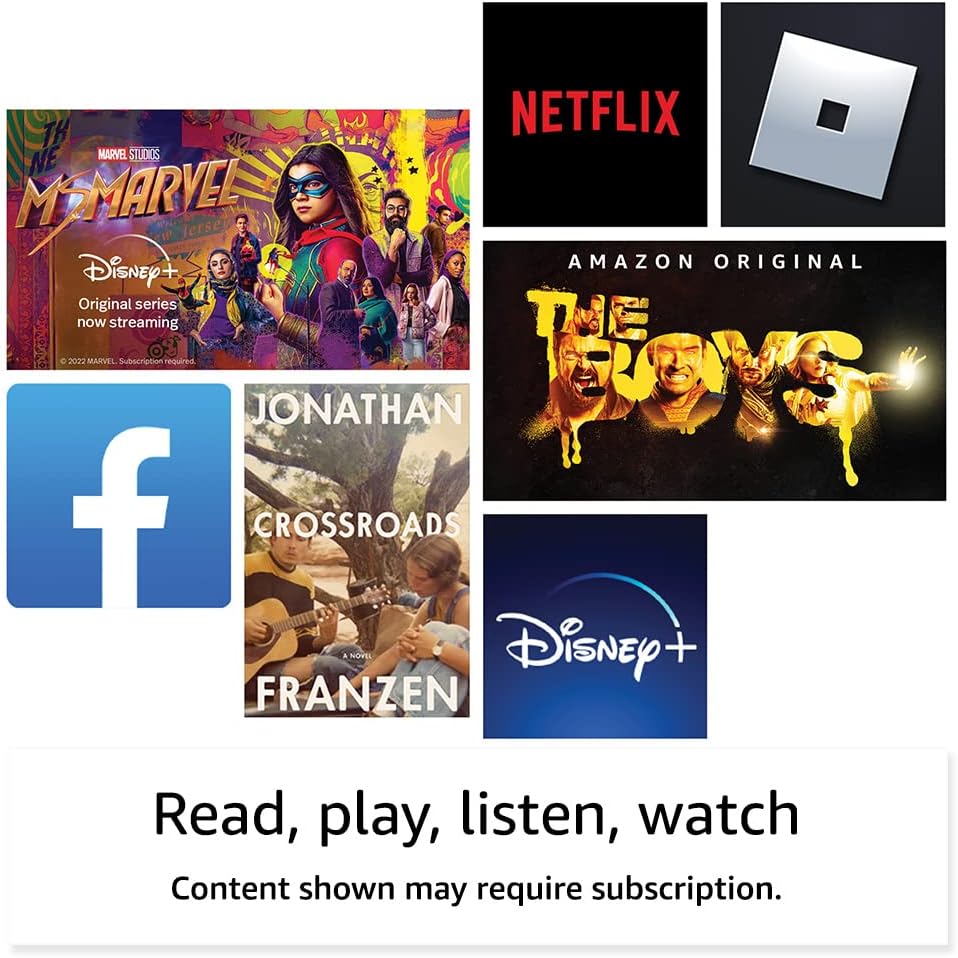
Billede: Eksamples of entertainment content and applications available on the Fire HD 8 tablet.

Image: The Fire HD 8 tablet being used for reading in a portable setting.
3.5 Lagerstyring
Your tablet comes with either 32 GB (25.2 GB available) or 64 GB (54.5 GB available) of internal storage. You can expand storage up to 1 TB using a microSD card (sold separately). Some apps may require installation on internal storage.
3.6 Kamerabrug
The Fire HD 8 has a 2 MP front-facing camera and a 2 MP rear-facing camera, both capable of 720p HD video recording. Open the Camera app to take photos or videos.
3.7 Bluetooth-forbindelse
The tablet features built-in Bluetooth 5.2, supporting A2DP compatible stereo headphones, speakers, microphones, and LE accessories. To pair a Bluetooth device, go to Indstillinger > Tilsluttede enheder > Bluetooth og vælg din enhed.
3.8 Tilgængelighedsfunktioner
The Fire HD 8 includes various accessibility features. Access these by going to Indstillinger > Tilgængelighed. Funktionerne omfatter:
- StemmeView skærmlæser: For blinde eller synshandicappede brugere.
- Skærmforstørrelse: To zoom in/out and pan the screen.
- Tryk til Alexa: Access Alexa via touch with on-screen tiles or a keyboard.
- Kontaktadgang: For users with motor impairments, using compatible Bluetooth devices.
- Kindle Læs højt: Alexa læser Kindle-bøger højt.
- Other settings: Closed Captioning, Font Size, Display Size, High Contrast Text, Color Inversion, Color Correction, and Convert Stereo to Mono audio. (Captions are not available for all content.)
4. Specifikationer
| Feature | Beskrivelse |
|---|---|
| Vise | 8” HD-berøringsskærm; 1280 x 800 opløsning ved 189 ppi, HD-videoafspilning med IPS-teknologi |
| Størrelse | 7.94" x 5.40" x 0.37" (201.90 mm x 137.34 mm x 9.60 mm) |
| Vægt | 11.88 ounce (337 gram) |
| CPU & RAM | Hexa-core 2.0 GHz med 2 GB RAM |
| Opbevaring | 32 GB or 64 GB internal storage; expandable up to 1 TB via microSD card |
| Batterilevetid | Op til 13 timer (læsning, web browsing, video, musik) |
| Opladningstid | Under 5 hours (5W adapter); under 3 hours (9W adapter, sold separately); under 2.5 hours (15W adapter, sold separately) |
| Wi-Fi-forbindelse | Dual-band 802.11a/b/g/n/ac; WEP, WPA3 OWE, WPA/WPA2/WPA3 Personal/Enterprise. Wi-Fi 6 not supported. |
| Havne | USB-C (2.0) connector for charging; microSD slot |
| Lyd | 3.5 mm stereo jack and integrated speakers; external volume controls |
| Sensorer | Accelerometer, omgivende lyssensor |
| Kamera specifikationer | 2 MP front-facing and 2 MP rear-facing cameras with 720p HD video recording |
| Localization Services | Lokationsbaserede tjenester via Wi-Fi |
| Bluetooth | Built-in Bluetooth 5.2 with A2DP support |
| Generation | 12. generation - udgivelse i 2022 |

Image: Visual comparison of different Amazon Fire tablet screen sizes, including the 8-inch Fire HD 8.
5. Vedligeholdelse
5.1 Rengøring af din tablet
Brug en blød, fnugfri klud til at rengøre din Fire HD 8. Tør let ved genstridige pletter.ampen the cloth with water. Avoid using abrasive cleaners, solvents, or aerosol sprays directly on the tablet.
5.2 Softwareopdateringer
Your Fire HD 8 tablet receives regular software security updates. Ensure your device is connected to Wi-Fi to receive these updates automatically. You can check for updates manually in Indstillinger > Enhedsindstillinger > Systemopdateringer.
5.3 Pleje af batterier
To maximize battery life, avoid exposing your tablet to extreme temperatures. For optimal performance, charge the battery when it is low rather than waiting for it to fully deplete.
6. Fejlfinding
6.1 Enheden svarer ikke
Hvis din tablet ikke reagerer, skal du trykke på tænd/sluk-knappen og holde den nede i 20-30 sekunder for at fremtvinge en genstart.
6.2 Problemer med Wi-Fi-forbindelse
- Sørg for, at Wi-Fi er aktiveret i Hurtige indstillinger.
- Genstart din Wi-Fi-router.
- Glem netværket, og genopret forbindelsen ved at indtaste adgangskoden igen.
6.3 Apps Not Working
- Sørg for, at din tablets software er opdateret.
- Ryd appens cache og data i Indstillinger > Apps og spil > Manage All Applications.
- Afinstaller og geninstaller appen.
7. Garanti og support
Your Fire HD 8 tablet includes a 90-day limited warranty and service. Optional 1-year, 2-year, and 3-year extended warranties are available for U.S. customers and sold separately. Use of the Fire HD 8 tablet is subject to Amazon's Conditions of Use.
For yderligere hjælp, besøg Amazon-supporten website or contact Amazon customer service. Information specific to your device can be found by visiting Manage Your Content and Devices.

Image: A family enjoying the Fire HD 8 tablet together.