tado° Wireless Smart Thermostat V3+ Starter Kit
Brugermanual
1. Produktet er slutview
The tado° Wireless Smart Thermostat V3+ Starter Kit is designed to provide intelligent control over your home's heating and hot water system. It helps optimize energy consumption while ensuring maximum comfort. This kit includes a Wireless Smart Thermostat, a Wireless Receiver, and an Internet Bridge, allowing seamless integration with your home network and smart assistants like Alexa, Siri, and Google Assistant.
Nøglefunktioner omfatter:
- Smarte tidsplaner: Customize heating and hot water schedules to fit your lifestyle.
- Geofencing: Automatically adjusts heating when you leave or approach home (optional Auto-Assist subscription).
- Registrering af åbent vindue: Notifies you to turn down heating when an open window is detected (optional Auto-Assist subscription).
- Multi-rum kontrol: Expand your system with additional tado° devices for individual room temperature management.
- Energy Savings Reports: Gain insights into your energy consumption and potential savings.
2. Hvad er der i æsken
Your tado° Wireless Smart Thermostat V3+ Starter Kit package should contain the following components:
- tado° Wireless Temperature Sensor
- Trådløs modtager
- tado ° Internet Bridge
- 3 x AAA batterier
- 2 x 2 Wall Mounting Screws
- 2 x 2 Wall Plugs
- 2 x selvklæbende puder
- 4 x Insulating Cables
- 2 x Bridging Wires
- 3 x Terminal Connectors
- USB strømforsyning
- USB kabel
- Ethernet kabel
- 2 x Wiring Labels
- Velkommen guide
- Manual til professionelle installatører
- 3 x Regulatory Information documents

Image: Contents of the tado° Wireless Smart Thermostat V3+ Starter Kit.
3. Opsætning og installation
Installation of your tado° system is designed to be straightforward. It is highly recommended to use the tado° app for step-by-step guidance, which will walk you through the specific wiring and setup process for your heating system.
3.1 Før du begynder
- Download the tado° App: Tilgængelig i iOS- og Android-appbutikker.
- Opret en konto: If you don't already have one.
- Identify Your Heating System: The app will ask questions about your current thermostat and boiler setup to provide tailored instructions.
- Sikkerhed først: Always turn off the power supply to your boiler and existing thermostat at the main fuse box before beginning any wiring. Use an electrical tester to confirm power is off. If you are unsure, consult a qualified electrician or heating engineer.
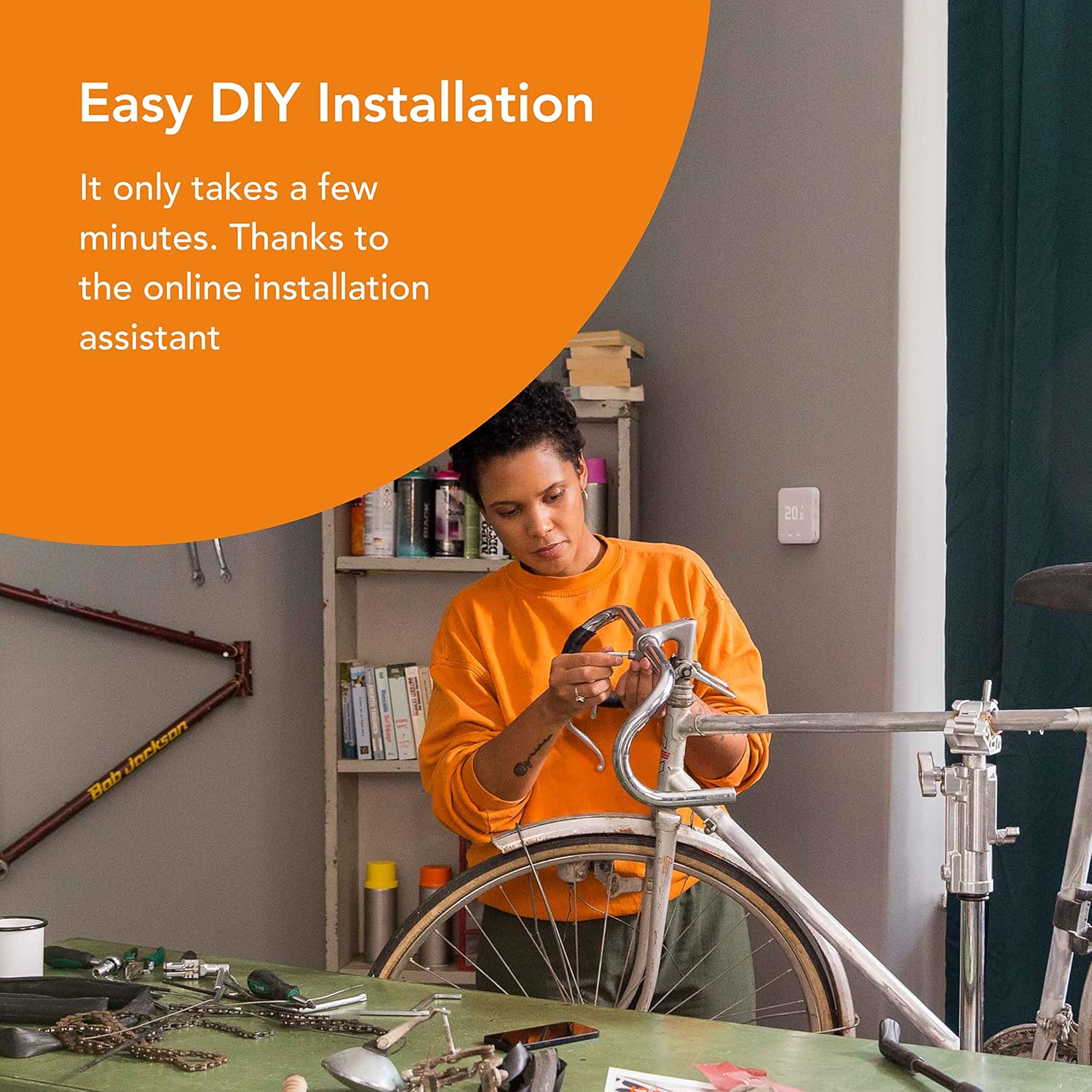
Image: Easy DIY installation process.
3.2 Installationstrin (generelt)
- Connect the Internet Bridge: Plug the Internet Bridge into your router using the Ethernet cable and connect it to power using the USB cable and power supply. The bridge connects your tado° devices to the internet.
- Install the Wireless Receiver: This unit connects directly to your boiler. Follow the in-app instructions carefully for wiring, as this varies depending on your boiler type (e.g., wired thermostat, wireless boiler connection, or hot water tank control).
- Position the Wireless Smart Thermostat: Place the thermostat in a central location in your main living area, away from direct sunlight, drafts, or heat sources. It can be placed on a surface using its stand or mounted on a wall. Insert the 3 AAA batteries.
- Par enheder: The app will guide you through the pairing process for the thermostat and receiver with the Internet Bridge.
- Konfigurer i appen: Once all devices are connected, use the tado° app to set up your heating zones, schedules, and preferences.

Image: Compatibility with different boiler types.
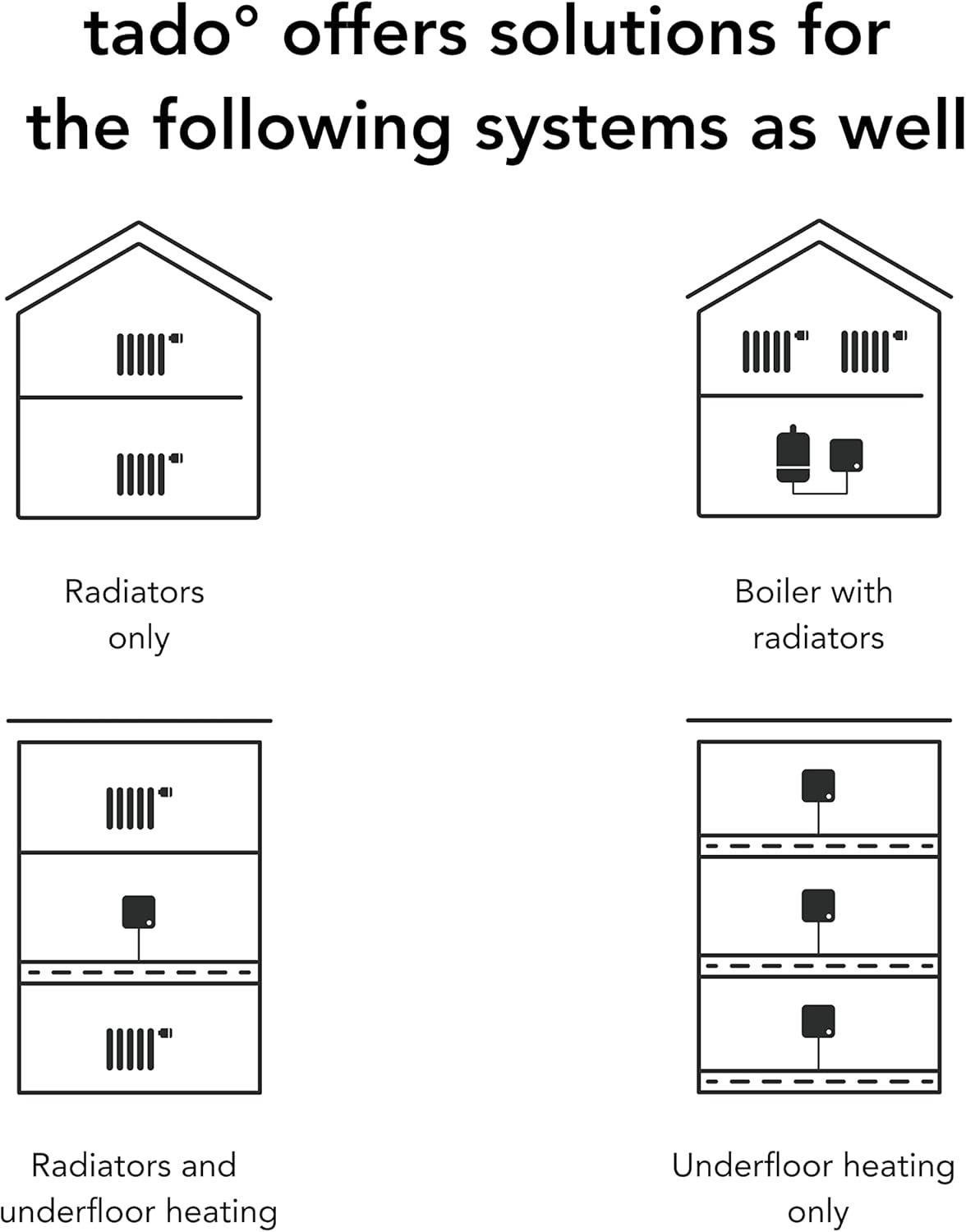
Image: tado° solutions for various heating systems.
4. Betjeningsvejledning
The tado° system offers flexible control options through the physical thermostat and the mobile application.
4.1 Using the Wireless Smart Thermostat
- Justering af temperatur: Use the up/down arrows on the thermostat to manually increase or decrease the target temperature. This override will typically last until the next scheduled change or until manually cancelled in the app.
- Vise: The thermostat display shows the current temperature and the target temperature.
4.2 Using the tado° App
The tado° app is the primary interface for managing your heating and hot water system, offering advanced features and detailed insights.

Image: The tado° app interface.
- Smarte tidsplaner: Create and edit detailed heating schedules for different times of the day and days of the week. You can set individual schedules for each room if you have additional tado° Smart Radiator Thermostats.
- Manuel kontrol: Override schedules directly from the app. Set a specific temperature and duration for the override.
- Heating Boost: Quickly heat all rooms for 30 minutes with a single tap in the app.
- Geofencing (with Auto-Assist): The app uses your phone's location to detect if anyone is home. With Auto-Assist (optional subscription), tado° can automatically turn down heating when the last person leaves and warm up when the first person returns. Without Auto-Assist, you will receive a push notification to manually adjust.
- Open Window Detection (with Auto-Assist): tado° can detect open windows and notify you to turn down the heating. With Auto-Assist, it can automatically turn off the heating in that room.
- Multi-rum kontrol: If you have multiple tado° devices, the app allows you to control the temperature in each room individually, optimizing comfort and energy use.

Image: Multi-Room Control in action.
4.3 Integration af stemmestyring
The tado° system is compatible with popular smart home assistants, allowing you to control your heating with voice commands.
- Alexa: Enable the tado° skill in the Alexa app and link your account.
- Google Assistant: Link your tado° account in the Google Home app.
- Apple HomeKit (Siri): tado° supports HomeKit for seamless integration with Apple devices and Siri voice commands.

Image: tado° integration with smart assistants.
5. Vedligeholdelse
Maintaining your tado° devices is simple and ensures optimal performance.
5.1 Udskiftning af batteri
The Wireless Smart Thermostat is powered by 3 AAA batteries. The tado° app will notify you when the battery level is low. To replace them:
- Gently remove the thermostat from its stand or wall mount.
- Locate the battery compartment on the back.
- Replace the old batteries with 3 new AAA alkaline batteries, ensuring correct polarity.
- Reattach the thermostat to its stand or mount.
5.2 Rengøring
Clean the exterior of your tado° devices with a soft, dry cloth. Do not use abrasive cleaners, solvents, or spray directly onto the devices.
6. Fejlfinding
If you encounter issues with your tado° system, try the following steps:
- No Connection to Internet Bridge: Ensure the Internet Bridge is properly connected to your router and power supply. Check the LED indicators on the bridge for status. Try restarting your router and the bridge.
- Termostaten reagerer ikke: Check the batteries in the Wireless Smart Thermostat. Ensure it is within range of the Wireless Receiver and Internet Bridge.
- Heating Not Turning On/Off: Verify your schedules in the tado° app. Check if there are any manual overrides active. Ensure the Wireless Receiver is powered and connected to the boiler correctly.
- Appproblemer: Ensure your tado° app is updated to the latest version. Try force-closing and reopening the app. Check your phone's internet connection.
- Unøjagtige temperaturmålinger: Sørg for, at termostaten ikke placeres i nærheden af varmekilder (f.eks. direkte sollys,amps, appliances) or cold drafts.
For more detailed troubleshooting or persistent issues, refer to the in-app help section or the official tado° support webwebsted.
7. Specifikationer
| Fabrikant | Tado |
| Produktmål (L x B x H) | 5 x 10 x 15 cm |
| Vægt | 820 gram |
| Batterier påkrævet | 3 AAA batterier |
| Modelnummer | MED_RXWBC605 (Reference: 104390) |
| Farve | Hvid |
| Stil | Wireless Heating and Hot Water + Stand |
| Strømtype | AC/DC |
| Voltage | 24 volt |
| Controller type | Google Assistant (also compatible with Alexa, Siri) |
| Baggrundsbelysning | Ja |
| Batterisammensætning | Alkalisk |
8. Garanti og support
tado° products come with a manufacturer's warranty. For specific details regarding your warranty period and coverage, please refer to the documentation included with your product or visit the official tado° webwebsted.
8.1 Kundesupport
If you require assistance with installation, operation, or troubleshooting, tado° offers comprehensive customer support:
- Online Hjælpecenter: Visit the tado° support website for FAQs, articles, and guides.
- Support i appen: The tado° app often provides direct links to support resources and troubleshooting tools.
- Kontakt support: You can typically find contact information (email, phone) for tado° customer service on their official webwebsted.
Always provide your product model number and a detailed description of the issue when contacting support to ensure efficient assistance.


