Indledning
Welcome to the user manual for your Infinity by Harman CLUBZ 250 Portable Waterproof Wireless Speaker. This guide provides essential information on setting up, operating, maintaining, and troubleshooting your speaker to ensure optimal performance and longevity. Please read this manual thoroughly before using your device.
Hvad er der i æsken
Ved udpakning skal du kontrollere, at alle følgende varer er inkluderet:
- 1 x Infinity CLUBZ 250 Speaker
- 1 x ladekabel
- 1 x Hurtigstartguide (QSG)
Produkt overview
The Infinity CLUBZ 250 is a compact and powerful portable wireless speaker designed for robust audio performance and durability. It features intuitive controls and a rugged, waterproof design.

Billede: Forside view of the Infinity CLUBZ 250 Portable Wireless Speaker in red, showcasing its cylindrical design and top-mounted control buttons.
Kontroller og indikatorer
- Power knap: Located on the top surface, used for turning the speaker on/off.
- Lydstyrke ned-knap (-): Sænker lydstyrken.
- Lydstyrke op-knap (+): Øger lydstyrken.
- Afspil/Pause-knap (►►): Styrer medieafspilning.
- Bluetooth Pairing Button (∞): Starter Bluetooth-parringstilstand.
- LED-indikator: Viser strøm- og forbindelsesstatus.
Opsætning
1. Opladning af højttaleren
Before first use, fully charge your speaker. Connect the provided charging cable to the speaker's charging port and a compatible USB power adapter (not included). The LED indicator will show charging status and turn off when fully charged.

Image: The Infinity CLUBZ 250 speaker on a beach, illustrating its portability and the '10 Hours Playtime' feature.
A full charge provides approximately 10 hours of music playtime under optimum audio settings.
2. Tænd/sluk
- For at tænde: Tryk på tænd/sluk-knappen, og hold den nede, indtil LED-indikatoren lyser.
- For at slukke: Tryk på tænd/sluk-knappen, og hold den nede, indtil LED-indikatoren slukker.
3. Bluetooth-parring
- Sørg for, at højttaleren er tændt.
- The speaker will automatically enter Bluetooth pairing mode if not connected to a device. The LED indicator will flash.
- Aktiver Bluetooth på din mobilenhed, og søg efter tilgængelige enheder.
- Select "Infinity CLUBZ 250" from the list of devices.
- Når den er tilsluttet, lyser LED-indikatoren konstant blåt.
4. Dual Speaker Connect (TWS Mode)
You can pair two Infinity CLUBZ 250 speakers together for a stereo sound experience.

Image: Two Infinity CLUBZ 250 speakers wirelessly connected to a laptop, demonstrating the Dual Connect feature for stereo sound.
- Ensure both CLUBZ 250 speakers are powered on and not connected to any Bluetooth device.
- On one speaker (this will be your primary speaker), press and hold the Bluetooth pairing button (∞) for 3 seconds. It will enter TWS pairing mode.
- Den primære højttaler søger automatisk efter den sekundære højttaler.
- Once connected, you will hear an audible confirmation, and the LED indicators on both speakers will change to a solid color.
- Tilslut nu din mobilenhed til den primære højttaler via Bluetooth som beskrevet i trin 3.
Betjeningsvejledning
1. Grundlæggende kontroller
- Afspil/pause: Press the Play/Pause button (►►) once to play or pause music.
- Lydstyrke op: Tryk på '+'-knappen for at øge lydstyrken.
- Skrue ned for lyden: Tryk på '-' knappen for at sænke lydstyrken.
- Næste nummer: Double-press the Play/Pause button (►►).
- Forrige nummer: Triple-press the Play/Pause button (►►).
2. Dual Equalizer Modes
The CLUBZ 250 features Dual Equalizer modes, allowing you to switch between 'Normal' and 'Deep Bass' sound profiles.
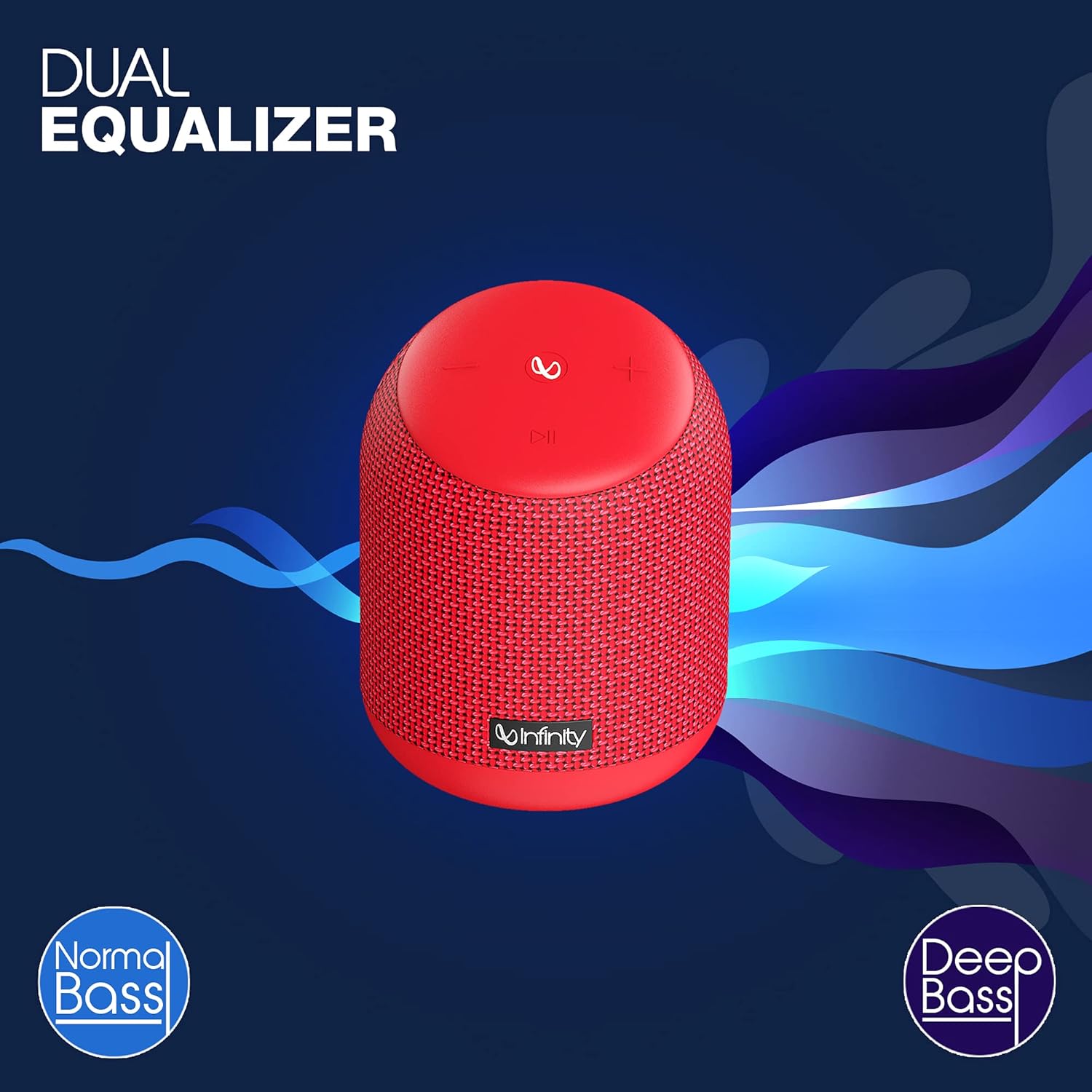
Image: The Infinity CLUBZ 250 speaker highlighting the 'Dual Equalizer' feature with options for 'Normal Bass' and 'Deep Bass'.

Image: The Infinity CLUBZ 250 speaker with a 'Deep Bass' graphic, emphasizing its enhanced bass capabilities.
To switch between modes, press the Bluetooth pairing button (∞) once. You will hear an audible cue indicating the active mode.
3. Integration af stemmeassistent
Access your device's voice assistant (e.g., Google Assistant, Siri) directly through the speaker.

Image: A woman interacting with the Infinity CLUBZ 250 speaker, which displays a voice assistant interface on a laptop screen, demonstrating 'Voice Assistant Integration'.
To activate, press and hold the Play/Pause button (►►) for 2 seconds. The speaker will then relay your commands to your paired device's voice assistant.
4. Håndfri opkald
When connected to your smartphone, the speaker can be used for hands-free calls.
- Besvar opkald: Press the Play/Pause button (►►) once.
- Afslut opkald: Press the Play/Pause button (►►) once during a call.
- Afvis opkald: Press and hold the Play/Pause button (►►) for 2 seconds.
Opretholdelse
1. Vandtætning (IPX7)
The Infinity CLUBZ 250 is IPX7 waterproof, meaning it can be submerged in water up to 1 meter for up to 30 minutes. This makes it suitable for use near water, but it is not designed for prolonged underwater use.

Image: The Infinity CLUBZ 250 speaker with water splashing around it, indicating its 'IPX7 Waterproof' rating.
- Sørg for, at dækslet til opladningsporten er forsvarligt lukket, før højttaleren udsættes for vand.
- Do not expose the speaker to salt water or other chemicals. If exposed, rinse with fresh water and dry thoroughly.
2. Rensning
Rengør højttaleren med en blød, damp klud. Brug ikke slibende rengøringsmidler eller opløsningsmidler, da disse kan beskadige overfladen eller de indvendige komponenter.
3. Opbevaring
Opbevar højttaleren et køligt, tørt sted væk fra direkte sollys og ekstreme temperaturer. Hvis den opbevares i en længere periode, skal batteriet oplades med jævne mellemrum for at forlænge dens levetid.
Fejlfinding
- Ingen strøm: Ensure the speaker is charged. Connect it to a power source and try turning it on again.
- Ingen lyd: Kontrollér lydstyrken på både højttaleren og din tilsluttede enhed. Sørg for, at højttaleren er korrekt parret via Bluetooth.
- Problemer med Bluetooth-parring: Make sure the speaker is in pairing mode (flashing LED). Turn off Bluetooth on other nearby devices that might be interfering. Try unpairing and re-pairing the speaker from your device's Bluetooth settings.
- Dårlig lydkvalitet: Ensure the speaker is within the Bluetooth range of your device. Move away from sources of interference (e.g., Wi-Fi routers, microwaves).
- Dual Speaker Connect Failure: Ensure both speakers are fully charged and not connected to any other Bluetooth devices before initiating TWS pairing.
Specifikationer
| Feature | Specifikation |
|---|---|
| Modelnavn | CLUBZ 250 |
| Udgangseffekt | 15 watt |
| Forbindelse | Bluetooth |
| Batterilevetid | Op til 10 timer |
| Vandtæt vurdering | IPX7 |
| Kontrolmetode | Røre |
| Dimensioner (LxBxH) | 11.6 x 11.6 x 17.8 cm |
| Varens vægt | 421 gram |
| Batteritype | Lithium-ion (1 medfølger) |
Garanti og support
Your Infinity by Harman CLUBZ 250 speaker comes with a 1-year manufacturer's warranty. Please refer to the warranty card included in your packaging for detailed terms and conditions.
For technical support, service, or warranty claims, please contact Infinity customer service through their official webwebstedet eller kontaktoplysningerne i din hurtigstartguide.


