1. Introduktion
Thank you for choosing the Pixio PX259 Prime Gaming Monitor. This manual provides essential information for setting up, operating, and maintaining your monitor to ensure optimal performance and longevity. Please read this manual thoroughly before using the product and retain it for future reference.
The Pixio PX259 Prime is a high-performance 24.5-inch gaming monitor featuring a 280Hz refresh rate, 1ms GTG response time, and a Fast Nano IPS panel, designed to deliver a smooth and immersive gaming experience.
2. Pakkens indhold
Bekræft at alle varer er til stede i din pakke:
- Pixio PX259 Prime Monitor
- Monitorstativ (base og hals)
- DisplayPort-kabel
- Strøm AC Adapter
- Strømkabel
- Brugervejledning (dette dokument)

Image: The Pixio PX259 Prime monitor showcasing its 24.5-inch screen, 280Hz refresh rate, 1080p FHD resolution, and Fast IPS panel technology.
3. Montering
Følg disse trin for at samle din skærm:
- Tag forsigtigt skærmens og stativets komponenter ud af emballagen.
- Fastgør stativets hals til skærmpanelet. Sørg for, at den klikker sikkert på plads, eller at den er fastgjort med skruer, hvis de medfølger.
- Fastgør stativets base til stativets hals. Spænd fingerskruen eller skruerne fra bunden af basen for at fastgøre den.
- Placer den samlede skærm på en stabil, plan overflade.
4. Forbindelse
The Pixio PX259 Prime offers versatile connectivity options. Refer to the image below for port locations.

Billede: Bagside view of the monitor displaying the DC power input, two DisplayPort 1.2 inputs (280Hz), two HDMI 2.0 inputs (240Hz), and an earphone jack.
Tilslutning til en enhed:
- Magt: Connect the power cable to the AC adapter, then plug the adapter into the monitor's DC IN port and a power outlet.
- DisplayPort: For optimal performance (280Hz refresh rate), connect your PC's graphics card to one of the monitor's DisplayPort 1.2 inputs using the provided DisplayPort cable.
- HDMI: Connect your device (e.g., gaming console, PC) to one of the monitor's HDMI 2.0 inputs. Note that HDMI 2.0 supports up to 240Hz.
- Lydudgang: Connect headphones or external speakers to the earphone jack for audio.
5. Betjeningsvejledning
Tænd/sluk:
Tryk på tænd/sluk-knappen på skærmen for at tænde eller slukke den.
On-Screen Display (OSD) Navigation:
The monitor features a joystick-style button for navigating the OSD menu. Push the joystick in to access the main menu, then move it up, down, left, or right to select and adjust settings.
Nøgleindstillinger:
- Opdateringshastighed: Ensure your graphics card settings are configured to output at 280Hz (via DisplayPort) or 240Hz (via HDMI) for the smoothest experience.
- Svartid: The 1ms GTG response time is automatically enabled by the Fast IPS panel.
- AMD FreeSync Premium: Enable FreeSync in your monitor's OSD and your graphics card control panel for tear-free gaming.
- Farveindstillinger: Adjust brightness, contrast, and color temperature to your preference. The monitor supports 101.34% sRGB for vibrant colors.
- Spilfunktioner: Access built-in crosshairs and other game-specific enhancements through the OSD.
- Eye Saver-tilstand: Activate this mode to reduce blue light emission for comfortable extended viewing.
6. Funktioner overview
The Pixio PX259 Prime is engineered with features to enhance your gaming and viewoplevelse:
- 280 Hz opdateringshastighed: Provides ultra-smooth motion and reduced input lag, crucial for competitive gaming.
- 1ms GTG-responstid: Minimizes motion blur and ghosting, ensuring crisp visuals during fast-paced action.
- Fast Nano IPS Panel: Combines the wide viewing angles and color accuracy of IPS technology with the rapid response times typically found in TN panels.
- AMD FreeSync Premium: Synchronizes the monitor's refresh rate with your GPU's frame rate, eliminating screen tearing and stuttering.
- Levende farver: With 101.34% sRGB coverage, experience rich, accurate, and lifelike colors.
- Dobbelte højttalere: Equipped with integrated speakers for audio output.
- Eye Saver-tilstand: Reduces blue light to minimize eye strain during prolonged use.
- Gaming Ready: Features like customizable crosshairs are available to assist in gameplay.

Image: Monitor displaying a dynamic game scene, highlighting 280Hz Refresh Rate, 1ms (GTG) Response Time, Fast IPS Panel, and AMD FreeSync Premium.

Image: Visual comparison demonstrating the smoothness of 280Hz refresh rate versus a conventional 60Hz display in a gaming context.

Image: Visual comparison illustrating the difference between 4ms and 1ms GTG response time, showing reduced motion blur with 1ms.
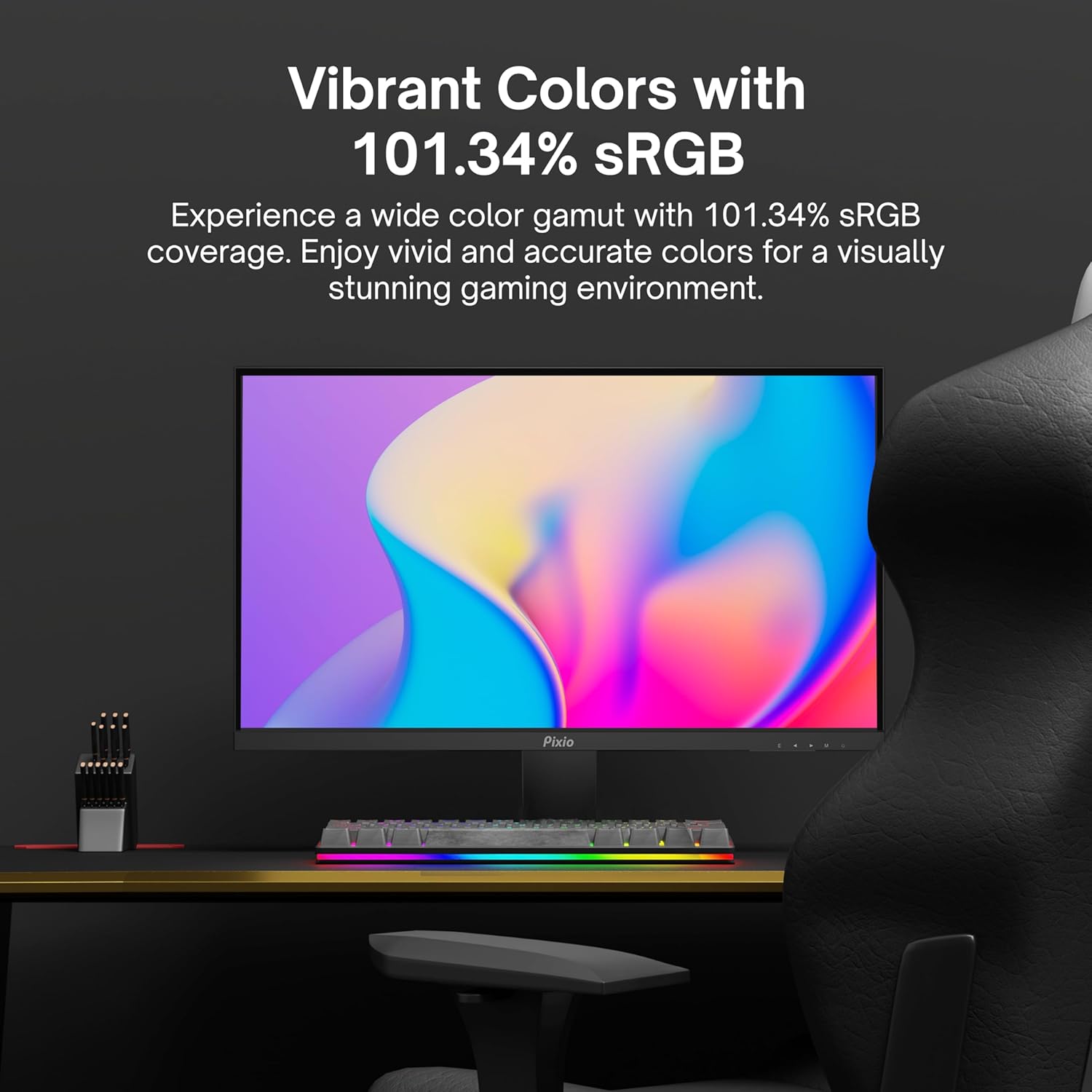
Image: Monitor displaying a colorful game environment, emphasizing the vibrant color reproduction with 101.34% sRGB.
Produktvideo overståetview:
Video: An official product video from Pixio showcasing the PX259 Prime 25-inch 1080p 280Hz Fast IPS 1ms Gaming Monitor, highlighting its features and performance.
7. Vedligeholdelse
- Rengøring af skærmen: Tør forsigtigt skærmen af med en blød, fnugfri klud. Fjern genstridige mærker ved atampen the cloth with a small amount of screen cleaner (non-ammonia based) and wipe carefully.
- Rengøring af Casing: Brug en blød, tør klud til at tørre skærmens c afasing. Undgå at bruge slibende rengøringsmidler eller opløsningsmidler.
- Ventilation: Sørg for, at skærmens ventilationsåbninger ikke er blokerede for at forhindre overophedning.
- Opbevaring: Hvis skærmen opbevares i længere tid, skal den afbrydes til strømmen og opbevares et køligt og tørt sted, helst i originalemballagen.
8. Fejlfinding
- Ingen strøm:
- Sørg for, at strømkablet er korrekt tilsluttet skærmen og en fungerende stikkontakt.
- Kontroller, om strømadapteren fungerer korrekt.
- Intet signal:
- Verify that the video cable (DisplayPort or HDMI) is securely connected to both the monitor and your device.
- Sørg for, at den korrekte inputkilde er valgt i skærmens OSD-menu.
- Test med et andet videokabel eller en anden port, hvis tilgængelig.
- Skærmhakken/-rivning:
- Enable AMD FreeSync Premium in both the monitor's OSD and your graphics card settings.
- Sørg for, at dine grafikdrivere er opdaterede.
- Incorrect Refresh Rate:
- Check your operating system's display settings and your graphics card control panel to set the refresh rate to 280Hz (DisplayPort) or 240Hz (HDMI).
- Ensure you are using a DisplayPort cable for 280Hz.
- Poor Picture Quality/Colors:
- Juster lysstyrke, kontrast og farveindstillinger i OSD-menuen.
- Sørg for, at videokablet ikke er beskadiget.
9. Specifikationer
Detailed technical specifications for the Pixio PX259 Prime monitor:
| Feature | Specifikation |
|---|---|
| Modelnummer | PX259 Prime |
| Skærmstørrelse | 24.5 Inches (25 Inches equivalent) |
| Paneltype | Fast Nano IPS |
| Opløsning | FHD 1080p (1920 x 1080 pixels) |
| Opdateringshastighed | 280Hz (144Hz Supported) |
| Svartid | 1ms GTG |
| Aspektforhold | 16:9 |
| Billedlysstyrke | 350 Candela |
| Adaptiv synkronisering | AMD FreeSync Premium |
| Forbindelse | 2x DisplayPort 1.2, 2x HDMI 2.0, Earphone Jack, DC In |
| Produktdimensioner | 7.09 x 21.98 x 16.52 tommer |
| Varens vægt | 12.42 pund |
| VESA-kompatibilitet | 75x75mm (VESA Ready) |

Image: Diagram showing the dimensions of the Pixio PX259 Prime monitor, including width (21.98 inches), height (16.52 inches), and depth (7.09 inches).
10. Garanti og support
Pixio products are designed for reliability and performance. For specific warranty details, please refer to the warranty card included with your product or visit the official Pixio website. For technical support, troubleshooting assistance, or service inquiries, please contact Pixio customer support through their official channels.
Online ressourcer: For additional information, FAQs, and driver downloads, please visit the Pixio-butik på Amazon.


