1. Introduktion
The Qilmy 1080P Wireless WiFi Home Security Camera is designed to provide reliable surveillance for your home. This device combines a high-definition camera with motion detection, night vision, and remote viewing capabilities, all integrated into a standard light bulb form factor for easy installation. This manual will guide you through the installation, setup, and operation of your new security camera.
2. Nøglefunktioner
- Full HD 1080P opløsning: Giver klar og detaljeret videofootage.
- Wireless WiFi Connectivity: Easy connection to your home network for remote access.
- Motion Detection & Instant Alarm: Automatically detects movement and sends alerts to your connected device.
- Klart nattesyn: Sikrer synlighed under dårlige lysforhold.
- Fjern Viewing: Monitor your property from anywhere using a smartphone app.
- Integrated Flood Light: Features 3 built-in flood lights that can activate automatically upon motion detection.
- Nem installation: Screws into a standard E27 light socket.
- Micro SD -kortplads: Til lokal lagring af optagelser.

Billede: Overview of the Qilmy Home Security Camera's key features, including 1080P resolution, video recording, 360 panoramic viewing, Wi-Fi connection, light function, motion detection, remote viewing, and Micro SD card slot.
3. Hvad er der i æsken
- Qilmy 1080P Wireless WiFi Home Security Camera (Bulb-shaped)
- E27 Light Socket Adapter (for mounting)
- Monteringsskruer og vægankre
- Hurtig startvejledning

Image: Contents of the Qilmy Home Security Camera package, showing the camera, an E27 socket adapter, mounting hardware, and a quick start guide.
4. Opsætning
4.1 Fysisk installation
- Vælg en placering: Select a location with a standard E27 light socket that provides the desired viewvinkel og er inden for rækkevidde af dit 2.4 GHz Wi-Fi-netværk.
- Sluk: Sørg for, at strømmen til lysstikkontakten er slukket ved afbryderen før installation.
- Installer kamera: Carefully screw the Qilmy security camera into the E27 light socket. If no existing socket is available, use the provided E27 adapter and mounting hardware to install it on a wall or ceiling.
- Tænd: Restore power to the light socket. The camera will power on and emit a voice prompt indicating it is ready for configuration.

Image: A person's hands installing the Qilmy Home Security Camera into a ceiling light fixture, demonstrating its easy and quick installation process.
4.2 Wi-Fi-forbindelse og app-opsætning
- Download app: Download the recommended mobile application (e.g., "iCSee" or similar as indicated in the Quick Start Guide) from your smartphone's app store.
- Registrer konto: Open the app and register a new user account if you don't already have one.
- Tilføj enhed: Follow the in-app instructions to add a new device. This typically involves scanning a QR code on the camera or selecting the device type and following prompts.
- Opret forbindelse til Wi-Fi: Connect the camera to your 2.4GHz Wi-Fi network. Ensure your smartphone is also connected to the same 2.4GHz network during the setup process.
- Konfiguration: The camera will confirm successful connection with a voice prompt. Once connected, you can access live video and adjust settings through the app.

Image: A smartphone displaying the live feed from the Qilmy Home Security Camera, illustrating Wi-Fi connection and remote viewing capabilities from anywhere, anytime.
5. Betjeningsvejledning
5.1 Live Viewing og optagelse
- Open the mobile app to view live-feedet fra dit kamera.
- Brug appens brugerflade til manuelt at optage video eller tage skærmbilleder.
- Få adgang til optaget footage stored on the Micro SD card or cloud storage (if subscribed).
5.2 Bevægelsesdetektion og advarsler
- Aktiver bevægelsesdetektion i appindstillingerne.
- Juster følsomhedsniveauerne for at minimere falske alarmer.
- Modtag øjeblikkelige push-notifikationer på din smartphone, når der registreres bevægelse.
- The camera can automatically activate its floodlights and siren alarm upon detecting motion, deterring intruders.
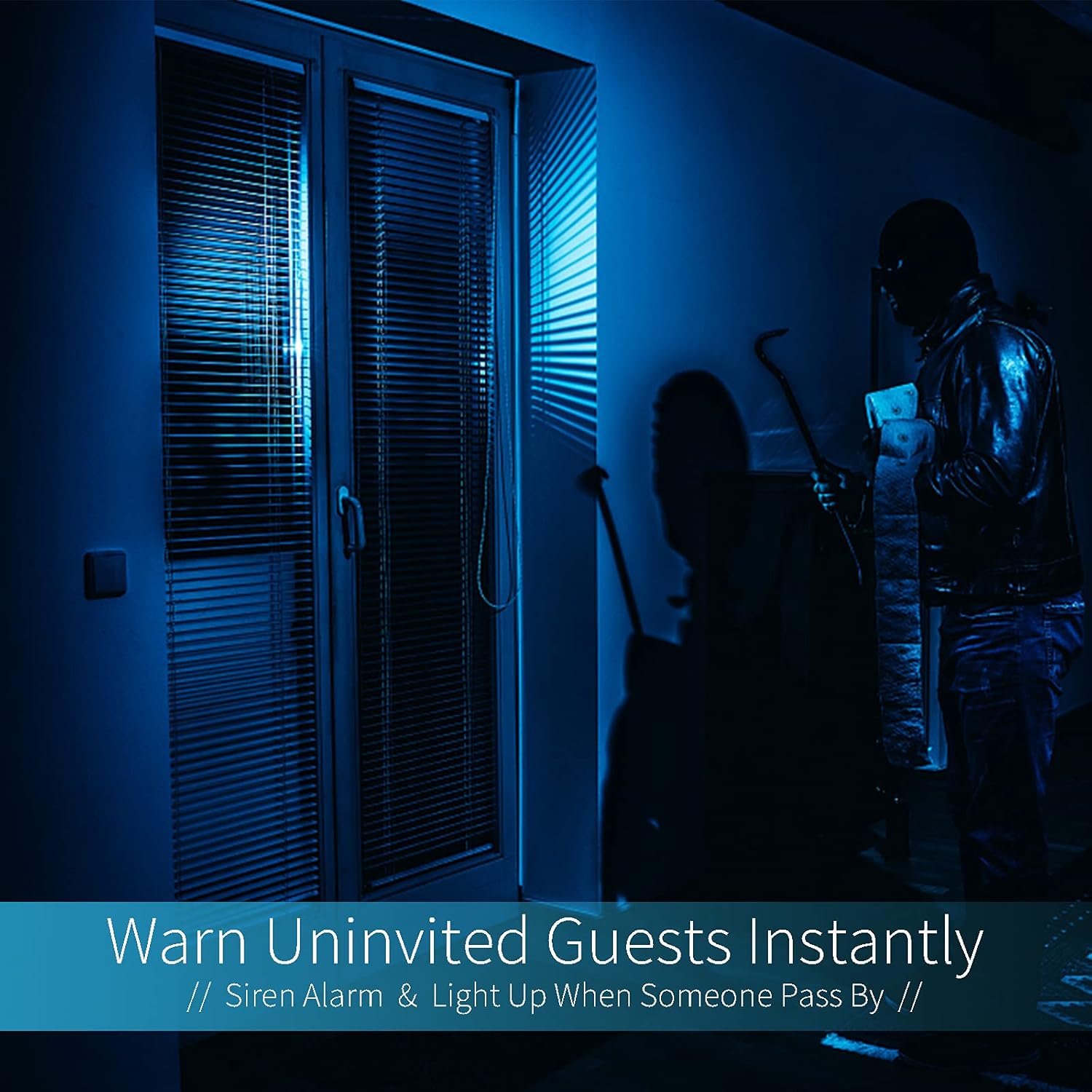
Image: A dark room with a security camera's light illuminating a figure, depicting the camera's ability to warn uninvited guests instantly with a siren alarm and light activation upon motion detection.
5.3 Lysfunktion
- The camera features built-in floodlights.
- Control the floodlights manually through the app.
- Configure the floodlights to turn on automatically when motion is detected, especially during nighttime.

Image: A comparison of a standard light bulb and the Qilmy Home Security Camera, highlighting its dual function as both a light bulb and a security camera with 3W consumption.
6. Vedligeholdelse
- Rensning: Tør forsigtigt kameralinsen og huset af med en blød, tør klud. Brug ikke skrappe kemikalier eller slibende rengøringsmidler.
- Firmwareopdateringer: Regularly check the mobile app for available firmware updates to ensure optimal performance and security.
- SD-kortadministration: Hvis du bruger et Micro SD-kort, skal du regelmæssigtview og slet den gamle footage to free up space, or enable loop recording if supported by the app.
- Netværksstabilitet: Sørg for, at dit Wi-Fi-netværk er stabilt og stærkt for at kameraet kan fungere uafbrudt.
7. Fejlfinding
| Problem | Mulig årsag | Løsning |
|---|---|---|
| Kameraet tænder ikke. | Ingen strøm til lysfatningen; kameraet er ikke skruet korrekt i. | Check the circuit breaker. Ensure the camera is securely screwed into the E27 socket. |
| Kan ikke oprette forbindelse til Wi-Fi. | Forkert Wi-Fi-adgangskode; kameraet er for langt fra routeren; 5 GHz Wi-Fi-netværk er i brug. | Verify Wi-Fi password. Move camera closer to router. Ensure you are connecting to a 2.4GHz Wi-Fi network. |
| Ingen bevægelsesdetektionsalarmer. | Motion detection disabled; sensitivity too low; app notifications blocked. | Enable motion detection in the app. Increase sensitivity. Check app notification settings on your phone. |
| Dårlig videokvalitet. | Svagt Wi-Fi-signal; snavset linse. | Forbedr Wi-Fi-signalstyrken. Rengør kameralinsen med en blød klud. |
| Fjern viewing not working. | Internet connection issue on camera or phone; app not updated. | Check internet connectivity for both camera and phone. Update the app to the latest version. |
8. Specifikationer
- Modelnummer: ZXL2023011
- Videooptagelsesopløsning: 1080p fuld HD
- Forbindelse teknologi: Trådløs (Wi-Fi)
- Trådløs kommunikationsteknologi: Wi-Fi (kun 2.4 GHz)
- Strømkilde: AC/DC (E27 light socket)
- Wattage: 3 watt
- Særlige funktioner: Motion Sensor, Night Vision, Integrated Flood Light
- Formfaktor: Dome (Bulb-shaped)
- Monteringstype: Wall Mount (via E27 adapter)
- Emnemål (L x B x H): 6.45 x 4.1 x 3.54 tommer
- Varens vægt: 7.8 ounces (222 gram)
- International beskyttelsesvurdering: IP67
- Kompatible enheder: Smartphone
- UPC: 605660998393
9. Garanti og support
Specific warranty information and detailed support contact details are typically provided with the product packaging or on the manufacturer's official website. Please refer to the documentation included with your purchase for the most accurate and up-to-date warranty terms and customer support options.