1. Introduktion
This manual provides detailed instructions for the installation, operation, and maintenance of your ieGeek K301 Car Radio. Please read this manual thoroughly before using the product to ensure proper function and safety.
Nøglefunktioner
- FM/AM Stereo Radio with RDS: Supports reception of FM/AM stereo radio and can store up to 30 radio stations. RDS functions provide automatic traffic announcements for enhanced road safety.
- Bluetooth 5.0-forbindelse: Offers stable and reliable Bluetooth connection for hands-free calls and music streaming from iOS/Android devices.
- Medieafspilning: Supports MP3/WMA/WAV audio formats via USB drive and micro SD card.
- AUX-IN-indgang: Front-facing AUX IN port for connecting external audio devices.
- USB-opladning: Independent 5V-2A USB charging interface for quick mobile phone charging.
- Urvisning: Independent clock display window for easy time viewing.
- Sluk-hukommelse: Retains settings and last played station/track after power-off.
- Forbedret lyd: Integrated 4x55W amplification for clear audio. Features Extra Bass and customizable sound profiles.

2. Pakkens indhold
Bekræft at alle varer er til stede i pakken:
- 1x ieGeek K301 Car Radio
- 1x brugermanual
- 1x fjernbetjening
- 2x strømkabler
- 2x Removal Keys
3. Installation
Korrekt installation er afgørende for optimal ydeevne. Hvis du er usikker på nogle trin, skal du kontakte en professionel installatør af bilstereo.
3.1 Ledningsdiagram
Se følgende diagram for korrekte ledningsforbindelser. Sørg for, at alle forbindelser er sikre for at forhindre funktionsfejl.

- Strømtilslutning: Connect the yellow wire directly to the car battery's positive terminal (constant 12V) to ensure memory retention for settings and radio stations. The red wire should connect to the ignition switch (switched 12V). The black wire is for ground.
- Højttalerforbindelser: Connect the speaker wires according to the diagram, ensuring correct polarity for each speaker.
- Antenneforbindelse: Connect your car's antenna cable to the radio. An adapter may be required for certain vehicle models.
3.2 Montering af enheden
- Insert the metal mounting sleeve into the dashboard opening. Bend the tabs to secure it.
- Connect all necessary wiring harnesses to the rear of the car radio.
- Carefully slide the car radio into the mounting sleeve until it clicks into place.
- Use the provided removal keys to extract the unit if needed for future maintenance or replacement.
4. Betjeningsvejledning
4.1 Grundlæggende kontroller

- Power/Volume Knob (VOL): Tryk for at tænde/slukke. Drej for at justere lydstyrken.
- MODE knap: Press to cycle through available modes (FM, AM, USB, SD, AUX, Bluetooth).
- BAND/AMS Button: In radio mode, press to switch between FM1/FM2/FM3/AM1/AM2 bands. Long press to automatically scan and store stations.
- SEL/RDS Knob: Press to access audio settings (Bass, Treble, Balance, Fader, EQ). Rotate to adjust values. Long press for RDS functions (if available).
- Forudindstillede knapper (1-6): In radio mode, short press to select a stored station. Long press to store the current station.
- Forward/Backward Buttons (◀◀/▶▶): In media playback, short press for previous/next track. Long press for fast rewind/forward. In radio mode, short press for manual tuning, long press for auto-seek.
4.2 Radio Operation (FM/AM/RDS)

- Tryk på MODE knappen, indtil "FM" eller "AM" vises.
- Trykke BAND/AMS to select the desired frequency band (FM1, FM2, FM3, AM1, AM2).
- Brug ◀◀/▶▶ buttons to tune to a station. Long press for automatic station seeking.
- To store a station, tune to the desired frequency, then long press one of the Forudindstillede knapper (1-6) indtil displayet blinker.
- RDS-funktion: If available in your region, the radio will display station information. Long press the SEL/RDS knob to activate/deactivate RDS features like traffic announcements.
4.3 USB/SD-kortafspilning
- Indsæt et USB-drev i USB-porten eller et SD-kort i SD-kortstikket. Enheden skifter automatisk til USB/SD-tilstand og begynder afspilning.
- Hvis den ikke skifter automatisk, skal du trykke på MODE button to select "USB" or "SD".
- Brug ◀◀/▶▶ knapper til at navigere i spor.
- De 1/▶▶ button can be used for play/pause.
- De 3 / RPT button can be used for repeat functions.
4.4 AUX-IN-tilslutning

- Connect your external audio device (e.g., smartphone, MP3 player) to the front AUX IN porten ved hjælp af et 3.5 mm lydkabel.
- Tryk på MODE knappen, indtil "AUX" vises.
- Styr afspilning og lydstyrke fra din eksterne enhed.
4.5 Bluetooth-betjening

- Parring:
- Tryk på MODE button until "BT" (Bluetooth) is displayed.
- Aktiver Bluetooth på din mobilenhed, og søg efter tilgængelige enheder.
- Select "K301" from the list. If prompted for a password, enter "0000".
- Once paired, the display will show "BT ON" or a similar confirmation.
- Bluetooth-lydstreaming:
- After successful pairing, open your music player on your mobile device.
- Audio will stream through the car radio. Use the ◀◀/▶▶ buttons on the radio to control tracks.
- Håndfri opkald:
- When a call comes in, the radio will display the caller's number (if available).
- Tryk på BIND knob to answer a call. Press again to end a call.
- Use the built-in microphone for communication.
4.6 USB -opladning
The dedicated USB port provides 5V-2A output for charging mobile devices. Simply connect your device using a compatible USB cable.
4.7 Clock Display and Setting

The unit features an independent clock display. To set the time:
- With the unit powered on, long press the Nytte button (if available, or a combination with MODE/VOL). If no specific DISP button, the clock is usually set via the MODE button or a long press on the VOL knob in some modes.
- Brug ◀◀/▶▶ knapper eller BIND knob to adjust hours and minutes.
- Tryk på BIND knob again to confirm.
4.8 Fjernbetjening
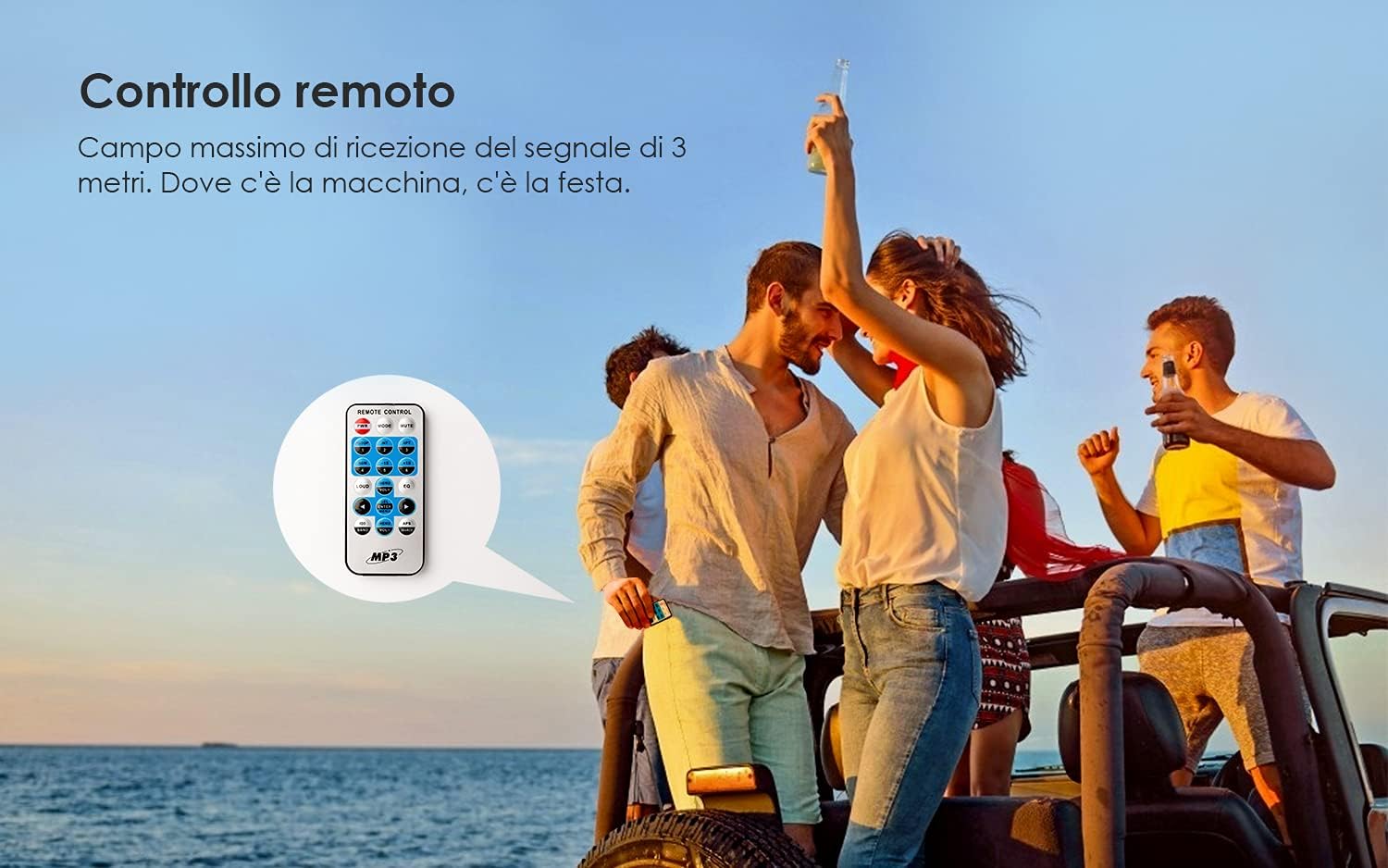
The included remote control allows for convenient operation of the car radio from a distance. Point the remote control towards the unit's IR receiver. Functions include power, mode selection, volume adjustment, track/station navigation, and preset selection.
5. Vedligeholdelse
- Rensning: Brug en blød, tør klud til at rengøre frontpanelet. Brug ikke slibende rengøringsmidler eller opløsningsmidler.
- Udskiftning af sikring: If the unit does not power on, check the 15A fuse located at the rear of the unit. Replace it with a fuse of the same rating if blown.
6. Fejlfinding
| Problem | Mulig årsag | Løsning |
|---|---|---|
| Enheden har ingen strøm. | Blown fuse; incorrect power wiring. | Check and replace the 15A fuse. Verify power cable connections (red, yellow, black). |
| Settings/stations are lost after turning off the car. | Yellow (memory) wire not connected to constant 12V. | Ensure the yellow power cable is connected directly to a constant 12V source from the car battery. |
| Dårlig radiomodtagelse. | Antenna not connected properly; weak signal area. | Check antenna connection. Ensure an antenna adapter is used if necessary. Try a different location. |
| Problemer med Bluetooth-forbindelse. | Device not in pairing mode; incorrect pairing process. | Ensure the radio is in BT mode. Re-enable Bluetooth on your mobile device and re-attempt pairing. |
| Dårlig mikrofonkvalitet under opkald. | Background noise (e.g., AC fan); microphone interference. | Reduce background noise. Avoid placing mobile phone too close to the unit during calls. |
| Skærm vanskelig at læse i stærkt sollys. | High ambient light; no contrast adjustment. | This is a characteristic of the display type. No user adjustment for contrast is available. |
| Caller ID shows number, not name. | Unit limitation. | The unit displays the caller's number only. Name display is not supported. |
7. Specifikationer
| Feature | Detalje |
|---|---|
| Operation Voltage | 9-30 V |
| Sikring | 15A |
| Højttalerimpedans | 4Ω |
| Maksimal udgangseffekt | 60 W (4x15W RMS) |
| FM frekvensområde | 87.5 - 107.9 MHz |
| AM-frekvensområde | 522 - 1620 MHz |
| Forbindelse | Bluetooth 5.0, USB Type A, AUX-IN, Micro SD |
| Samlet USB-porte | 2 (1x Data/Media, 1x Charging) |
| Kompatible lydformater | MP3, WMA, WAV |
| Kompatible enheder | Speakers, Android, iOS devices |
| Lydudgangstilstand | Stereoanlæg |
| Surround Sound Kanalkonfiguration | 4.0 |
| Varens vægt | 772 gram |
| Modelnummer | K301 |
| ASIN | B0912HPZT2 |
8. Garanti og support
For warranty information and technical support, please refer to the documentation provided with your purchase or visit the official ieGeek webwebsted. Gem din købsbevis til garantikrav.
For further assistance, you may contact ieGeek customer service through their official channels. The brand store can be found her.


