1. Introduktion
This manual provides essential information for the safe and efficient operation of your RCA RPJ107 Home Theater Projector. Please read it thoroughly before using the device and retain it for future reference. The RCA RPJ107 projector is designed to deliver a versatile viewing experience, supporting various input sources and offering flexible projection sizes for both indoor and outdoor environments.
2. Sikkerhedsoplysninger
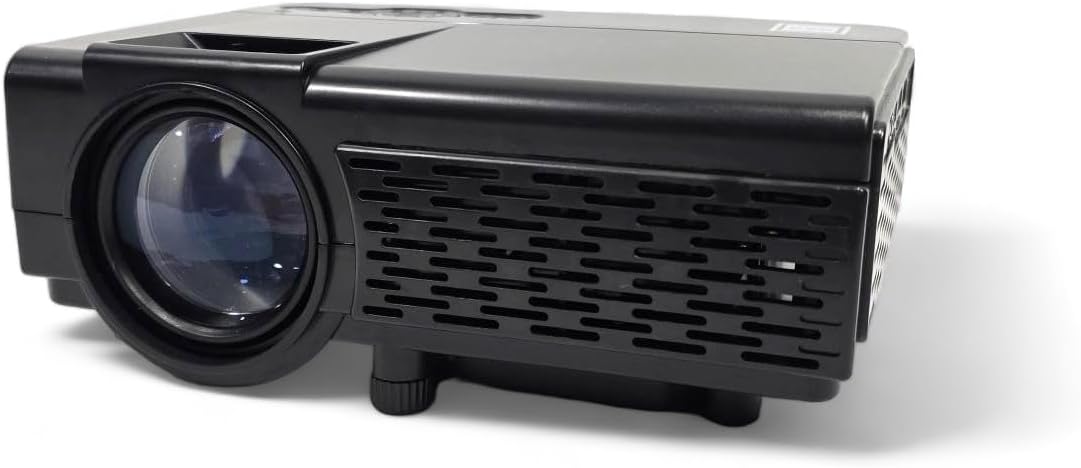
- Bloker ikke ventilationsåbningerne. Sørg for tilstrækkelig luftgennemstrømning omkring projektoren for at forhindre overophedning.
- Do not expose the projector to rain or moisture to avoid electric shock or fire.
- Brug kun den strømadapter, der følger med projektoren.
- Undgå at se direkte ind i projektorlinsen, når lamp er tændt, da det kan forårsage øjenskader.
- Placer projektoren på en stabil, plan overflade.
- Hold projektoren væk fra varmekilder og direkte sollys.
- Forsøg ikke at skille projektoren ad eller ændre den. Overlad al service til kvalificeret personale.
3. Pakkens indhold
Bekræft, at alle nedenstående varer er inkluderet i din pakke:
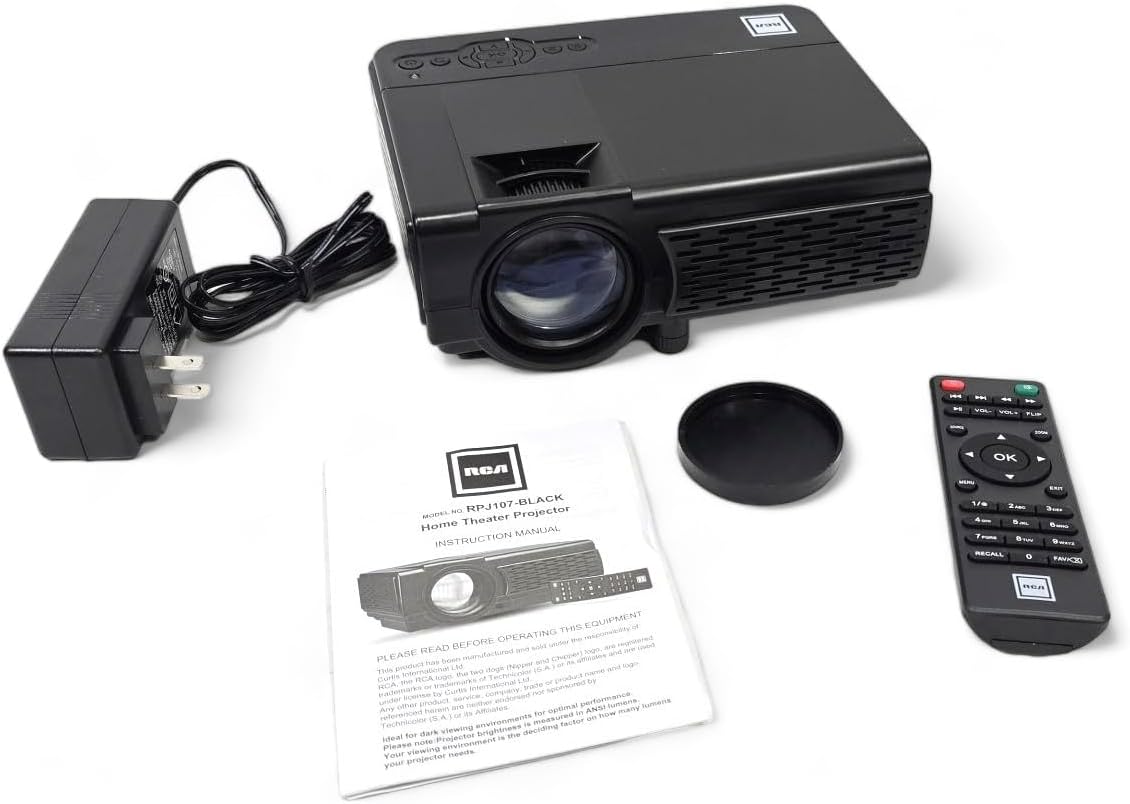
- RCA RPJ107 Home Theater Projector
- Remote Control (2 AA batteries required, not included)
- AC strømadapter
- Linsedæksel
- Instruktionsmanual (dette dokument)
4. Produktet er slutview
4.1 Projektorkomponenter
4.2 Input/output porte
The projector features a variety of ports for connecting external devices:

- Lydstik: Til tilslutning af eksterne hovedtelefoner eller højttalere.
- AV-indgang: For connecting devices using an AV cable (e.g., older DVD players).
- DC IN: Strømindgang til AC-adapteren.
- MicroSD slot: For playing media directly from a MicroSD card.
- HDMI 1 / HDMI 2: High-Definition Multimedia Interface for connecting modern devices like Blu-ray players, gaming consoles, or streaming sticks.
- USB: For playing media directly from a USB drive.
- VGA: Til tilslutning af computere eller bærbare computere.
5. Opsætning
5.1 Placering
Position the projector on a flat, stable surface. The ideal projection distance will vary based on the desired screen size. The projector can project an image from 30 inches to 150 inches, with a recommended range of 37 inches to 100 inches for optimal clarity.
5.2 Strømtilslutning
- Connect the AC power adapter to the DC IN port on the projector.
- Sæt den anden ende af strømadapteren i en almindelig stikkontakt.
5.3 Fokus- og Keystone-justering
- Fokus: Drej fokusringen rundt om projektorlinsen, indtil billedet fremstår skarpt og klart.
- Keystones: Use the keystone adjustment knob (typically located near the lens) to correct trapezoidal distortion if the projector is not perfectly perpendicular to the screen.
- Højdejustering: Utilize the footpad on the bottom of the projector to slightly adjust the projection angle.
6. Betjeningsvejledning
6.1 Tænd/sluk
Tryk på tænd/sluk-knappen på projektoren eller fjernbetjeningen for at tænde eller slukke enheden.
6.2 Valg af indgangskilde
After powering on, select your desired input source using the 'Source' button on the projector or remote control. Navigate through options like HDMI 1, HDMI 2, AV, USB, TF Card, or VGA.
6.3 Tilslutning af enheder
The RCA RPJ107 projector offers broad compatibility with various multimedia devices:
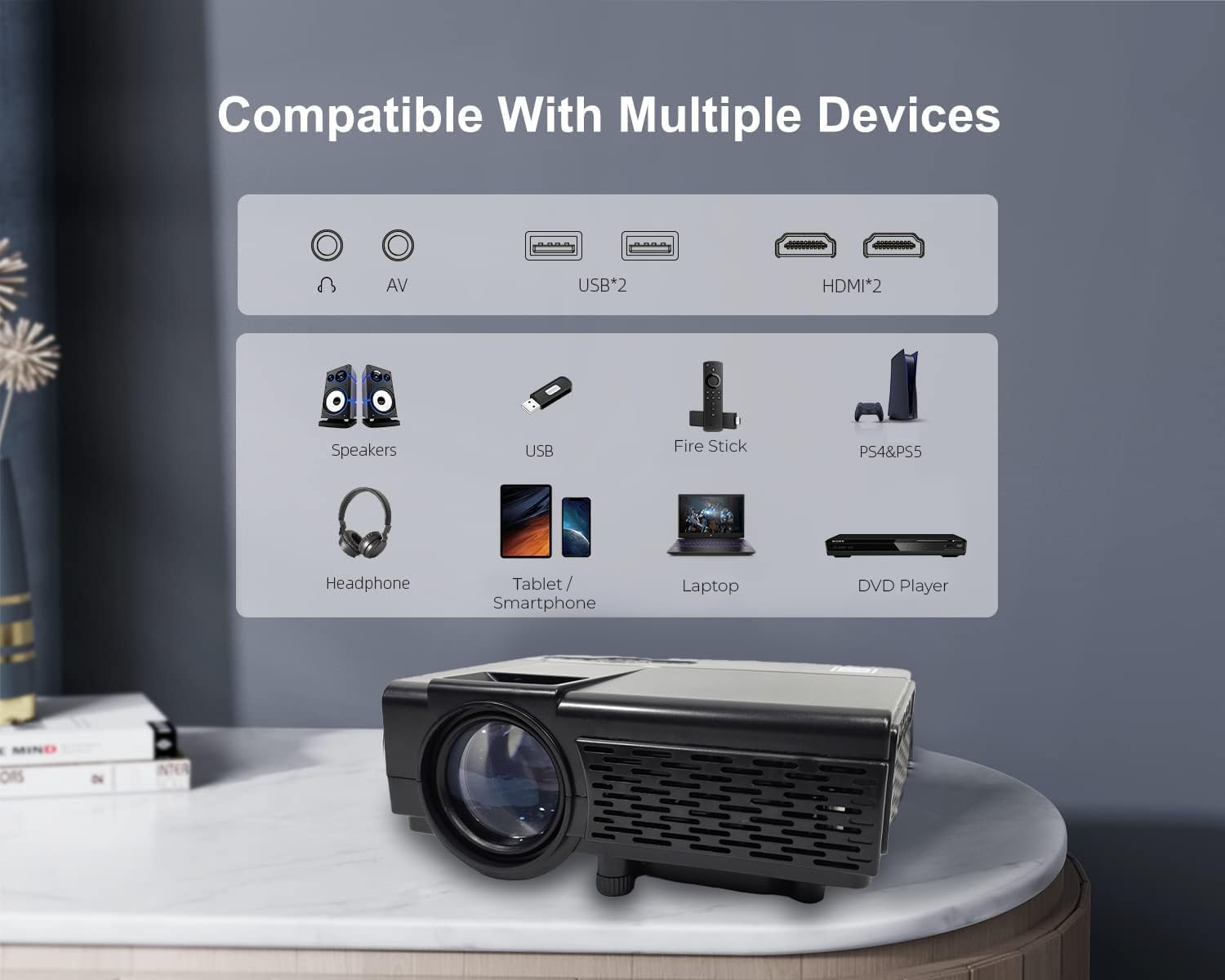
- HDMI: Connect your device (e.g., streaming stick, game console, Blu-ray player) to either HDMI 1 or HDMI 2 port. Select the corresponding HDMI input.
- AV: Use an AV cable to connect devices with AV output. Select 'AV' as the input source.
- USB / TF Card: Insert a USB drive or MicroSD card into the respective slot. The projector's media player interface will typically launch automatically, allowing you to browse and play supported video, audio, and image files.
- VGA: Connect a computer or laptop using a VGA cable. Select 'VGA' as the input source.
6.4 Bluetooth-lydforbindelse
The projector features Bluetooth 4.2 for connecting to external audio devices such as Bluetooth speakers or headphones. This function is for audio output only; it does not support video input via Bluetooth.
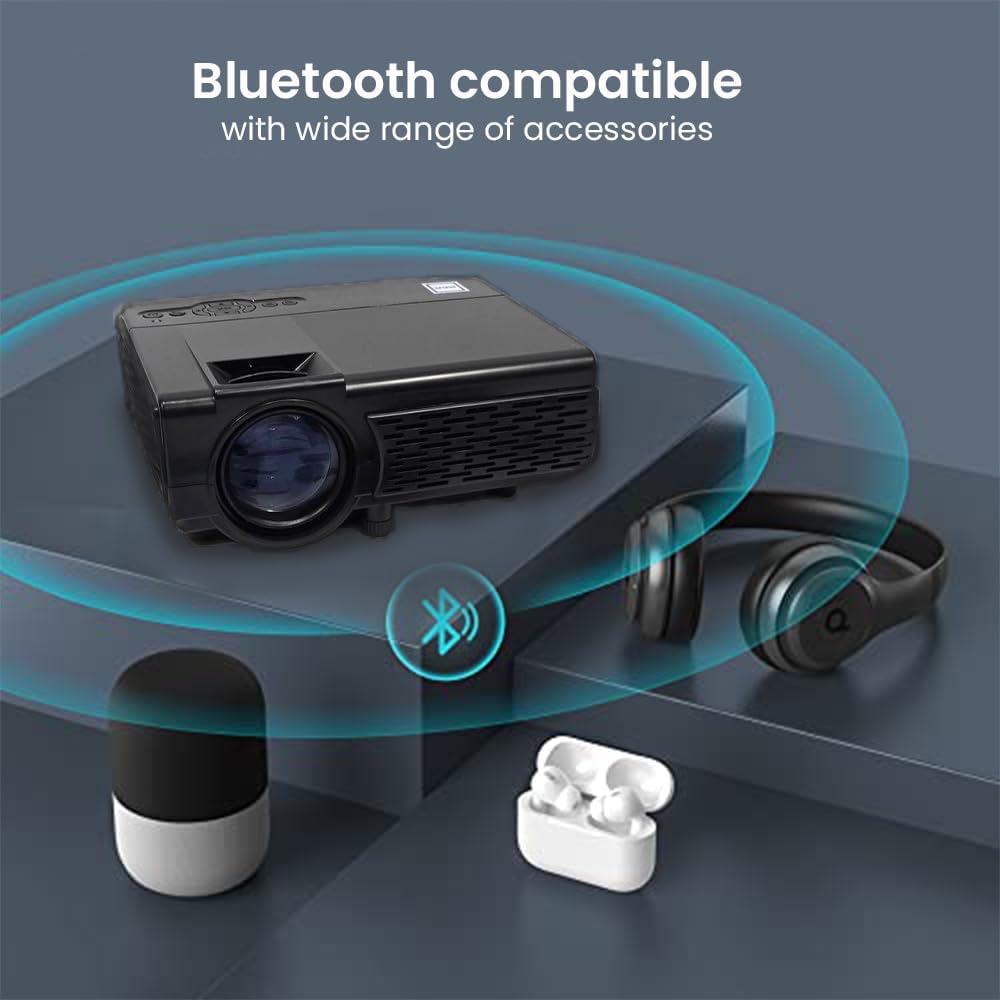
- Sørg for, at din Bluetooth-lydenhed er i parringstilstand.
- Access the Bluetooth settings menu on the projector.
- Vælg din lydenhed fra listen over tilgængelige enheder, der skal parres.
6.5 Projection Environment
The RCA RPJ107 is suitable for various viewing environments, from indoor home theaters to outdoor movie nights.

7. Vedligeholdelse
- Rengøring af linser: Use a soft, lint-free cloth specifically designed for optical lenses to gently wipe the projector lens. Do not use abrasive cleaners or cloths.
- Fjernelse af støv: Regularly clean the projector's ventilation openings with a soft brush or compressed air to prevent dust buildup, which can affect performance and lifespan.
- Opbevaring: Når projektoren ikke er i brug, skal den opbevares et køligt og tørt sted, væk fra direkte sollys og ekstreme temperaturer. Brug linsedækslet til at beskytte linsen mod støv og ridser.
8. Fejlfinding
| Problem | Mulig årsag | Løsning |
|---|---|---|
| Intet billede på skærmen | Projector not powered on; Incorrect input source selected; Input cable loose or faulty. | Ensure power is connected and unit is on; Select correct input source (HDMI, AV, etc.); Check cable connections. |
| Billedet er sløret | Focus not adjusted; Keystone not adjusted; Projector too close/far from screen. | Adjust the focus ring; Adjust the keystone knob; Reposition the projector for optimal distance. |
| Ingen lyd | Volume too low; Mute function active; External audio device not connected or paired correctly. | Increase volume; Disable mute; Ensure Bluetooth audio device is paired or external speakers are connected properly. |
| Fjernbetjening virker ikke | Batteries low or incorrectly inserted; Obstruction between remote and projector. | Replace batteries (2 AA); Ensure clear line of sight to the projector's IR receiver. |
9. Specifikationer
| Feature | Detalje |
|---|---|
| Mærke | RCA |
| Modelnummer | RPJ107 |
| Skærmopløsning (indbygget) | 800 x 480 |
| Understøttet inputopløsning | Up to 1080p via HDMI |
| Hvid lysstyrke | 33 lumen |
| Projektionsstørrelse | 30 - 150 inches (Recommended: 37 - 100 inches) |
| Forbindelsesteknologi | Bluetooth 4.2 (Audio only), HDMI (x2), AV, USB, VGA, TF/MicroSD Card Slot |
| Højttaler type | Indbygget |
| Produktmål (L x D x H) | 7.9 x 6.1 x 3.3 tommer |
| Varens vægt | 3 pund |
| Farve | Sort |
10. Garanti og support
This RCA RPJ107 projector is offered as an Amazon Renewed product. For specific warranty details, return policies, or technical support, please refer to the terms and conditions provided by the Amazon Renewed program or contact the seller directly. Keep your purchase receipt for any warranty claims.


