1. Introduktion
The Thomson WEAR7701 Bluetooth HiFi Earbuds provide a wireless audio experience with high-fidelity sound. Designed for comfort and convenience, these lightweight in-ear headphones feature touch controls, voice assistant compatibility, and IPX4 splash protection, making them suitable for various activities, including sports.
This manual provides detailed instructions for setting up, operating, and maintaining your WEAR7701 earbuds to ensure optimal performance and longevity.

2. Pakkens indhold
Kontroller venligst, at alle varer er til stede i pakken:
- 1x Thomson WEAR7701 Bluetooth Earbuds
- 1x opladningsetui
- 3x Pairs of Silicone Ear Tips (Sizes S, M, L)
- 1x Micro USB-opladningskabel
- 1x brugermanual
3. Opsætning
3.1 Indledende opladning
Oplad ørepropperne og opladningsetuiet helt inden første brug.
- Connect the supplied Micro USB cable to the charging port on the charging case and to a suitable USB power source.
- Place the earbuds into the charging case. Ensure they are correctly seated; indicator lights on the earbuds or case will confirm charging status.
- A full charge for the case takes approximately 3 hours. The earbuds charge within the case.
The charging case provides up to 3 additional full charges for the earbuds, extending their usage time.
3.2 Parring med en Bluetooth-enhed
For the first connection, it is crucial to remove both earbuds from the charging case simultaneously to ensure proper stereo pairing with your smartphone.
- Ensure your smartphone's Bluetooth function is enabled.
- Fjern begge ørepropper fra opladningsetuiet. De tændes automatisk og går i parringstilstand.
- On your smartphone, search for available Bluetooth devices.
- Select "Thomson WEAR7701" (or similar name) from the list of found devices.
- Når forbindelsen er oprettet, vil din enhed indikere, at parringen er gennemført.
Vigtig bemærkning: If only one earbud connects, place both earbuds back into the charging case, close the lid, wait a few seconds, then remove both simultaneously and repeat the pairing process.

4. Betjeningsvejledning
4.1 Tænd/sluk
- Tænd: Ørepropperne tændes automatisk, når de tages ud af opladningsetuiet.
- Sluk: Ørepropperne slukker automatisk, når de sættes tilbage i opladningsetuiet, og låget lukkes.
4.2 Tryk på kontrolelementer
The earbuds feature intuitive touch controls for managing music playback and calls.
- Afspil/sæt musik på pause: Et enkelt tryk på begge øretelefoner.
- Næste nummer: Dobbelttryk på den højre øreprop.
- Forrige nummer: Dobbelttryk på den venstre øreprop.
- Besvar/afslut opkald: Et enkelt tryk på begge øretelefoner.
- Afvis opkald: Tryk og hold nede på en af øretelefonerne i 2 sekunder.
- Aktivér stemmeassistent (Siri/Google Assistant): Tryk tre gange på en af øretelefonerne.

4.3 Sådan tager du ørepropperne på
Select the ear tips that provide the most comfortable and secure fit. The package includes three sizes (S, M, L) of Mushroom-shaped silicone ear tips to ensure a proper seal for optimal sound quality and stability, even during physical activity.
- Indsæt forsigtigt øretelefonen i din øregang.
- Drej øreproppen let, indtil den føles sikker og behagelig.
- If the fit is not ideal, try a different size of ear tip.
5. Vedligeholdelse
5.1 Rengøring
- Rengør regelmæssigt ørepropperne og opladningsetuiet med en blød, tør og fnugfri klud.
- Fjern ørepropperne, og rengør dem med mild sæbe og vand. Tør dem derefter grundigt, inden de sættes på igen.
- Brug ikke slibende rengøringsmidler, alkohol eller kemiske opløsningsmidler.
5.2 Vandtæthed (IPX4)
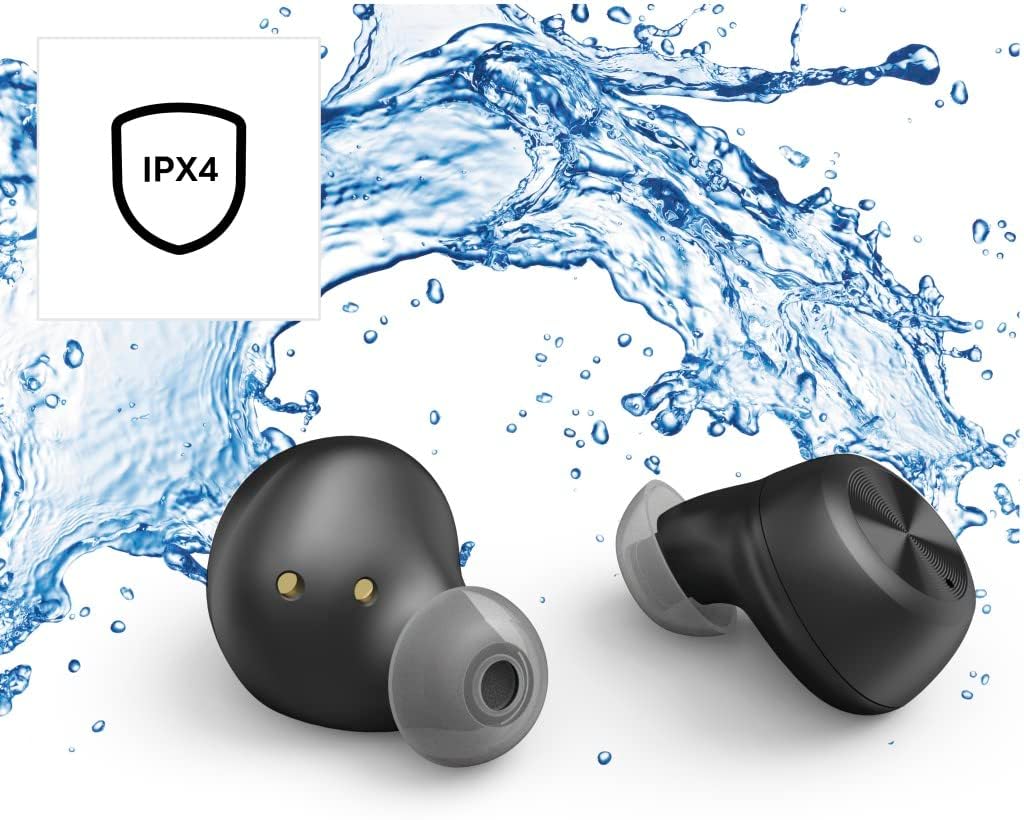
The Thomson WEAR7701 earbuds are rated IPX4, meaning they are protected against splashing water from any direction. This makes them suitable for use during workouts or in light rain.
- Dyp ikke ørepropperne i vand.
- Udsæt dem ikke for trykvand eller vand med høj hastighed, såsom brusebad eller svømning.
- Sørg for, at ørepropperne er tørre, før du sætter dem tilbage i opladningsetuiet, for at forhindre beskadigelse af opladningskontakterne.
5.3 Opbevaring
Når ørepropperne ikke er i brug, skal de opbevares i deres opladningsetui for at beskytte dem og holde dem opladede.
6. Fejlfinding
6.1 Earbuds Not Pairing or Only One Earbud Connects
- Sørg for, at begge øretelefoner er fuldt opladede.
- Place both earbuds back into the charging case, close the lid, wait a few seconds, then remove both simultaneously.
- Delete the earbuds from your device's Bluetooth list ("Forget Device") and attempt to pair again from scratch.
- Ensure the earbuds are within Bluetooth range of your device (up to 10 meters).
6.2 Ingen lyd eller lav lydstyrke
- Kontroller lydstyrkeniveauet på både din tilsluttede enhed og ørepropperne.
- Ensure the earbuds are properly seated in your ears and that the ear tips provide a good seal.
- Tilslut øretelefonerne til din enhed igen.
- Rengør eventuelt snavs fra øreproppernes højttalere.
6.3 Opladningsproblemer
- Sørg for, at opladningskablet er korrekt tilsluttet til både etuiet og strømkilden.
- Kontroller, at strømkilden er funktionel.
- Rengør opladningskontakterne på både ørepropperne og inde i opladningsetuiet.
- Try a different Micro USB charging cable.
7. Specifikationer
| Modelnavn | BRUG7701 |
| Modelnummer | 132568 |
| Farve | Sort |
| Forbindelse | Bluetooth 5.0 |
| Bluetooth-klasse | Klasse 2 |
| Frekvensbånd | 2402-2480 MHz |
| Earbud Frequency Range | 20 Hz - 20 kHz |
| Mikrofon frekvensområde | 100 Hz - 5 kHz |
| Earbud Impedance | 32 Ω |
| Mikrofon impedans | 2.2 kΩ |
| Transmissionsafstand | 10 m |
| Earbud Sensitivity | 92 dB +/- 3 dB |
| Mikrofonfølsomhed | -42 dB ± 3 dB |
| Max. Talk Time | 4 timer |
| Max. Music Playback Time | 4 timer |
| Maks. Standby tid | 150 timer |
| Opladningsetui genoplades | Op til 3 gange |
| Average Charging Time (Case) | 3 timer |
| Opladningstype | Micro USB |
| Mikrofonposition | Integreret |
| Mikrofontype | Omnidirektionel |
| Stemmekontrol | Apple Siri / Google Assistant |
| Understøttet Bluetooth Profiles | A2DP V1.3/AVRCP V1.6/HFP V1.7/SPP V1.2 |
| Særlige funktioner | Finger-Touch Sensor, QuickPair, Call Answer Button, True Wireless |
| Vandmodstandsvurdering | IPX4 (stænksikker) |
| Vægt (pr. øreprop) | 4 g |
| Samlet vægt | 41 g (earbuds + case) |
| Anbefalet brug | Sport |
8. Garanti og support
Thomson products are manufactured with attention to quality and performance. For information regarding warranty coverage, please refer to the warranty card included with your product or visit the official Thomson webwebsted.
For technical support, troubleshooting assistance, or to inquire about replacement parts, please contact Thomson customer service through their official channels. Contact details can typically be found on the product packaging or the manufacturer's webwebsted.
Gem venligst dit købsbevis for garantikrav.


