Indledning
This instruction manual provides detailed guidance for the proper setup, use, and maintenance of your VAULTEK LifePod 2.0 Pluck Foam Accessory. This accessory is designed to enhance the organization and protection of items stored within your VAULTEK LifePod 2.0 secure case by allowing custom-fit compartments.

Image: Two black pluck foam inserts, ready for customization within the LifePod 2.0 case.
Opsætning og tilpasning
The pluck foam allows you to create custom-shaped pockets for your specific items. Follow these steps for optimal customization:
- Retain Outer Border: Be sure to keep the outermost foam border intact. This ensures the insert fits properly and securely inside your LifePod 2.0. Only remove the interior blocks.
- Forsigtig fjernelse: When removing the interior foam blocks to create your custom shapes, remove small pieces at a time. Take care not to remove more foam than needed, as once foam blocks are removed, they cannot be reused or reattached.
- Sikker placering: To help prevent the foam panel from removing too easily when retrieving items, double-stick tape can be placed on the foam sides, against the LifePod sidewall, to help keep the foam insert in place.
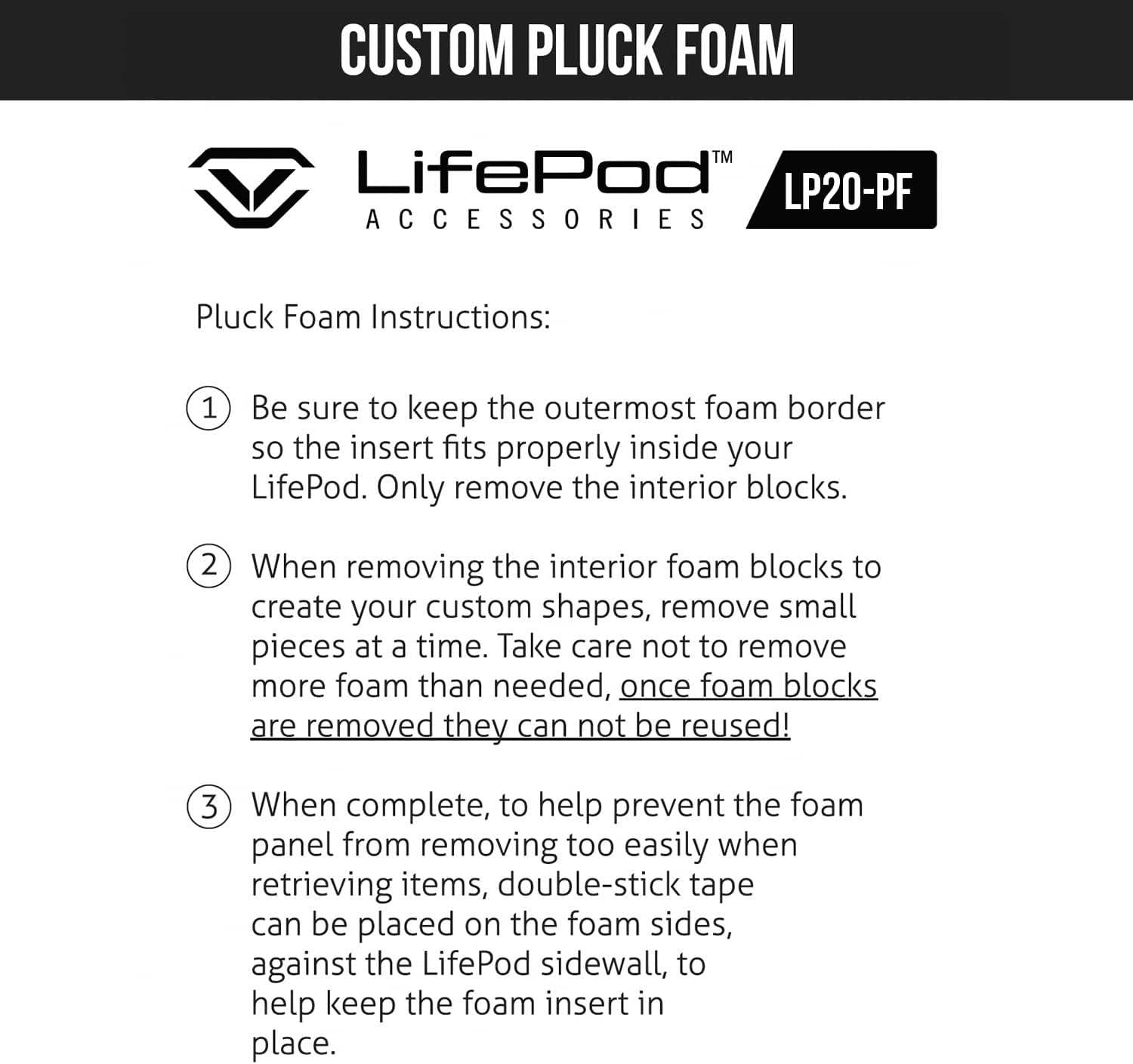
Image: Detailed instructions for customizing the pluck foam, emphasizing the importance of retaining the outer border and careful block removal.

Image: Visual representation of the pluck foam and an additional padded foam piece, illustrating how they fit together to protect contents.
Operating the LifePod 2.0 with Pluck Foam
Once customized, the pluck foam securely holds your items in place, preventing movement and potential damage during transport. The 5-piece full foam upgrade set includes two pluck foams, one additional crate foam piece, and two additional thin foam pieces for extra bottom cushioning as needed. You can use pluck foam in the tray as well as under the tray, or swap out foam inserts altogether for a second setup.

Image: An open VAULTEK LifePod 2.0 with customized pluck foam, demonstrating how various items like a flare gun and small tools can be securely stored.

Image: The LifePod 2.0 with pluck foam holding a handgun and magazine, showcasing the precise fit achieved through customization.

Image: A user demonstrating the placement of a handgun into the custom-cut foam, highlighting the snug and protective fit.
Kompatibilitet
The VAULTEK LifePod 2.0 Pluck Foam Accessory is specifically designed for and compatible only with the VAULTEK LifePod 2.0 model. It is not compatible with the original LifePod or the LifePod XT models.

Image: A visual guide illustrating the compatibility of the pluck foam with the LifePod 2.0, explicitly showing non-compatibility with LifePod and LifePod XT models.
Opretholdelse
To ensure the longevity and effectiveness of your pluck foam inserts, follow these simple maintenance guidelines:
- Rensning: If the foam becomes dirty, gently wipe it with a damp cloth. Avoid using harsh chemicals or abrasive cleaners, as these can degrade the foam material.
- Tørring: Ensure the foam is completely dry before placing it back into the LifePod 2.0, especially if storing sensitive items. Air dry away from direct sunlight or heat sources.
- Opbevaring: When not in use, store the foam inserts in a clean, dry place to prevent dust accumulation and maintain their structural integrity.
- Undgå kompression: Do not store heavy objects on top of the foam for extended periods, as this can cause permanent compression and reduce its protective qualities.
Fejlfinding
Her er nogle almindelige problemer og deres løsninger:
| Problem | Løsning |
|---|---|
| Foam does not fit snugly in the LifePod 2.0. | Ensure the outermost border of the foam was not removed during customization. If it was, the foam may not fit correctly. Consider using double-stick tape on the sides to secure it. |
| Items shift inside the customized foam. | The cutouts may be too large for the items. For a tighter fit, consider using additional thin foam pieces (included in the 5-piece set) as shims, or re-evaluate the cutout size for future customization. |
| Foam appears compressed or damaged. | Avoid placing excessive weight on the foam. If damage is significant, replacement may be necessary. Remember, removed foam blocks cannot be reattached. |
Specifikationer
- Modelnummer: VLP20 (Accessory)
- Materiale: Advanced Non-Metal T3™ Polymer (Foam)
- Farve: Sort
- Produktdimensioner: 12.25 x 8.5 x 2.88 inches (approximate, for the accessory)
- Varens vægt: 8.8 ounce
- Kompatibilitet: VAULTEK LifePod 2.0 only
- UPC: 850012691594
Garanti og support
For specific warranty information regarding your VAULTEK LifePod 2.0 Pluck Foam Accessory, please refer to the documentation included with your original LifePod 2.0 case or visit the official VAULTEK website. For technical support, product inquiries, or assistance with your accessory, please contact VAULTEK customer service directly.
VAULTEK Official Webwebsted: www.vaulteksafe.com


