1. Introduktion
Tak for købetasing the WiMiUS K5 WiFi Bluetooth Projector. This manual provides detailed instructions for setting up, operating, and maintaining your projector to ensure optimal performance and longevity. Please read this manual thoroughly before using the product and keep it for future reference.
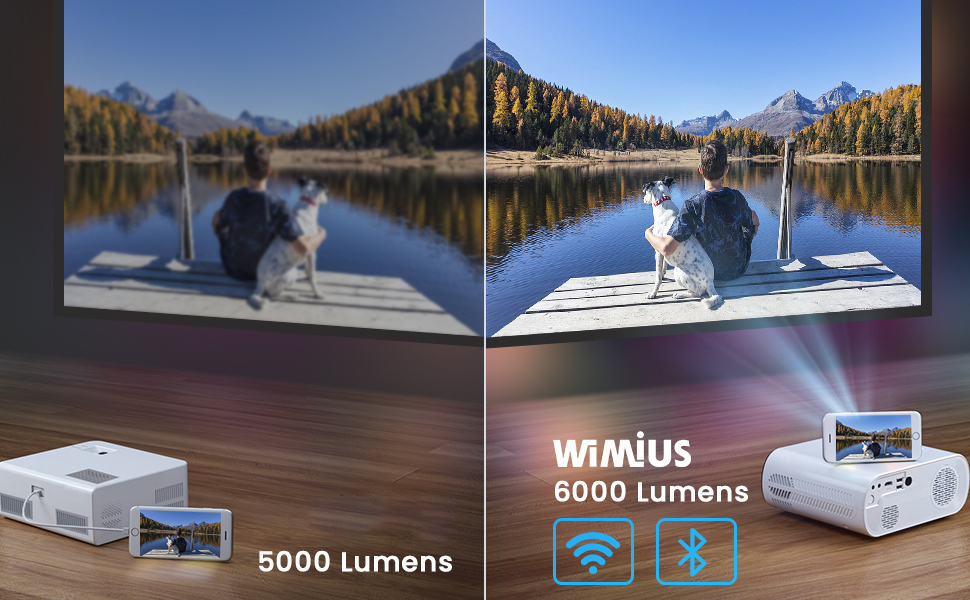
The WiMiUS K5 is a portable Full HD 1080P projector featuring 6000 lumens brightness, wireless WiFi connectivity for iOS and Android devices, and Bluetooth compatibility for external audio. It is designed for home cinema, gaming, and outdoor entertainment, offering a flexible screen size from 50 to 200 inches.
2. Sikkerhedsoplysninger
For at forhindre brand eller elektrisk stød må dette apparat ikke udsættes for regn eller fugt. Åbn ikke låget.asing. Overlad kun service til kvalificeret personale.
- Bloker ikke ventilationsåbninger.
- Brug kun tilbehør/tilbehør specificeret af producenten.
- Tag stikket ud af projektoren under tordenvejr eller når den ikke bruges i længere perioder.
- Undgå direkte øjenkontakt med projektorlinsen, når lamp er tændt.
- Sørg for korrekt ventilation for at forhindre overophedning.
- Placer ikke projektoren på ustabile overflader.
3. Pakkens indhold
Når du åbner pakken, skal du kontrollere, at alle nedenstående varer er til stede og i god stand:
- WiMiUS K5-projektor
- Projektor taske
- Fjernbetjening
- Strømkabel
- HDMI kabel
- AV-kabel
- Brugermanual

4. Produktet er slutview
Familiarize yourself with the various components and ports of your WiMiUS K5 projector.
4.1 Forside og top View
The front features the projection lens and infrared receiver. The top panel includes control buttons and focus/keystone adjustment rings.
4.2 Bagtil og på siden View (Havne)
The rear and sides house various input/output ports for connecting external devices.
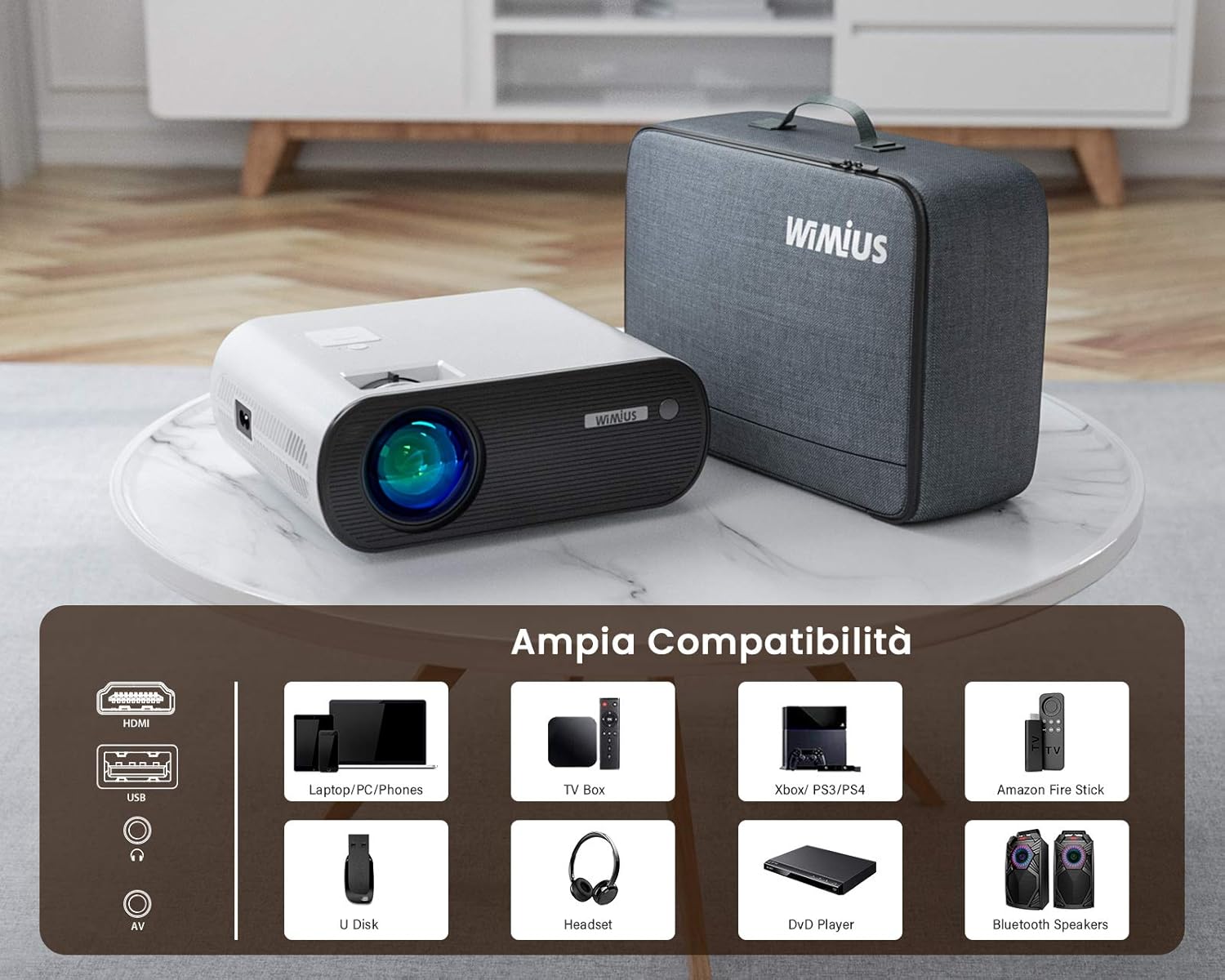
- HDMI-porte: For connecting laptops, gaming consoles (PS4, Xbox), TV boxes, and DVD players.
- USB-porte: For connecting USB drives (U Disk) to play media files.
- AV-port: Til tilslutning af ældre enheder ved hjælp af et AV-kabel.
- Lydudgang (3.5 mm jackstik): Til tilslutning af eksterne hovedtelefoner eller højttalere.
- Strømindgang: Til tilslutning af strømkablet.
5. Opsætning
5.1 Placering
Choose a flat, stable surface for the projector. The recommended projection distance is approximately 2.5 meters for an optimal viewing experience. The projector supports a flexible screen size from 50 to 200 inches, allowing for various room sizes and viewindstillinger.

5.2 Strømtilslutning
Connect the power cable to the projector's power input port and then plug the other end into a power outlet.
5.3 Fokus- og Keystone-justering
Adjust the focus ring on the projector lens until the image is clear. Use the keystone correction ring to adjust the image shape if it appears trapezoidal. Note that the keystone correction may not perfectly verticalize the image in all scenarios, and some slight blurring at the edges might occur.
5.4 Multiple Installation Options
The WiMiUS K5 projector supports various installation methods, including front projection, rear projection, and ceiling mounting. Ensure the projector is securely mounted if choosing a ceiling installation.

6. Betjeningsvejledning
6.1 Tænd/sluk
Tryk på tænd/sluk-knappen på projektoren eller fjernbetjeningen for at tænde eller slukke enheden.
6.2 Valg af indgangskilde
Use the "Source" button on the remote control or the projector's control panel to select the desired input source (HDMI1, HDMI2, USB, AV, Screen Mirroring).
6.3 Tilslutning af enheder
- HDMI: Connect your laptop, PC, gaming console (PS4, Xbox), TV Box, or DVD player via an HDMI cable.
- USB: Insert a USB flash drive into the USB port to play videos, photos, or music directly.
- AV: Use the provided AV cable to connect older devices like VCRs or some set-top boxes.
6.4 Trådløs forbindelse (WiFi)
The projector supports wireless screen mirroring for iOS and Android devices.
- Select "Screen Mirroring" as the input source.
- Follow the on-screen instructions for connecting your iOS (AirPlay) or Android (Miracast) device to the projector's WiFi network.

6.5 Bluetooth-forbindelse (Bluetooth 5.0)
Tilslut eksterne Bluetooth-højttalere eller hovedtelefoner for en forbedret lydoplevelse.
- Gå til projektorens Bluetooth-indstillinger.
- Aktiver Bluetooth og søg efter tilgængelige enheder.
- Vælg din Bluetooth-højttaler eller hovedtelefoner fra listen for at parre.

6.6 Zoomfunktion
The projector features a zoom function to adjust the image size without moving the projector. Access this feature through the projector's menu settings.
6.7 Lydindstillinger
The projector has integrated stereo speakers. For certain streaming devices like Amazon Fire Stick, if you experience no audio, ensure that the audio output setting on the connected device is set to Stereoanlæg and not Dolby Surround. The projector's internal audio system is optimized for stereo playback.
6.8 Brugsscenarier
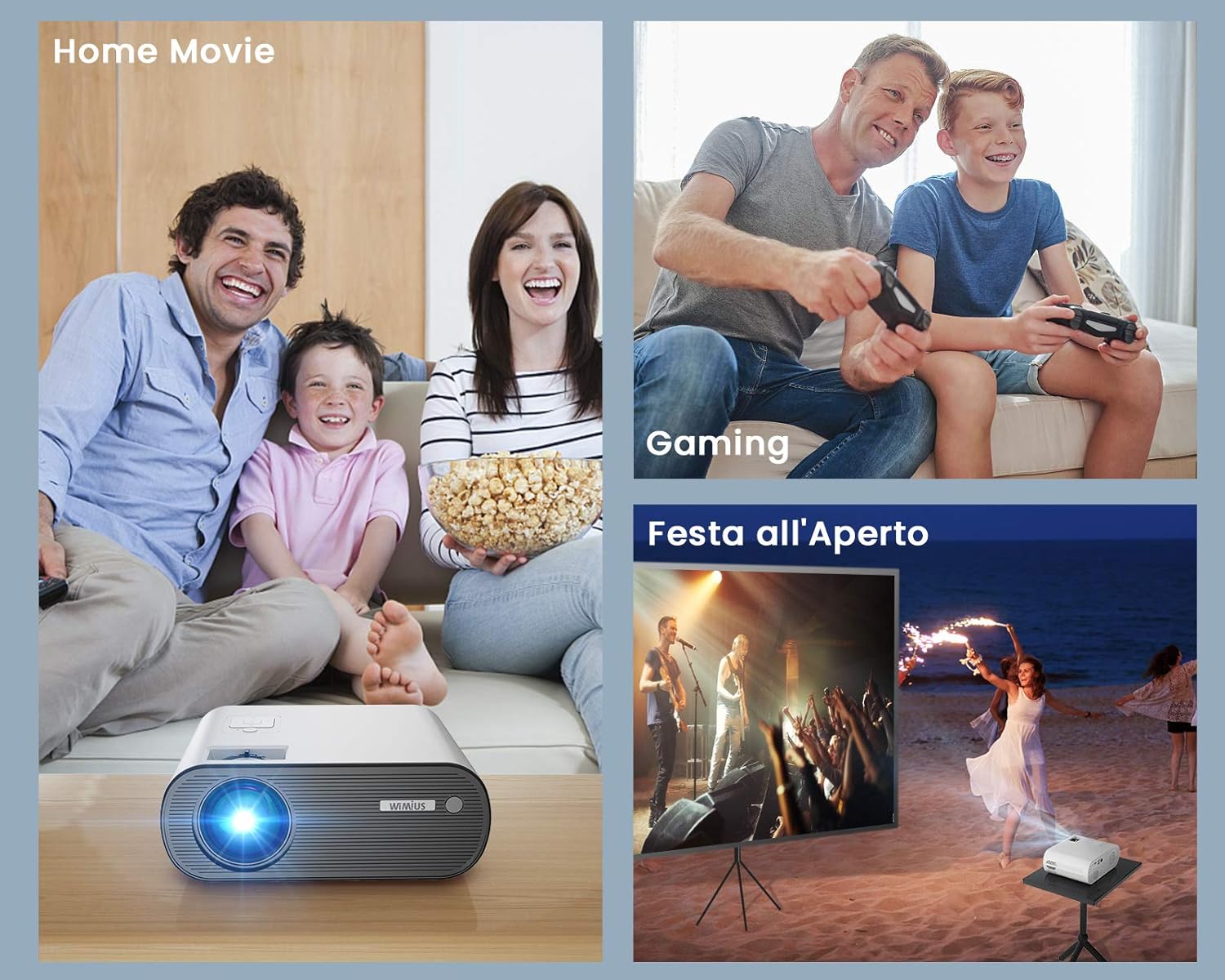
The WiMiUS K5 is versatile for various entertainment needs:
- Home Movie: Nyd film og tv-serier på en stor skærm.
- Spil: Tilslut din spillekonsol for en medrivende spiloplevelse.
- Outdoor Party: Its portability and brightness make it suitable for outdoor movie nights or events.

7. Vedligeholdelse
7.1 Rengøring af linsen
Brug en blød, fnugfri klud, der er specielt designet til optiske linser, til forsigtigt at tørre projektorlinsen af. Brug ikke slibende rengøringsmidler eller overdreven kraft, da dette kan ridse linsen.
7.2 Rengøring af ydersiden
Tør projektorens yderside af med en blød, tør klud. Ved genstridige mærker kan du bruge en let tør klud.amp cloth can be used, followed by a dry one. Ensure no liquid enters the ventilation openings.
7.3 Støvforebyggelse
To minimize dust accumulation inside the projector, operate it in a clean environment. While the projector has cooling fans, internal dust can sometimes accumulate over time, potentially causing spots on the projected image. Regular cleaning of the exterior and proper storage can help mitigate this.
7.4 Opbevaring
When not in use, store the projector in its included carrying bag in a cool, dry, and dust-free environment to protect it from damage and prolong its lifespan.
8. Fejlfinding
| Problem | Mulig årsag | Løsning |
|---|---|---|
| Intet billede projiceret | Strøm ikke tilsluttet; Forkert inputkilde; Objektivdæksel på. | Check power connection; Select correct input source (HDMI, USB, AV); Remove lens cap. |
| Ingen lyd | Volume too low; Muted; Audio format incompatibility (e.g., Dolby); Loose audio cable. | Increase volume; Unmute; For Fire Stick/Netflix, set audio output to Stereoanlæg on the source device; Reconnect audio cables. |
| Sløret billede | Out of focus; Incorrect projection distance; Keystone not adjusted. | Adjust focus ring; Ensure projector is within recommended distance; Adjust keystone correction. |
| Fjernbetjening virker ikke | Batteries dead/incorrectly inserted; Obstruction between remote and projector; Remote not pointed at IR receiver. | Udskift batterier; Fjern forhindringer; Ret fjernbetjeningen direkte mod projektorens IR-modtager. |
| Dust spots on image | Intern støvophobning. | This can be a common issue over time. For persistent spots, professional cleaning may be required. Ensure proper ventilation and storage to minimize dust. |
9. Specifikationer
| Feature | Detalje |
|---|---|
| Mærke | WiMiUS |
| Model | K5 |
| Lysstyrke | 6000 lumen |
| Indfødt opløsning | 1920 x 1080 (Fuld HD) |
| Maksimal skærmopløsning | 1920 x 1080 |
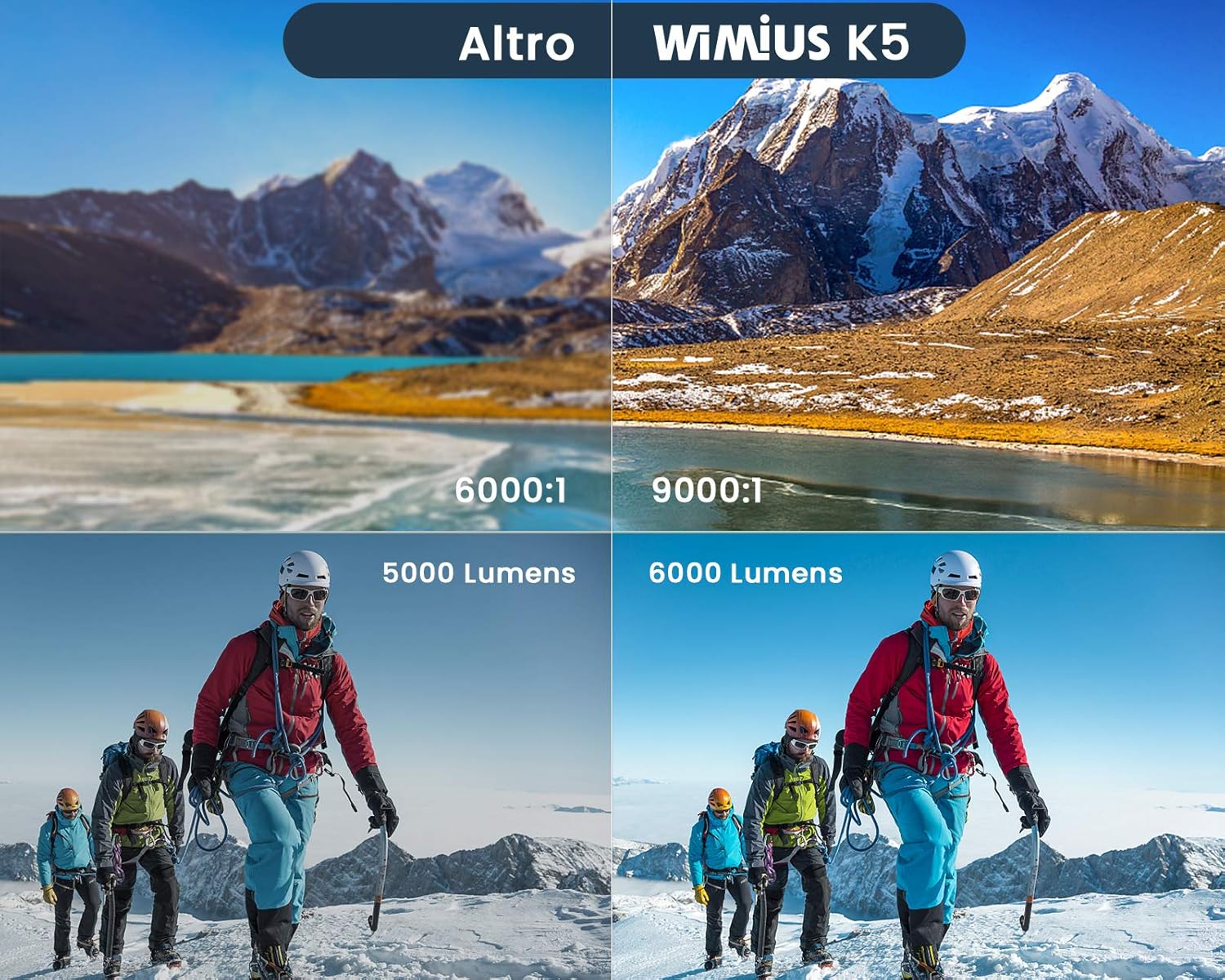
| Kontrastforhold | 9000:1 (Assumed High Value from image) |
| Forbindelsesteknologi | Bluetooth 5.0, HDMI, USB, WiFi |
| Kompatible enheder | Computers, Laptops, Gaming Consoles (PS4, Xbox), Media Players, Smartphones, Tablets, TV Boxes, DVD Players, USB Disks, Bluetooth Speakers/Headsets |
| Projektionsstørrelse | 50-200 tommer |
| Anbefalet projektionsafstand | Ca.. 2.5 meter |
| Dimensioner | 21.2 x 17.2 x 8 cm |
| Vægt | 1.91 kilo |
| Inkluderede komponenter | Projektor taske |
| Installationstype | Tabletop, Ceiling Mount |
10. Garanti og support
WiMiUS products are designed and manufactured to the highest quality standards. For information regarding warranty coverage and terms, please refer to the documentation included with your purchase or visit the official WiMiUS webwebsted.
If you encounter any issues or have questions about your WiMiUS K5 projector that are not covered in this manual, please contact WiMiUS customer support. Details for contacting support are typically found on the product packaging, warranty card, or the official brand webwebsted.
For the latest updates, FAQs, and support resources, please visit the WiMiUS Official Store on Amazon.


