1. Introduktion
This manual provides essential information for setting up, operating, maintaining, and troubleshooting your Apple iPhone 12 Mini. The iPhone 12 Mini features a compact design with a 5.4-inch Super Retina XDR display, powered by the A14 Bionic chip, and includes a dual-camera system with 5G connectivity. This device is a renewed product, ensuring functionality and a minimum battery capacity of 80%.

Billede: Forside og bagside view of the Apple iPhone 12 Mini in Black.
2. Opsætning
2.1 Hvad er inkluderet
- Apple iPhone 12 Mini (Renewed)
- Generic (Mfi certified) charging cable
Please note that headphones and a SIM card are not included with this renewed device.
2.2 Indsættelse af et SIM-kort
- Locate the SIM tray on the side of your iPhone.
- Use a SIM ejector tool (not included) or a small paperclip to open the SIM tray.
- Placer dit nano-SIM-kort i bakken med de gyldne kontakter nedad.
- Carefully reinsert the SIM tray into the iPhone.
2.3 Initial Power On and Activation
- Tryk og hold sideknappen nede, indtil Apple-logoet vises.
- Følg vejledningen på skærmen for at vælge dit sprog og din region.
- Opret forbindelse til et Wi-Fi-netværk.
- Follow the instructions to activate your service with your carrier. Ensure your carrier is compatible with an unlocked device.
2.4 Opladning af enheden
Connect the included generic (Mfi certified) charging cable to the Lightning port at the bottom of your iPhone and plug the other end into a compatible USB power adapter (not included) or computer USB port. The battery icon on the screen will indicate charging status.
3. Operating Your iPhone
3.1 Grundlæggende kontroller
- Power/Side Button: Press and hold to turn on/off, press to wake/sleep.
- Lydstyrkeknapper: Juster medie- og opkaldslydstyrke.
- Silent/Ring Switch: Toggle between silent and ring modes.
3.2 Skærmfunktioner
The iPhone 12 Mini features a 5.4-inch Super Retina XDR display with a resolution of 2340 x 1080 pixels, offering vibrant colors and deep blacks. The display is designed for clear visibility in various lighting conditions.
3.3 Kamerabrug
Your iPhone 12 Mini is equipped with a dual-camera system, including Ultra Wide and Wide cameras. It supports Night mode on both cameras for improved low-light photography and videos. The TrueDepth camera on the front also features Night mode for selfies.
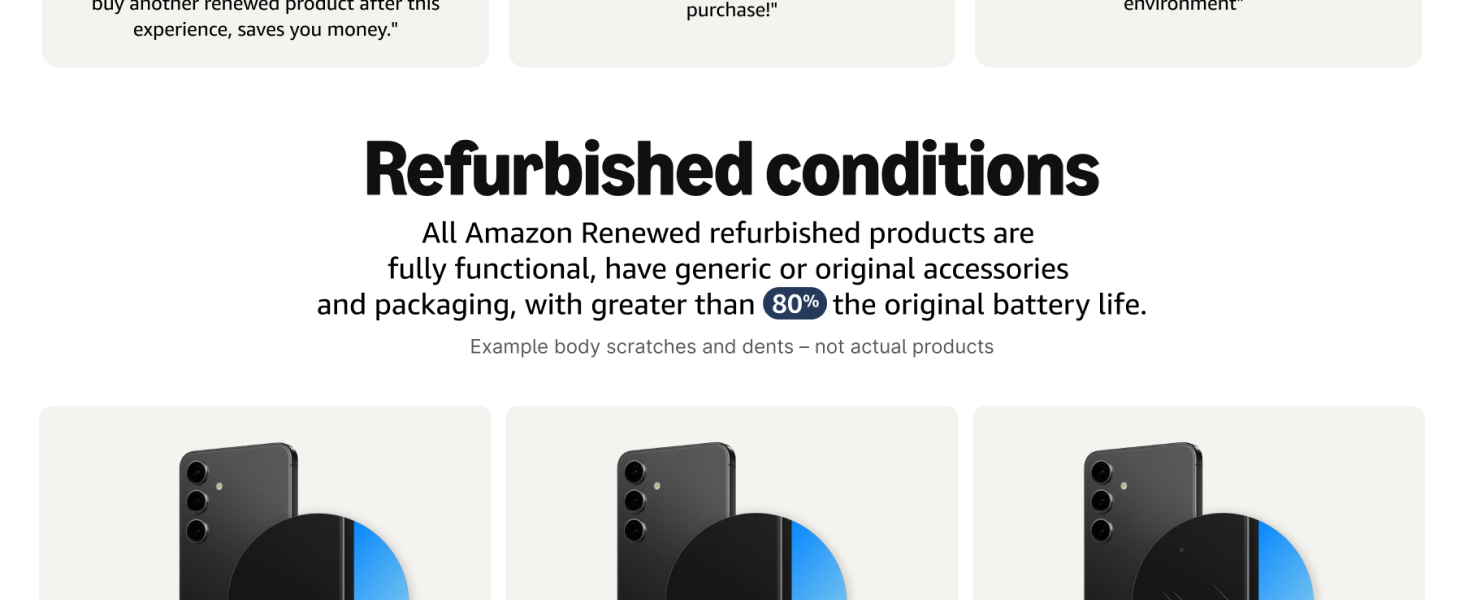
Image: Illustration of the iPhone 12 Mini's dual-camera system and Night mode capabilities.
3.4 Ydeevne og tilslutningsmuligheder
The A14 Bionic chip provides powerful performance for gaming, photo editing, and other demanding tasks, including 4K Dolby Vision recording. The device supports 5G connectivity for faster downloads and streaming, with Smart Data mode to optimize battery life by switching between 5G and LTE when needed.
Image: Visual representation of the A14 Bionic chip's fast and powerful performance.
Image: Display showing 5G connectivity and battery life indicator on the iPhone 12 Mini.
4. Vedligeholdelse
4.1 Cleaning Your iPhone
To clean your iPhone, use a soft, lint-free cloth. Avoid abrasive materials, aerosols, solvents, or ammonia-based cleaners. Do not spray cleaners directly onto the device. For stubborn marks, lightly dampen klud med vand.
4.2 Pleje af batterier
This renewed iPhone is guaranteed to have a minimum battery capacity of 80%. To maximize battery lifespan, avoid extreme temperatures and keep your software updated. For optimal performance, charge your device regularly and avoid fully discharging it frequently.
4.3 Softwareopdateringer
Regularly check for and install software updates to ensure your iPhone has the latest features, security enhancements, and performance improvements. Go to Indstillinger > Generelt > Softwareopdatering for at tjekke for tilgængelige opdateringer.
5. Fejlfinding
5.1 Almindelige problemer og løsninger
- Enheden tænder ikke: Ensure the battery is charged. Connect to a power source for at least 30 minutes. If it still doesn't turn on, perform a force restart (press and quickly release the Volume Up button, press and quickly release the Volume Down button, then press and hold the Side button until you see the Apple logo).
- Problemer med netværksforbindelse: Check if your SIM card is properly inserted. Verify with your carrier that your plan is active and compatible. Try toggling Airplane Mode on and off.
- Apps fryser eller går ned: Close and reopen the app. If the issue persists, restart your iPhone.
- Langsom ydeevne: Close unused apps. Check for available software updates. Ensure you have sufficient storage space.
5.2 Fabriksindstilling
If you encounter persistent issues, a factory reset may be necessary. This will erase all data and settings on your iPhone. Before performing a factory reset, ensure you have backed up your data. Go to Indstillinger > Generelt > Overfør eller nulstil iPhone > Slet alt indhold og alle indstillinger.
6. Specifikationer
| Feature | Detalje |
|---|---|
| Modelnavn | iPhone 12 mini |
| Varemodelnummer | A2172 |
| Mærke | Æble |
| Operativsystem | iOS 16 (kan opgraderes) |
| CPU model | Apple A14 Bionic |
| CPU hastighed | 1.8 GHz |
| Hukommelseslagringskapacitet | 64 GB |
| Installeret RAM-hukommelsesstørrelse | 4 GB |
| Skærmstørrelse | 5.4 tommer |
| Displayteknologi | OLED (Super Retina XDR) |
| Opløsning | 2340 x 1080 |
| Opdateringshastighed | 60 Hz |
| Andre kamerafunktioner | Front, Rear (Dual-camera system) |
| Trådløse kommunikationsteknologier | Cellular, Wi-Fi (5G capable) |
| Forbindelsesteknologier | Wi-Fi, Bluetooth, GPS |
| Særlige funktioner | Indbygget GPS |
| Batteritype | 1 lithium-ion batteri (medfølger) |
| Batterikapacitet | 2227 mioampfør time (mAh) |
| Farve | Sort |
| Produktdimensioner | 2.53 x 0.29 x 5.18 tommer |
| Varens vægt | 7 ounce |
| Fabrikant | Apple computer |
| Dato først tilgængelig | 3. december 2020 |
7. Garanti og support
7.1 Returpolitik
This renewed product is covered by a 90-day refund or replacement policy. Please refer to the seller's specific return instructions for details on initiating a return or replacement within this period.
7.2 Produktsupport
For further assistance with your Apple iPhone 12 Mini, including software guidance, advanced features, or specific technical issues, please visit the official Apple Support website or contact Apple customer service. You can find comprehensive resources and contact options at support.apple.com/iphone.


