1. Produktet er slutview
The HIKVISION Elite 7 Touch Portable SSD is a secure and high-performance external solid-state drive designed for reliable data storage and protection. It features a fingerprint encryption function, robust construction, and high-speed data transfer capabilities.

Figur 1.1: Forside view of the HIKVISION Elite 7 Touch Portable SSD, showcasing its sleek black design and illuminated HIKVISION logo.
Nøglefunktioner:
- Højhastighedsydelse: Utilizes USB 3.2 Gen2 with NVMe solution for transfer speeds up to 1060MB/s.
- Fingerprint Security: Integrated fingerprint sensor for secure data access and encryption.
- Holdbart design: All-aluminum alloy body with IPX7 waterproof rating.
- Software Suite: Includes Hi Backup for data backup and Hi Security for enhanced data protection.
- Bred kompatibilitet: Supports TV, PS4, Xbox, Windows, Mac, Linux, and Android devices.
2. Pakkens indhold
Før du fortsætter med opsætningen, skal du kontrollere, at alle dele er til stede i pakken:
- 1 x HIKVISION Elite 7 Touch Portable SSD
- 1 x Type-C til Type-C kabel
- 1 x Type-C til Type-A-kabel
- 1 x Brugermanual (dette dokument)

Figure 2.1: Contents of the HIKVISION Elite 7 Touch Portable SSD package, including the SSD unit, two types of USB cables, and the user manual.
3. Opsætningsvejledning
3.1 Connecting the SSD
- Select the appropriate cable: Use the Type-C to Type-C cable for devices with a USB-C port, or the Type-C to Type-A cable for devices with a standard USB-A port.
- Connect the Type-C end of the cable to the HIKVISION Elite 7 Touch Portable SSD.
- Connect the other end of the cable to an available USB port on your computer, gaming console, or compatible device.

Figur 3.1: Nærbillede view of the Type-C interface on the HIKVISION Elite 7 Touch Portable SSD, indicating its high-speed data transfer capability.
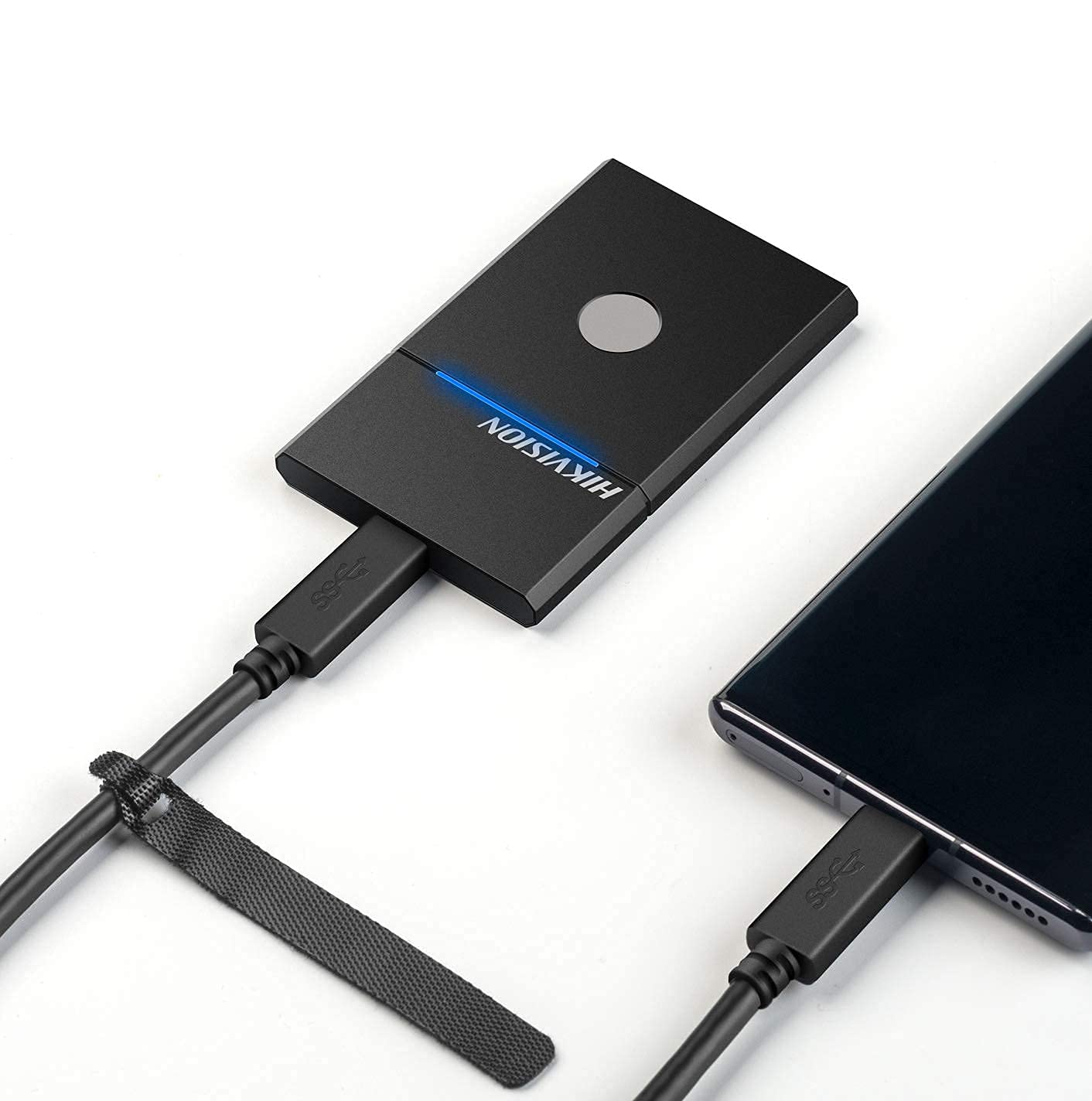
Figure 3.2: The HIKVISION Elite 7 Touch Portable SSD connected to a laptop via a USB-C cable, ready for data transfer.

Figure 3.3: The HIKVISION Elite 7 Touch Portable SSD connected to a smartphone, demonstrating its compatibility with mobile devices.
3.2 Indledende formatering (hvis nødvendigt)
For optimal compatibility with your specific device (TV, PS4, Xbox, Windows, Mac, Linux, Android), it may be necessary to format the SSD to the required file system. Refer to your device's operating system instructions for formatting external storage devices. Note: Formatting will erase all data on the drive. Back up any important data before proceeding.
3.3 Software Installation (Hi Backup & Hi Security)
The HIKVISION Elite 7 Touch comes with pre-loaded software for enhanced data management and security. Connect the SSD to a computer and locate the installer files for 'Hi Backup' and 'Hi Security'. Follow the on-screen instructions to install these applications.
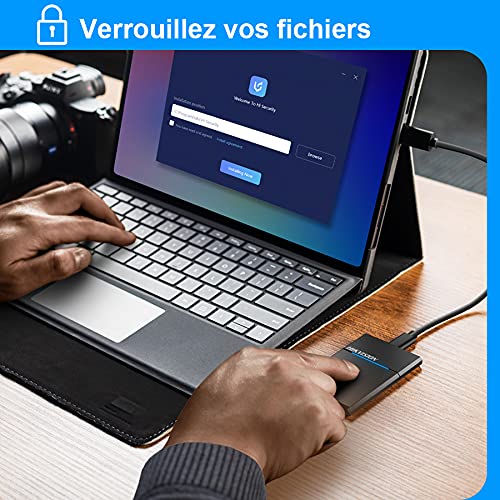
Figure 3.4: Screenshot of the 'Hi Security' software interface on a laptop, illustrating the setup process for data protection.
4. Betjeningsvejledning
4.1 Dataoverførsel
Once connected and recognized by your device, the SSD will appear as an external storage drive. You can drag and drop files, copy and paste, or use your operating system's file management tools to transfer data to and from the SSD.
4.2 Fingerprint Unlocking and Security
The Elite 7 Touch features a fingerprint sensor for secure access to your data. After installing the 'Hi Security' software, you can register your fingerprints. The SSD can be configured to require fingerprint authentication for unlocking, creating separate private storage areas.
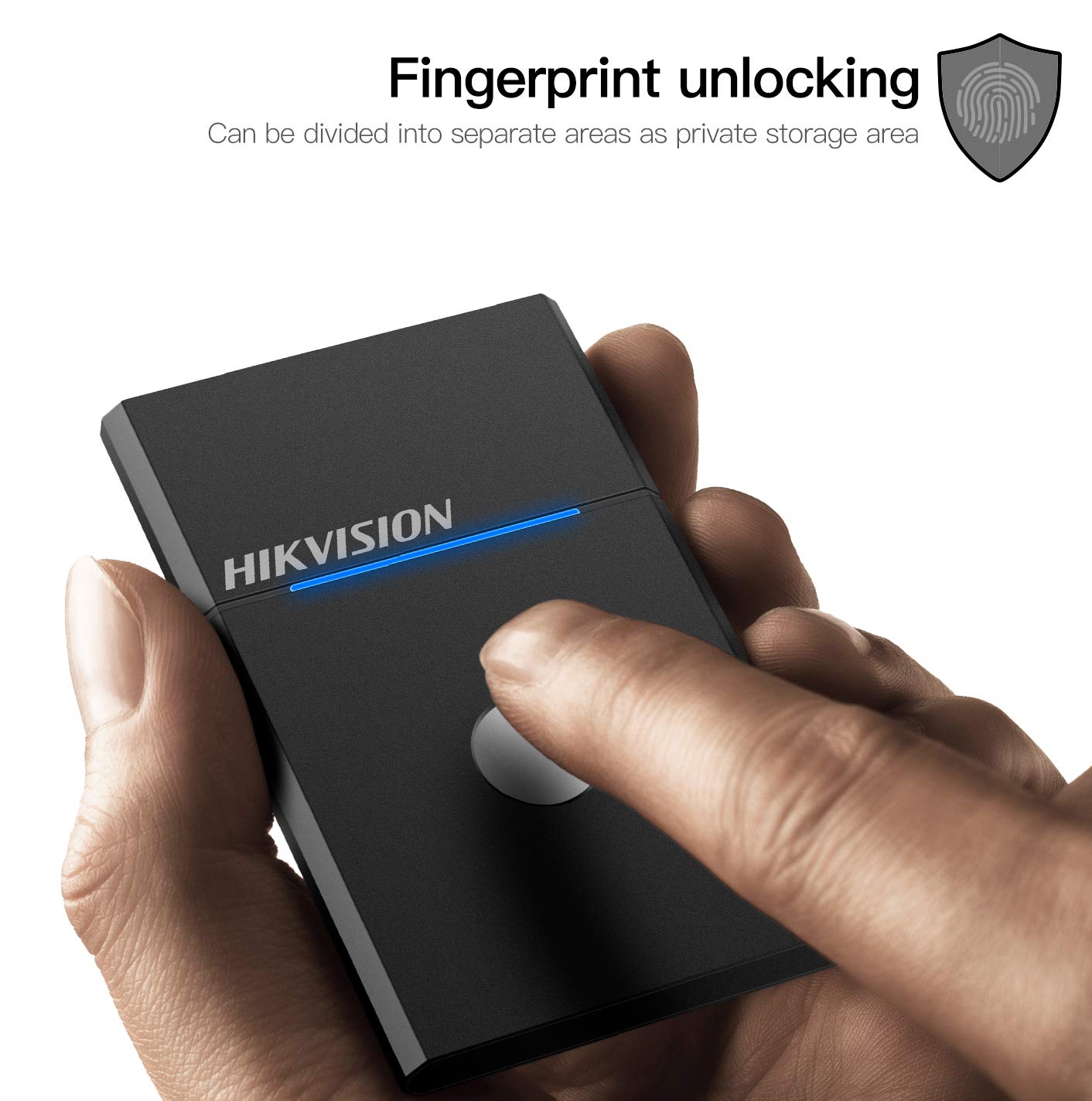
Figure 4.1: The HIKVISION Elite 7 Touch Portable SSD highlighting its fingerprint unlocking capability, allowing for secure access to data.

Figure 4.2: A user's hand interacting with the fingerprint sensor on the HIKVISION Elite 7 Touch Portable SSD to unlock the device.
4.3 Using Hi Backup Software
The 'Hi Backup' software allows you to create backups of your important files. Follow the software's interface to configure backup schedules, select files for backup, and manage your backup history. This software can also be integrated with cloud storage services for additional data redundancy.
5. Vedligeholdelse
5.1 Generel pleje
- Keep the SSD clean by wiping it with a soft, dry cloth.
- Undgå at udsætte SSD'en for ekstreme temperaturer eller direkte sollys i længere perioder.
- Ensure the USB port is free from dust and debris before connecting the cable.
5.2 Waterproof Feature (IPX7)
The Elite 7 Touch Portable SSD is designed with an IPX7 waterproof rating, meaning it can withstand immersion in water up to 1 meter for 30 minutes. While this provides protection against accidental spills or submersion, it is not recommended for continuous underwater use. Always ensure the USB port is dry before connecting to a device.
6. Fejlfinding
- SSD ikke fundet:
- Sørg for, at USB-kablet er korrekt tilsluttet til både SSD'en og din enhed.
- Prøv en anden USB-port på din enhed.
- Prøv et andet USB-kabel.
- Genstart din computer eller enhed.
- Check your device's disk management utility to see if the drive is recognized but unformatted.
- Langsomme overførselshastigheder:
- Ensure you are using a USB 3.2 Gen2 compatible port on your device for optimal performance.
- Verify that your device's drivers are up to date.
- Luk alle unødvendige programmer, der kører i baggrunden.
- Fingeraftrykssensoren reagerer ikke:
- Sørg for, at din finger er ren og tør.
- Re-register your fingerprints through the 'Hi Security' software.
- Ensure the 'Hi Security' software is running and properly configured.
- Problemer med dataadgang:
- If using fingerprint security, ensure the correct fingerprint is used.
- Check if the drive requires formatting for your specific operating system (refer to Section 3.2).
7. Specifikationer

Figure 7.1: Diagram illustrating the compact dimensions of the HIKVISION Elite 7 Touch Portable SSD: 84mm length, 53mm width, and 8mm thickness.
| Feature | Specifikation |
|---|---|
| Mærke | Hikvision |
| Model | Elite 7 Touch (HS-ESSD-Elite 7 Touch) |
| Kapacitet | 1TB (1024 GB) |
| Interface | USB 3.2 Gen2 Type-C |
| Maksimal overførselshastighed | Op til 1060 MB/s |
| Dimensioner (LxBxH) | 8.35 x 5.35 x 0.79 cm (3.29 x 2.10 x 0.31 tommer) |
| Vægt | 280 g (0.62 lbs) |
| Vandtæt vurdering | IPX7 |
| Hardware platform | Mac, Windows, Linux, Android, Gaming Consoles |
| Farve | Sort |
8. Garanti og support
8.1 Producentens garanti
The HIKVISION Elite 7 Touch Portable SSD comes with a 3 års producentgaranti fra købsdatoen. Denne garanti dækker materiale- og fabrikationsfejl ved normal brug. Gem venligst din købsbevis i tilfælde af garantikrav.
8.2 Teknisk support
For technical assistance, troubleshooting beyond this manual, or warranty inquiries, please contact HIKVISION customer support through their official webwebstedet eller de kontaktoplysninger, der følger med din produktdokumentation.


