Indledning
This manual provides comprehensive instructions for the HyperX Alloy Origins Mechanical Gaming Keyboard. It covers product features, setup procedures, operational guidelines, maintenance tips, troubleshooting solutions, and detailed specifications. Please read this manual thoroughly to ensure optimal performance and longevity of your keyboard.

Image: The HyperX Alloy Origins Mechanical Gaming Keyboard, showcasing dens fulde layout og levende RGB-baggrundsbelysning.
Pakkens indhold
Bekræft, at alle varer er til stede i din produktpakke:
- HyperX Alloy Origins Mekanisk Gaming Keyboard
- Aftageligt USB Type-C til Type-A-kabel
- Hurtig startvejledning
- Garantikort
- Welcome Card from HyperX
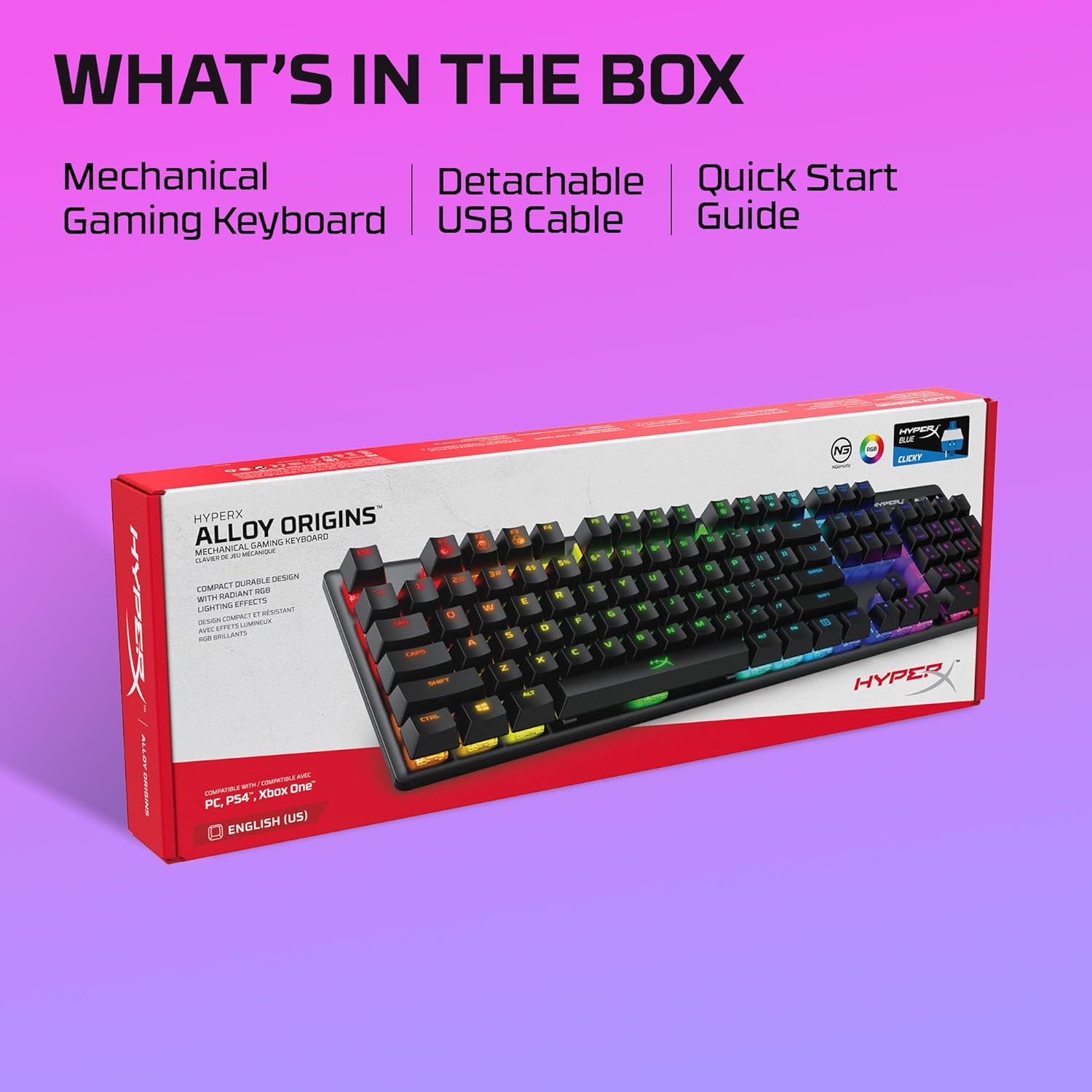
Image: The retail box for the HyperX Alloy Origins keyboard, indicating the included mechanical gaming keyboard, detachable USB cable, and quick start guide.
Opsætning
- Tilslut tastaturet: Connect the detachable USB Type-C end of the provided cable to the keyboard and the USB Type-A end to an available USB port on your computer or compatible gaming console.
- Driver installation: The keyboard is plug-and-play. For advanced customization, download the HyperX NGENUITY Software from the official HyperX webwebsted.
- Kompatibilitet: The keyboard is compatible with Windows® 10, 8.1, 8, 7; PS4; and Xbox One.

Billede: Et nærbillede view of the HyperX Alloy Origins keyboard's USB Type-C port and the detachable braided cable, highlighting its easy connectivity.
Betjeningsvejledning
Key Functions and Features
- HyperX Mechanical Switches: The keyboard features custom-designed HyperX Blue mechanical switches, known for their clicky tactile feedback and durability, rated for 80 million keypresses.
- RGB-baggrundsbelysning: Enjoy per-key RGB lighting with radiant effects. The exposed LED design of the switches enhances brightness. There are 5 adjustable brightness levels.
- Indbygget hukommelse: Spar op til tre brugerdefinerede pro'erfiles directly to the keyboard's onboard memory, allowing you to carry your personalized settings wherever you go.
- Justerbare hældningsvinkler: Customize your typing or gaming posture with three adjustable keyboard tilt angles (3°, 7°, or 11°) using the two-step keyboard feet.
- Spiltilstand: Activate Game Mode to prevent accidental interruptions during gameplay, such as minimizing the game by pressing the Windows key.
- 100% Anti-Ghosting and N-Key Rollover: These features ensure that every keypress is registered accurately, even during rapid, simultaneous inputs.

Image: The HyperX Alloy Origins keyboard displaying its vibrant RGB lighting effects, alongside a screenshot of the HyperX NGENUITY software interface for customization.
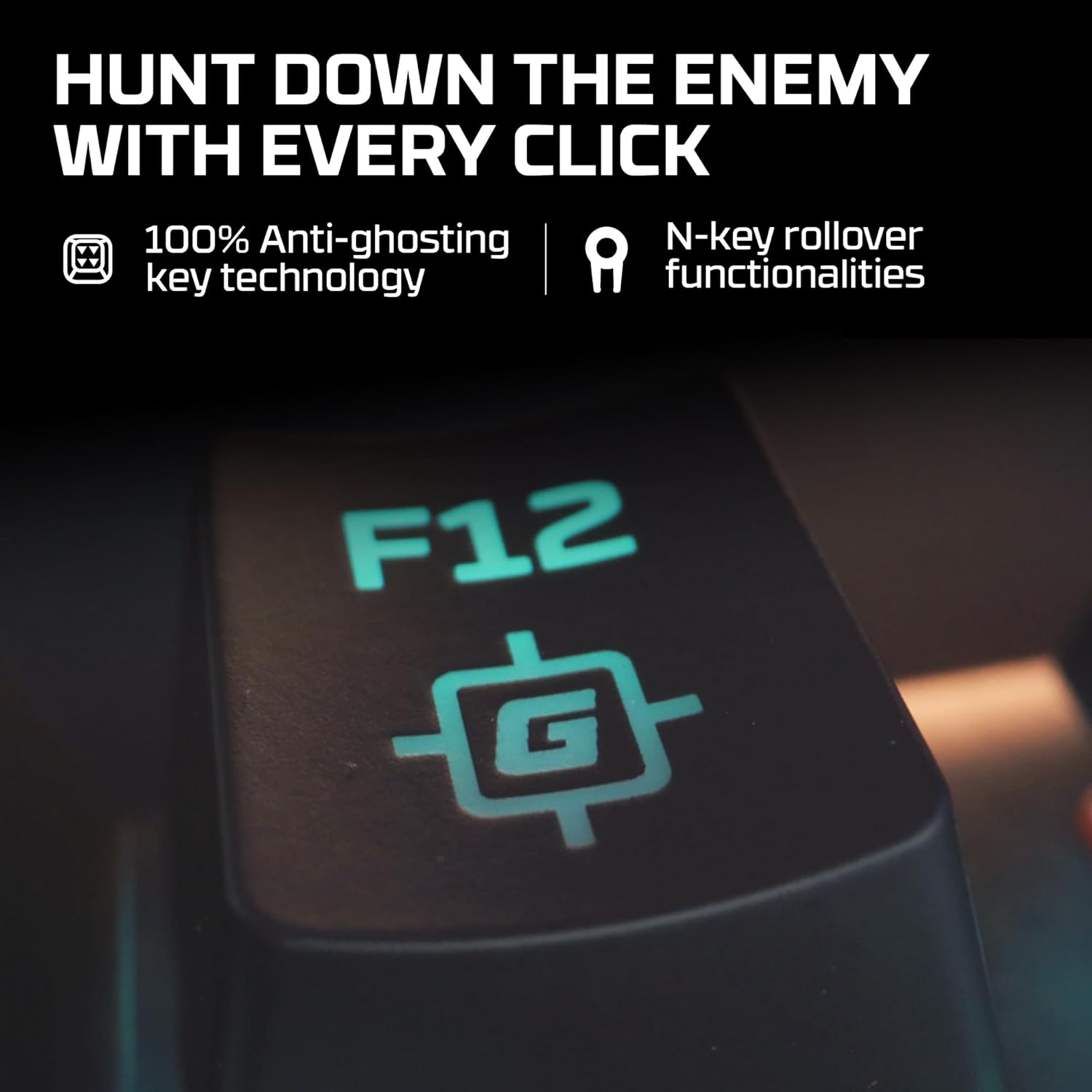
Image: A close-up of the F12 key on the HyperX Alloy Origins keyboard, featuring a gaming icon, symbolizing the 100% anti-ghosting and N-key rollover technologies.

Image: The HyperX Alloy Origins keyboard in use, demonstrating its compatibility with PlayStation and Xbox consoles, as well as Windows PC.
Customization with HyperX NGENUITY Software
The HyperX NGENUITY software provides advanced customization options for your keyboard:
- Lyseffekter: Create and apply custom RGB lighting patterns and effects for individual keys or zones.
- Makrooprettelse: Program complex key sequences and assign them to single keys for quick execution.
- Game Mode Settings: Configure which keys are disabled in Game Mode to prevent accidental presses.
- Profile Ledelse: Manage and save your custom settings as profiles, which can be stored on the keyboard's onboard memory.
Download the latest version of HyperX NGENUITY from the official HyperX website for the full range of customization features.
Opretholdelse
To maintain the performance and appearance of your HyperX Alloy Origins keyboard, follow these guidelines:
- Rensning: Brug en blød, fnugfri klud til at tørre tastaturoverfladen af. For en grundigere rengøring skal du bruge trykluft til at fjerne støv og snavs mellem tasterne. Undgå at bruge skrappe kemikalier eller slibende materialer.
- Fjernelse af nøglekapsel: If necessary, keycaps can be carefully removed using a keycap puller for thorough cleaning. Exercise caution to avoid damaging the switches.
- Kabelpleje: Ensure the detachable USB cable is not bent sharply or subjected to excessive strain to prevent damage.
Fejlfinding
If you encounter issues with your HyperX Alloy Origins keyboard, refer to the following common solutions:
- Tastaturet reagerer ikke:
- Sørg for, at USB-kablet er korrekt tilsluttet til både tastaturet og computeren/konsollen.
- Prøv at tilslutte tastaturet til en anden USB-port.
- Test the keyboard on another computer or console to rule out system-specific issues.
- RGB-belysning virker ikke/forkert:
- Check the brightness settings on the keyboard (usually via function keys).
- Ensure the HyperX NGENUITY software is updated to the latest version.
- Reset the keyboard to factory defaults (refer to the Quick Start Guide for specific instructions).
- Nøgler registreres ikke:
- Rengør omkring den berørte tast for at sikre, at der ikke er snavs i kontakten.
- If using NGENUITY, ensure no macros or key reassignments are interfering with the key's function.
- Softwareproblemer:
- Geninstaller HyperX NGENUITY-softwaren.
- Sørg for, at dit operativsystem er opdateret.
For further assistance, visit the official HyperX support webwebsted eller kontakt kundeservice.
Specifikationer
| Mærke | HyperX |
| Modelnavn | HyperX Alloy Origins |
| Modelnummer | HX-KB6BLX-US (4P5P0AA#ABA) |
| Tastaturtype | Mekanisk gaming-tastatur |
| Switch Type | HyperX Blue Mechanical Switches (Clicky) |
| Forbindelse | USB Type-C to Type-A (Detachable Cable) |
| Materiale | Full Aircraft-Grade Aluminum Body |
| Dimensioner (LxBxH) | 44.2 x 13.2 x 3.8 cm (17.4 x 5.2 x 1.5 tommer) |
| Vægt | 1.09 kg (2.4 lbs) |
| Baggrundsbelysning | RGB LED pr. tast |
| onboard Hukommelse | 3 Profiles |
| Særlige funktioner | Ergonomic design, Game Mode, 100% Anti-Ghosting, N-Key Rollover, Adjustable Tilt Angles |
| Kompatible enheder | Windows® 10, 8.1, 8, 7; PS4; Xbox One |

Image: A diagram illustrating the dimensions (width, depth, height) and weight of the HyperX Alloy Origins keyboard.

Billede: En detaljeret view of a HyperX Blue mechanical switch, highlighting its click-style mechanism and design.
Garanti og support
The HyperX Alloy Origins Mechanical Gaming Keyboard comes with a 2 års garanti. This warranty covers manufacturing defects and ensures free technical support during the warranty period.
For warranty claims, technical assistance, or additional product information, please visit the official HyperX support webwebstedet eller kontakt deres kundeserviceafdeling. Gem din købsbevis for at validere garantien.


